
Mechanical
Standard parts library & smart mechanical tools
IronCAD Mechanical is an extension to IronCAD that allows you to design faster thanks to an extensive library of standard components as well as additional tools for mechanical engineering. You simply drag and drop components into your 3D assembly, after which they position themselves cleverly and are immediately usable in your design.
Do you work a lot with bolts, nuts, bearings, O-rings, pipes or flanges? Then Mechanical will save you hours of repetitive work every day.
What is IronCAD Mechanical?
IronCAD Mechanical is a productivity extension created for faster modeling, with fewer errors and a more professional end result.
- Placing standard parts directly (without remodeling)
- Build assemblies faster
- Making mechanical details such as holes, cutouts and fastenings more efficient
- Standardize design with reusable catalogs
Large library of standard components
IronCAD Mechanical gives you access to a broad set of pre-made parts, including:
- fasteners (screws, bolts, washers, nuts)
- bearings
- O-rings and seals
- pipes and flanges
- various mechanical components for daily engineering
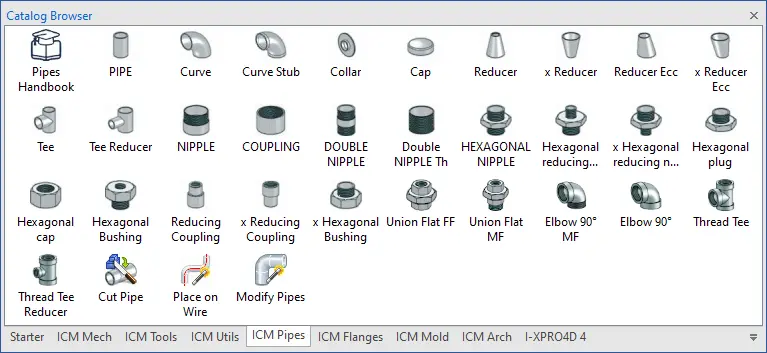
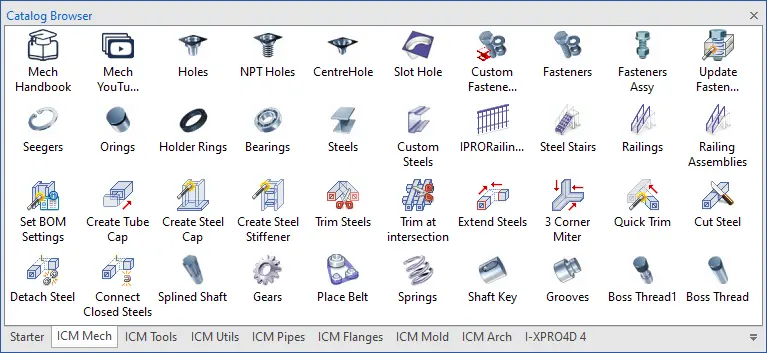
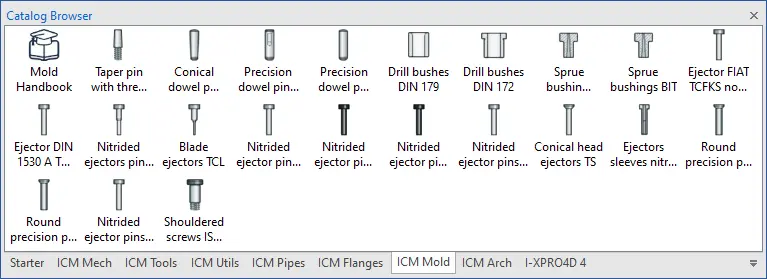
You drag and drop parts directly into your assembly and adjust them easily. Thanks to the smart operation in IronCAD, parts are placed quickly and correctly, which saves a lot of time, especially with larger assemblies.
Create holes, cutouts and fasteners faster
In mechanical engineering, a lot of time goes into details that need to be perfect: holes, cutouts, fastening and assembly. Mechanical helps speed this up with time-saving features.
Parametric holes & cutouts
Create parametric holes and cutouts and save them as reusable catalog items. This way you work more consistently and don’t have to build the same edits over and over again.
Smart molding tools
Useful tools to quickly edit and optimize parts during design, for example when creating cutouts or adjusting volumes.
Materials and mass properties
Use a material overview to quickly apply materials and understand properties such as weight and density of parts and assemblies.
Standardize within your team
Many companies want not only to draw faster, but also to design consistently. This makes the extension interesting for both single engineers and entire design teams.
Mechanical helps with this by:
- working with fixed libraries and standard components
- store reusable features (holes/outlets)
- less variation in parts, easier procurement & production
- Faster assembly of assemblies with the same process
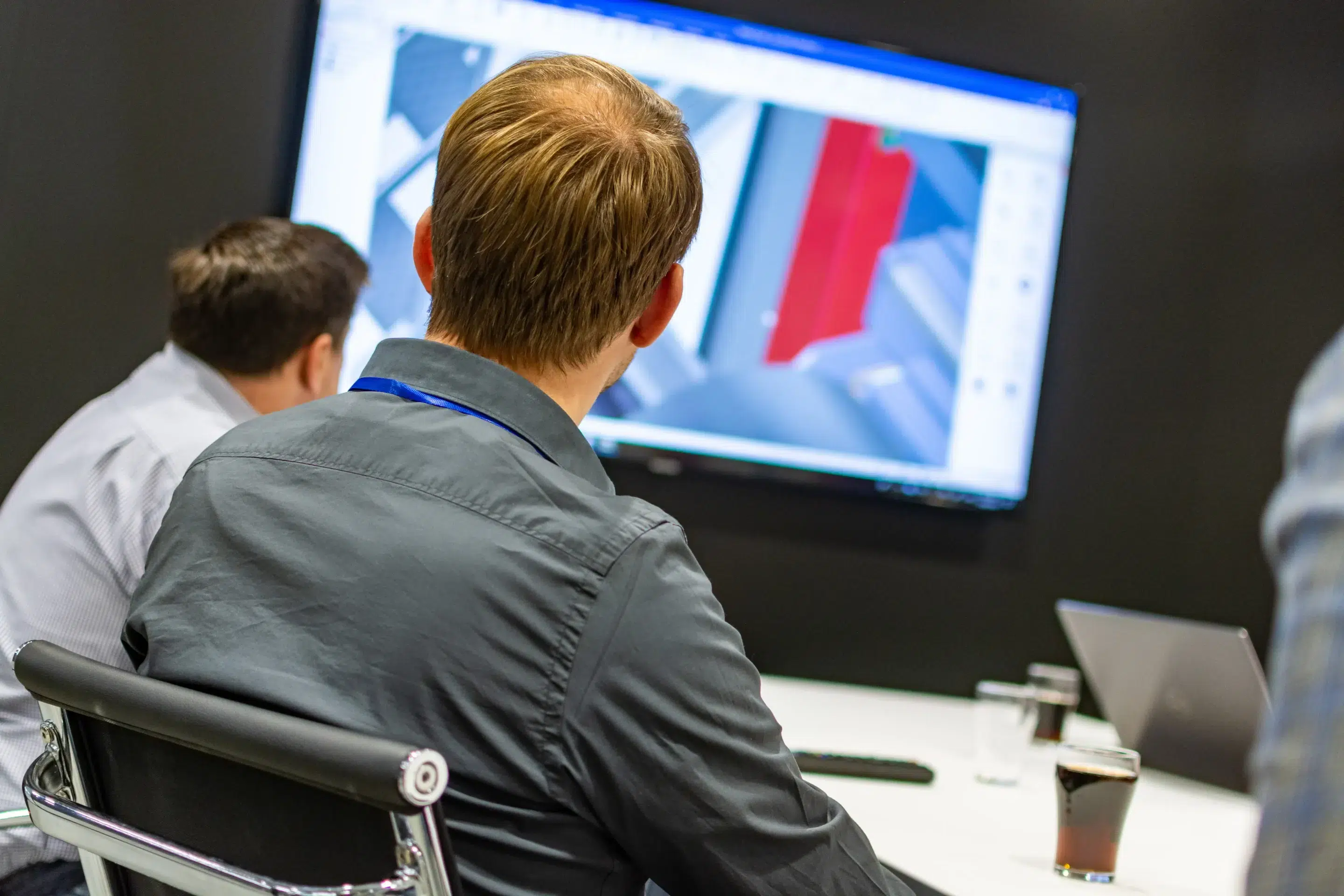
Manage parts list (BOM) faster
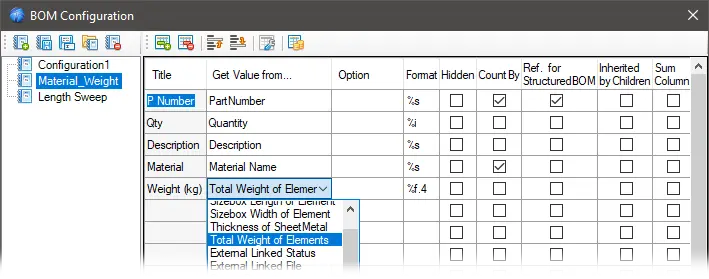
In addition to the mechanical libraries, Mechanical includes additional tools for parts list information, including PROActiveManager (BOM/parts list tools).
Allows you to go faster:
- View and manage piece list data from your 3D scene
- configure or suppress components
- Edit metadata and text in assemblies more efficiently
Useful if you have many variants, or need to make frequent changes toward production.
Why IronCAD Mechanical?
Design faster with drag and drop standard components
Less manual work on holes, cutouts, fastenings
Consistent models through standardization and reuse
Working more efficiently in assemblies and variants
Additional tools for bills of materials (BOM) and data management
Activate trial version
Want to experience how much time you save in your own workflow? Request a trial version and test Mechanical in your own projects.
Price quote received
Want to add Mechanical to your IronCAD license? Request a quote and receive advice on the best configuration.