Multiphysics for IronCAD
Simulate and analyze your design directly in your CAD model
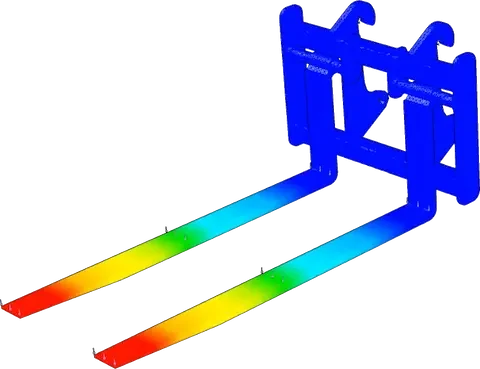
Multiphysics for IronCAD is an integrated FEA simulation add-on that lets you perform calculations directly within IronCAD. You add material, forces and boundary conditions and get instant insight into stresses and deformations.
Because the simulation remains linked to your model, changes are automatically recalculated. This allows you to iterate faster and better substantiate design choices. These FEA simulations help you validate design choices faster.
Working within your existing workflow
Instead of exporting models to external software, simply continue working in IronCAD. This makes the process clearer and avoids unnecessary steps in your workflow.
Adjustments in your design can be calculated immediately, without having to rebuild settings. Especially in multiple iterations, this saves noticeable time.
From model to insight
Setting up an analysis aligns with how you already work in CAD. You define material and loads and start the calculation.
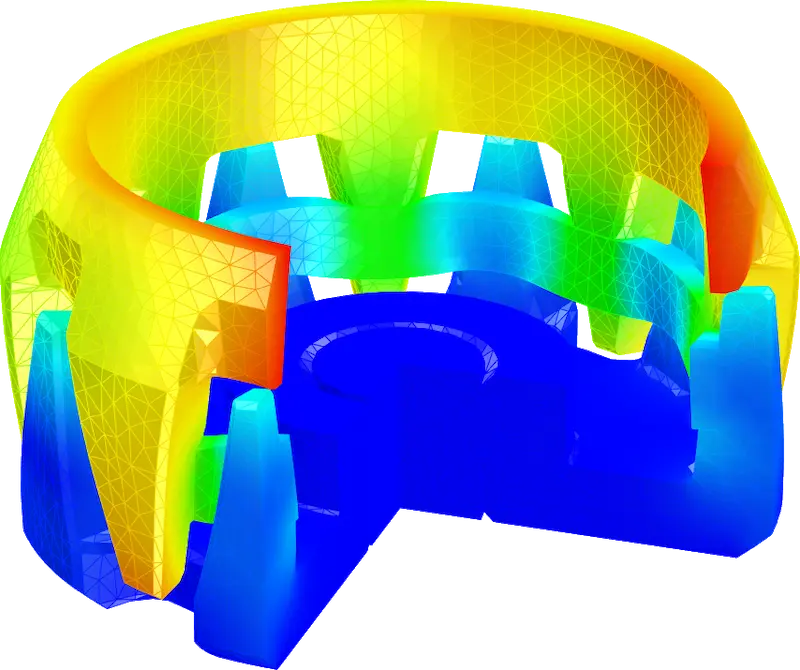
The results are immediately visible in the model, with clear visualizations of stresses and deformations. This makes it easier to quickly see where adjustments are needed.
Broadly applicable for simulation
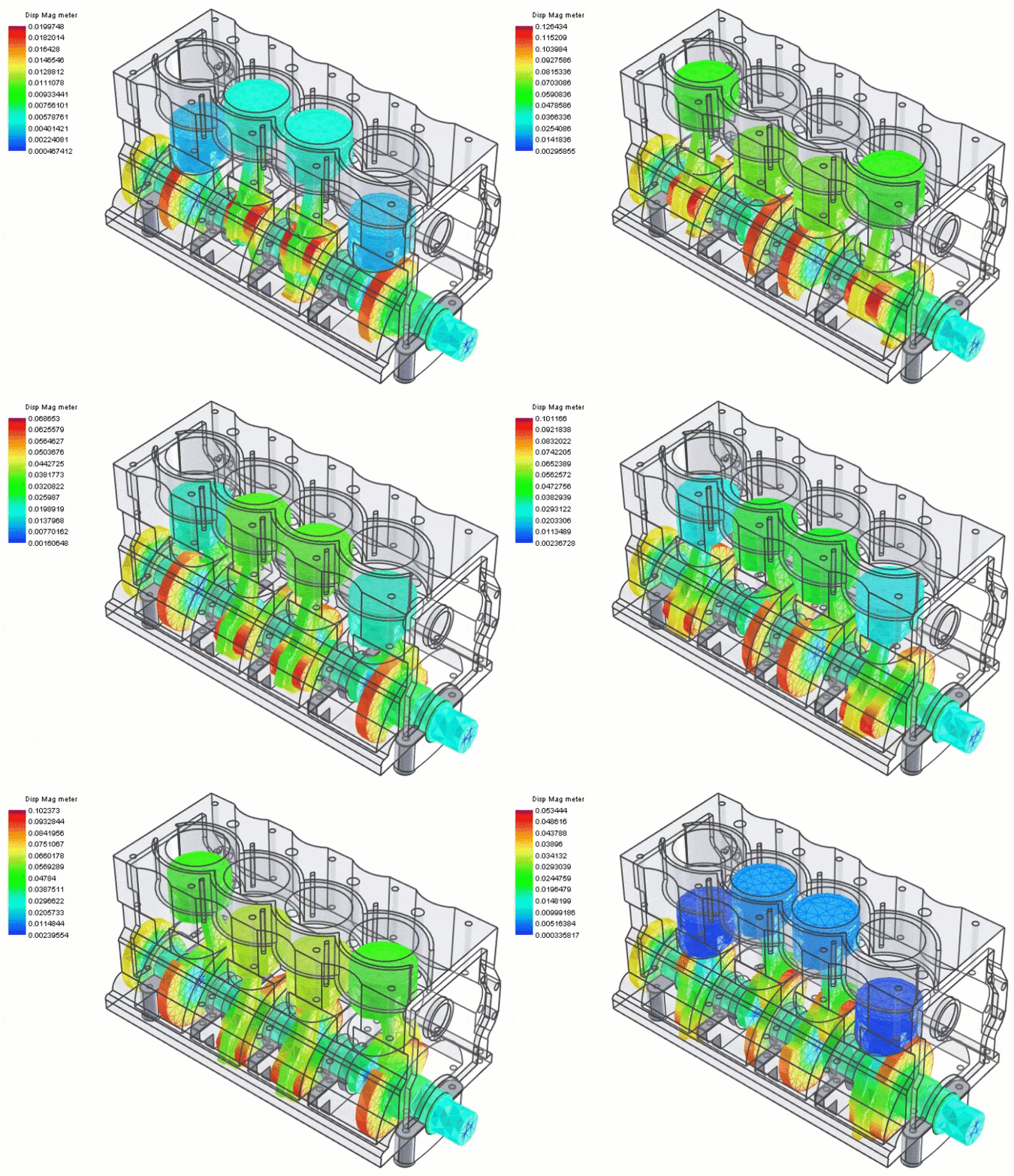
Multiphysics combines several analysis capabilities in one environment. This allows you to assess a design from multiple perspectives. This makes the software suitable for both quick checks and more extensive simulations. Among other things, you can perform analyses for:
Stress and deformation analysis
Thermal behavior
Dynamic response such as vibrations and frequencies
Stability and buckling behavior
Also for more complex applications
For more advanced problems, Multiphysics offers additional capabilities, such as working with nonlinear materials or larger deformations.
Here you can think of:
- Nonlinear material behavior such as plastics or foams
- Large deformations and rotations
- Dynamic analyses and modal response
- Advanced buckling analysis
This allows you to assess the behavior of a design more realistically, even with more complex loads.

Insight during design
By applying simulation early on, you get a quicker view of potential problems. This helps to work more efficiently and to better substantiate choices. In practice, this often leads to fewer physical tests and a smoother development process. The integrated FEA software makes it possible to perform simulations without external tools.
Seamless part of IronCAD
Multiphysics works directly on existing models and connects to your workflow. Assemblies are included and tools for mesh and result display are integrated.
Everything stays within one environment, which keeps work organized.
Experiencing it yourself
Try Multiphysics for yourself or watch a tutorial on the IronCAD Academy to quickly understand its capabilities.