
Professional 3D CAD
For design, engineering, and manufacturing
IronCAD gives design teams the freedom to develop faster, make changes flexibly, and move directly into production. A single 3D model serves as the basis for drawings, bills of materials, cutting lists, CNC output, and shop floor information.
30-day trial · For design, engineering, and manufacturing
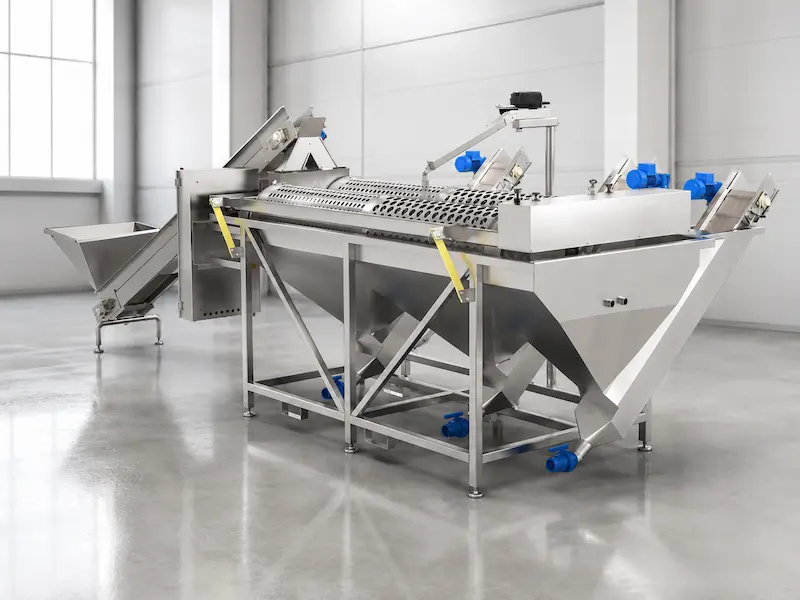

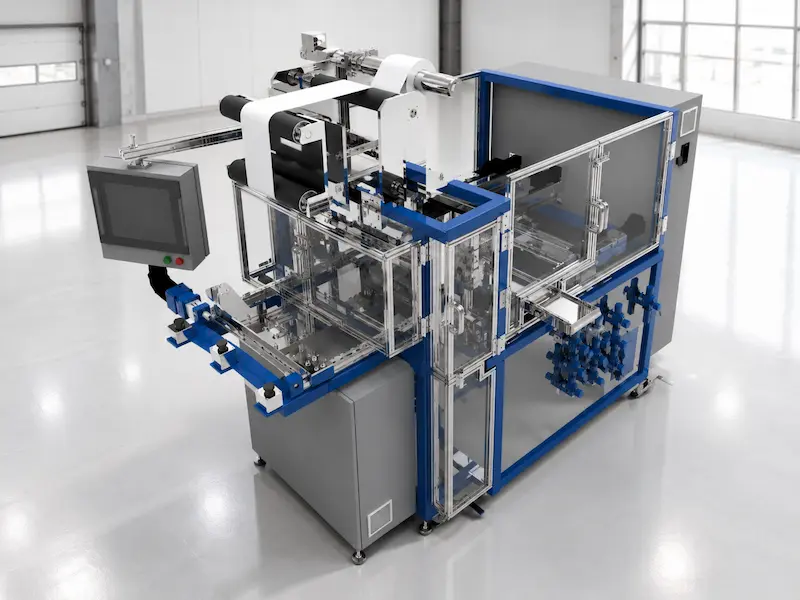
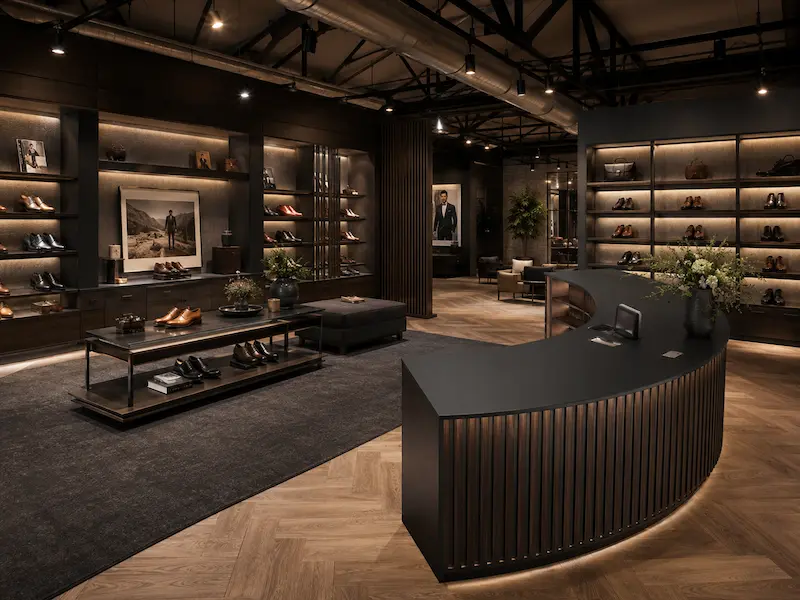

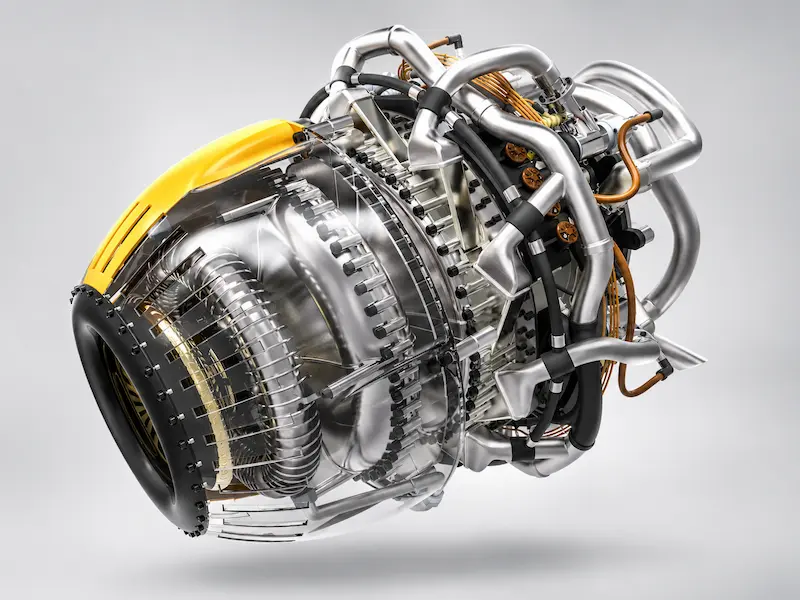

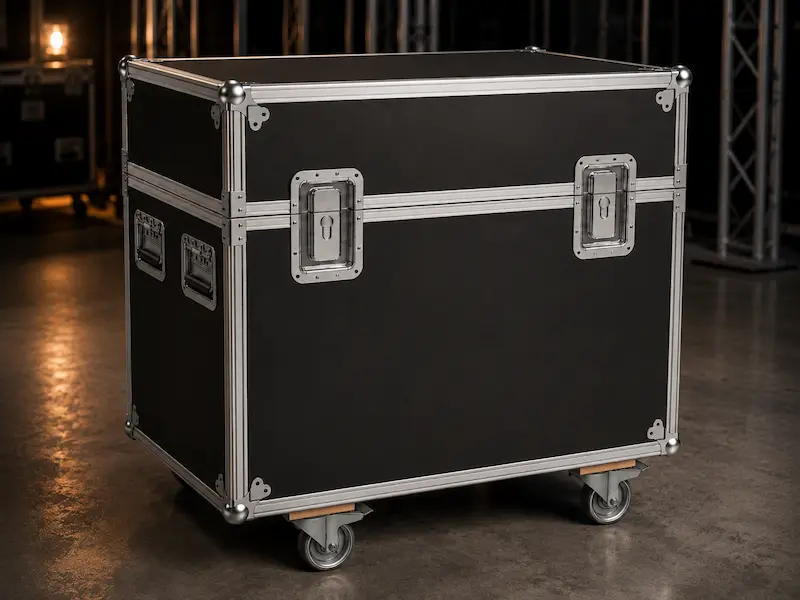
Trusted by more than 100,000 users worldwide










From concept to production in a single powerful workflow
Work from a single 3D model. Changes are automatically reflected in all output.
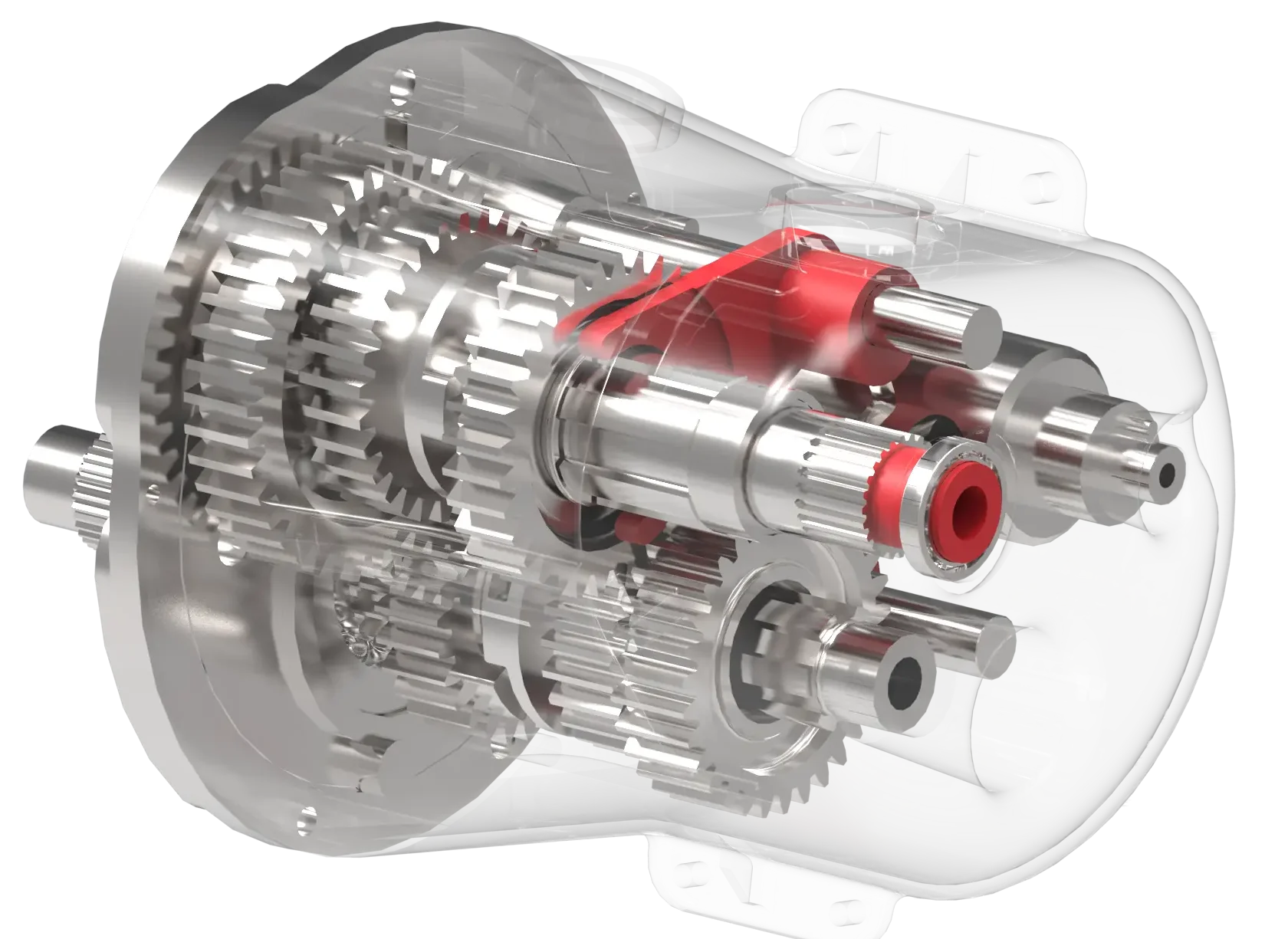
3D design and modeling
Build parts, products, and assemblies directly in 3D.
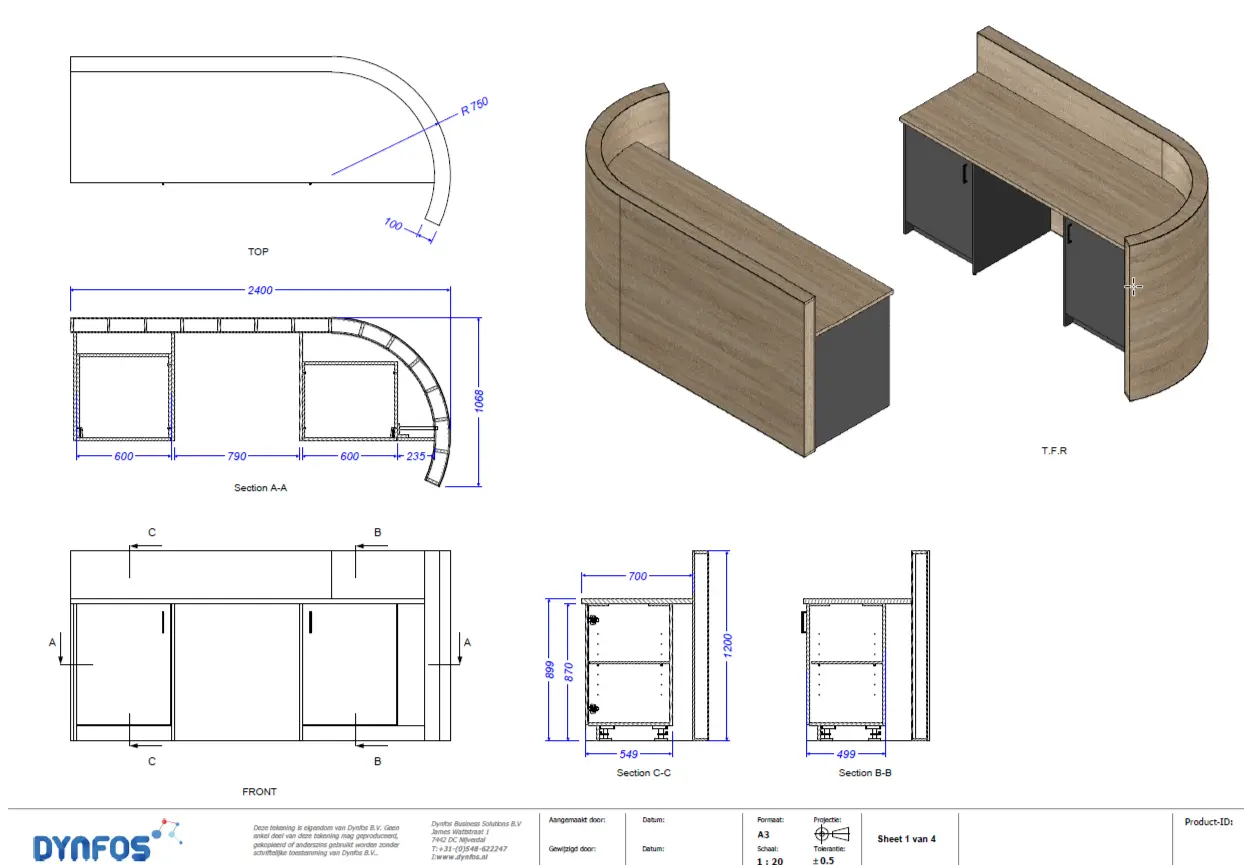
Automatic 2D drawings
Generate technical drawings quickly and reliably.
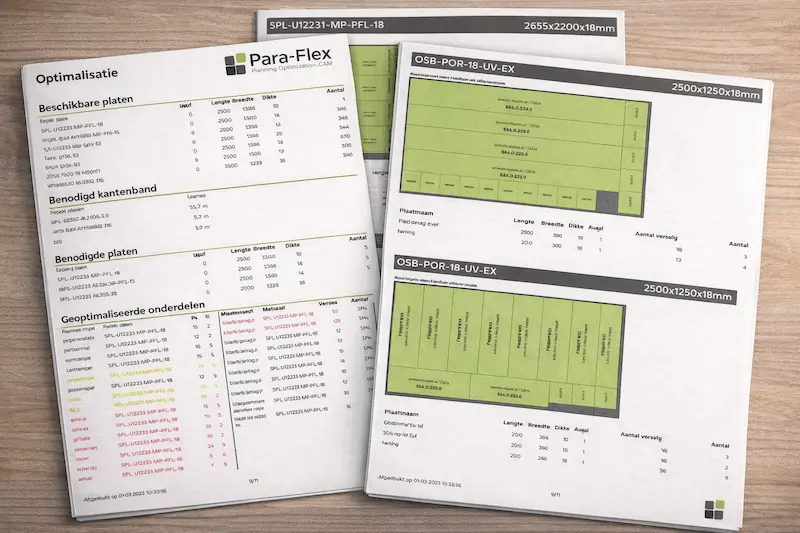
Parts lists and production dates
Always up-to-date information on parts, quantities, and materials.
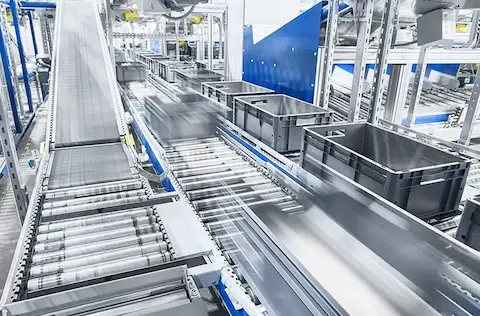
Output for production
Direct conversion to CNC, cutting lists, laser cutting, and the workshop.
IronCAD for Your Industry
Every industry has its own challenges. IronCAD adapts to the way you work. Discover how other manufacturing companies are designing and producing faster with IronCAD.
Why companies choose IronCAD
Free-form 3D design
Design without being constrained by a rigid model structure
Build quickly with drag & drop
Reusable parts, molds, and catalogs for maximum productivity.
Change immediately
Easily modify models, even later on in complex designs.
From prototype to production
Drawings, bills of materials, and production output remain linked.
Proven in practice
Discover how companies use IronCAD to design faster, handle changes more effectively, and optimize production processes.
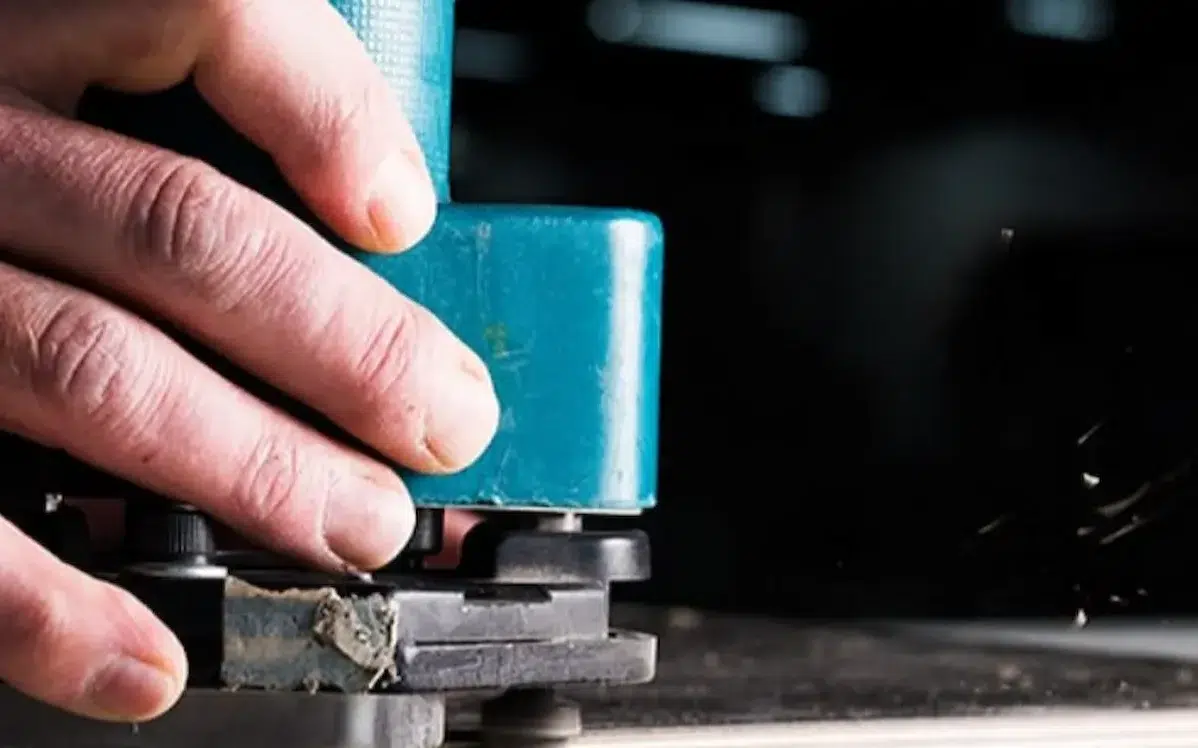
Idos Interiors
Design smarter, produce faster.
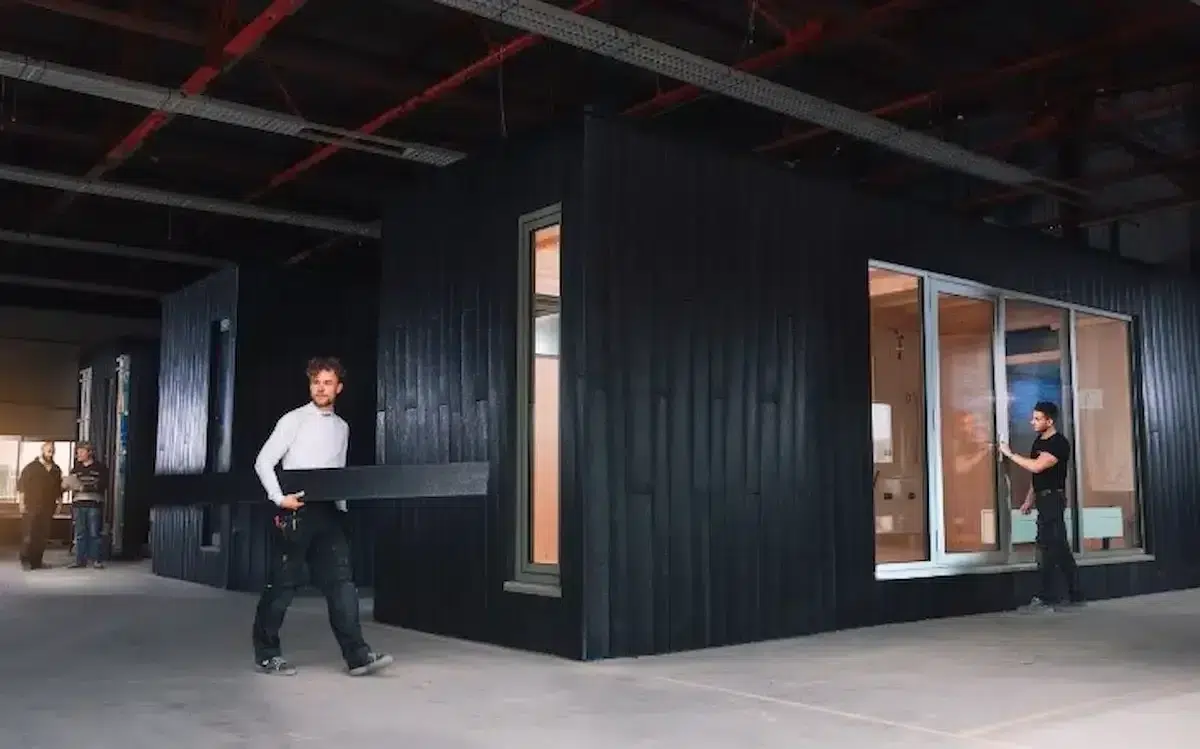
Clean2Anywhere
Smart Modular Design for Sustainable Production.
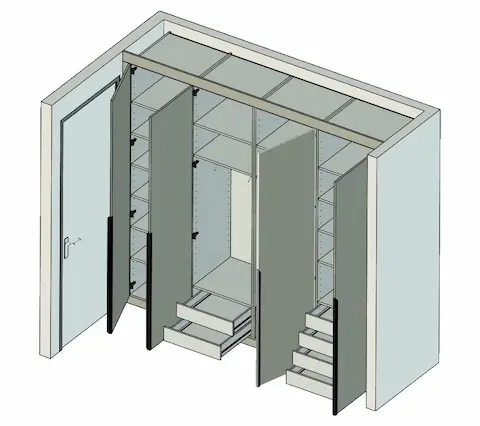
The Work Planner
Work planning is carried out more quickly and without errors.
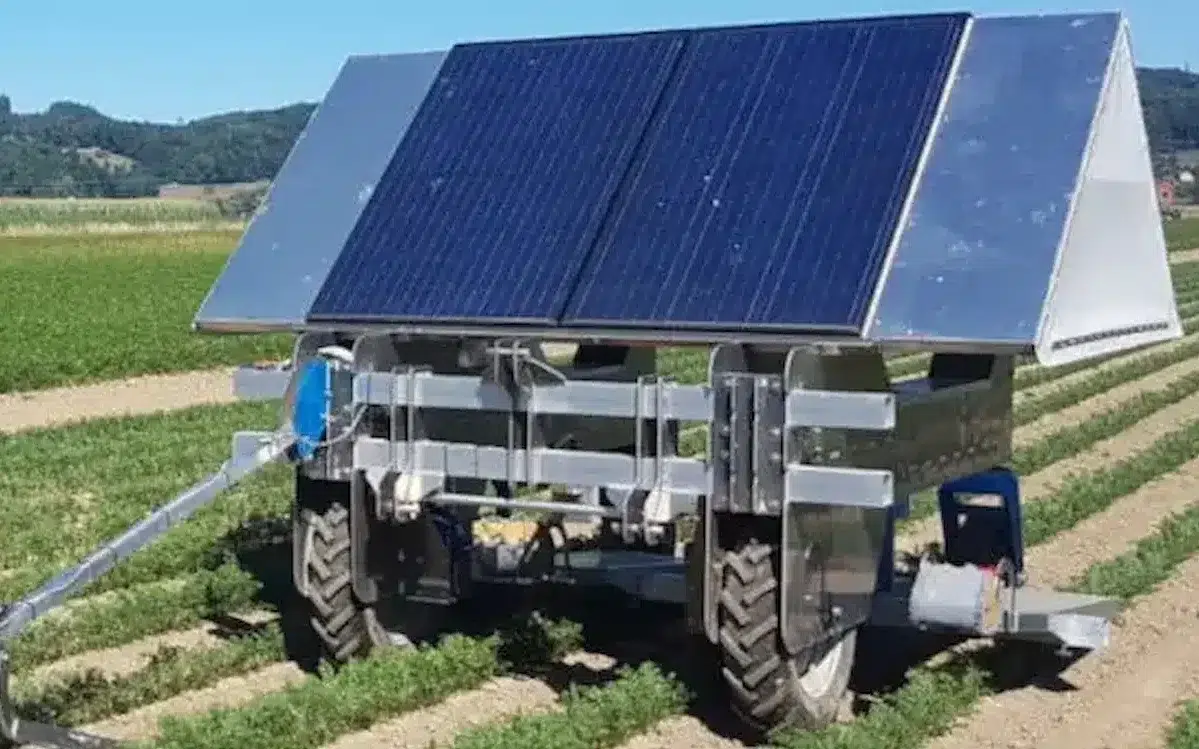
De Jongh Machinery
Faster transition from engineering to production.
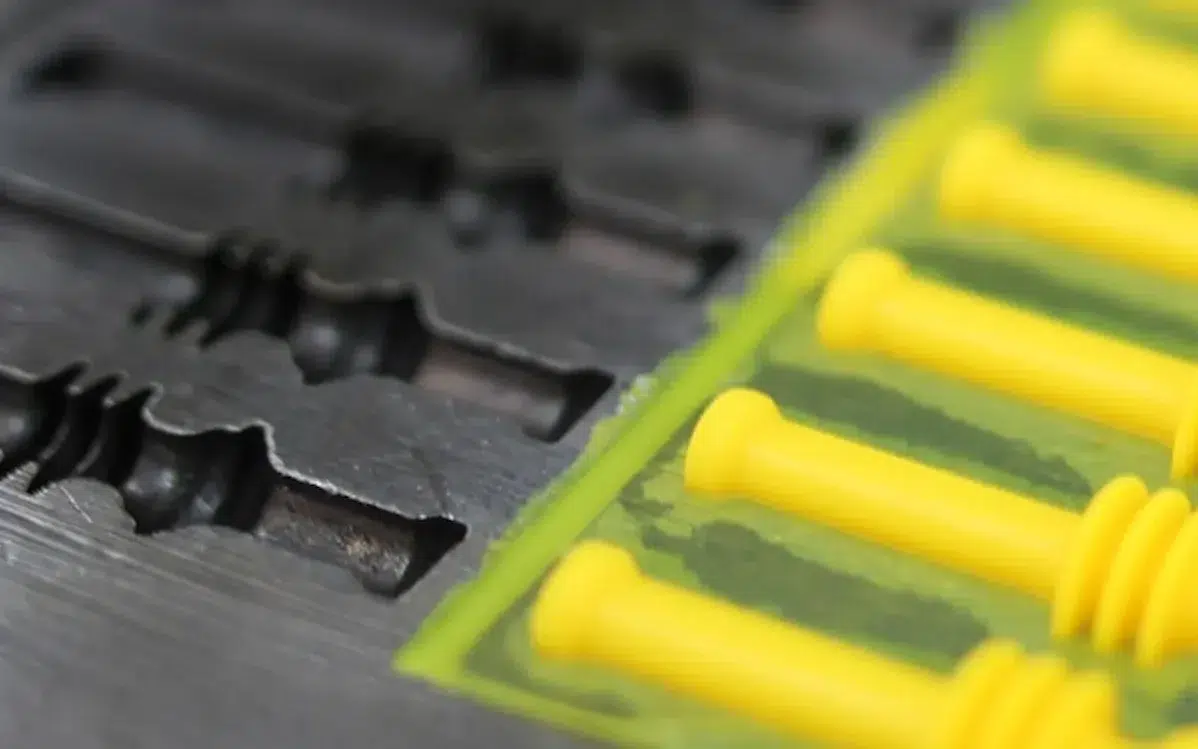
HangOn
More efficient engineering of metal products.

Van der Lee Interior Construction
Efficient customization thanks to smart 3D designs.

Thomas Bos Interieurbouw
Design faster with fewer production errors.
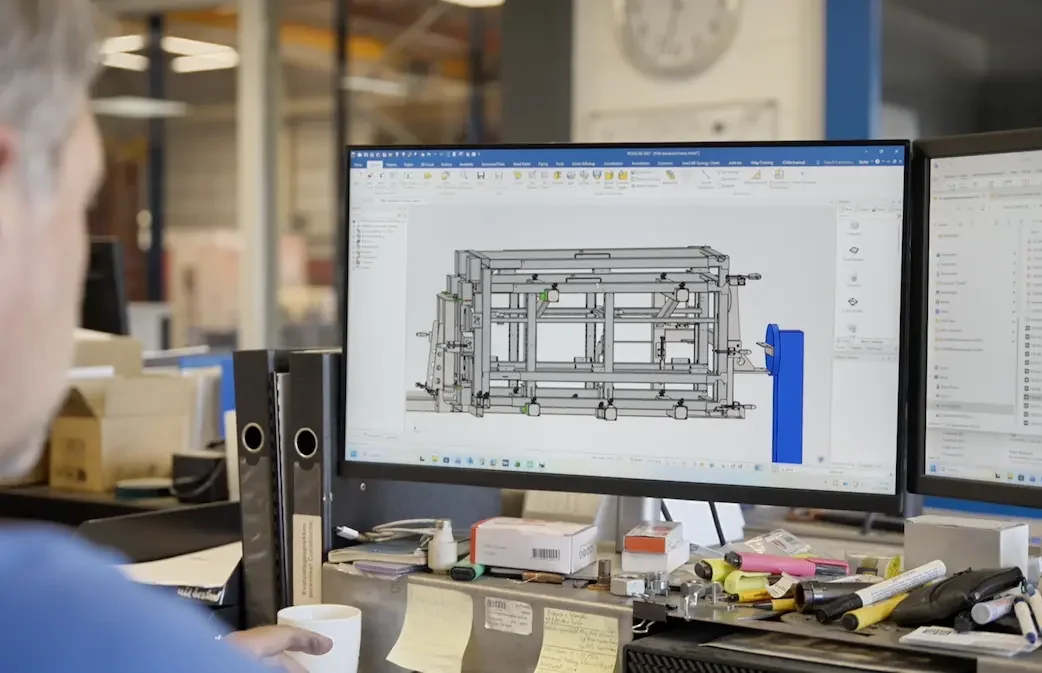
Laveno Metalworking
Practical 3D Design for Metalworking.
What does working with IronCAD provide?
Training
Practical training courses for beginners and advanced learners. Available online or through your local reseller.
Support
Expert support for installation, use, and optimization. We’re happy to help.
Education
Free student license for educational institutions and students worldwide.