
Metalworking and sheet metal work
Design sheet metal as you produce it
Work in a single 3D model where design and production come together seamlessly.
From initial form to turnout and CNC output, quickly and clearly.
Free trial – No obligations
Working more efficiently in sheet metal and metal working
Do you work with sheet metal and metal structures? Then you have to deal with bends, defects and production data that must always be correct.
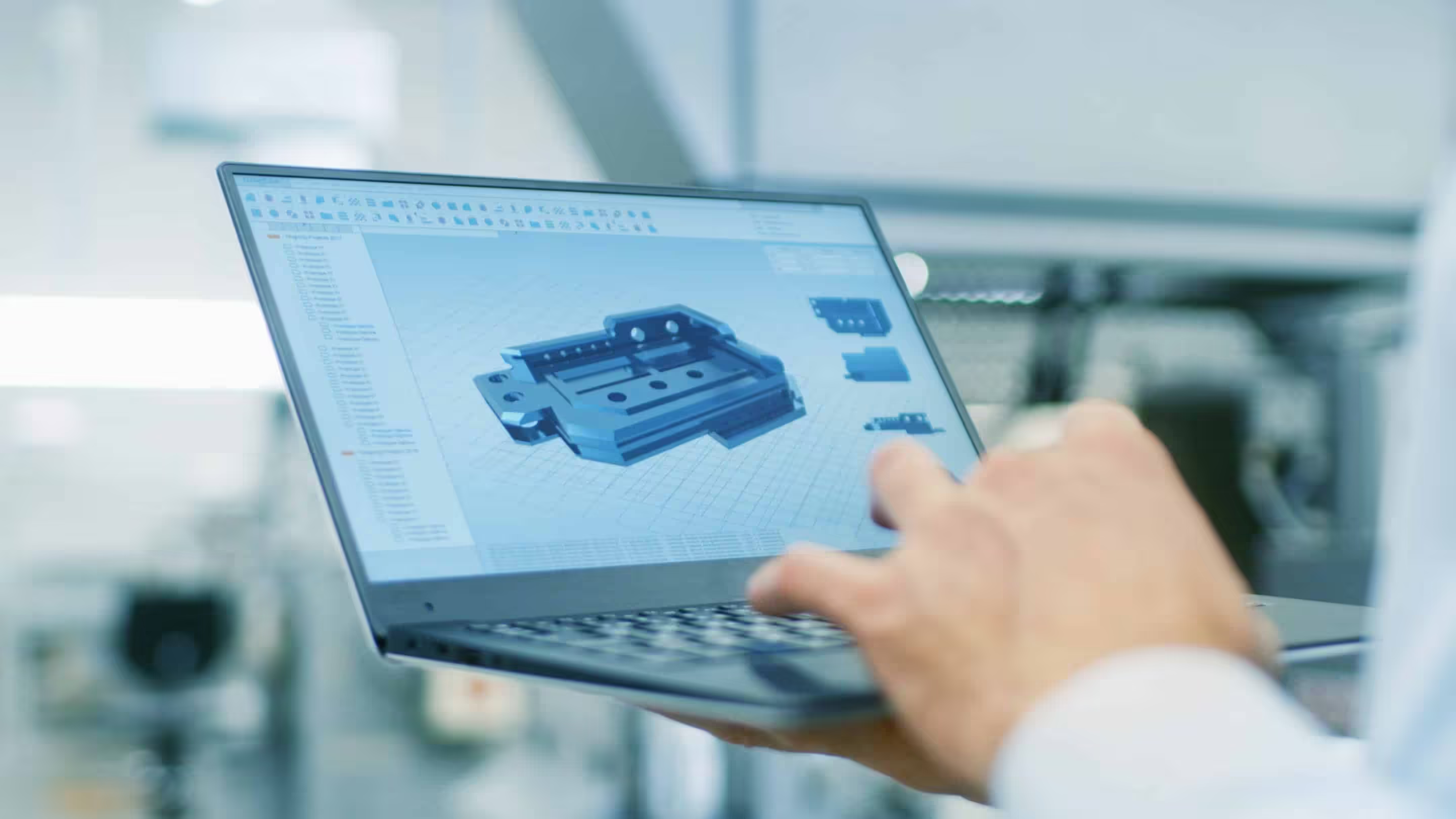
With IronCAD, you design directly in 3D and immediately see how a part behaves. Bends, shapes and joints remain linked, allowing you to get to a manufacturable design faster.
Direct 3D designs
See immediately the result of bends and shapes
Design as it is made
From model to outcome without detours
Simple customization
Changes immediately visible in the design
Understanding sheet metal
Always control over radii, angles and settlements
Ready for production
DXF and DWG output for laser cutting and CNC
Control during design
In sheet metal fabrication, every detail matters. Small adjustments in angles or radii directly affect manufacturability.
With IronCAD, you work visually and adjust bends directly in 3D. You immediately see the effect on the end result and avoid surprises in production.
From 3D model to results
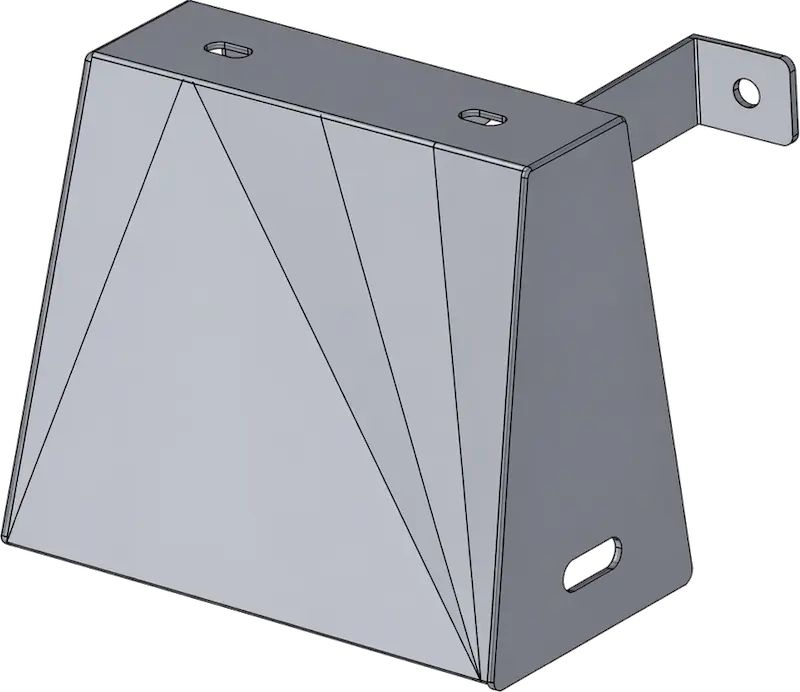
Your model is automatically translated into a flat outcome. Setting lines and bending information are generated instantly.
This way you go from design to production without extra steps and work faster and more consistently.
Directly ready for production
All required output comes from the same model. You easily export files for editing and production.
If you change anything in the design, everything is automatically updated.
- Results
- Put lines
- DXF and DWG exports
- Production dates
Work flexibly with existing models
Are you working with external files such as STEP? Then import them directly and modify them without depending on model history.
You easily convert existing models to sheet metal and instantly generate results.
Visualize your design with realistic renders
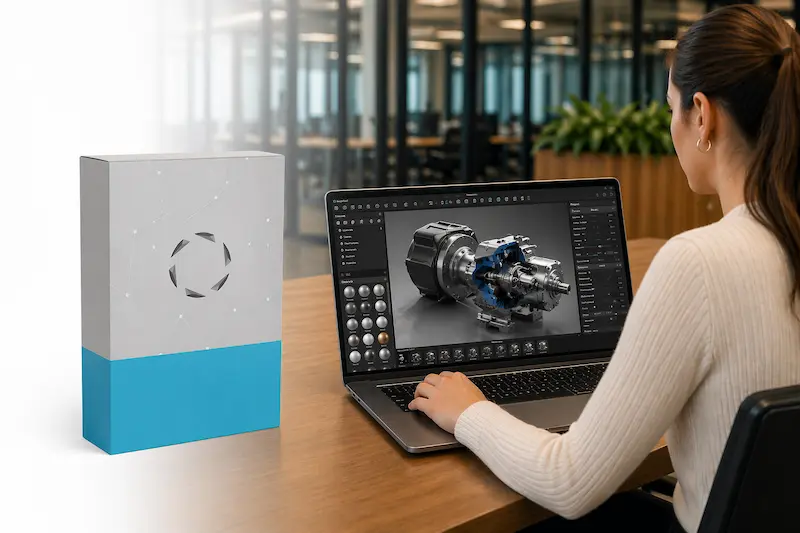
With KeyShot, you create high-quality visualizations of your sheet metal and metal structures.
Display designs even before they are produced and use renders for presentations, quotes or customer communications.
You work directly from your 3D model, eliminating the need for additional steps to create a visually strong result.
Used by metalworkers
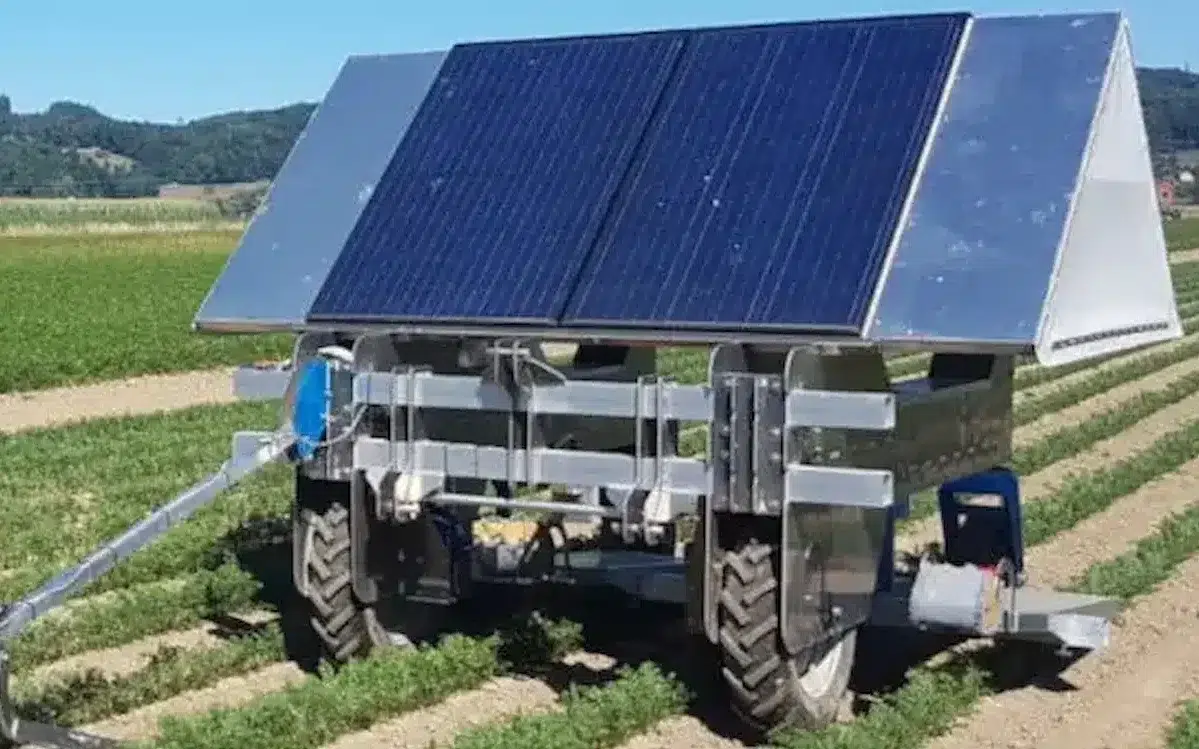
From sheet metal to structures, IronCAD is used daily by more than 100,000 users who design and produce in metal.
De Jongh Machinery
Faster transition from engineering to production.
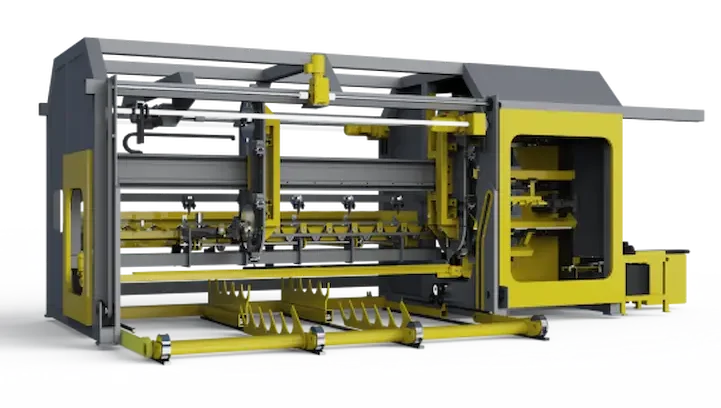
Forsell Maskin
From concept to custom machine in 3D.
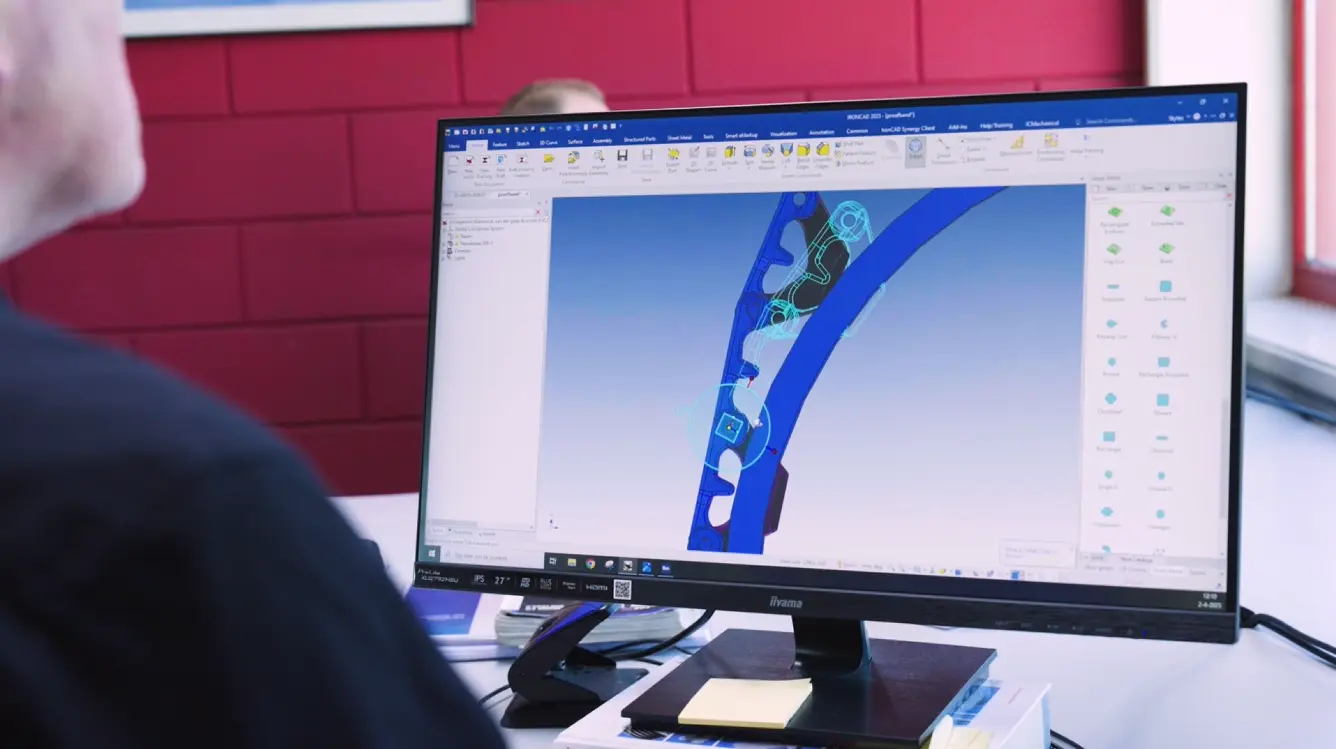
Lumacon B.V.
Smarter engineering of complex machines.
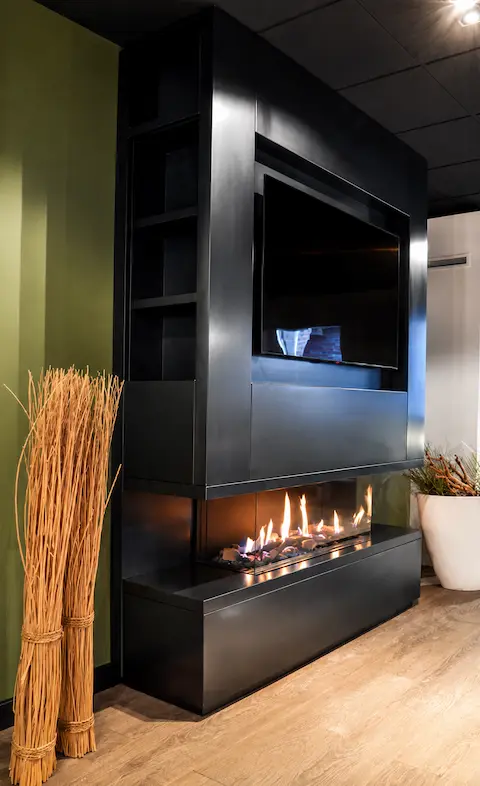
The Salamander
Faster customization for exclusive fireplaces.
HangOn
More efficient engineering of metal products.
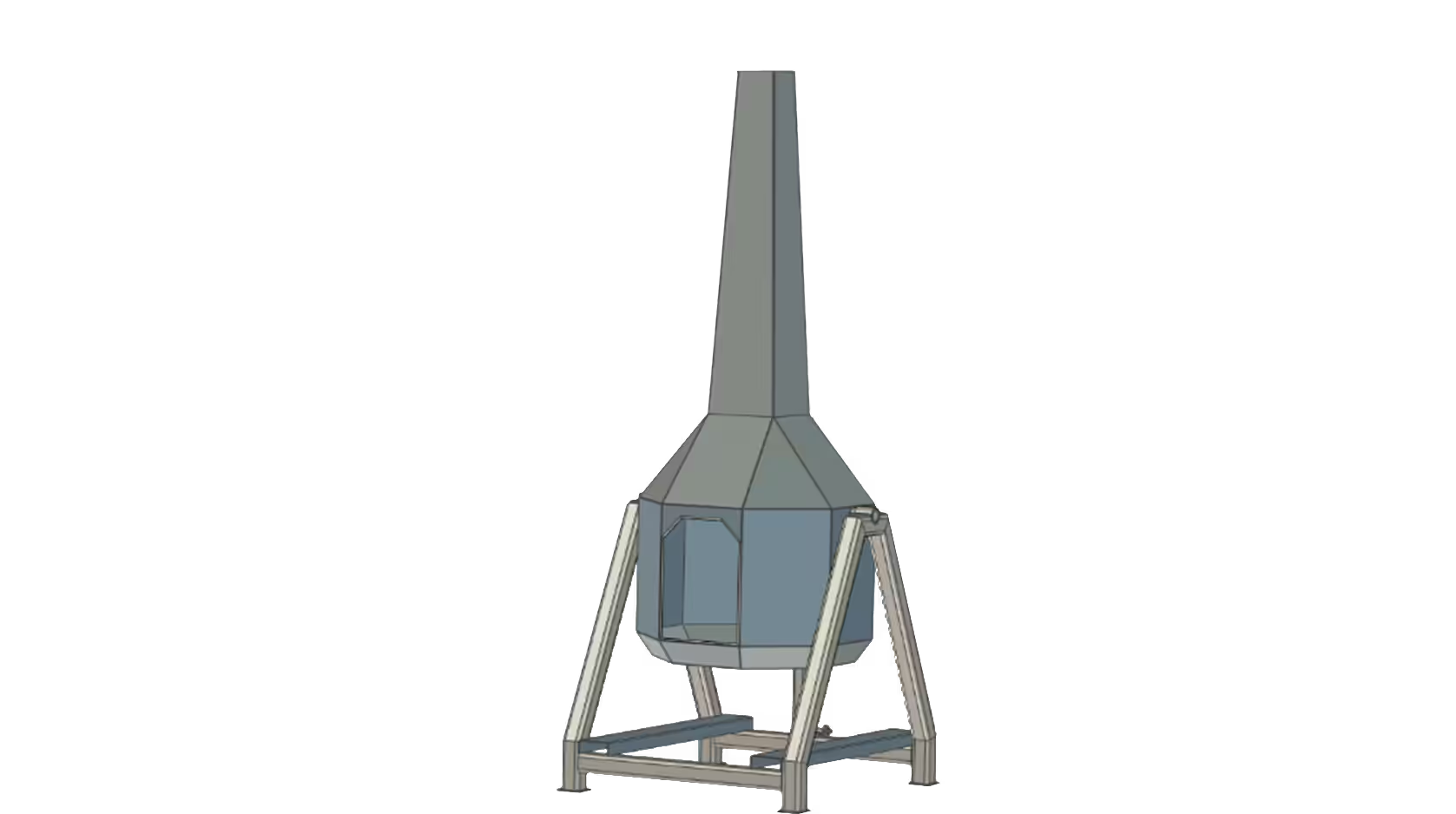
De Jongh Metal
More efficient engineering of metal products.
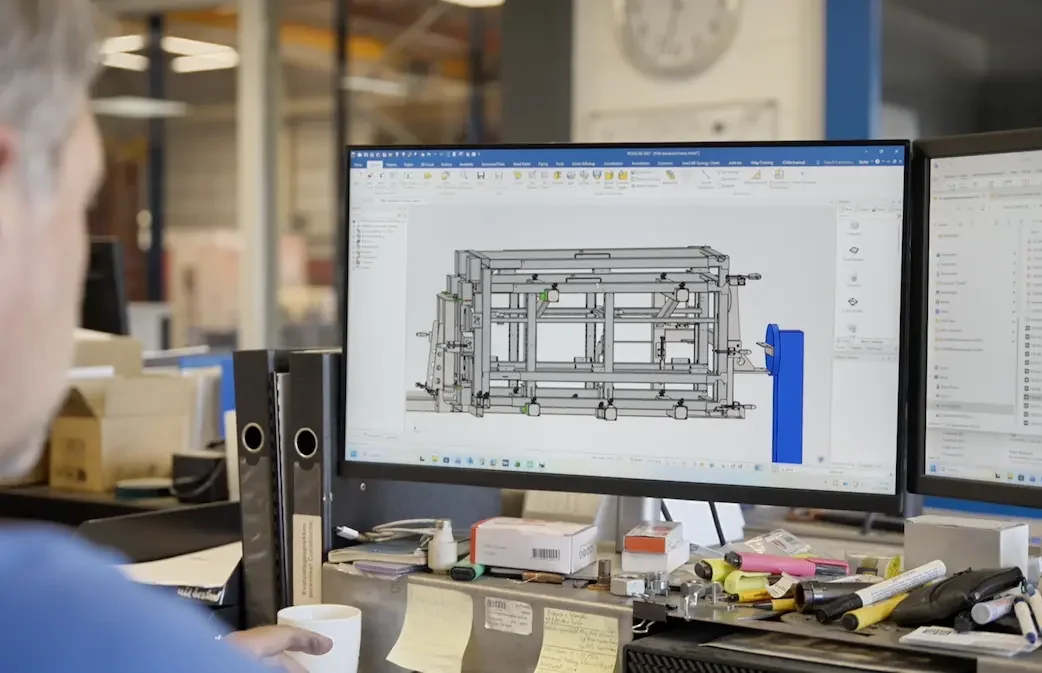
Laveno Metalworking
Practical 3D Design for Metalworking.
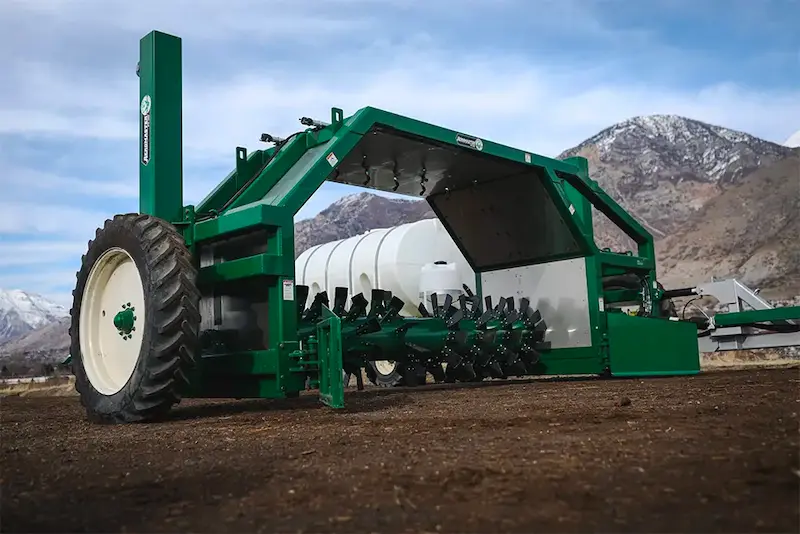
Midwest Bio-Systems
Faster development of complex machinery.


Experience for yourself how this works?
Find out how to get from design to production faster with one centralized way of working.
IronCAD trial version
"*" indicates required fields