
Prototyping in IronCAD
3D CAD software for fast and efficient prototyping
Prototyping is an essential step in modern product development. Designers and engineers want to develop, test and optimize ideas quickly before costs are incurred for production. IronCAD 3D CAD software lets you work in a flexible and intuitive design environment where 3D models are easily built and modified.
This creates an efficient prototyping process that gets you from concept to working prototype faster.
Why IronCAD is ideal for prototyping
IronCAD combines dynamic modeling with direct modeling (Direct Face Modeling). This allows you to work flexibly, without depending on complex parametric relationships as with traditional CAD software.
This makes IronCAD particularly suitable for rapid iterations, concept development and comparison of design variants.
Benefits of prototyping in IronCAD:
- Quick design changes with Direct Face Modeling
- Easily build assemblies via drag & drop (drag and drop)
- Create and compare variants within a single 3D CAD environment
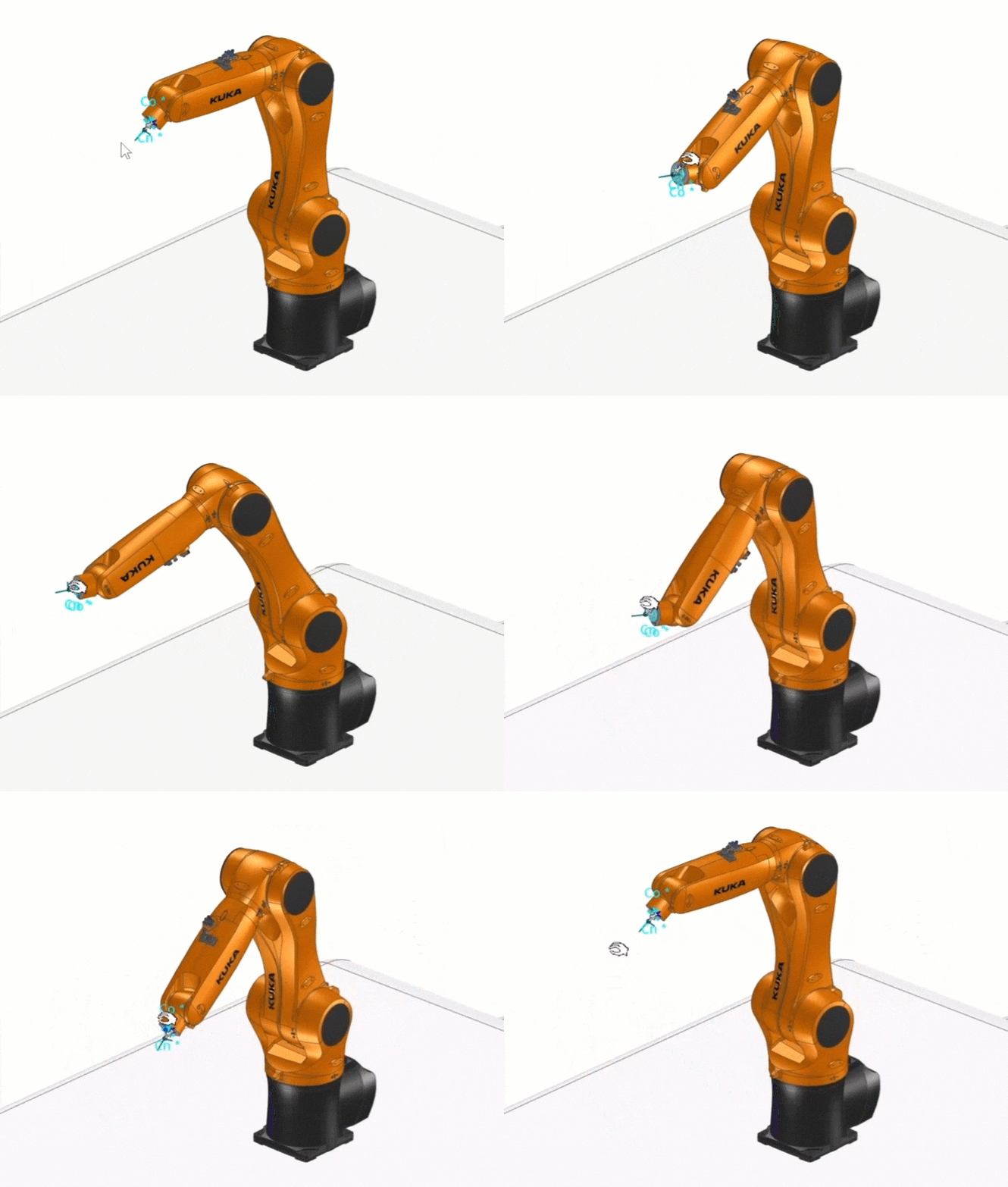
- Instant insight with collision monitoring and interference analysis
Export 3D models for prototyping and production
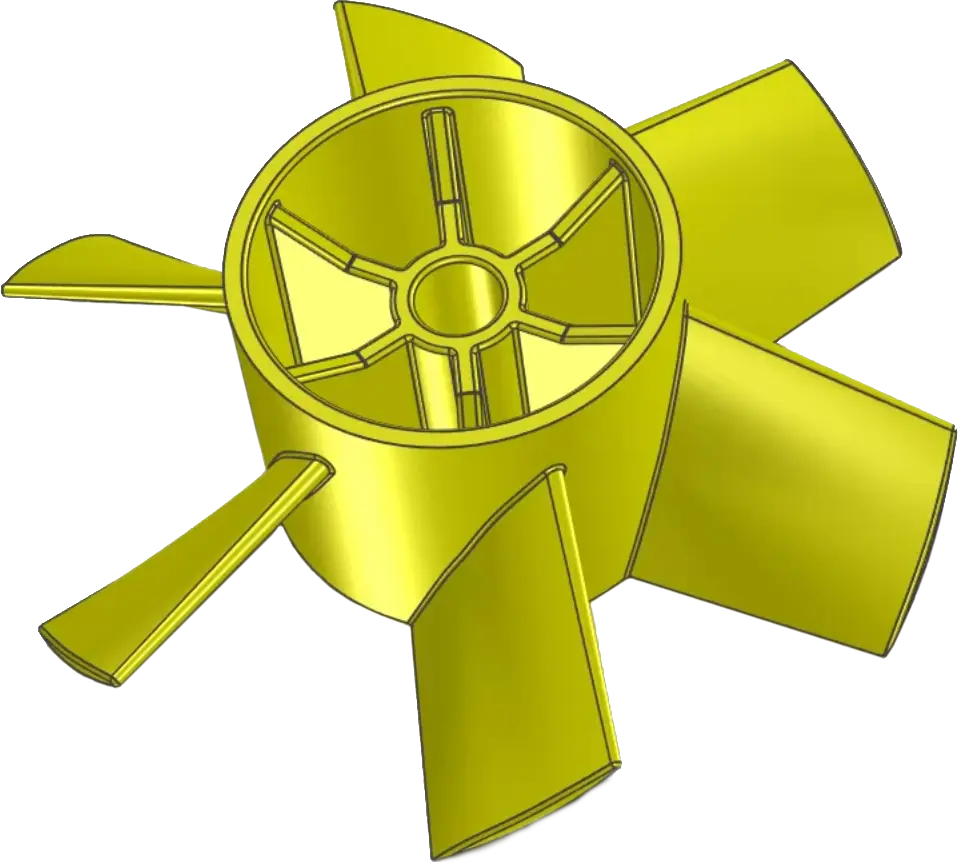
An important part of prototyping is exporting 3D models correctly. IronCAD supports various file formats for 3D printing, CNC machining and collaboration with other CAD systems.
The IronCAD Academy offers practical tutorials, such as“Export for 3D Printing,” which explains step-by-step how to export a model to STL and what settings are needed for optimal results.
Supported export formats in IronCAD
- STL
- STEP
- IGES
- Parasolid
- DXF
Prototyping in practice
IronCAD is used daily by engineers and design teams to develop prototypes and products. The software’s flexibility allows you to modify designs and test concepts faster.
While designing in context, you can check directly:
- Whether parts fit together correctly
- Whether movement, slack and space are sufficient
- Whether an assembly is technically feasible
This helps to identify design errors early and reduce the number of iterations.
Flexible and powerful design
IronCAD offers a modern approach to 3D CAD prototyping. You can quickly iterate, check designs and easily prepare models for production or 3D printing.
This makes IronCAD a powerful solution for companies looking to accelerate their product development and work more efficiently.