
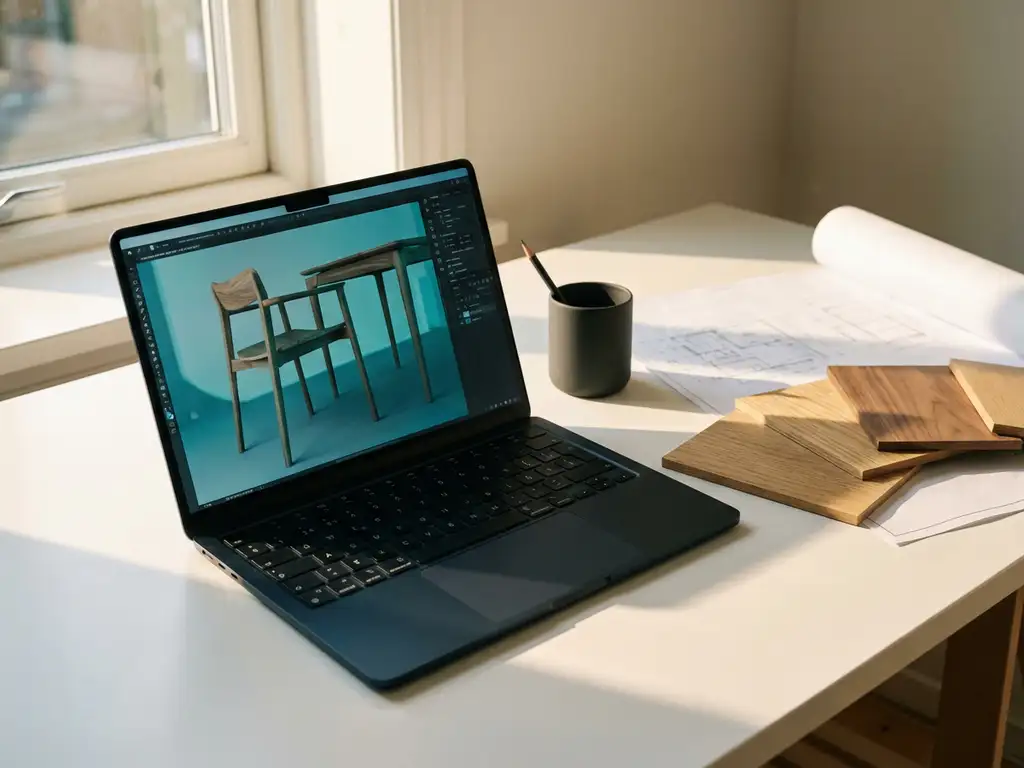
Can a customer view a 3D model without CAD software?
Many companies in the manufacturing industry struggle with sharing 3D models with customers who do not have expensive CAD software. Fortunately, there are several ways to give customers access to your 3D drawings without having to install CAD software themselves. From free viewers to Web-based solutions, there are countless ways to make your designs accessible.
In this article, we answer key questions about sharing 3D models with clients and show which tools and file formats work best for client presentations.
What is a 3D viewer and how is it different from CAD software?
A 3D viewer is a lightweight program specifically designed to view, rotate and zoom 3D models, with no editing capabilities. Unlike full CAD software, a viewer does not allow you to make changes to the design.
The main difference is in functionality and system requirements. CAD software, such as professional 3D drawing programs, includes extensive design tools, simulation capabilities and complex functions that require a lot of computing power. A 3D viewer, on the other hand, focuses solely on visualization and has minimal system requirements.
Viewers are ideal for clients because they are often free, quick to install and intuitive to use. Your client can view the 3D model from different angles, zoom in on details and often take measurements, but cannot accidentally modify or damage the design.
What free tools can customers use to view 3D models?
Several free tools are available that allow customers to view 3D models without installing CAD software. The most popular options are universal viewers, Web-based solutions and smartphone apps.
For desktop use, the most reliable free options are:
- FreeCAD – Open-source viewer with basic functionality.
- Fusion 360 Personal – Free version of Autodesk software for non-commercial use
- SketchUp Free – Web-based version for simple 3D modeling
- 3D Builder – Built-in Windows app for STL files
Web-based viewers are becoming increasingly popular because they require no installation. Customers can view 3D models directly in their browser by simply clicking on a link. This solution works on all devices and operating systems.
How can companies share 3D models without installing CAD software?
Companies can share 3D models through Web-based viewers, cloud platforms or by converting models to universal file formats. The most effective method is to use online platforms where customers can access them directly through a Web link.
Cloud-based solutions offer the most flexibility. You upload the 3D model to a platform and share a secure link with your client. The client can view the model directly in the browser, without downloads or installations. Many of these platforms also offer annotation capabilities and comment features for feedback.
Another effective method is to convert CAD files to PDF format with 3D content. Adobe Reader can display 3D PDFs, allowing customers to view the model in a program they probably already have installed.
For mobile access, you can optimize 3D models for smartphone apps. Many free apps can open STL and OBJ files, allowing clients to view and share your designs with colleagues on the go.
What file formats are best for client presentations?
For client presentations, STL, OBJ and 3D PDF are the most suitable file formats because they are widely supported by free viewers and require little technical knowledge on the part of the client.
STL files are the standard for 3D printing and are supported by almost all free viewers. The format preserves the geometry of the model but does not include material information or colors. For simple shape visualization, STL is ideal.
OBJ files offer more features than STL because they can contain textures and materials. This makes them suitable for presentations where the appearance of the product is important. The format is universally supported and retains sufficient detail for client presentations.
3D-PDF combines the familiarity of PDF with 3D functionality. Customers can open the file in Adobe Reader and view the 3D model interactively. You can also add technical drawings and specifications to the same document, which is ideal for complete product presentations.
For Web-based presentations, the GLTF and GLB formats are optimal because they are specifically designed for Web browsers and offer fast load times. These formats preserve materials, animations and lighting, resulting in professional presentations.
How IronCAD helps share 3D models
IronCAD allows you to easily export 3D models to various file formats perfect for client presentations. The software supports direct export to STL, OBJ and other universal formats with no loss of quality.
IronCAD’s key benefits for model sharing:
- Flexible export options – Support for all common file formats
- Quality preservation – Models retain their detail and precision upon conversion
- Fast workflow – From design to client presentation in a few clicks
- Optimized files – Automatic optimization for different purposes
Want to know how IronCAD can improve your workflow for customer presentations? Contact us for a personal demonstration of export capabilities and find out how you can work more efficiently with customers.


