
Libraries in IronCAD
Work faster with smart catalogs and reusable parts
Place parts, materials and smart components directly into your design with drag & drop. With libraries, you work faster, more consistently and efficiently within any project.
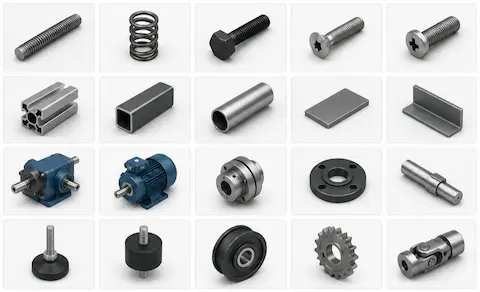
Why work with libraries?
With libraries in IronCAD, you place parts directly into your design without re-modeling. That way you work faster and keep your designs consistent.
Choose parts directly
Frequently used parts readily available within your workflow.
Drag & Drop workflow
Drag and drop parts directly from the catalog into your design.
Consistent designs
Work to established standards within each project.
Own libraries
Store own components and configurations for reuse.
How does the Catalog Browser work?
The Catalog Browser provides direct access to standard parts, materials and smart design components within IronCAD. With drag and drop, you place parts directly into your design without additional steps.
Standard Catalogs
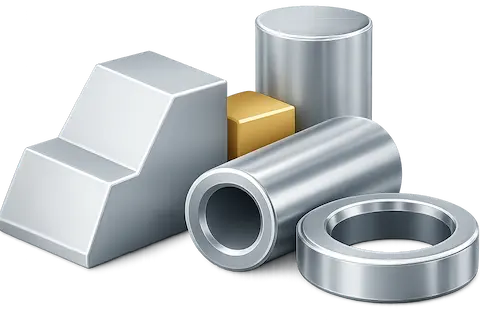
Shapes
Basic IntelliShapes such as blocks, cylinders and holes.
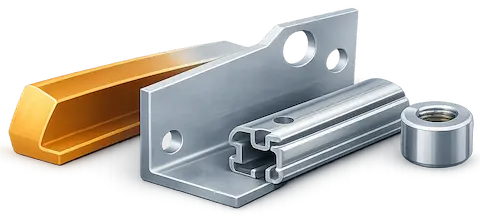
Advanced Shapes
More complex shapes and construction profiles.
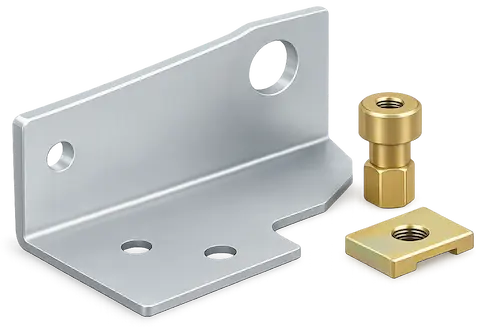
Sheet metal
Parts for sheet metal design such as bends and punches.
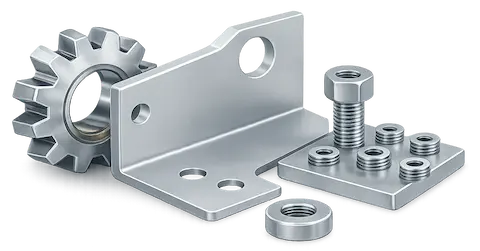
Tools
Commonly used tools such as gears, fasteners and patterns.
Materials and finishes
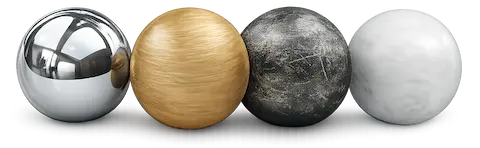
Surfaces
Materials and reflective finishes.
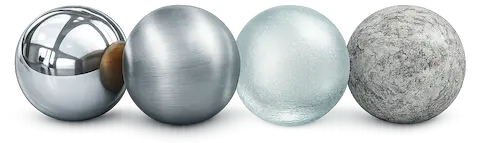
Textures
Wood, metal, glass and other surface textures.
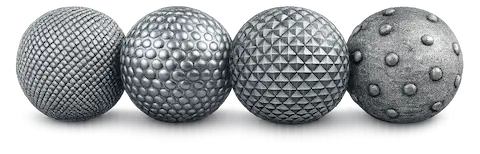
Bumps
Add relief textures to surfaces.
Decals
Place logos and images on parts.
Build your own libraries
Store proprietary parts, assemblies and smart configurations and reuse them within each project. This creates an efficient workflow with established standards for engineering, production and documentation.
- Proprietary standard parts
- Smart parametric components
- Materials and finishes
- Reusable assemblies
- Business Standards
Additional libraries
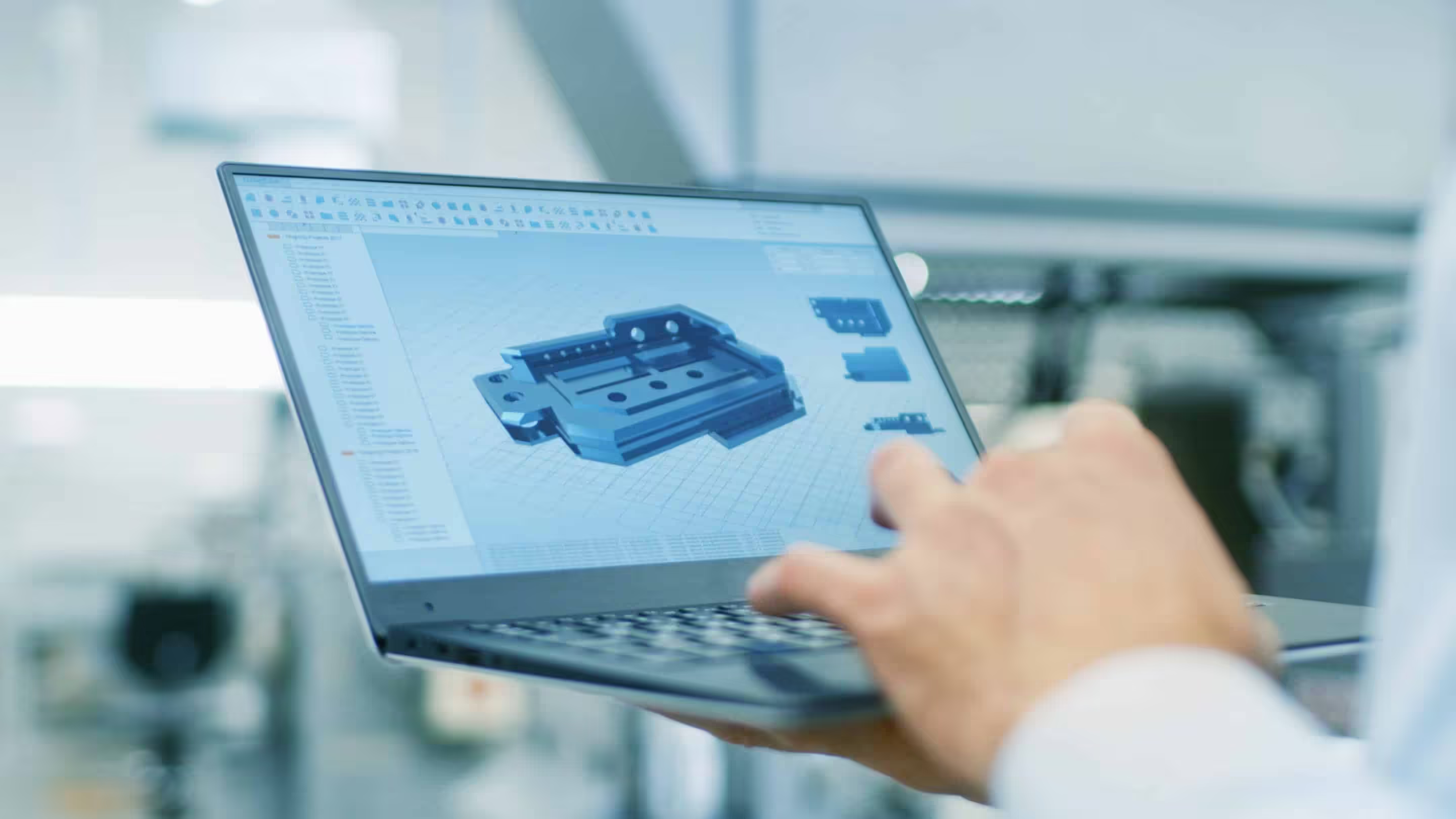
In addition to the standard catalogs, additional libraries are available for specific applications and workflows. This allows you to work faster with practical parts, configurations and components for different applications.