
Architectural Translator
Connect engineering, architecture and BIM
Do you work with architects, contractors, BIM specialists or project designers? With the Architectural Translator, you can easily exchange data between IronCAD and commonly used BIM and architectural software.
Import and export IFC, Revit Project and Revit Family (RFA) files directly from IronCAD and improve collaboration within construction, interior design and installation projects.
Collaboration between engineering and architecture
More and more projects require collaboration between different disciplines. Architects, structural engineers, installers and product developers often work with different software packages, so data exchange can be a challenge.
Architectural Translator extends IronCAD with support for major BIM and architectural formats. This allows you to exchange, review and integrate models within existing BIM workflows.
Supported file formats
Why choose Architectural Translator?
Work directly with BIM data
Import and export IFC and Revit files.
Improve collaboration
Collaborate more easily with architects and BIM specialists.
Integrate products into BIM projects
Place objects directly within BIM models.
Maintain project information
Reliably exchange data between disciplines.
Common applications
Architectural Translator is used by companies that need to integrate technical designs within construction and BIM projects.
- Collaborate with Revit users
Import and export Revit projects and Revit Families directly from IronCAD. - Working with IFC models
Use IFC as an open standard for data exchange between different BIM platforms. - Interior and project design
Place furniture, furnishing elements and custom solutions within existing BIM models. - Installations and Machine Integration
Integrate technical installations, machines and product arrangements within architectural and construction projects.
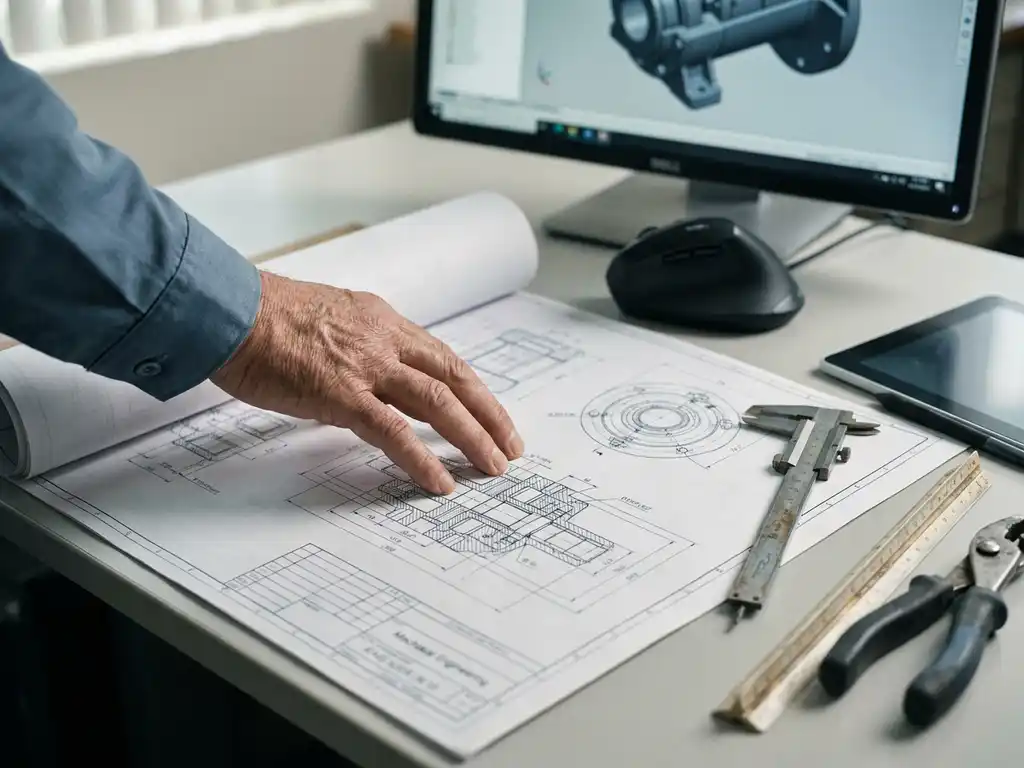
Ready to bring engineering and BIM together?
Discover how the Architectural Translator simplifies collaboration between engineering, architecture and construction projects.
Do you work primarily with CAD systems such as SolidWorks, Inventor, NX, Creo or CATIA? Then also check out the Native Translator for comprehensive CAD data exchange.