
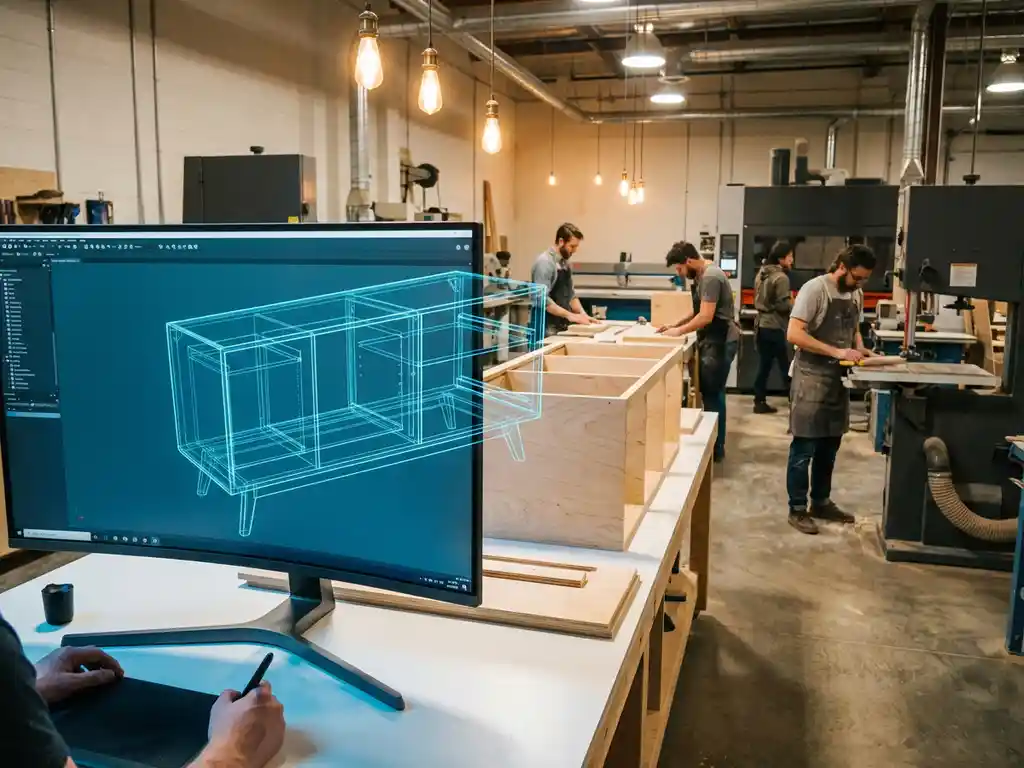
How do I link my 3D design to my production process?
Linking your 3D design to your manufacturing process is a crucial step for efficient production in modern manufacturing. This integration allows you to automatically generate production data, minimize errors and drastically reduce your lead times.
In this article, we answer the most frequently asked questions about connecting design and manufacturing so you can optimize your production processes and become more competitive in the marketplace.
What does linking 3D design to the manufacturing process mean?
Linking 3D design to your manufacturing process means that your design software communicates directly with your production systems to automatically generate all the production information you need. This includes cut lists, bills of materials, NC codes and production instructions extracted directly from your 3D model.
This link eliminates manual input between design and production. When you make a change in your 3D model, all related production documents are automatically updated. This prevents costly errors caused by outdated information or misinterpretation of technical drawings.
For companies in the manufacturing industry, this means a revolution in efficiency. Your designers no longer have to create separate engineering drawings, while your production staff always has the most up-to-date information. The result is a seamless workflow from the first sketch to the finished product.
What software do you need to connect design and production?
To successfully connect design and manufacturing, you need integrated CAD software that supports both 3D modeling and production data generation. This software must be able to communicate with your manufacturing equipment and ERP systems to create a complete workflow.
The core components you need are powerful 3D CAD software with manufacturing integration, CAM software for generating machine code, and an ERP system that supports order management and scheduling. Modern solutions combine these functionalities in one integrated platform.
For optimal results, it is important that your software is designed specifically for your industry. Software for furniture makers needs different functionality than software for metalworkers. Look for solutions that can automatically generate material optimization, saw lists and NC codes from your 3D models.
How does automatic generation of production data from 3D models work?
Automatic production data generation works by intelligently analyzing your 3D model, where the software automatically extracts all components, dimensions and material specifications to create production instructions. The system recognizes shapes, joints and material properties to generate accurate cut lists, bills of materials and machining instructions.
The process begins by analyzing your 3D model at the component level. The software identifies each part, automatically measures all dimensions and determines which machining operations are required. The system then generates optimized cut lists, minimizing material waste.
For CNC machines, NC code is automatically generated that indicates exactly how each part should be machined. This code includes information about cutting paths, speeds and tool changes. The system also takes into account material thickness, cut corrections and machining sequence for optimal results.
What are the biggest benefits of integrated design production workflows?
The biggest benefits of integrated design-production workflows are drastic time savings, error elimination and increased flexibility in your production process. Companies report up to 70% less time between design and production, while material waste is reduced by 20-30% through optimized cut lists.
Error reduction is another key benefit. Because all production data is automatically generated from the 3D model, transcription errors and misunderstandings between design and production disappear. Design changes are immediately reflected in all production documents, ensuring consistency.
The increased flexibility allows you to respond more quickly to customer requirements. Customization becomes easier because adjustments affect the entire production chain. This gives you a competitive advantage, especially in sectors where customization is important, such as furniture and interior construction.
How do you implement a linked design-production system step by step?
Implementing a linked design-production system begins by analyzing your current workflow and identifying bottlenecks between design and production. Then you choose appropriate software, train employees and implement the system in phases to minimize risk.
Step 1: Analysis of your current process
Start by mapping your complete workflow from design to final product. Identify where manual steps are, where errors occur and what information is entered multiple times. This analysis forms the basis for your implementation strategy.
Step 2: Software selection and planning
Choose software that fits your specific production process and future plans. Test the software extensively with your own designs and production data. Plan the implementation in stages, starting with a pilot project to gain experience.
Step 3: Training and implementation
Invest sufficient time in training your employees. Start with your designers, followed by production staff. Implement the system gradually, first for new projects before converting existing workflows. Monitor results and optimize where necessary.
How IronCAD helps link design to production
IronCAD offers a complete solution for seamlessly connecting your 3D design with your production process. With our integrated approach, you automatically generate all necessary production data directly from your 3D models.
The main benefits of IronCAD for connected workflows are:
- Automatic generation of saw lists, material receipts and NC codes
- Integrated plate optimization for minimal material wastage
- Direct interfacing with ERP systems for complete process integration
- Intuitive interface that speeds design and production modifications
- Flexible parametric modeling for quick adjustments
As an official IronCAD distributor in the Netherlands, we help you optimize your complete design-production process. From software implementation to training and support, we ensure a successful transition to integrated workflows. Contact us to discover how IronCAD can transform your manufacturing process.


