
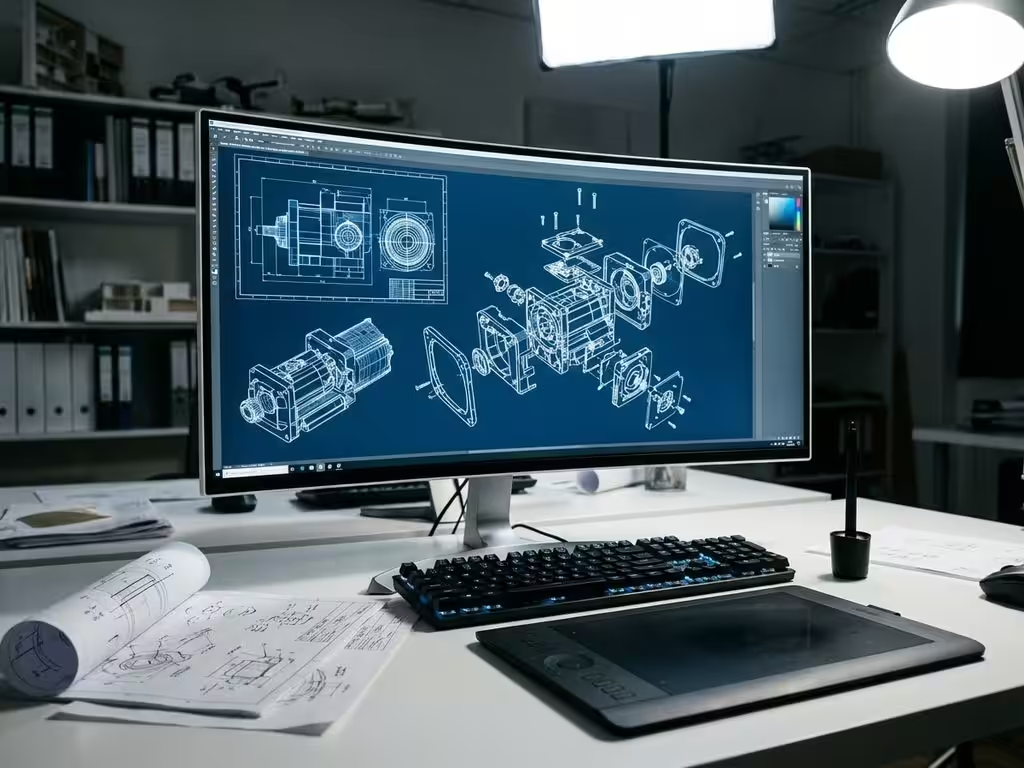
What are advanced features in CAD software?
The manufacturing industry is evolving rapidly, and modern CAD software is at the beating heart of this transformation. Where simple drawing programs once sufficed, today’s design challenges require much more advanced functionality. From parametric modeling to integrated simulations and smart automation, advanced CAD software enables companies to develop complex products faster and more efficiently.
These technological advances mean not only more capabilities, but also a fundamental shift in how you design, test and manufacture. Advanced features make the difference between competing and being ahead in the modern manufacturing industry.
What makes modern CAD software advanced?
Advanced CAD software is distinguished from basic drawing programs by intelligent design functionalities that go far beyond simple geometry. Whereas traditional CAD tools primarily served to digitize signatures, modern systems act as complete design platforms that think along with your creative process.
The difference is in the underlying technology. Basic CAD software works with static lines and shapes, while advanced systems use intelligent objects that remember relationships and properties. These objects automatically respond to changes and take design rules and constraints into account.
Modern CAD software integrates different disciplines within one environment. You can not only design, but also directly simulate, analyze and prepare for production. This holistic approach eliminates the need for multiple software packages and prevents errors that occur when data is transferred between different systems.
Parametric modeling and intelligent geometry
Parametric modeling is the backbone of advanced CAD functionality. This technique stores not only the shape of your design, but also the intent behind it. Each design step is recorded in an edit history, allowing you to easily make adjustments later without having to rebuild the entire model.
Feature-based modeling works with recognizable shape elements such as holes, grooves and roundings. These features retain their properties and relationships even when you change the basic geometry. For example, a hole always remains perpendicular to the surface, no matter how you modify that surface later.
Constraint-based design adds another layer of intelligence by defining relationships between different components. When you modify one component, related parts automatically follow suit. This prevents design errors and keeps assemblies consistent, even with complex changes.
History-based modeling provides the flexibility to go back to earlier design steps and explore alternative solutions. You can develop and compare different design variants in parallel without losing your original work.
Simulation and analysis within CAD environments
Integrated simulation capabilities transform CAD software from a drawing tool to a virtual testing lab. Stress analysis instantly shows where your design has weaknesses, even before you build a prototype. This real-time feedback saves time and material costs in the development process.
Thermal simulation is becoming increasingly important in modern product development. You can analyze heat buildup and dissipation within the same environment in which you design. This is crucial for electronic products, but also for mechanical systems in which temperature differences play a role.
Motion simulation (kinematic analysis) shows how moving parts interact with each other. You can detect collisions, check ranges of motion, and analyze the dynamics of complex mechanisms. This functionality prevents costly design errors in the prototype phase.
The power of integrated simulation lies in its direct link to your design model. Changes in geometry are automatically reflected in all active simulations. This iterative process of design, testing and optimization significantly speeds up the development cycle.
Automation and configuration for mass production
Design automation revolutionizes how companies handle product variants and customization. Configurators allow you to define product families where customers can create their own variants within predefined parameters. The system automatically generates all necessary technical drawings and production data.
Family tables organize related product variants into structured views. Changes to the basic design are automatically made to all variants, while specific modifications per variant are retained. This approach keeps large product catalogs consistent and up-to-date.
Template-based design speeds up the development process with reusable design templates. Standard components, material specifications and manufacturing processes are defined once and can then be applied in multiple projects.
Automatic output generation eliminates manual steps between design and production. The system automatically generates cut lists, purchase lists, NC codes and other production data. This seamless integration between design and manufacturing minimizes errors and reduces lead times.
Why IronCAD excels in advanced functionality
IronCAD is distinguished by unique technologies that break traditional CAD constraints. TriBall technology provides an intuitive way to manipulate 3D objects through a visual interface that feels natural. This technology eliminates complex commands and makes 3D design accessible to a wider audience.
Multi-CAD data exchange ensures seamless collaboration in mixed CAD environments. You can import and edit native files from different CAD systems without loss of quality. This flexibility is crucial in supplychains where different partners use different CAD systems.
The drag-and-drop design philosophy makes complex assemblies intuitive. Components behave as intelligent objects that automatically assume the correct positions and orientations. This natural way of working speeds up the design process and shortens the learning curve for new users.
How IronCAD helps with advanced CAD functionality
We at Dynfos Business Solutions help your company harness the full power of advanced CAD functionality. IronCAD offers a unique combination of powerful functionality and usability that perfectly meets the needs of the modern manufacturing industry.
Our solution supports you with:
- Integrated parametric modeling tools for flexible design
- Built-in simulation and analysis capabilities for direct validation
- Automation features for efficient variant production
- Seamless integration with manufacturing processes and ERP systems
- Multi-CAD compatibility for optimal collaboration
Discover how IronCAD can transform your design processes and enhance your competitiveness. Contact us for a personal demonstration of these advanced features in practice.


