What do you need to get started with 3D drawing?
3D drawing has completely changed the way companies design and manufacture. From prototyping to final production, 3D design software offers unprecedented opportunities for precision and creativity. However, for companies looking to get started with 3D drawing, many questions arise about the hardware, software and skills needed.
Whether you’re a start-up or an established company looking to digitize, the first steps in 3D drawing can seem overwhelming. This guide answers the most important questions and helps you get started successfully with 3D design and make the right choices for your specific situation.
What is 3D drawing and why is it important for businesses?
3D drawing is the process of creating three-dimensional digital models using specialized software. This technology allows you to design, visualize and test objects, products and structures before they are physically produced.
For companies in the manufacturing industry, 3D drawing offers crucial advantages. You can spot design flaws early in the process, preventing costly production errors. In addition, 3D design speeds up communication with customers and suppliers because everyone can see exactly what is meant. Prototyping becomes more efficient because you can test and modify virtually before creating physical prototypes.
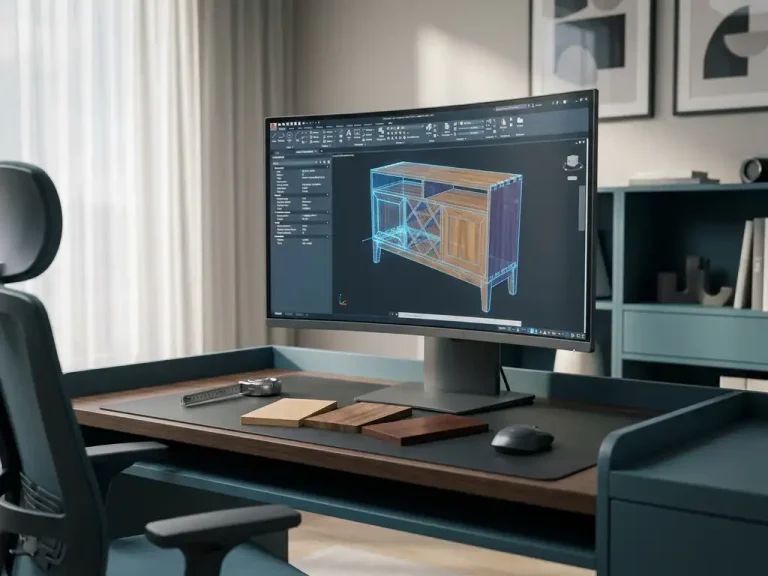
The technology also integrates seamlessly with modern manufacturing processes. From your 3D model, you can automatically generate engineering drawings, cut lists and even CNC code. This streamlines the entire process from design to production and significantly increases accuracy.
What computer do you need for 3D drawing?
For 3D drawing, you need a computer with at least 8 GB of RAM, a dedicated graphics card, a modern processor and sufficient storage space. The exact specifications depend on the complexity of your projects and the software you choose.
The processor is the heart of your 3D workstation. An Intel i5 or AMD Ryzen 5 processor is the bare minimum, but for professional work we recommend an i7 or Ryzen 7 processor. These processors can easily handle the complex calculations involved in 3D modeling.
Your graphics card is crucial for smooth rendering of 3D models. Professional CAD cards such as NVIDIA Quadro or AMD FirePro are ideal, but a good gaming card, such as an NVIDIA GTX or RTX series, also works fine for most applications. At least 4 GB of video memory is recommended.
In terms of storage, preferably choose an SSD of at least 500 GB. This ensures fast loading times of software and files. A second hard drive for storing project files can be useful for larger projects.
Which CAD software is best for beginners?
For beginners, easy-to-use CAD programs such as SketchUp, Fusion 360 or Tinkercad are ideal for learning the basics. These software offer intuitive interfaces and extensive online tutorials that shorten the learning curve.
Known for its easy operation, SketchUp is perfect for architectural designs and simple products. The free version already offers many features for beginners. Fusion 360 from Autodesk combines CAD, CAM and simulation in one package and is free for personal use and startups.
For companies that want to invest in professional software right away, more advanced options are available. These offer more extensive functionality and better integration with production processes, but require more learning time.
The choice depends on your budget, the complexity of your projects and how much time you want to invest in learning the software. Start with a simple program and later switch to more professional software as your skills increase.
How long does it take to learn 3D drawing?
You can master the basics of 3D drawing within 2 to 4 weeks with daily practice. For professional level, you usually need 3 to 6 months of intensive training, depending on your background and the complexity of the software.
In the first few weeks, you will learn about the interface, create basic geometric shapes, and model simple objects. This phase requires about 1 to 2 hours of practice per day to properly understand the fundamental concepts.
After a month, you can usually design simple products and perform basic modifications. The next stage, in which you learn advanced functions such as assemblies, simulations and automated drawings, takes another 2 to 4 months.
Your pace of learning depends greatly on your technical background. People with experience in technical drawing or engineering often pick up 3D software faster. Regular practice and taking structured courses significantly speed up the learning process.
What basic skills do you need to master for 3D design?
Successful 3D design requires mastery of spatial understanding, technical drawing, geometric principles and problem-solving. These fundamental skills are the foundation for working effectively with 3D software.
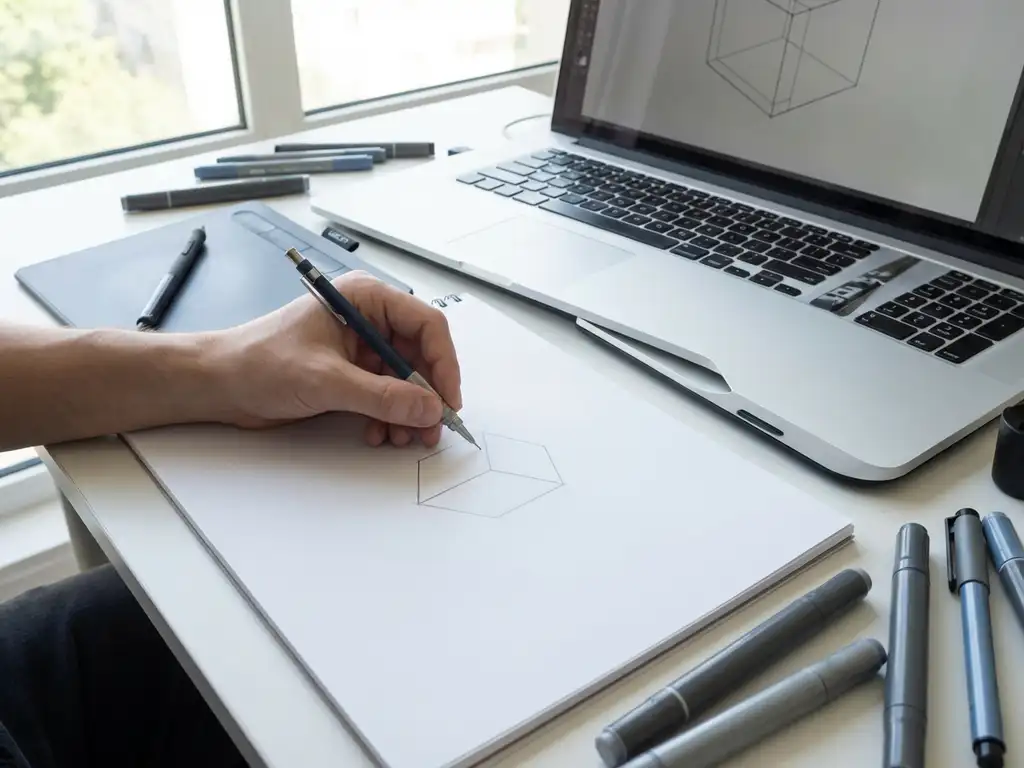
Spatial understanding is essential because you need to be able to visualize and manipulate three-dimensional objects in a digital environment. You need to understand how shapes relate to each other and how they look from different angles.
Knowledge of engineering drawing helps tremendously in understanding dimensions, tolerances and construction principles. You don’t have to be an expert, but basic concepts such as projections, cross-sections and dimensioning are valuable.
In addition, computer skills are important. You must be comfortable with file management, keyboard shortcuts and working with multiple programs simultaneously. Patience and perseverance are also crucial, as 3D design can sometimes be complex and time-consuming.
What is the cost to start 3D drawing?
The cost to get started with 3D drawing ranges from €500 for a basic setup to €5000+ for a professional workstation. This includes hardware, software and possible training, depending on your ambitions and needs.
A budget computer for 3D work costs about €800 to €1200. For this you get a system suitable for simple to medium projects. For professional work, count on €2000 to €4000 for a powerful workstation that can handle complex assemblies.
Software costs range from free (such as SketchUp Free or Tinkercad) to €200 to €500 per month for professional packages. Many companies choose an annual license to spread the cost. Some software vendors also offer one-time licenses.
Training and courses cost between €300 and €2000, depending on the depth and duration. Online courses are usually cheaper than classroom training, but personal guidance can speed up the learning process. Also consider time for self-study and practice.
How IronCAD helps with 3D drawing
IronCAD offers a revolutionary approach to 3D drawing that is perfect for companies looking to get started in professional design. This CAD software combines the power of parametric modeling with the freedom of direct design in one intuitive environment.
The advantages of IronCAD for beginning 3D designers are:
- Drag-and-drop interface that dramatically shortens the learning curve
- TriBall™ technology for intuitive object manipulation
- Integrated library of ready-to-use components
- Automatic generation of saw lists and NC code
- Seamless integration with manufacturing processes
- Lifetime license with no recurring fees
With IronCAD, you don’t have to plan your entire design in advance. You can start with an idea and let the model grow organically, just as you would in the physical world. This makes the software ideal for companies in the manufacturing industry that want to design quickly and flexibly.
Want to know how IronCAD can improve your 3D drawing process? Contact us for a personal demonstration and tailored advice.