How can I use a 3D model to get a client to approve a project more quickly?
The best way to get a customer to approve a design more quickly is to show them a 3D model instead of a 2D drawing. A three-dimensional model immediately captures the imagination: the client can see exactly what the final product will look like, how the parts fit together, and whether the dimensions are correct. That confidence significantly speeds up the decision-making process. In this article, we answer the most frequently asked questions about how to convince a customer with a 3D model, from the initial presentation to incorporating feedback.
Why are customers more likely to approve a 3D model than a 2D drawing?
A customer is more likely to approve a 3D model because they can immediately understand the product without any technical knowledge. Whereas a 2D drawing requires interpretation, a 3D model shows reality as it is. The customer no longer has to guess how a top view relates to a side view. They can simply see it.
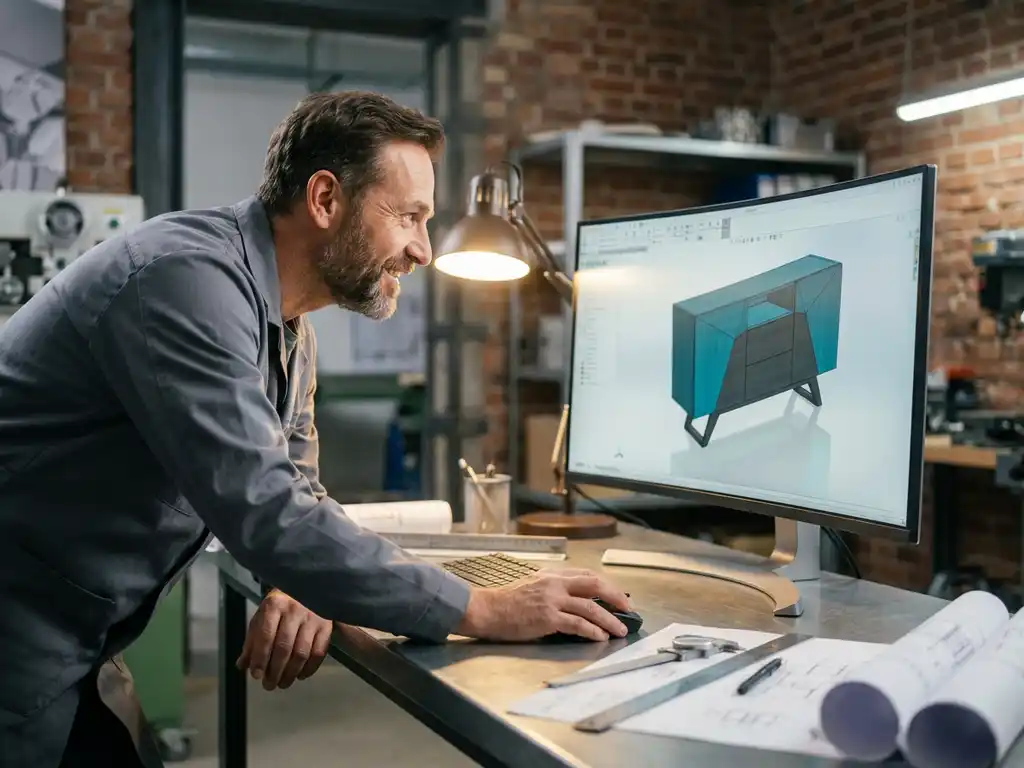
This has a direct impact on trust. When someone can see for themselves that a product meets their needs, doubts disappear more quickly. This is certainly true in industries such as furniture and interior design, where aesthetics and customization are key. A customer who can literally walk around a design feels more confident about their decision.
In addition, a 3D model reduces the risk of misunderstandings. Many delays in the approval process arise because a client later says, “I had imagined this differently.” With a 3D visualization in mind, the likelihood of such surprises is much lower.
Which parts of a 3D model are most convincing to a customer?
The aspects of a 3D model that most convince a customer are the realistic depiction of proportions, materials, and how the parts fit together. A customer wants to see how large something is in relation to its surroundings, what a surface looks like, and whether everything fits together logically.
Specifically, these are the factors that have the greatest impact:
- Realistic material rendering: Wood, metal, or plastic that looks recognizable immediately gives you a sense of what the final product will look like.
- Accurate proportions: A scale model in a realistic setting—such as a cabinet in a room—makes dimensions tangible.
- Animated or exploded view: Showing how parts fit together or come apart enhances understanding of the structure.
- Customizable options: When customers can customize a color or size in real time, they feel more involved in the design process.
It’s not about the model looking spectacular. It’s about the customer seeing themselves in the final result.
How do you share a 3D model with a client without requiring them to have special software?
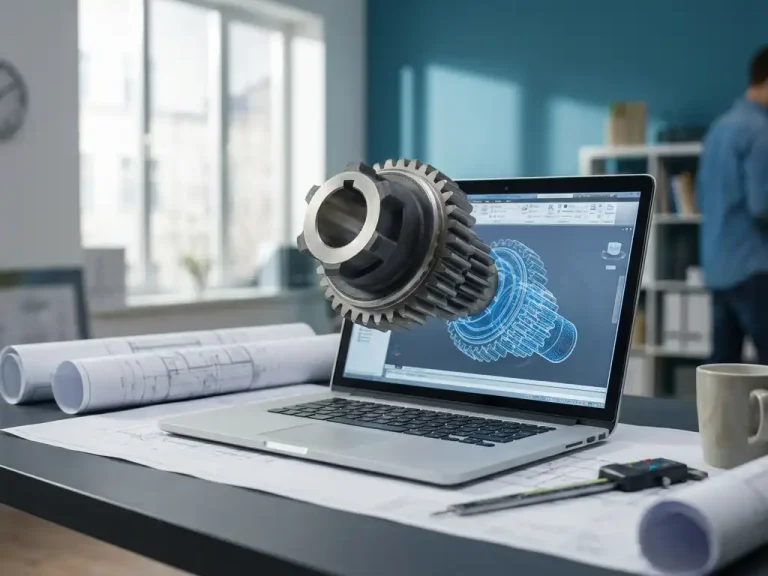
You can share a 3D model with a client without requiring any special software by using web-based viewers, export formats such as PDF 3D, or lightweight file formats that work in a browser. The client then doesn’t need to install anything and can view the model on their own device.
Practical options include:
- PDF with 3D content: Adobe Reader supports interactive 3D viewing. Customers can rotate and zoom in without additional software.
- Web-based viewers: Platforms such as Autodesk Viewer or similar tools display models via a direct link.
- Lightweight export formats: Formats such as STEP or STL can be opened with free viewers that are quick to download.
- Screenshot or short video: For customers who really don’t want to install anything, a video tour of the model is an accessible option.
Always choose the method that presents the fewest barriers for your specific customer. A technical director has different needs than an end user who is having a kitchen built.
What is the difference between a 3D visualization and a technical 3D model?
A 3D visualization is an aesthetic representation intended to make a product look appealing, while a technical 3D model contains dimensional, design, and manufacturing information. Both can be persuasive, but they serve different purposes in the sales process.
A visualization is ideal for making a first impression. It looks great, conveys a sense of atmosphere, and helps the client connect emotionally with the design. Think of a photorealistic rendering of an interior.
A technical model goes a step further. It includes exact dimensions, tolerances, and material specifications, and serves as the basis for production. You use this model when the customer is already further along in the decision-making process and needs technical assurance.
In practice, this combination is most effective. Start with a visually appealing presentation to spark interest, and follow up with the technical model as soon as the customer is seriously considering the offer. This way, you guide them step by step toward a deal.
How can you quickly incorporate customer feedback into an existing 3D model?
You can quickly incorporate customer feedback into an existing 3D model by using a design approach that doesn’t tie changes to a complex version history. The more flexible the software, the faster you can implement a change and provide feedback to the customer.
A few practical habits can help with this:
- Record feedback in a structured way: During the customer meeting, write down exactly what needs to change, in order of priority. Vagueness will cost time later on.
- Use parameters whenever possible: If dimensions are set parametrically, adjusting a single value will cause the entire model to update accordingly.
- Keep track of variations: Save versions of the model so you can quickly revert to a previous state if the client changes their mind.
- Send the revision back quickly: Speed builds trust. A client who receives an updated model within a day feels that they are being taken seriously.
The speed with which you process feedback is itself a selling point. It shows that your approach is flexible and customer-focused.
When does it make sense to show a 3D model early in the sales process?
It makes sense to show a 3D model early in the sales process when the product is complex, requires customization, or when the customer has trouble visualizing the end result based on a description. The larger the investment, the sooner visual aids add value.
In the furniture and interior design industry, an early 3D presentation is almost always worthwhile. Customers in this field make purchases based on intuition and trust. A model that illustrates your vision as early as the proposal stage sets you apart from competitors who rely solely on text and flat sketches.
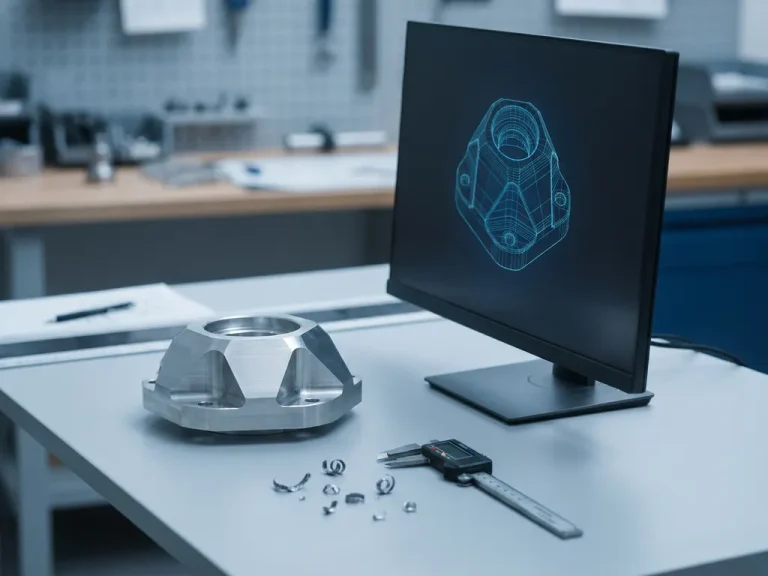
In mechanical engineering or metalworking, the decision is more nuanced. A detailed technical model takes time to create. In that case, consider a conceptual model that illustrates the basic shape and function without working out all the details just yet. This provides direction without requiring you to invest too much too early.
The rule of thumb: Show a 3D model as soon as it helps the customer make a decision. Not before, not after. Use it as a conversation starter, not as a final presentation.
How IronCAD Helps Win Over Clients with a 3D Model
IronCAD is the CAD software solution specifically designed for companies that want to design quickly and flexibly and involve customers directly in the design process. The software combines design freedom with technical accuracy, making it ideal for winning over customers.
Specifically, IronCAD offers the following:
- Instant adaptability: Changes can be implemented in seconds, without relying on a complex version history structure. You can process customer feedback in real time or in no time at all.
- Intuitive 3D design: The interface is easy to learn, so you can spend more time designing and less time figuring out the software.
- Flexible export options: Easily share models with customers in formats they can view without special software.
- Suitable for custom work: Whether you design furniture, machinery, or metal structures, IronCAD adapts to your manufacturing process.
Would you like to see how IronCAD can help you get your clients to approve projects faster? Contact us, and we’d be happy to show you what’s possible.