What is the best CAD software for metalworking?
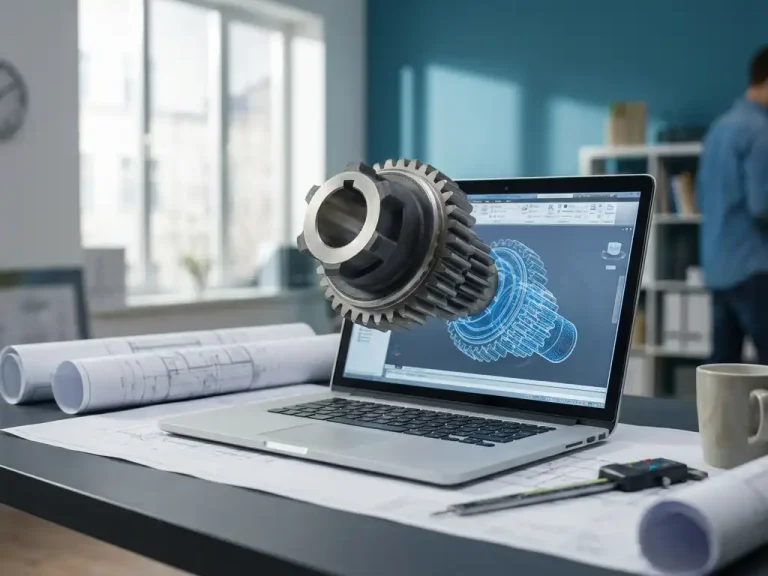
The best CAD software for metalworking combines 3D design freedom with real-time manufacturability checks, automatic blank generation, and seamless integration with CNC machines and laser cutters. For companies in the metalworking and sheet metal fabrication sectors, simply creating drawings isn’t enough—the software must also generate production data directly. In this article, we answer the most frequently asked questions about CAD software for metalworking, so you can make an informed decision.
What features are essential in CAD software for metalworking?
CAD software for metalworking must, at a minimum, include parametric 3D modeling, automatic blank generation, bending information, and a direct link to production files. Without these features, there is a disconnect between the design and the shop floor, which leads to errors, rework, and wasted time.
The most essential features are:
- Parametric modeling: Changes made to the model are automatically applied to all linked parts and drawings.
- Sheet metal and bending tools: software that automatically incorporates bend radii, bending schedules, and material take-offs into the 3D model.
- Automatic flat-pattern layout: The model is immediately converted into a flat pattern ready for cutting, including marking lines.
- NC code generation: direct output to CNC machines, laser cutters, or punch presses without any intermediate conversion.
- Manufacturability Check: The software immediately indicates whether a design can be manufactured using the selected materials and techniques.
- Importing standard file formats: Compatibility with STEP, IGES, DXF, and DWG is essential for collaboration with customers and suppliers.
Companies that work with one-off or custom-made parts also benefit from software that can be quickly adapted without having to remodel every component from scratch. Flexibility in the design process is just as important in metalworking as precision.
What is the difference between 2D and 3D CAD software for metalworking?
The main difference is that 2D CAD software produces only flat drawings, while 3D CAD software builds a fully three-dimensional model from which drawings, dimensions, and manufacturing data are automatically derived. For metalworking, 3D clearly offers more advantages, especially for complex shapes and custom orders.
With 2D CAD, you draw lines and planes. This works for simple, repetitive parts, but as soon as a design has multiple parts or combines bends, maintaining consistent drawings becomes labor-intensive. Every change must be manually updated in all views.
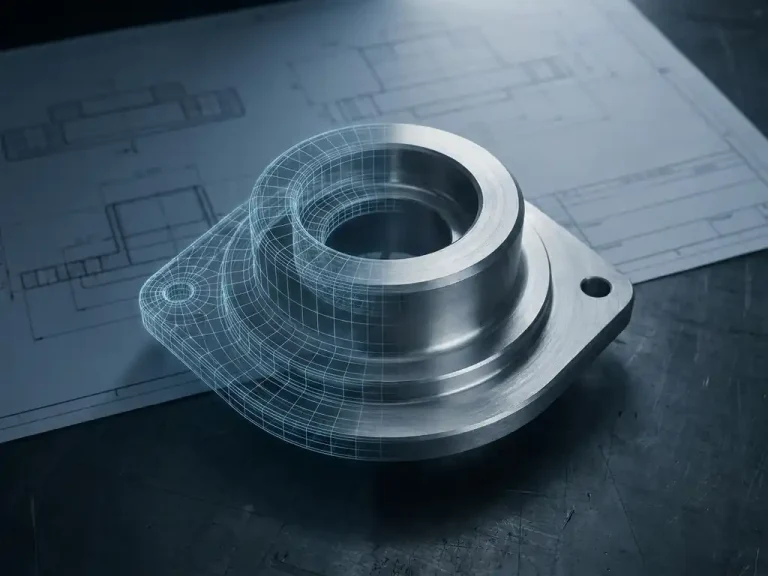
With 3D CAD, you build a digital model that behaves just like the actual part. Bends, joints, and shapes remain linked. If you adjust an angle, the deflection adjusts automatically as well. This not only saves time but also prevents errors that would otherwise only come to light during production. For industries such as sheet metal fabrication, structural engineering, and mechanical engineering, 3D CAD has now become the standard, precisely because the complexity of the products demands it.
How does CAD software automatically generate dimensions and NC code?
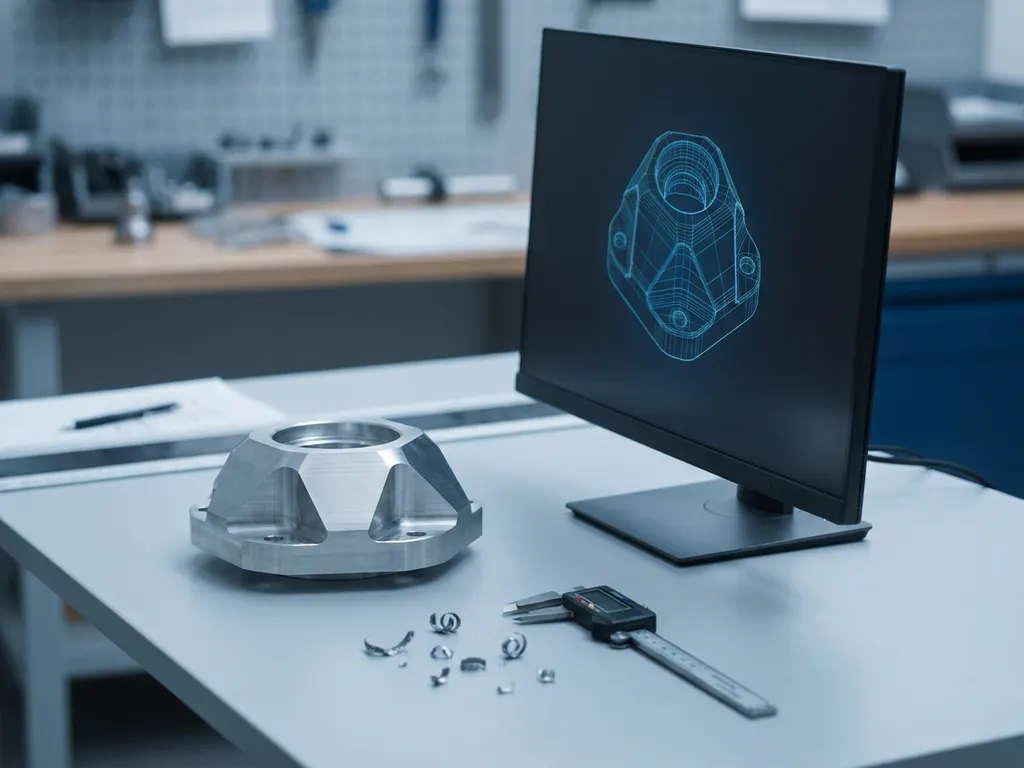
CAD software automatically generates bends by analyzing the geometry of the 3D model, taking into account material thickness, bend radii, and stretch factors, and unfolding the result into a flat pattern. NC code is then generated based on this flat pattern, ready for use on a CNC machine or laser cutter.
The process works as follows:
- You model the part in 3D, including all bends and joints.
- The software calculates the flat pattern based on the material settings you have specified, such as thickness and bend radius.
- Bending lines and bending instructions are automatically added to the cutout, so the shop floor knows immediately where and how to bend the material.
- Based on the results, the software generates NC code—a series of instructions that tell the CNC machine or laser cutter which movements to perform.
This automated process eliminates the need to manually redraw or convert files between systems. This significantly reduces the risk of data entry errors or miscommunication between design and production. Advanced add-ins can further enhance this capability with sheet optimization, whereby the software automatically determines the most material-efficient way to place parts on a sheet.
Which CAD software is best suited for CNC machines and laser cutters?
CAD software works best with CNC machines and laser cutters when it generates ready-to-use NC code or DXF files in the correct formats for your specific machines. The integration between the software and the machine determines how quickly you can move from design to production.
Not all CAD software speaks the same language as your machines. It’s important that the software:
- Supports standard export formats such as DXF, DWG, and STEP, which are read by most CNC controllers.
- Postprocessors tailored to popular machine brands and controllers.
- Sheet optimization is integrated so that the layout on the sheet is already determined before the NC code is generated.
- Provides bending information in a format compatible with press brakes and bending programming software.
For laser cutters, DXF export with accurate contours and holes is the most common format. CNC milling machines and punch presses require specific post-processors. Choose software that offers flexible output options and is compatible with the machinery you use—or that used by your suppliers.
Why do metalworking companies choose IronCAD?
Metalworking companies choose IronCAD because of its combination of intuitive 3D design, real-time manufacturability checks, and automated production output. The software lowers the barrier to moving quickly and error-free from design to production, even for complex custom projects.
IronCAD stands out thanks to a unique design approach that allows you to model freely without being constrained by rigid parametric structures. This makes the software particularly well-suited for custom work and one-off pieces, where every project is different. At the same time, it offers all the technical precision required for sheet metal work: bends are calculated correctly, flanges are accurate, and cutting lines are generated automatically.
In addition, IronCAD is used worldwide by more than 100,000 users in industries such as mechanical engineering, shipbuilding, and metal fabrication. This widespread use results in a rich library of standard parts, an active user community, and ongoing software development that meets the needs of the manufacturing industry.
How do you choose the right CAD software for your metalworking business?
You should choose the right CAD software for your metalworking business based on four criteria: the complexity of your products, the machines you use, your team’s technical expertise, and the extent to which you want to automate the design process. There is no one-size-fits-all solution: the best software is the one that fits your workflow.
Ask yourself the following questions:
- What products do you make? Simple sheet metal parts require different functionality than complex welded structures or custom-built machines.
- What machines do you use? Check whether the software provides direct output for your laser cutter, press brake, or milling machine.
- How big is your team? Small teams benefit from software that is easy to learn and requires minimal IT maintenance.
- Do you want to automate? If you want to automatically generate cutting lists, sheet optimization, or NC code, you’ll need software that includes those specific modules or add-ins.
- What’s your budget? Don’t just compare the purchase price; also consider the costs of training, maintenance, and updates.
Always ask for a demo or trial period. In practice, you’ll quickly see whether an interface is user-friendly and whether the software fits your production process. A good software provider will work with you on implementation and offer support after the purchase.
How IronCAD helps with metalworking
IronCAD offers a comprehensive solution for metalworking companies that want to move from design to production faster and with fewer errors. As the official distributor of IronCAD in the Netherlands, we support your company from start to finish: from licensing and implementation to training and custom development. Here’s what IronCAD does for you, specifically:
- Direct 3D modeling of sheet metal with automatic processing of bend radii and material thickness.
- Automatic blank generation, including cutting lines and bending information, ready for the shop floor.
- NC code and DXF export files are ready for use with laser cutters, CNC machines, and press brakes.
- Para-Flex add-in for further automation: cutting lists, sheet optimization, and NC code with a single click.
- Suitable for custom work and mass production, from one-off items to recurring production orders.
- Comprehensive support for the implementation, configuration, and optimization of your existing workflows.
Would you like to know if IronCAD is a good fit for your metalworking business? Contact us, and we’ll work with you to find the best solution for your situation.