
Laveno Metalworking
From 2D to Fast and Clear 3D Design
Laveno Metalworking has been using IronCAD since 2014. Before that, designs were primarily created in 2D, but the desire to design more in 3D was growing.
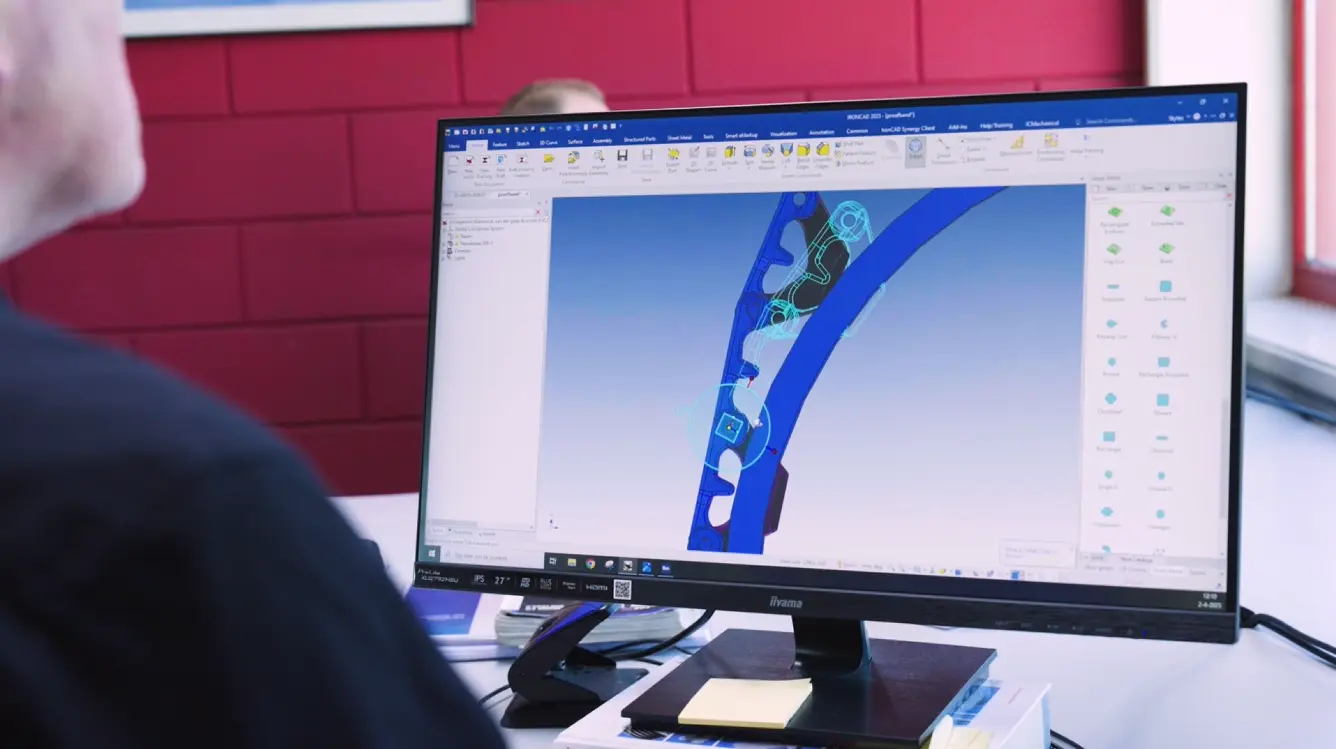
For Laveno, 3D design isn’t just about the technical aspects. Above all, it helps clearly show customers the idea behind a product.

Bringing an Idea to Life
Customers come to Laveno with a question, a sketch, or an idea for a product. From there, the design is further developed into a drawing and ultimately into a finished product.
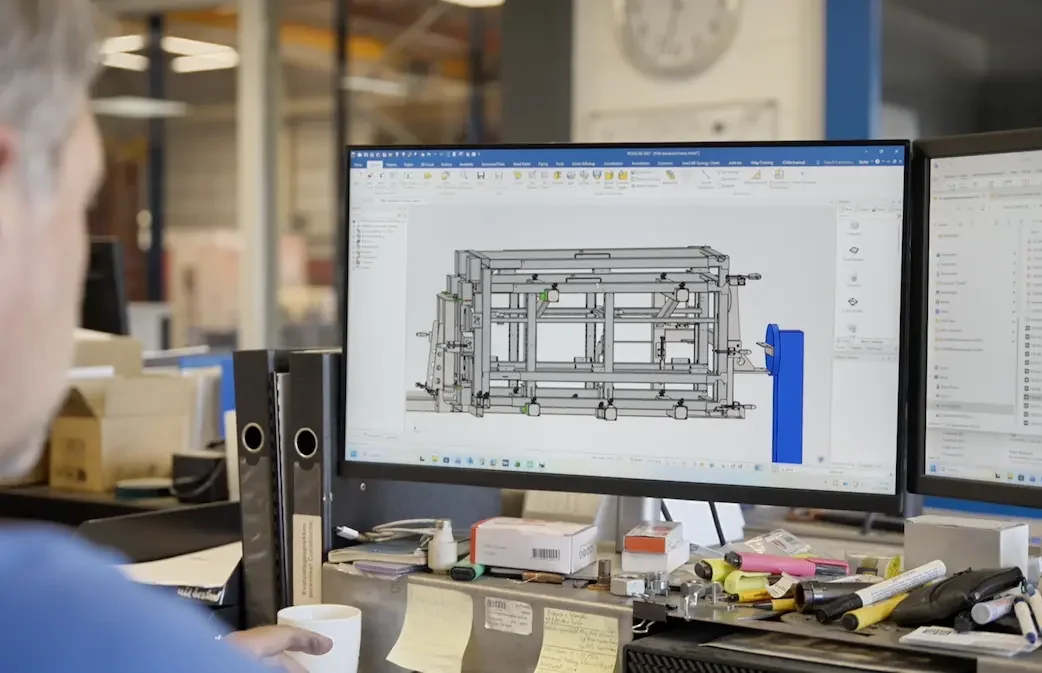
With IronCAD, Laveno can create a 3D design that the customer can understand immediately.
“With IronCAD, you can very quickly create a drawing that’s clear to the customer.”
Moreover, the customer doesn’t need to understand all the technical dimensions right away. The 3D model immediately shows what the design is intended to be.
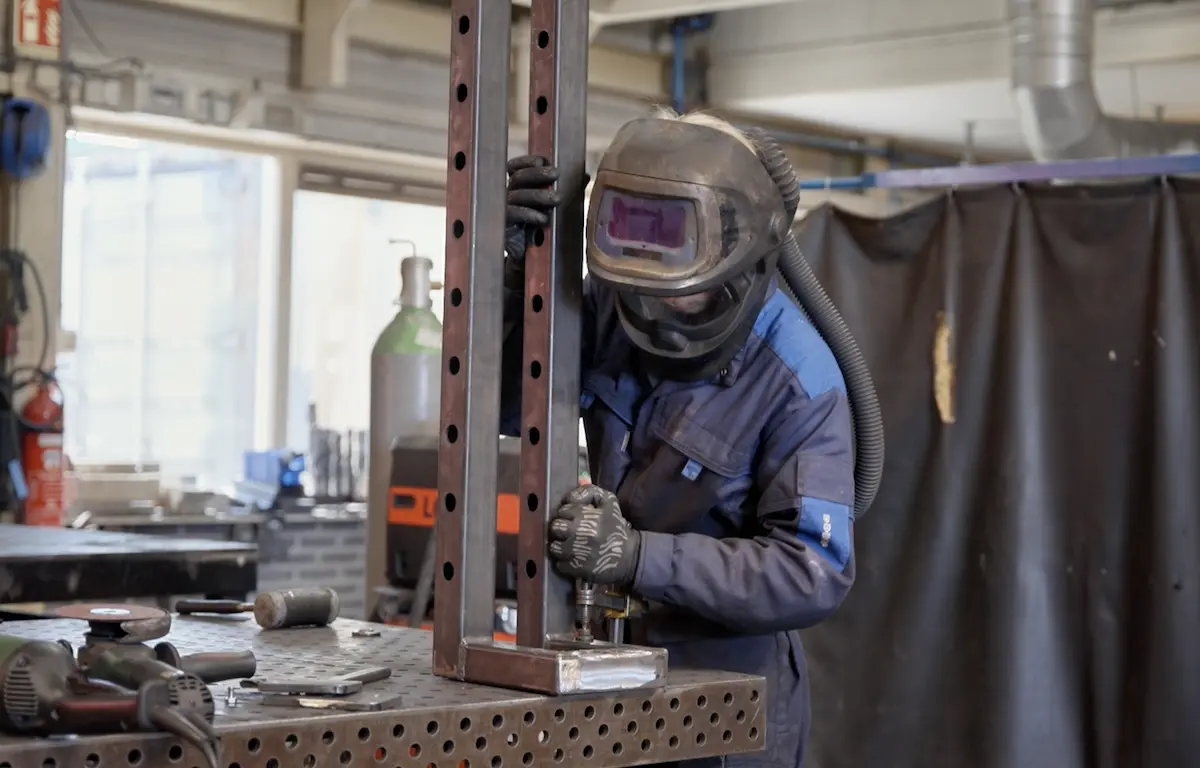
Why Laveno Chose IronCAD
The switch to IronCAD stemmed from a desire to work more in 3D. At the same time, Laveno wanted to create drawings that are not only technically useful but also clear to clients.
According to owner Matthijs Post, user-friendliness is particularly important.
“IronCAD is very user-friendly. You can get started very quickly.”
Even without extensive training, new users can work with the program relatively easily.
Accessible to new users
Laveno also notices this user-friendliness among interns who have just graduated from school.
They can quickly get the hang of IronCAD and create a drawing on their own in no time. For a small business, that’s practical, because it allows new employees to contribute to the drafting process sooner.
“They actually get up to speed with the drafting program very quickly.”
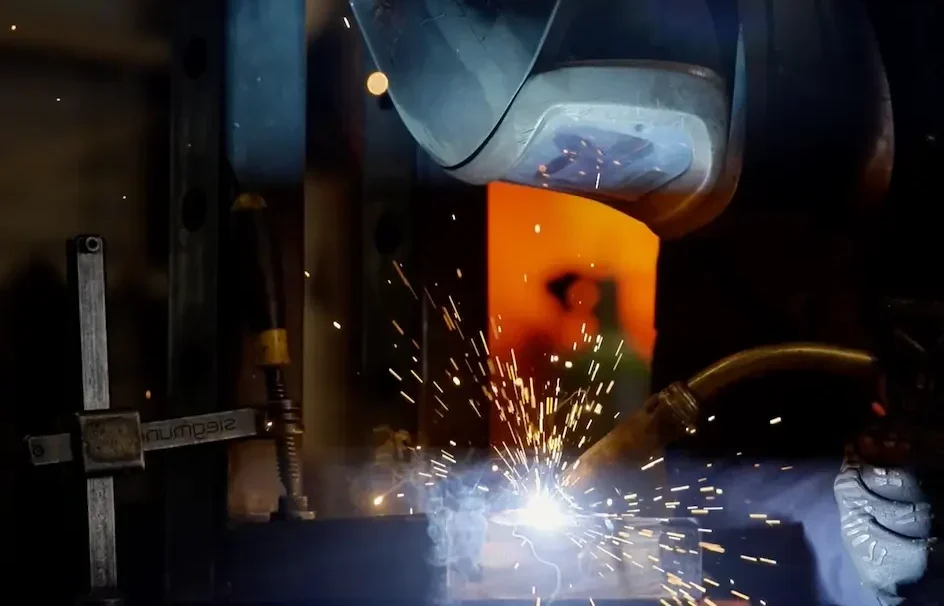
From Sketch to Final Product
At Laveno, we don’t stop at design alone. Our goal is always to turn an idea into an actual product.
That process begins with a sketch or a customer request, is developed in IronCAD, and culminates in production.
For Laveno, it’s important that design and execution align seamlessly. With a small team and short lines of communication, we can easily adapt when necessary.
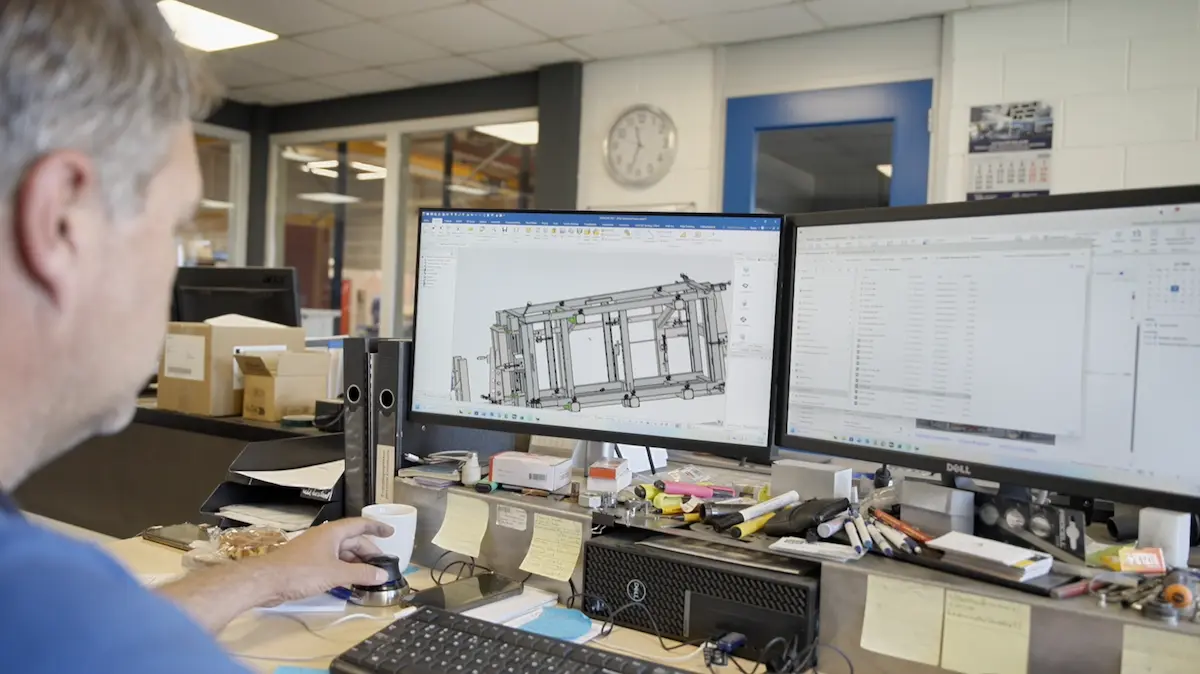
IronCAD in Action at Laveno
For Laveno, IronCAD is a practical tool for turning an idea into a clear 3D design.
The software helps visualize products, communicate clearly with customers, and make the design process accessible to new users.
In this way, IronCAD supports Laveno’s approach to work: practical, clear, and with short lines of communication.
Want to see for yourself what IronCAD can do?
Request a trial version or schedule a no-obligation demo.
See more testimonials from IronCAD users
More than 100,000 professionals worldwide rely on IronCAD to design, develop, and manufacture products and machines.
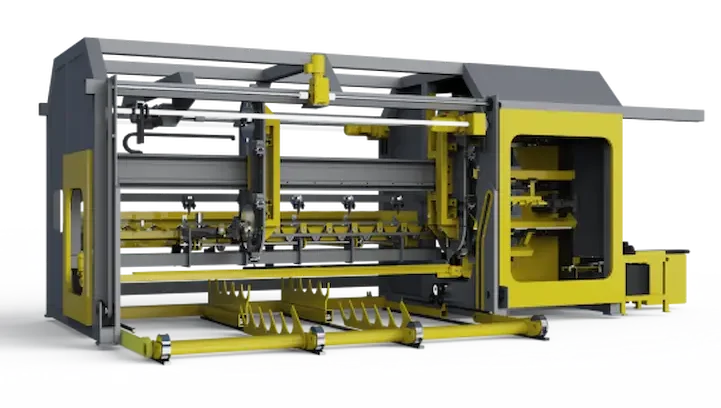
Forsell Maskin
From concept to custom machine in 3D.
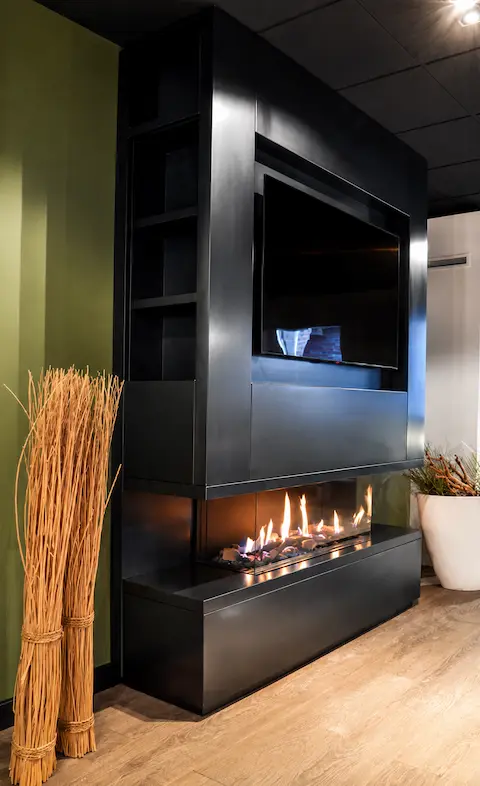
The Salamander
Faster customization for exclusive fireplaces.

De Jongh Machinery
Faster transition from engineering to production.
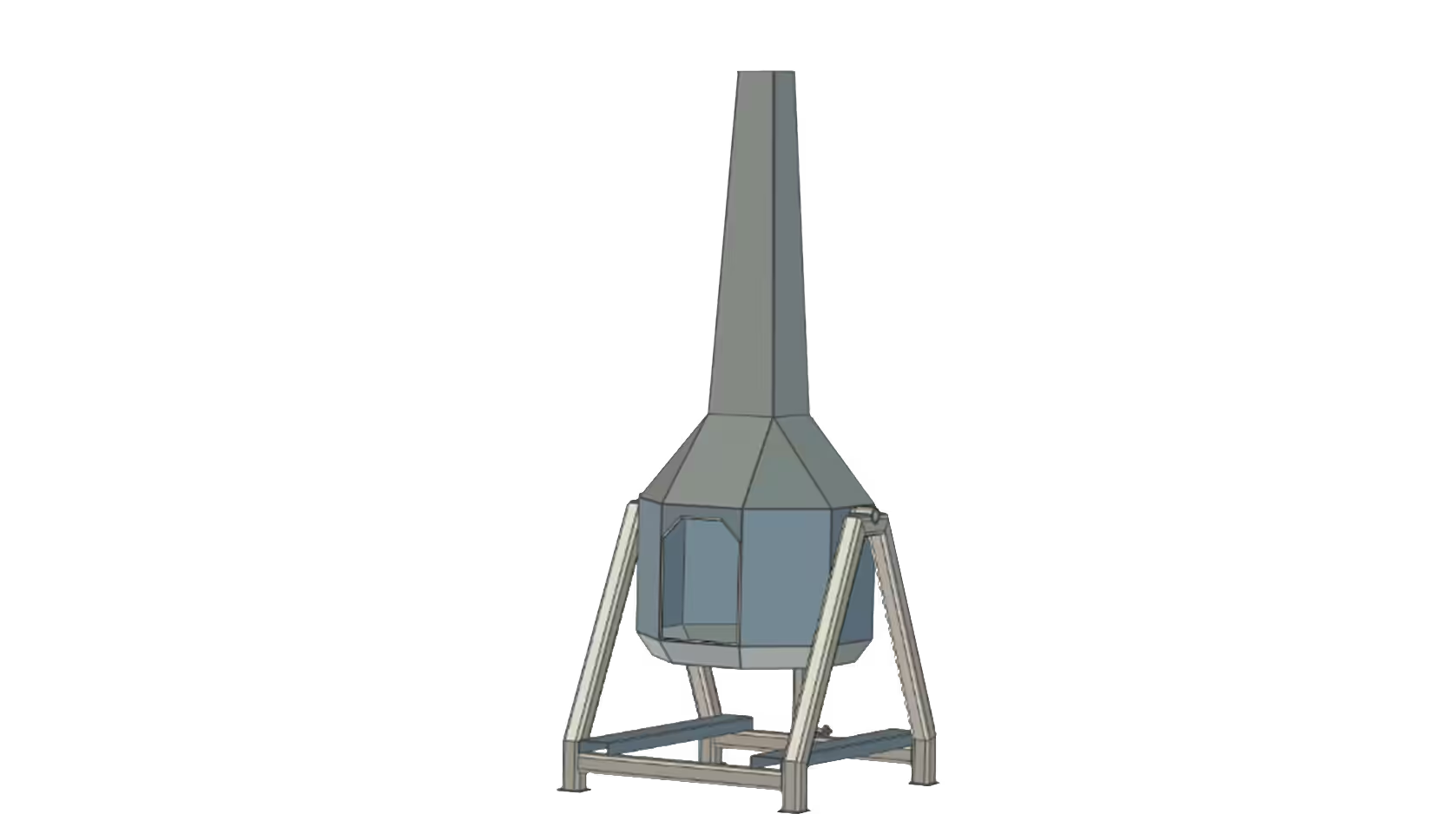
De Jongh Metal
More efficient engineering of metal products.
Lumacon B.V.
Smarter engineering of complex machines.

Midwest Bio-Systems
Faster development of complex machinery.