AI Rendering for Interior Design with IronCAD
From an editable 3D CAD model to a professional interior visualization in seconds
Design custom interiors, furniture, cabinets, counters, kitchens, and store fixtures in IronCAD. Use AI rendering to quickly turn your model into compelling visuals for quotes, client presentations, and sales pitches.
Not just a random AI-generated image, but a visual based on a technically sound design.
Examples of AI-generated renders from IronCAD models
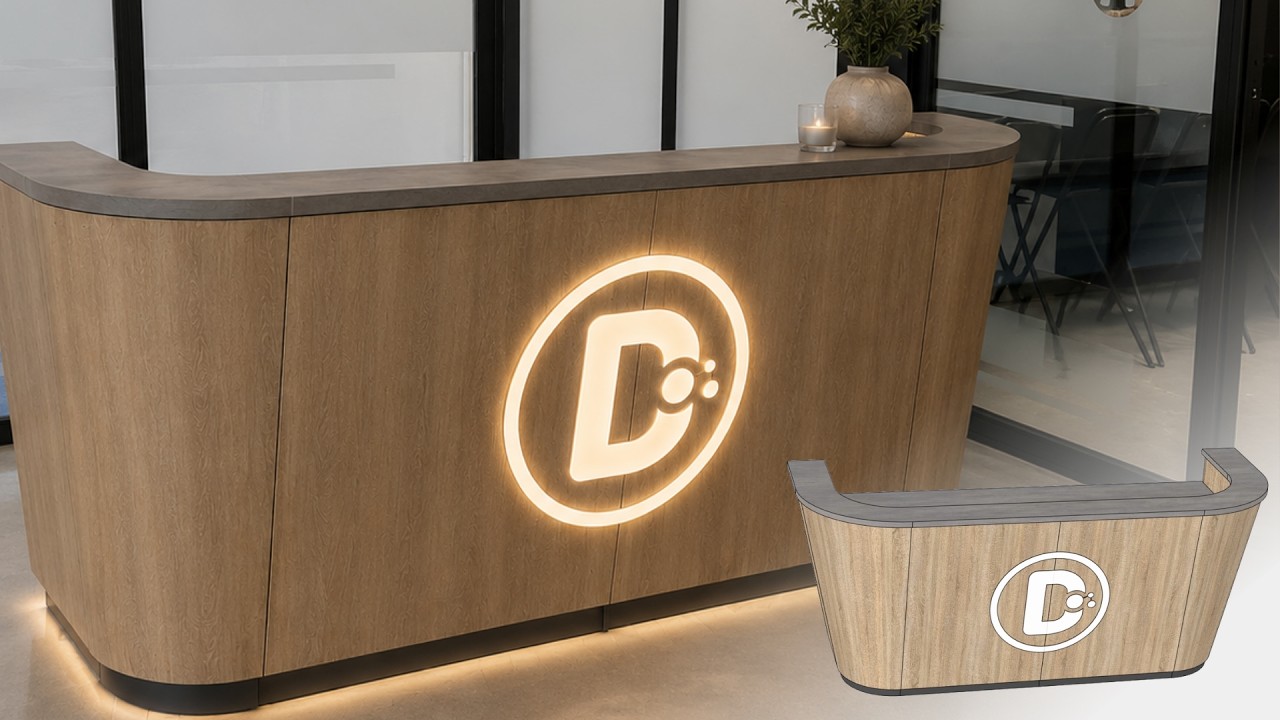
From a technical 3D model to a professional interior rendering. Use your IronCAD design as a starting point and quickly create realistic images with different materials, colors, styles, and atmospheres.
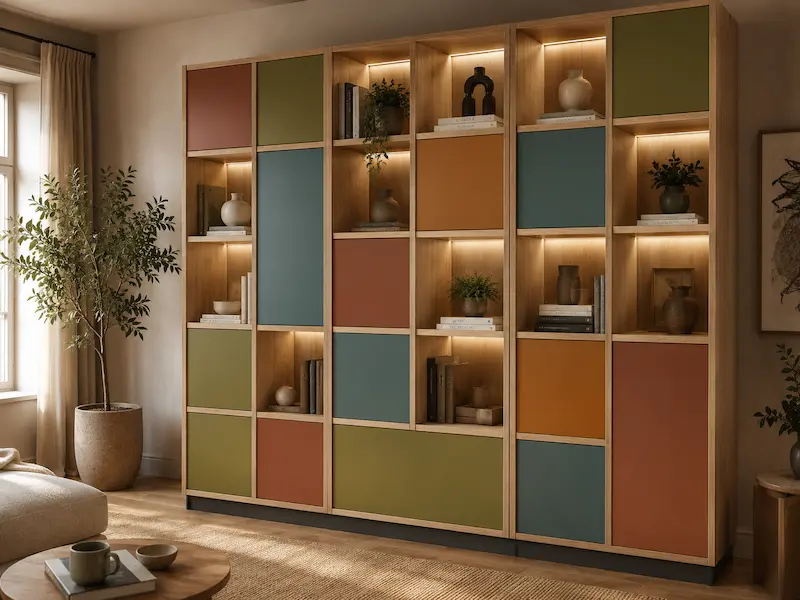
Custom Cabinet
From a 3D CAD model to a warm interior visualization featuring oak wood, indirect lighting, and a realistic living environment.
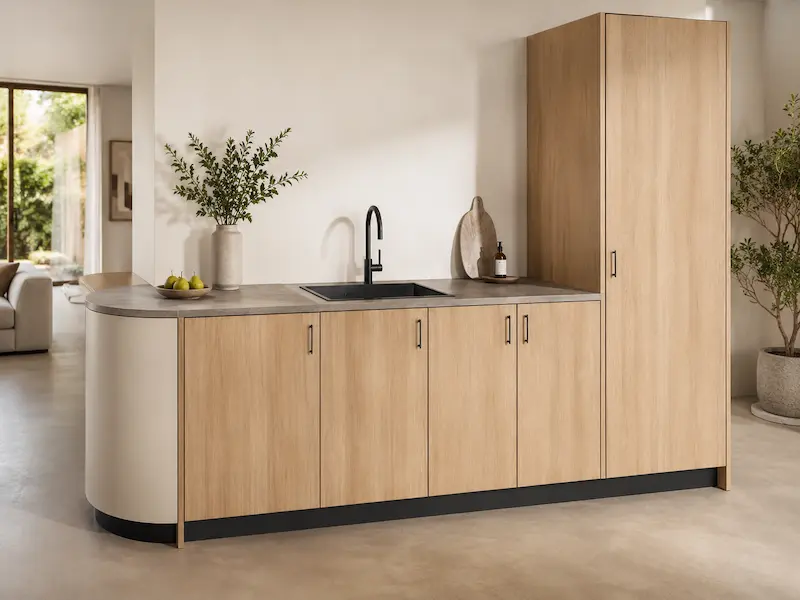
Kitchen
From a technical kitchen design to a modern showroom featuring natural stone, natural light, and minimalist finishes.
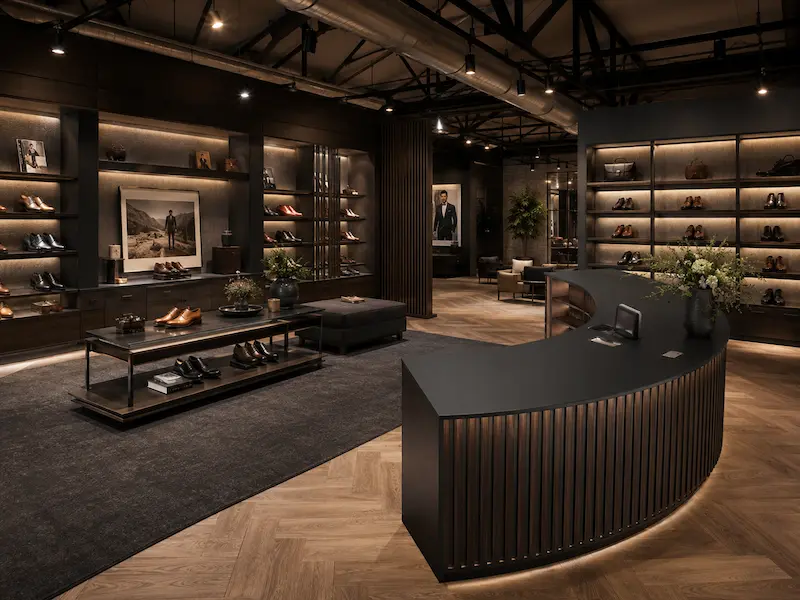
Store Interior
From a custom-made counter to a luxurious retail display featuring a dark wood finish, black accents, and warm spot lighting.
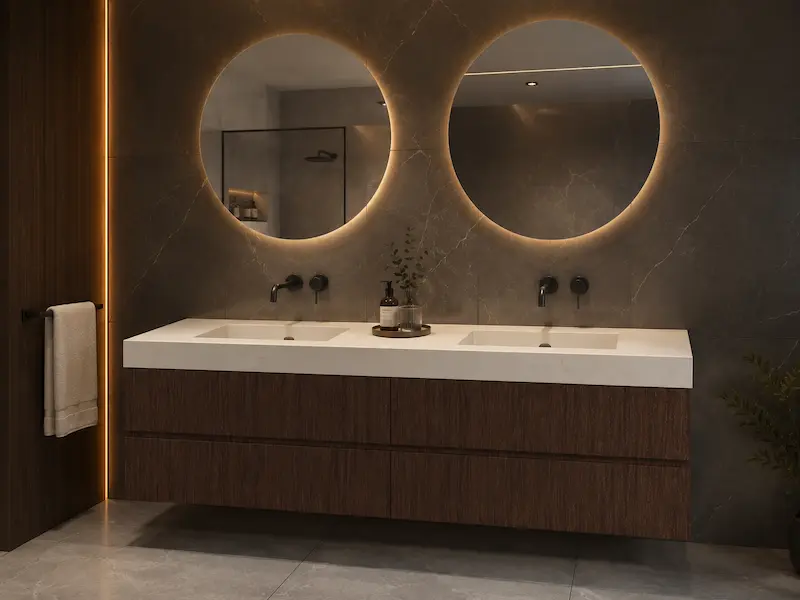
Bathroom Cabinet
From a CAD model to a chic hotel-style bathroom rendering with a marble look, black faucets, and soft lighting.
AI Rendering with IronCAD: Faster Presentations, Smarter Sales
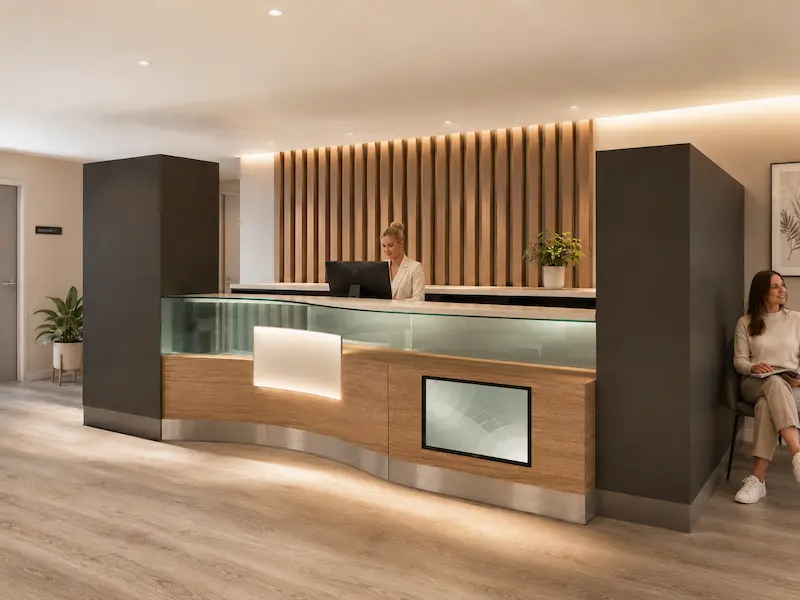
Clients want to see right away what an interior design will look like. With AI rendering, you can create professional visuals that capture the atmosphere, materials, and lighting—all based on your IronCAD model.
This way, you can show variations more quickly, better guide your clients’ choices, and present a design that is not only beautiful but also feasible.
Benefits of AI Rendering with IronCAD
Present Faster
Quickly create visuals for proposals, demos, and client meetings.
A manufacturable model as a basis
Start with an accurate technical 3D CAD model.
Show easy variations
Quickly show other materials, colors, and styles.
Sell More Effectively
Bring designs to life and help customers make decisions faster.
Less rendering work
No lengthy rendering workflow for every new visual.
Here’s how it works
3D Design
Create a 3D CAD model of your interior, furniture, cabinet, counter, or store layout in IronCAD.
AI Rendering
Choose a view and describe the desired style, materials, atmosphere, and lighting.
Present & Sell
Showcase professional renderings and variations to help customers make decisions faster.
Why IronCAD Is Different from Regular Rendering Software
Many rendering programs start with creating a beautiful image. IronCAD starts with the design itself.
First, you’ll work on a technical 3D CAD model that is accurate in terms of shape, dimensions, and structure. Then, you’ll use AI rendering to create a professional visualization of that model.
This allows you to combine the speed of AI with the reliability of a manufacturable design. Ideal for interior designers, furniture makers, and custom manufacturers who not only want to present their designs but also need to produce them.
Who is AI rendering with IronCAD suitable for?
IronCAD is ideal for companies that design and build custom products. These include interior designers, furniture makers, kitchen builders, bathroom furniture makers, retail designers, trade show booth builders, project designers, and office designers.
From custom cabinets to complete store interiors: you’ll work from a editable 3D model and present your designs faster with professional AI renders.
Ready to give better and more impactful presentations?
Want to see how IronCAD can enhance your interior designs with AI rendering? Discover how to turn a manufacturable 3D CAD model into professional interior visuals, without a lengthy traditional rendering workflow.
Request a demo and discover IronCAD for interior design.
Trusted by professionals
IronCAD is used worldwide by more than 100,000 designers, engineers, and manufacturing companies.