
Creating 2D drawings
Automatically generate multiple engineering drawings
Creating 2D drawings is often time-consuming, especially when you need to document multiple parts or assemblies. IronCAD’s Bulk Drawing feature allows you to automatically generate multiple 2D drawings from your 3D model, completely according to your drawing standards.
Result: less manual work, faster turnaround and consistent technical documentation.
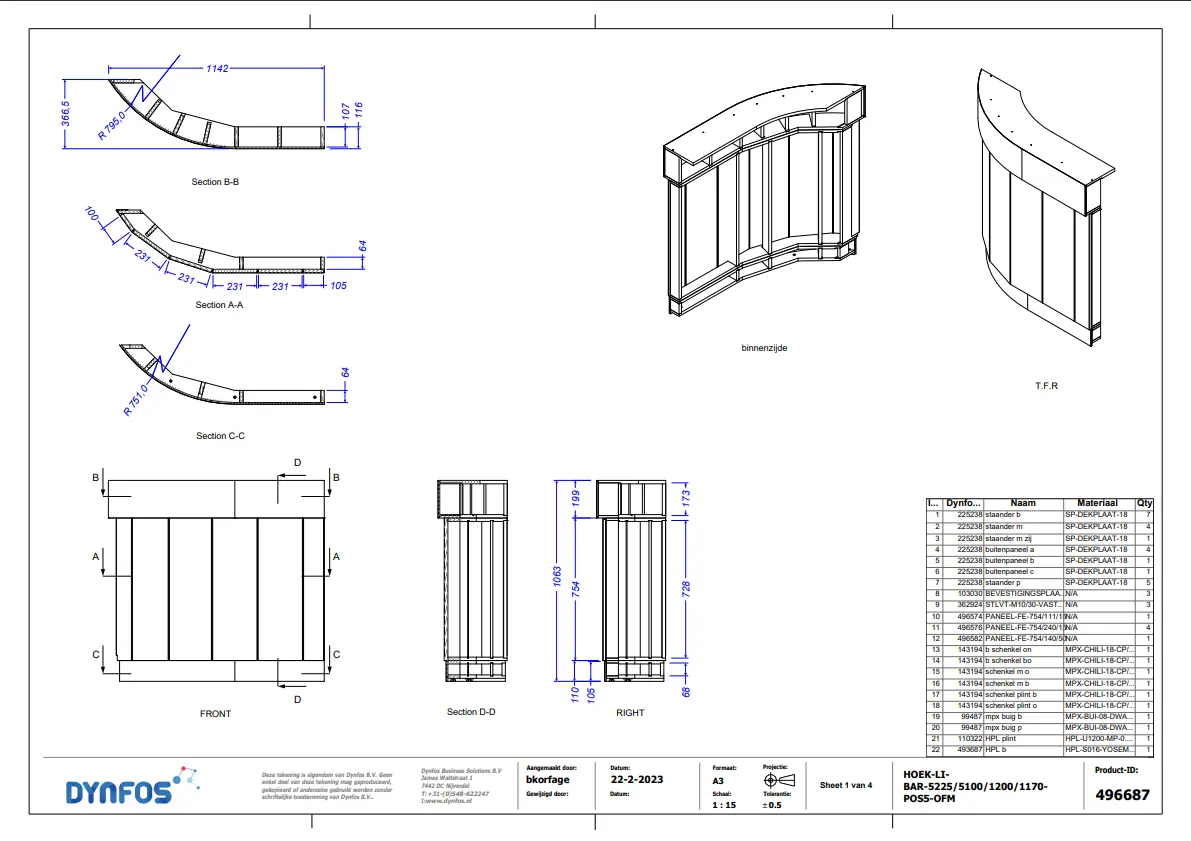
What is the Bulk Drawing feature?
The Bulk Drawing feature in IronCAD allows multiple 2D drawings to be generated automatically. IronCAD uses existing drawing templates and automatically adds views, dimensions, parts lists and other settings.
So you always get professional drawings that meet your business standards.
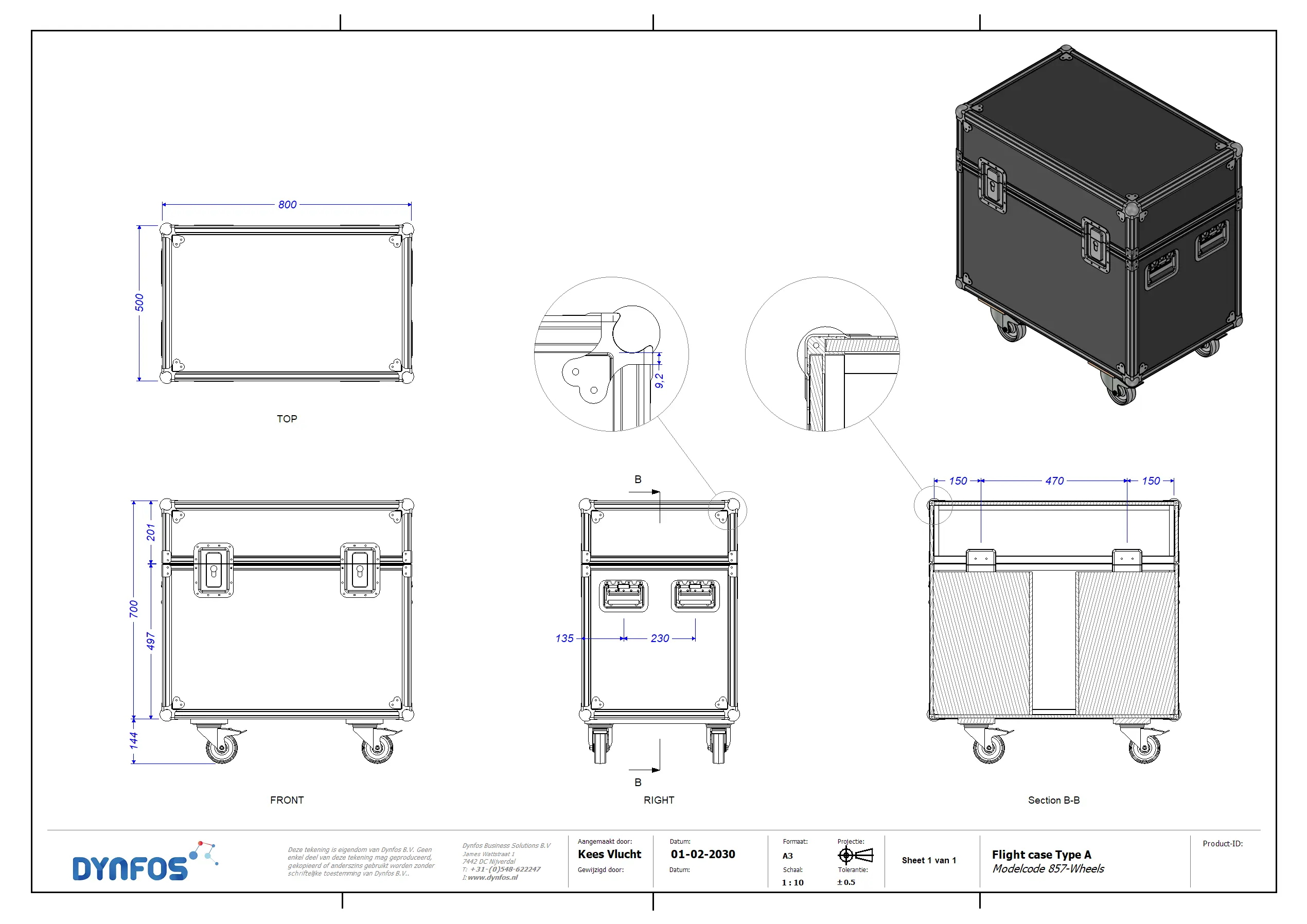
2D drawings in your own style with templates
With Bulk Drawing, you don’t have to build a working drawing over and over again. You simply use an existing .icd drawing file as a base and customize it to your own needs or house style. Save the template in the Bulk Drawing Templates folder and use it over and over again. Examples of modifications to your template:
Setting display position and orientation
Determining piece list position
Standardize dimensions and line widths
Add logos and styles
From 3D to 2D in one click
After you create a 3D CAD design, you can launch the Bulk Drawing function and choose the template file. You can even set a different template for each part or assembly.
- Choose a standard template for commonly used parts
- Use specific templates for more complex compositions
- Generate multiple drawings simultaneously
Using Bulk Drawing for 2D drawings
The Bulk Drawing feature in IronCAD makes it easy to create 2D drawings quickly and consistently. By using templates, you work more efficiently, avoid errors and generate multiple drawings simultaneously.
Want to test Bulk Drawing for yourself? Download the trial version or request a demo.
FAQ about 2D drawings in IronCAD
Below we answer frequently asked questions about creating 2D drawings with Bulk Drawing in IronCAD.