
Test motions with IronCAD Mechanism Mode
A 3D assembly may look fine at first glance, but moving parts may still collide or lack sufficient clearance during operation.
With IronCAD Mechanism Mode, you can test how parts move within an assembly. This allows you to easily verify whether components can move freely and whether the design functions correctly in practice.
Testing Movement with Collision Detection
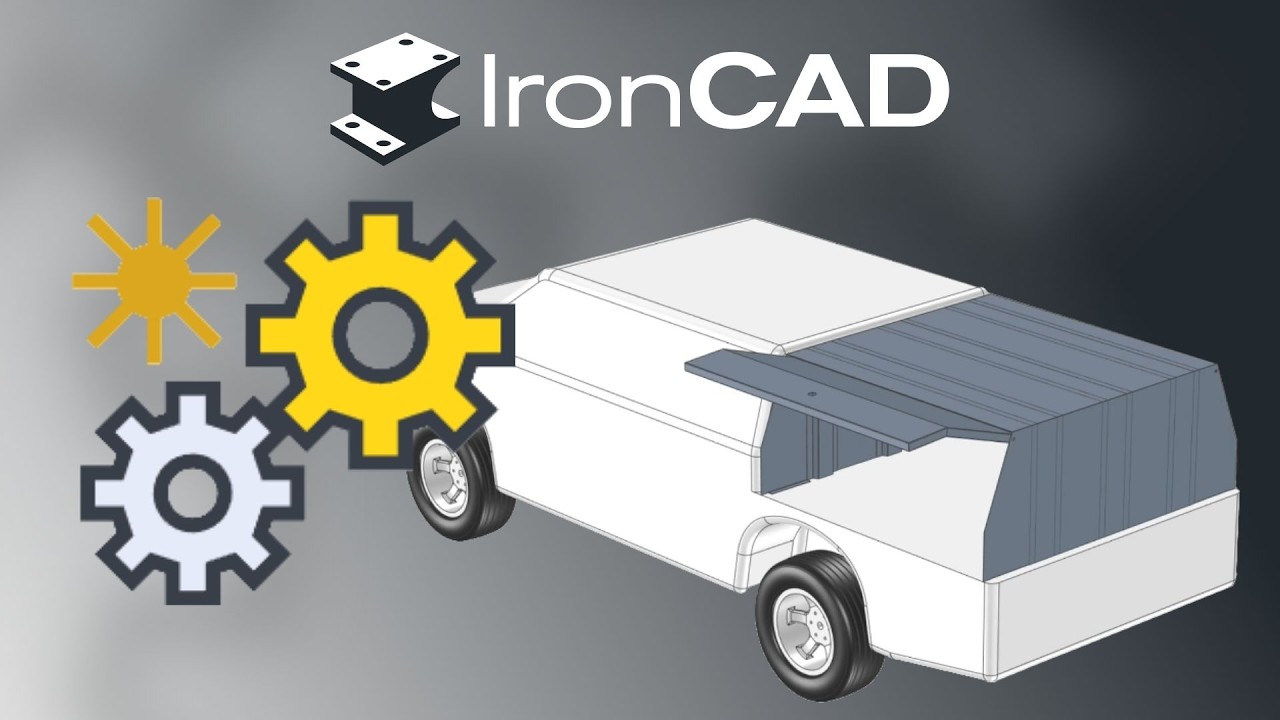
In this video, we test the movement of a door within an assembly.
The required positioning constraints are preset, and Collision Detection is enabled. As you move the door, you can immediately see when it comes into contact with other parts of the model.
This makes it easy to:
- detect collisions;
- check the available space for movement;
- validate mechanical movements;
- Identify design issues early on.
Various Solution Methods
IronCAD Mechanism Mode offers several solution methods that determine how parts respond when dragged:
-
Standard “
” Keeps changes limited as much as possible to the component being moved. -
Star-
: Allow connected, unfixed components to move as much as possible as a single rigid group. -
Localized
Moves the selected geometry without automatically propagating the movement to connected parts. -
Relaxation
Allow multiple components to move together to enable more complex or larger movements.
Want to learn more about IronCAD?
Would you like to learn more about Mechanism Mode, positioning constraints, and other features in IronCAD? Check out practical tutorials and training courses at IronCAD Academy.