
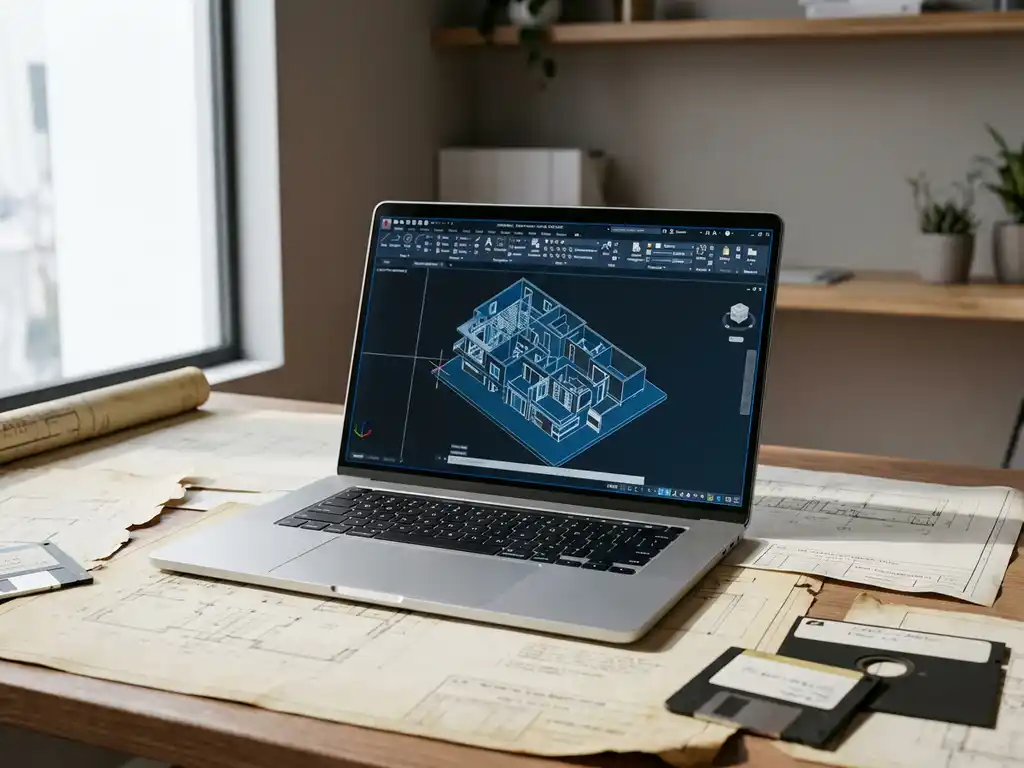
How do you migrate from old CAD package to new?
CAD migration is the process of moving from your current CAD software to a new system. A successful CAD transition requires careful planning, from data conversion to team training. With the right approach, you can take advantage of modern functionality without losing productivity. This article answers the most important questions about the migration process.
Why switch from your current CAD software to a new package?
Companies are moving to new CAD software to replace outdated functionality, get better support and resolve compatibility issues. Modern CAD solutions offer improved productivity, collaboration and integration capabilities that are essential for competitive advantage.
The main reasons for CAD migration are the technical limitations of legacy systems. Outdated software often does not support modern file formats, lacks cloud integration and has limited collaboration capabilities. This leads to inefficiency and frustration among design teams.
Lack of vendor support poses another critical problem. When your current CAD vendor stops providing updates or technical support, your system becomes vulnerable to security risks. In addition, you won’t have access to new features that can increase productivity.
Compatibility issues with customers and suppliers also force a CAD upgrade process. When you can no longer exchange files properly with partners, delays and miscommunications occur that negatively impact projects.
What are the biggest challenges in migrating to new CAD software?
The biggest challenges in CAD migration are data conversion, team training and temporary loss of productivity. These obstacles require strategic planning and realistic expectations to successfully overcome them during the migration process.
Data conversion often presents the most complex challenge. Old CAD files must be converted to new formats without loss of design information. This process can be time-consuming and requires thorough testing to ensure data integrity.
Staff training requires significant time and investment. Design teams must learn new workflows and get used to different interface elements. The learning curve varies from person to person and can temporarily affect productivity.
Workflow adaptations are necessary because each CAD system has its own working practices. Existing processes must be redesigned to make optimal use of new functionalities. This requires cooperation between IT, management and end users.
Temporary loss of productivity during the transition period can affect business results. Projects may be delayed while teams get used to the new system. Good planning helps minimize this impact.
How do you prepare your team for the transition to new CAD software?
Team preparation for a new CAD implementation begins with clear communication of benefits and timelines. Involve employees in selection, plan phased training, and create support structures to reduce resistance and build enthusiasm.
Communication is the foundation of successful change management. Explain why the transition is necessary and the benefits of the new system. Be transparent about challenges and timelines to create realistic expectations.
Involve key users in software evaluation and selection. Their input builds support and helps identify specific needs. These ambassadors can later support colleagues during implementation.
Plan phased training that suits different experience levels. Start with basic skills and gradually build up to advanced features. Combine formal training with hands-on practice on real projects.
Establish support structures, such as a help desk, documentation and peer-to-peer help. Make sure employees know where to go with questions. This reduces frustration and speeds up the learning process during the CAD transition.
What steps should you follow for a successful CAD migration?
A successful CAD migration follows a structured roadmap: needs analysis, software evaluation, pilot project, data migration, team training and phased rollout. This methodical approach minimizes risk and maximizes the likelihood of a smooth transition to the new system.
Start with a thorough needs analysis of your current situation. Identify bottlenecks, desired functionalities and technical requirements. Involve all stakeholders to get a complete picture of the needs within the organization.
Evaluate different CAD solutions based on your criteria. Test software with real project data and let end users get hands-on experience. Compare not only functionality, but also ease of use, support and total cost of ownership.
Run a pilot project with a small team and a limited project. This helps identify potential problems before full rollout. Document findings and adjust processes as needed.
Plan data migration carefully with backup strategies and testing procedures. Convert files in phases and monitor results thoroughly. Keep legacy systems available during the transition period for emergencies.
Implement phased training and rollout by department or project type. Monitor progress and provide additional support as needed. Celebrate successes to maintain momentum during the process of replacing the old CAD system.
How do you make sure your old CAD files remain usable in the new system?
Old CAD files remain usable through file conversion, compatibility tools and hybrid workflows. Plan data migration carefully with backup strategies and test conversion results thoroughly to ensure data integrity during the transition to modern CAD software.
File conversion is at the heart of data migration. Modern CAD systems usually support the import of common formats such as DWG, STEP and IGES. Test conversion results thoroughly, as complex geometry or specific features sometimes require adjustments.
Backup strategies are essential for safe migration. Make complete copies of all CAD data before beginning conversion. Keep original files in the old format for emergencies and future reference.
Hybrid ways of working help during the transition period. Keep old software available for complex legacy projects while new projects are developed in the modern system. This prevents productivity disruption.
Systematically test data integrity by comparing converted files with the originals. Check dimensions, assemblies and special features. Document any discrepancies and develop solutions to critical problems.
Schedule archiving of historical data in accessible formats. Convert important legacy files to neutral formats such as PDF for documentation. This ensures long-term accessibility independent of decisions about changing the CAD system.
How IronCAD helps with CAD migration
IronCAD simplifies the migration process through excellent compatibility with common CAD formats and intuitive workflows that shorten the learning curve. The software supports seamless import of files from other systems and offers flexible design approaches to suit different working styles.
Key benefits of IronCAD for migration:
- Drag-and-drop functionality that speeds up training
- Extensive parts library for faster project start-up
- Flexible history dependency that simplifies customization
- Automatic generation of technical drawings
- Integration with ERP systems for complete workflow optimization
Want to learn more about how IronCAD can support your CAD migration? Contact us for a personal consultation on your specific migration needs.


