
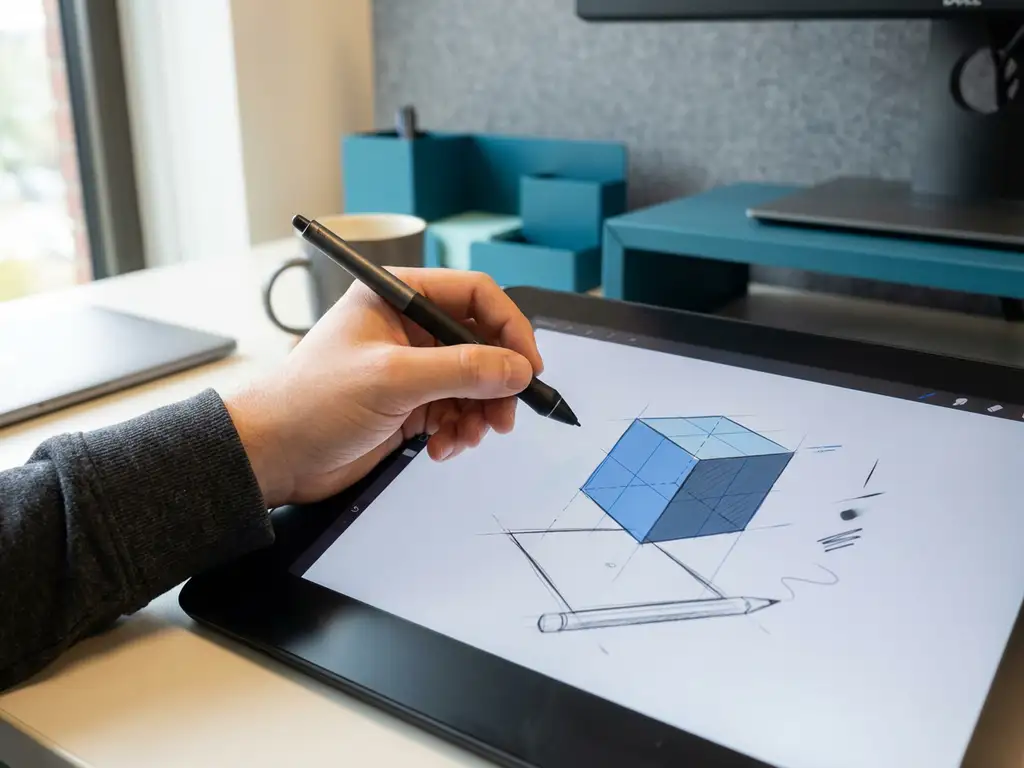
How do you switch from 2D to 3D drawing software?
Moving from 2D to 3D drawing software is an important step that can provide your company with greater efficiency and better visualization. 3D CAD software makes complex designs easier to understand and communicate, while also helping to prevent errors early on. The transition requires planning, training and the right software selection to be successful.
Why switch from 2D to 3D drawing software?
3D drawing software offers significant advantages over traditional 2D solutions, thanks to improved visualization, more efficient workflows and better communication with customers and suppliers. You can instantly view designs in three dimensions, which prevents errors and speeds up design decisions.
The main advantages of 3D design software are evident in everyday practice. You can view assemblies and parts from all angles, which increases understanding of complex structures. This leads to fewer design errors and faster customer approval cycles.
In addition, 3D CAD software improves collaboration within your team. Everyone can interpret the design in the same way, which prevents misunderstandings. The software automatically generates technical drawings from the 3D model, saving time and ensuring consistency.
For communication with customers and suppliers, 3D modeling software offers unprecedented possibilities. Realistic visualizations help with presentations and make complex concepts understandable to people without technical backgrounds.
What are the biggest challenges in moving to 3D CAD software?
The main challenges in CAD software transition are the learning curve, software investment, file migration and team training. However, these obstacles are surmountable with the right approach and planning.
The learning curve is often the biggest concern for companies. Employees accustomed to 2D drawing programs must get used to spatial thinking and new ways of working. This process takes time and can temporarily affect productivity.
Software investments go beyond the acquisition cost. You have to factor in licenses, hardware upgrades, training and possible loss of productivity during the transition period. A good business case helps underpin this investment.
File migration can present technical challenges. Existing 2D drawings often need to be modified or recreated in 3D format. Schedule sufficient time for this process and start with the most critical projects.
Team training requires a structured approach. Not everyone learns at the same pace, so offer a variety of training formats and create a supportive learning environment where questions can be asked.
How to choose the right 3D drawing software for your business?
You choose the right upgrade of your drawing software by carefully weighing functionality, ease of use, integration options and costs against your business needs. Start with a clear analysis of your current work processes and future needs.
Functionalities should match your specific industry and projects. You’ll need different tools for the furniture industry than for mechanical engineering. Make a list of must-have features and nice-to-have options to compare objectively.
Ease of use largely determines implementation success. Software with an intuitive interface reduces learning time and increases acceptance within your team. Therefore, always test extensively before making a final choice.
Integration capabilities with existing systems are crucial for a smooth workflow. The 3D CAD software must be able to communicate with your ERP system, manufacturing software and other mission-critical applications.
Cost considerations go beyond the purchase price. Calculate the total cost of ownership over several years, including maintenance, updates, training and possible hardware investments.
What steps should you follow for a successful transition?
A successful transition from 2D to 3D drawing software follows a structured roadmap that includes planning, team preparation, pilot projects, training and gradual implementation. Start with a thorough analysis of your current situation and desired end result.
The planning phase lays the foundation for success. Assemble a project team with representatives from different departments. Create a timeline with realistic milestones and make sure there is sufficient budget for contingencies.
Team preparation starts with communication about the benefits and necessity of the transition. Involve employees in the selection process and proactively address their concerns. This increases acceptance and reduces resistance.
Pilot projects help you test the software with real projects before switching over completely. Choose projects that are representative but not critical to your operations. Learn from the experience and adjust your implementation strategy.
Training should be phased and hands-on. Start with basic skills and gradually build up to advanced functions. Combine formal training with on-the-job coaching for optimal results.
Gradual implementation prevents chaos and lost productivity. Switch by department or project type so backup is always available. Monitor progress and make adjustments as needed.
How long does it take to get used to 3D drawing software?
The adjustment period for 3D drawing software ranges from a few weeks to several months, depending on your experience with CAD, the complexity of the software and the intensity of use. On average, users need 2 to 3 months to become productive.
Several factors significantly affect the learning curve. Experienced 2D CAD users often have a head start in technical understanding, but have to get used to spatial thinking. Complete beginners start from scratch, but sometimes have less fixed ideas about working methods.
The complexity of your projects also determines the learning time. Simple parts you can often draw within a few weeks, while complex assemblies require months of practice to make efficiently.
You can speed up the learning process by practicing regularly, following online tutorials and using the help features in the software. Create a learning environment where making mistakes is allowed and where colleagues can help each other.
Set realistic expectations: the first month you are slower than with 2D software, but after three months you begin to experience the benefits. After six months, you usually work faster and more accurately than before.
How IronCAD helps transition to 3D drawing software
IronCAD makes the transition from 2D to 3D drawing software smoother with its intuitive design approach and flexible workflow. The software combines the best of both worlds and helps your team become productive faster.
IronCAD’s key benefits for your transition:
- Drag-and-drop functionality that speeds up the learning process
- Flexible history dependency that makes errors easily correctable
- Automatic generation of technical drawings from 3D models
- Seamless integration with ERP systems for complete workflow automation
- Extensive parts library that speeds up design work
Want to know how IronCAD can help your company transition to 3D drawing software? Contact us for a personal consultation and demonstration.


