
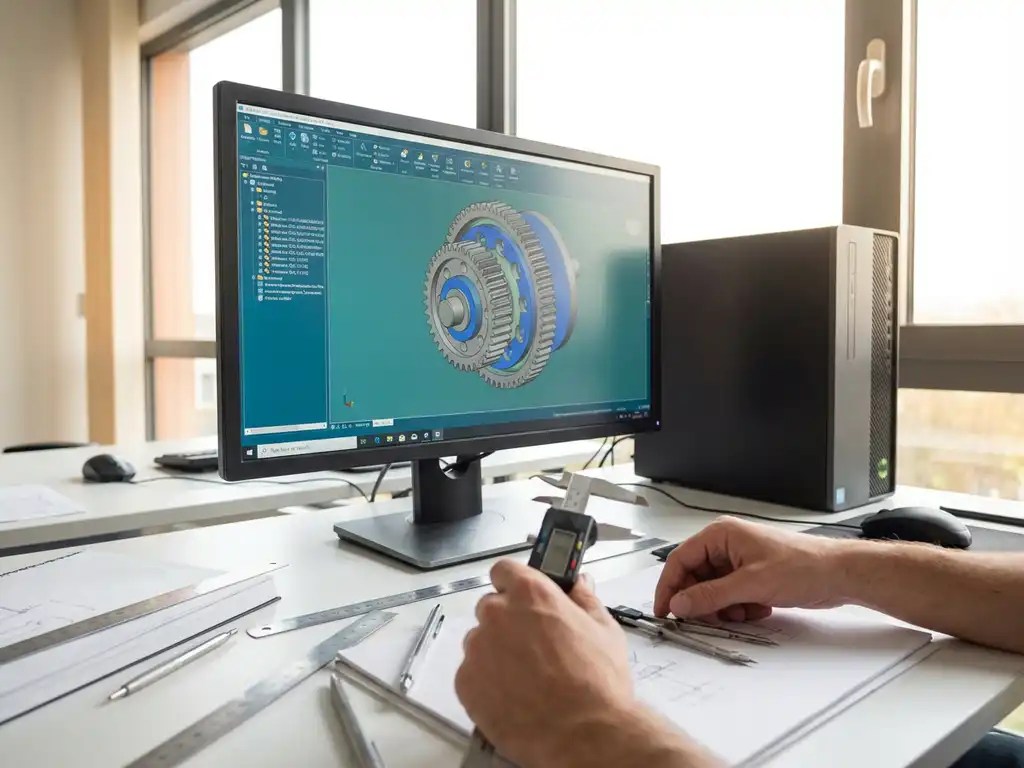
How does 3D drawing work?
3D drawing is a revolutionary way of designing that has transformed traditional 2D drawing methods. Instead of flat drawings on paper or a screen, you create three-dimensional models that can be viewed and edited from any angle. This technology has completely changed the way designers, engineers and companies visualize and realize their ideas.
For companies in the manufacturing industry, 3D drawing not only means prettier pictures, but also more efficient production processes, fewer errors and faster turnaround times. From furniture construction to machine building, 3D drawing helps you work more precisely and achieve better results.
What is 3D drawing and how is it different from 2D drawing?
3D drawing is the creation of three-dimensional digital models with height, width and depth, whereas 2D drawing is limited to flat drawings with only length and width. In 3D drawing, you build virtual objects that you can rotate, intersect and view from any angle.
The biggest difference is in the way you present and use information. A 2D engineering drawing shows different views of an object (top view, side view, front view), but requires interpretation to understand the full picture. A 3D model, on the other hand, shows the object as it would exist in reality.
3D drawing also offers many more opportunities for analysis and simulation. You can assign materials, calculate weight, perform stress analysis and even simulate moving parts. This makes it not just a drawing tool, but a complete design environment.
What software is used for 3D drawing?
Several software categories exist for 3D drawing, each with its own strengths: CAD software for technical design, 3D modeling software for artistic creations and specialized packages for specific industries. The choice depends on your application and budget.
Professional CAD software such as AutoCAD, SolidWorks and Fusion 360 is popular in the engineering industry. These programs focus on precision and parametric modeling, allowing you to define dimensions and relationships between parts.
For more artistic applications, there are packages such as Blender, Maya and 3ds Max. These focus on visual quality and animation. There are also specialized solutions for specific sectors, such as architecture (ArchiCAD, Revit) or game development (Unity, Unreal Engine).
Choosing the right software depends on factors such as your budget, the complexity of your projects, integration with other systems and the learning curve you are willing to go through.
How to make a 3D drawing step by step?
You start a 3D drawing by first making a 2D sketch of the basic shape, then expanding it to 3D with extrude, revolve or loft operations and then adding details with features such as holes, curves and chamfers. The process requires planning and systematic construction.
The first step is always conceptualization. Think about what you want to create and possibly sketch it on paper first. Determine the main dimensions and key features of your design.
Next, in your 3D software, you start by creating a basic shape. You usually do this by:
- Sketch a 2D profile on a plane
- expand this profile with extrude (stretch) or revolve (rotate)
- possibly combine or subtract multiple forms
After the basic shape, add details such as holes, grooves, chamfers and curves. Work systematically from large to small and use parametric relationships whenever possible so you can easily make adjustments later.
Finally, you check your model for errors, assign materials and, if necessary, create technical drawings or renders for presentation or production.
What skills do you need for 3D drawing?
3D drawing requires spatial insight to visualize three-dimensional shapes, basic knowledge of geometry and mathematics, and technical understanding of how objects are put together. In addition, software skills and patience during the learning process are essential.
Spatial understanding is perhaps the most important skill. You need to be able to understand how 2D shapes relate to 3D objects and how different parts fit together. You can develop this by practicing a lot and consciously looking at objects around you.
Technical skills that help are:
- basic knowledge of geometry and trigonometry
- understanding of technical drawing and projections
- computer skills and logical thinking
- eye for detail and precision
In addition, soft skills are important: patience to learn new software, perseverance with complex problems, and creativity to devise elegant solutions. Many 3D drafters develop these skills gradually through practical experience and continuous training.
What are the benefits of 3D drawing for businesses?
3D drawing offers companies significant benefits: faster development time, fewer errors in production, better communication with customers and suppliers, and the ability to test prototypes virtually before creating physical versions. This results in cost savings and higher quality.
One of the biggest advantages is error prevention. With a 3D model, you can immediately see whether parts fit together, whether there are interferences and whether the design is practically realizable. This prevents expensive mistakes in production.
Communication also becomes much more effective. Instead of complex technical drawings, you can show customers and colleagues a realistic 3D model. This reduces misunderstandings and helps with decision-making.
Other key benefits include:
- automatic generation of technical drawings and documentation
- possibility of simulations and analyses
- Easily make adjustments and variants
- better planning of production processes
- more professional presentations and marketing materials
For companies in the manufacturing industry, 3D drawing can make the difference between staying competitive and falling behind in the market.
How IronCAD helps with 3D drawing
We at Dynfos offer with IronCAD a revolutionary approach to 3D drawing that breaks through traditional CAD limitations. This powerful software combines the freedom of direct modeling with the precision of parametric design, allowing you to work faster and more flexibly than with conventional CAD systems.
IronCAD is distinguished by unique features that make 3D drawing more accessible and efficient:
- Intuitive drag-and-drop interface: Drag and drop components directly into your design, without complex commands.
- TriBall™ visualization tool: Reposition and rotate objects naturally, as in the physical world.
- Stretch & attach technology: dynamically adjust shapes by simply dragging.
- Combined parametric and direct modeling: Switch effortlessly between different design methods.
- Comprehensive component library: Start quickly with predefined components.
Perfect for the manufacturing industry, IronCAD automatically generates cut lists, plate optimization and NC codes, making your design ready for production immediately. Ready to experience how 3D drawing can be easier? Contact us for a personal demonstration.


