
Additional libraries
Hands-on libraries and extensions for IronCAD
Expand IronCAD with additional catalogs, smart configurations, and practical tools. This allows you to work faster with parts and solutions that are tailored to your daily design work.
Libraries for Immediate Use
Get started faster with ready-to-use components and examples
Use additional IronCAD catalogs as a basis for your own designs. Download the library, add it to IronCAD, and easily customize parts for your project.
IronCAD Basic Catalog
A comprehensive basic catalog for users who want to get started quickly with reusable parts and sample designs.
Includes, among other things:
- Base Cabinets
- Sample Fittings
- Reusable components
- Practical Example Components
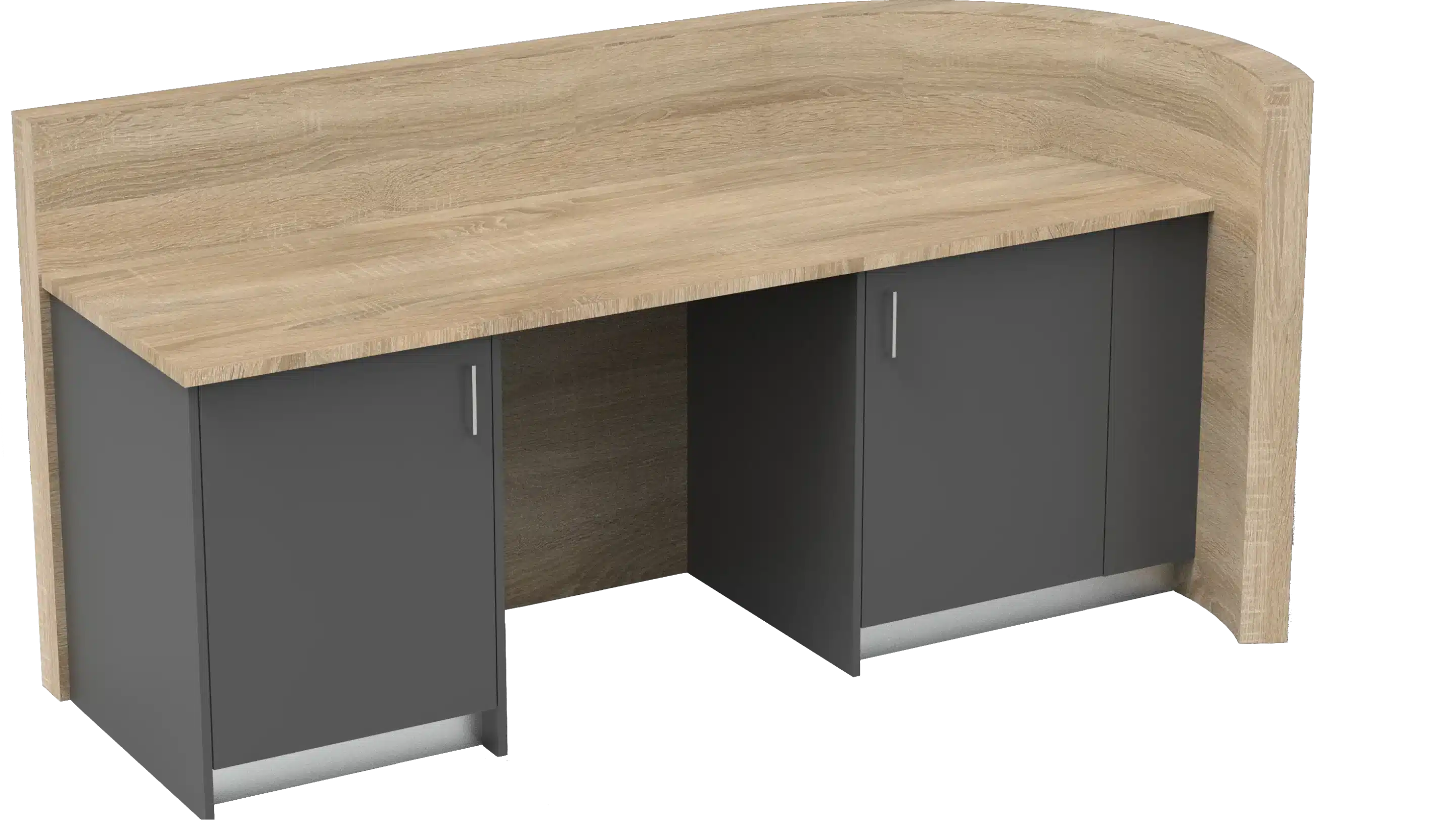
Interior Construction
Work more efficiently with libraries for custom interiors, furniture manufacturing, and cabinetry.
- Cabinet Configurations
- Panels and sheet materials
- Fittings and accessories
- Furniture components
- Practical design standards
Flightcases
Build flight cases, enclosures, and other custom technical structures faster.
- Flight case parts
- Aluminum profiles
- Corner pieces and fittings
- Rack Components
- Engineering Components
Livestock Construction
Use sample components to design and develop steel structures in IronCAD.
- Sample components for stable furnishings
- Ready to use in IronCAD
- Suitable as a basis for your own catalogs
- Easily customize and reuse components
Add-ins & extensions
Smarter workflows within IronCAD
Expand IronCAD with additional tools, configurations and smart workflows for more efficient design, standardization and engineering.

Para-Flex
Para-Flex is an extension for IronCAD that lets you work faster and more consistently within mechanical engineering and manufacturing workflows.
With smart configurations, templates and hands-on tools, automate common tasks and manage components more efficiently within each project.
- Databases for standard components
- Smart configurations and variants
- Quick filters and reports
- IronCAD templates
- Standardization of parts
- More efficient engineering workflows

Mechanical
Work faster with libraries for mechanical engineering, construction work and technical engineering.
Have instant access to commonly used parts, profiles and smart components for more efficient design and manufacturing processes within mechanical engineering.
- Construction profiles
- Machine Parts
- Fasteners and standard components
- Sheet Metal Parts
- Technical assemblies
- Production-oriented workflows
Partner Catalogs
Working directly with supplier products
In cooperation with suppliers, additional catalogs are available with products that can be used directly within IronCAD.
This way you design faster with realistic, practical and procurement-oriented components.

Prodinter
Catalog of handles and components for interior construction and furniture applications.
- Immediately deployable
- Practical product selection
- Suitable for custom interiors
Become a catalog partner
Your products as an IronCAD library
Want to offer your products, materials or components as a library within IronCAD? Make parts instantly available to designers and engineers within their daily workflow.
More resources
With the right tools, you can work faster and more consistently within IronCAD.
Templates
Templates form the basis for new files and ensure that designs immediately contain the correct settings for 3D and 2D.
Basic Settings
With properly set up basic settings, you work more efficiently and consistently within each project.
Knowledge base
In the knowledge base you will find articles explaining features, settings and practical workflows within IronCAD.