
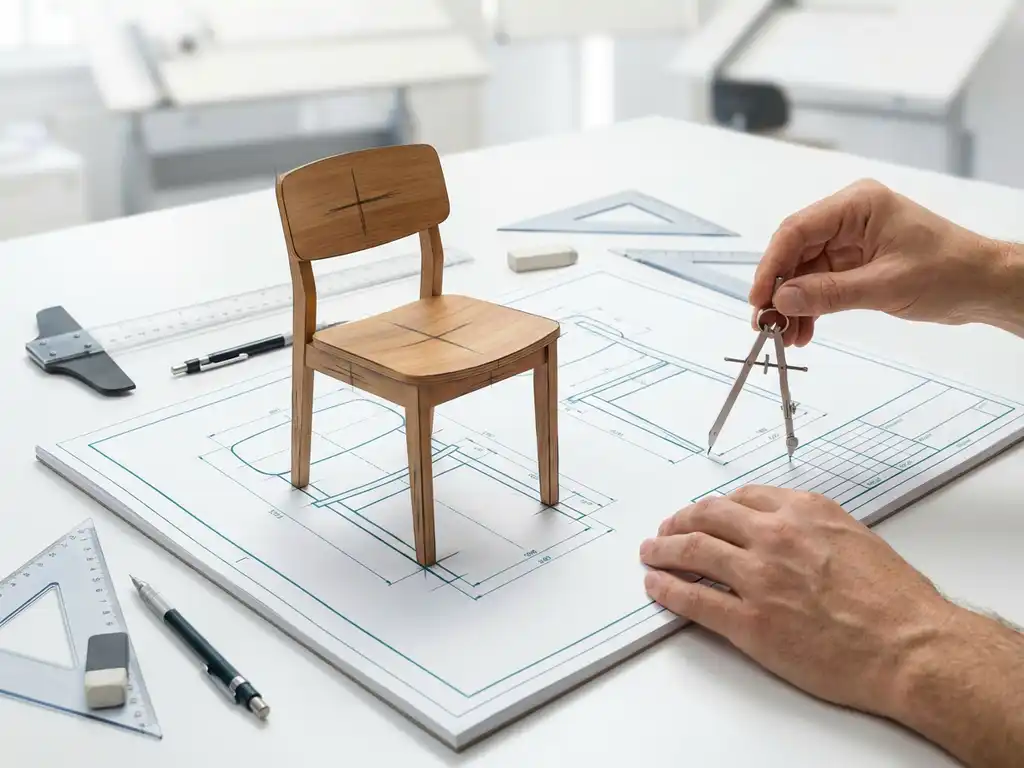
What is the difference between 2D and 3D drawing?
In the world of technical drawing and product design, you will encounter two main methods: 2D and 3D drawing. Both have their own applications and benefits, but the difference between these techniques is fundamental to how you create and communicate designs. Whether you are a furniture maker, product designer or work in the manufacturing industry, understanding these differences will help you make the right choice for your projects.
3D drawing is gaining ground in the modern manufacturing world because it provides a more complete picture of the final product and prevents many design errors. Nevertheless, 2D drawing remains relevant for specific applications. In this article, we answer the most frequently asked questions about both techniques.
What is the difference between 2D and 3D drawing?
2D drawing creates flat drawings with only length and width, while 3D drawing creates three-dimensional models with length, width and depth. The main difference is in how you visualize and present the design.
In 2D drawing, you work with traditional technical drawings, such as views, sections and details. You draw the object from different angles to convey all the information. This method requires you to mentally assemble the three-dimensional object from multiple flat drawings.
3D drawing, on the other hand, lets you instantly build a virtual model that you can view from all sides. You immediately see how parts fit together and can spot potential problems early. The model contains all the geometric information in a single file, allowing technical drawings to be generated automatically.
Why is 3D drawing better than 2D for product design?
3D drawing provides a more realistic representation of the final product and prevents design errors that, with 2D drawings, are often not discovered until the production phase. You can visualize and control complex shapes and assemblies much better.
The benefits of 3D drawing for product design are significant. First, you get a complete overview of how parts fit together, which prevents interferences and assembly errors. Second, you can automatically generate bills of materials, cut lists and other production data from the 3D model.
In addition, 3D drawing speeds up the design process because changes are automatically reflected in all related drawings and documentation. You can also easily create different variants of a product by adjusting parameters, which is especially useful for custom work in the furniture industry.
For customer presentations, 3D drawing offers unparalleled possibilities. You can create realistic renderings, show animations of how a product works, and show customers what their custom work will look like before production begins.
What software do you need for 2D and 3D drawing?
For 2D drawing, you can turn to AutoCAD, DraftSight or free alternatives such as LibreCAD. For 3D drawing, popular options are SolidWorks, Fusion 360 or specialized software such as IronCAD for the manufacturing industry.
The choice of 2D software depends on your budget and needs. AutoCAD remains the industry standard for 2D engineering drawing, but DraftSight offers similar functionality at a lower cost. For simple projects, free alternatives may be sufficient.
With 3D software, the choice is more complex because different packages have different strengths. SolidWorks is excellent for mechanical parts, Fusion 360 combines design with manufacturing tools, and specialized software such as IronCAD offers unique advantages for specific industries, such as furniture manufacturing.
It’s important to choose software that fits your workflow and industry. Some packages are better suited to organic shapes, others excel in precision engineering or have specific tools for woodworking and sheet metal.
How long does it take to learn 3D drawing?
You can master the basics of 3D drawing in 2 to 4 weeks, but to become truly productive you usually need 3 to 6 months of regular practice. The learning curve depends greatly on your prior knowledge and the complexity of the software.
If you already have experience with 2D CAD software, the transition to 3D is often faster. The logic of technical drawing remains the same; you mainly learn new tools and ways of working. People without a CAD background need more time to learn both the software and the principles of technical design.
Most 3D CAD packages offer comprehensive tutorials and training materials. Online courses, YouTube tutorials and official training courses can speed up the learning process. It is recommended to start with simple projects and gradually tackle more complex designs.
Hands-on experience is crucial to mastering 3D drawing. Try rebuilding real projects from your work or hobbies in the software. This will help you learn the tools in context and encounter typical challenges not encountered in tutorials.
When do you still use 2D drawings?
2D drawings remain essential for production drawings, installation plans and situations where you need to communicate specific details clearly. Even for simple projects, or when 3D software is too complex or costly, 2D drawing offers a practical solution.
In the production phase, 2D shop drawings are often still the standard. These contain specific dimensions, tolerances and production instructions required by operators. Although these drawings can be automatically generated from 3D models, the 2D format remains practical for use on the shop floor.
For renovation projects and existing buildings, 2D drawing is sometimes more efficient. Measuring and drawing floor plans is often faster in 2D, especially when you don’t need a complex 3D model for the project.
2D drawings are also often clearer in communication with suppliers and subcontractors. A simple detail drawing can sometimes be more effective than a complex 3D model, especially for parties not accustomed to 3D software.
How IronCAD helps with 3D drawing
IronCAD makes 3D drawing more accessible than traditional CAD systems through its intuitive drag-and-drop interface and unique design methods. As the official distributor in the Netherlands, we offer a complete solution for companies looking to transition to efficient 3D design.
The benefits of IronCAD for 3D drawing are tangible:
- Intuitive drag-and-drop tools that accelerate the learning process
- Combination of parametric and direct modeling in one environment
- Automatic generation of saw lists and NC codes for direct production
- Patented TriBall™ technology for easy object manipulation
- Optimized for furniture making and customization in wood, metal and plastic
IronCAD lets you design faster and make changes easier, even late in the design process. The software integrates seamlessly with our ERP solutions for complete automation of your manufacturing process. Want to know how IronCAD can improve your design process? Contact us for a personal demonstration.


