
Machine building
Design machines as you build them
Work from one central 3D model where design, engineering and production come together.
From initial concept to working installation, clear and adaptable.
Free trial – No obligations
Working more efficiently in mechanical engineering
Are you developing machines or production lines? Then you have to deal with many parts, modifications and dependencies.
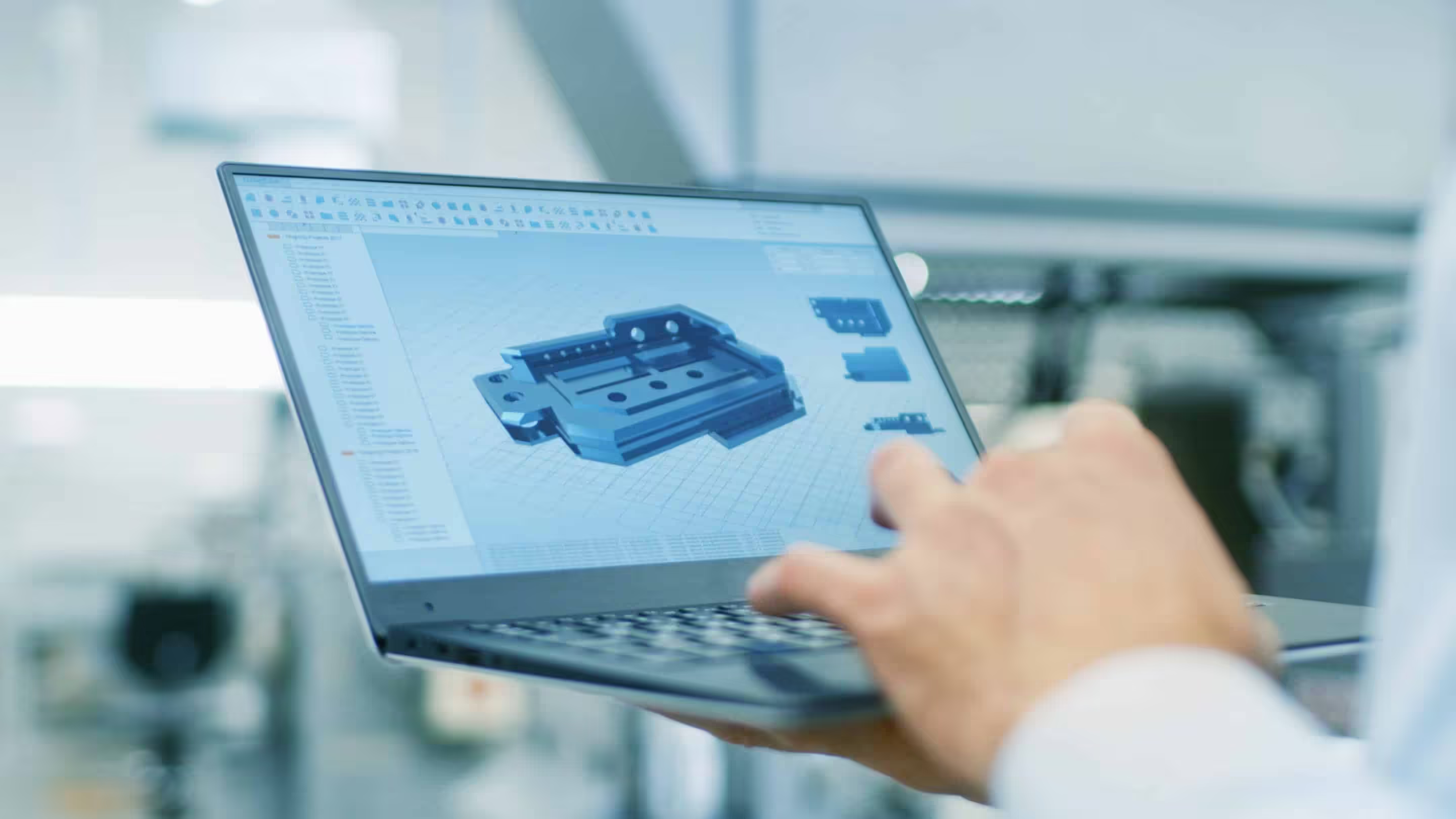
With IronCAD, you design directly in 3D and build assemblies as they are actually assembled. Parts, relationships and documentation remain linked, allowing changes to affect the entire model immediately.
Direct 3D designs
Without complex dependencies
Building assemblies logically
Working as in practice
Making changes quickly
Adjust without remodeling
Understanding construction
Always an overview of parts and assemblies
Prepared for production
Drawings, bills of materials and output readily available
Flexible during the engineering process
During machine building projects, designs change regularly. New requirements, technical insights or optimizations ensure that models are in constant flux.
With IronCAD, you customize parts and assemblies without getting bogged down in dependencies. You maintain control, even on complex projects.
From component to complete installation
You will design both single parts and complete machines within one environment.
Assemblies remain manageable and scalable, regardless of the size of the project. As a result, you work in a structured way and maintain an understanding of the total.
Directly from design to production
All output is automatically generated from the 3D model. No need to re-enter or manually update data.
Changes are immediately incorporated into all documentation.
- Technical drawings
- Parts lists (BOM)
- Assembly listings
- Production data
Work faster with standard components
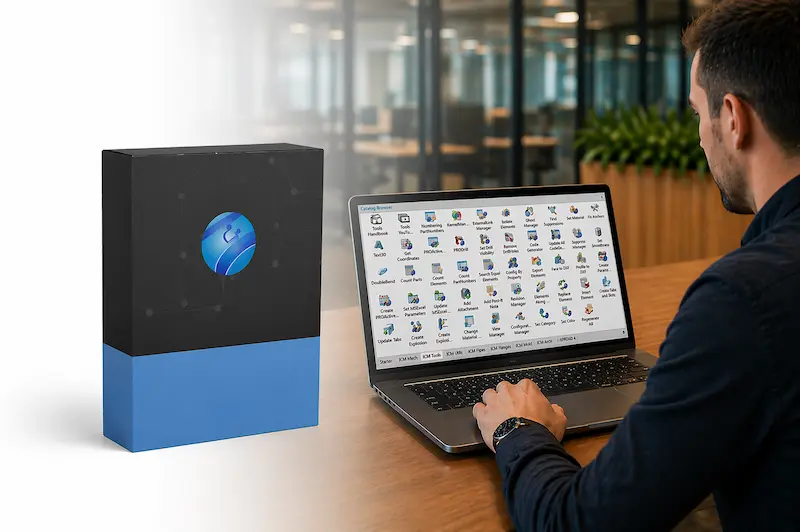
With Mechanical, you can easily add standard parts to your design. Think bearings, fasteners and mechanical components.
That way you build complete machines faster and work more consistently.
Used by machine builders
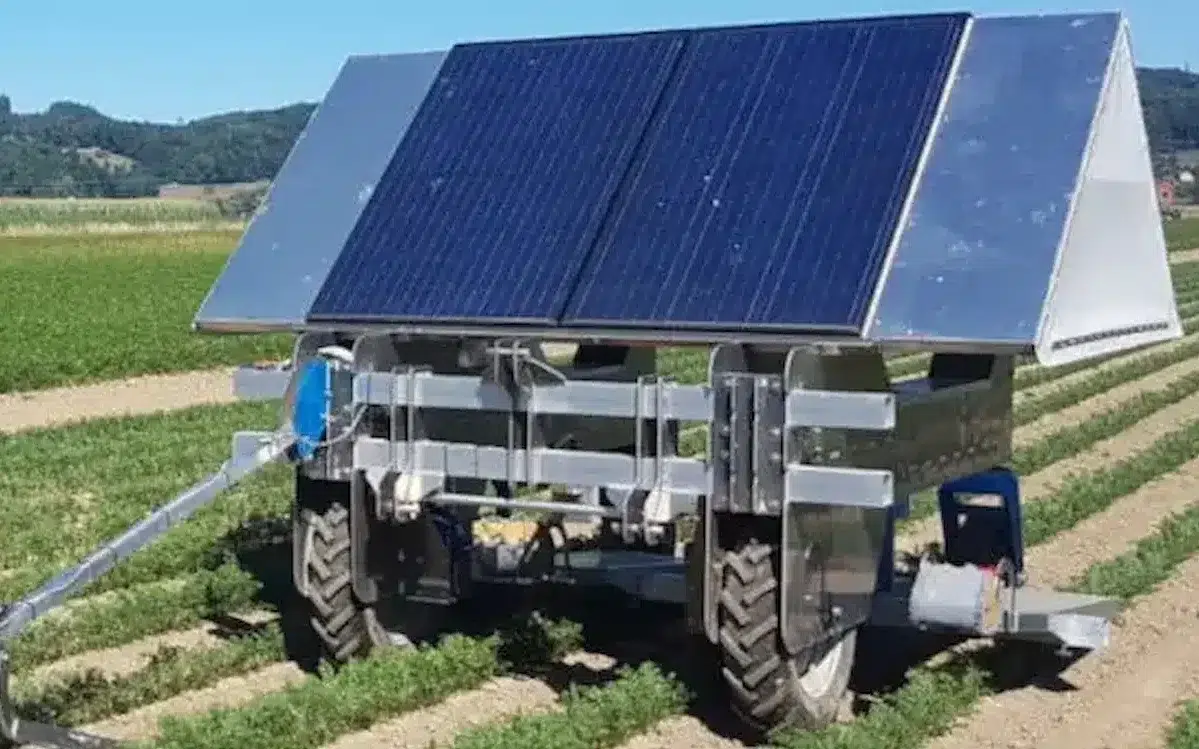
IronCAD is used by more than 100,000 engineers and manufacturing companies worldwide to develop machines and plants.
De Jongh Machinery
Faster transition from engineering to production.
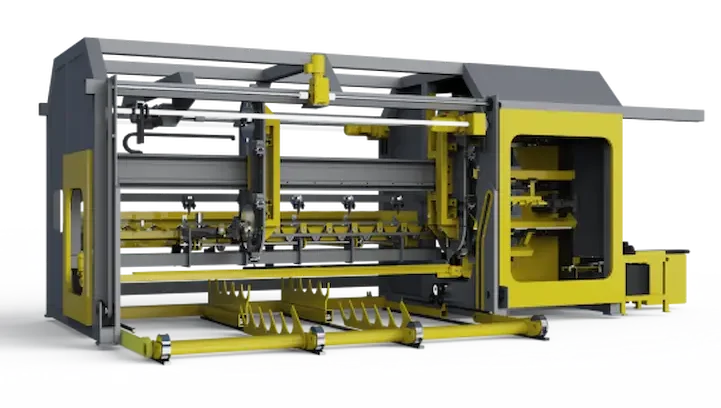
Forsell Maskin
From concept to custom machine in 3D.
HangOn
More efficient engineering of metal products.
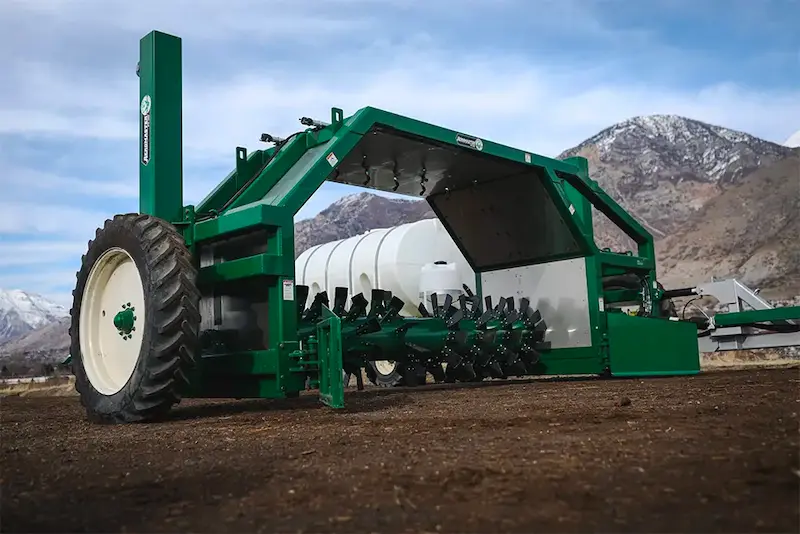
Midwest Bio-Systems
Faster development of complex machinery.
De Jongh Metal
More efficient engineering of metal products.
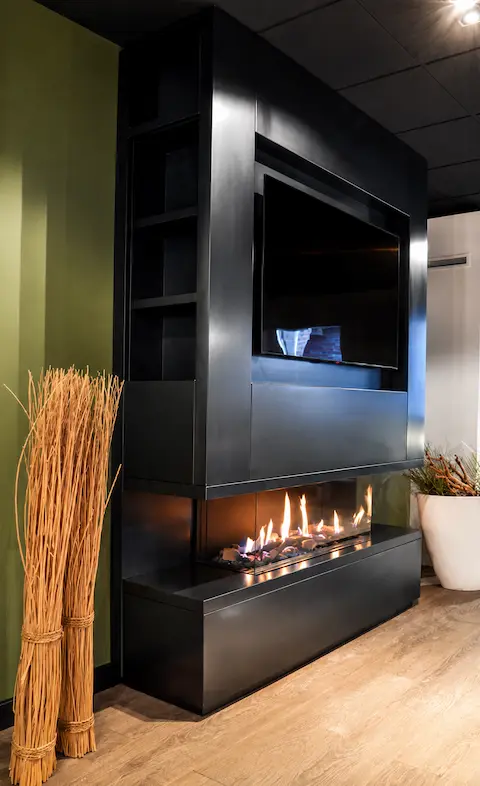
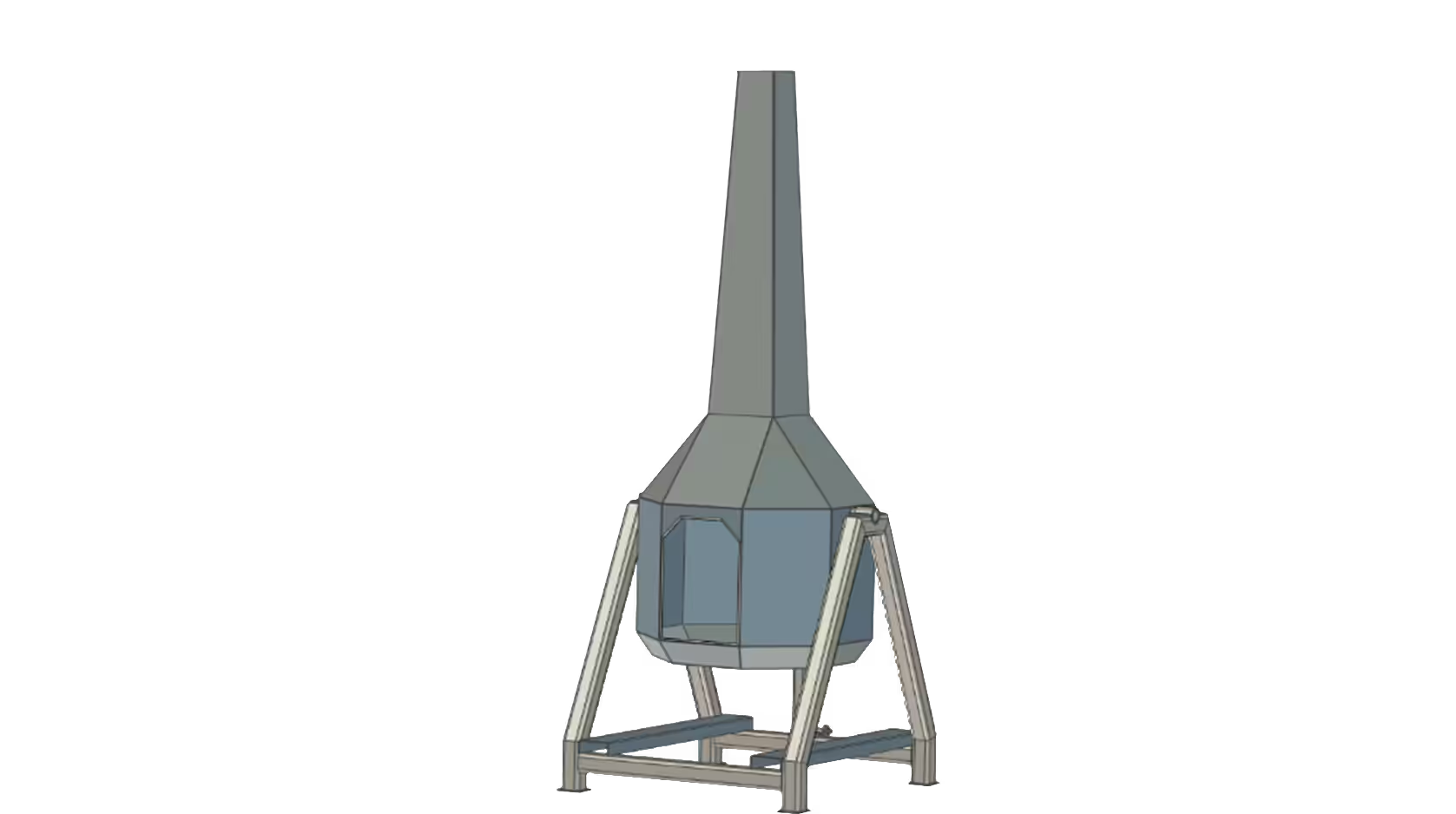
The Salamander
Faster customization for exclusive fireplaces.
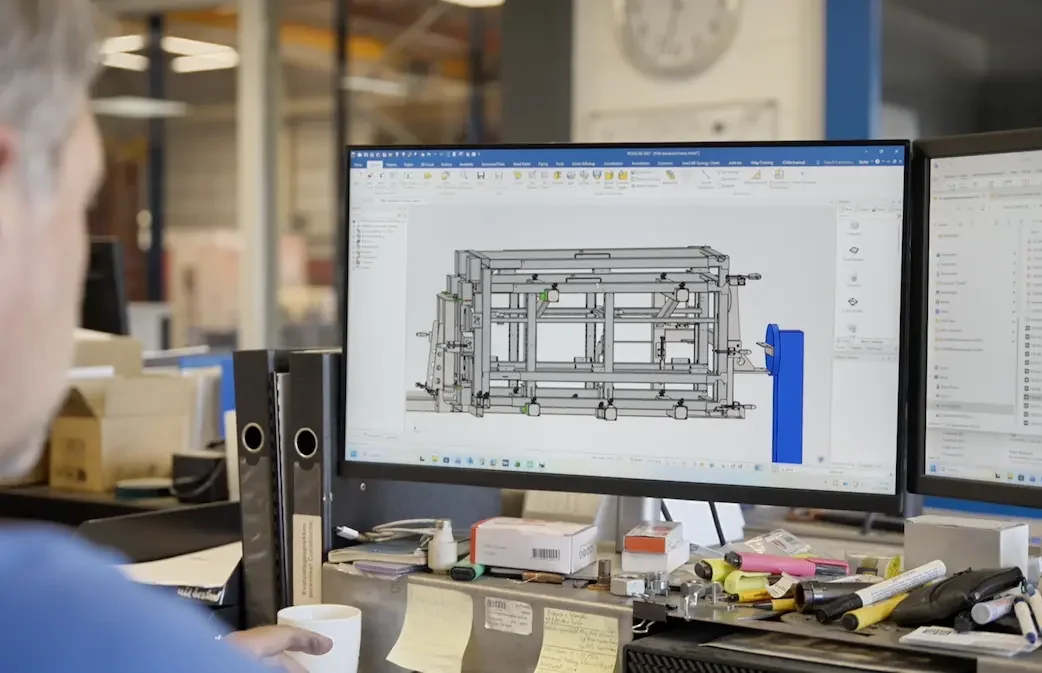
Laveno Metalworking
Practical 3D Design for Metalworking.
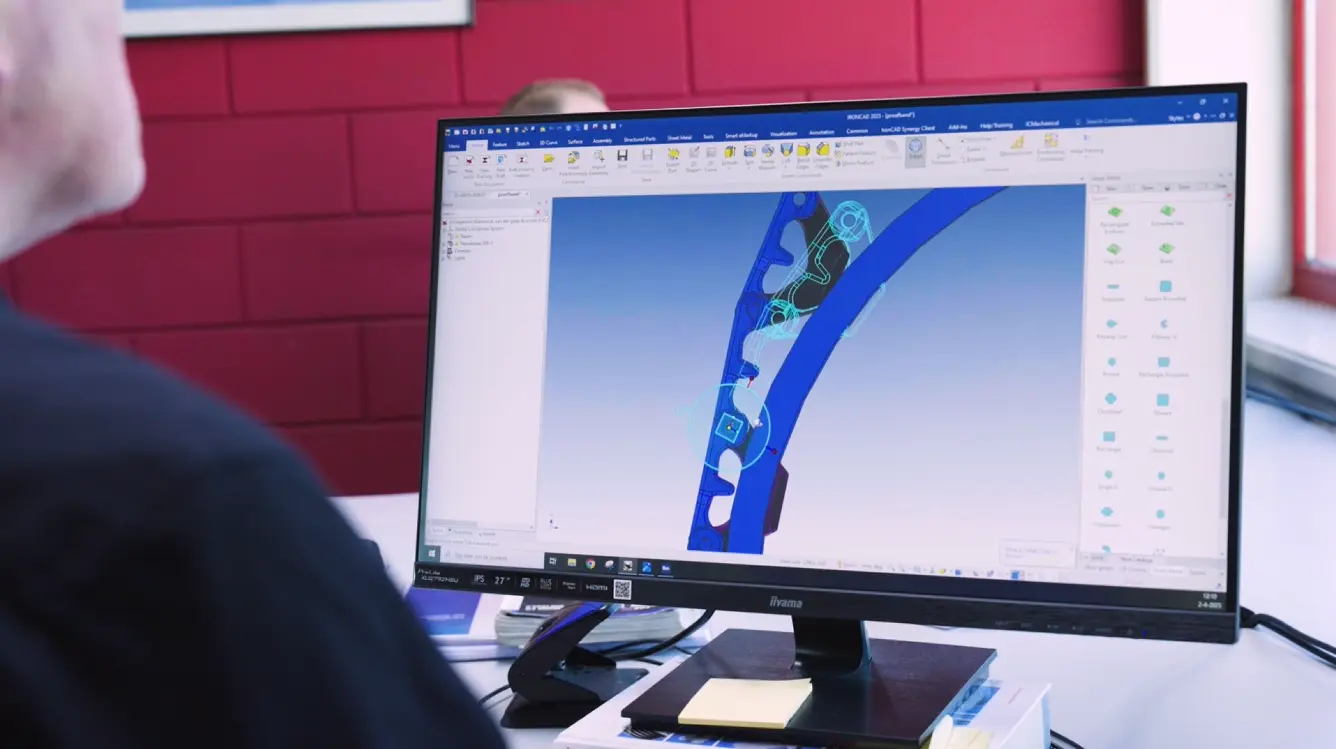
Lumacon B.V.
Smarter engineering of complex machines.

Find out how this works in your process
Want to experience how IronCAD speeds up and simplifies machine design?
IronCAD trial version
"*" indicates required fields