Simulating in CAD vs external software
Simulations are an important part of product development. Yet the way engineers perform simulations varies widely. Some work with external FEA software, while others run simulations directly within their CAD environment. What is the difference and when do you choose which approach?
Working with external simulation software
Traditionally, a CAD model is exported to a separate simulation tool. There, the model is prepared, run through and analyzed.
This works fine, but often involves extra steps:
- exporting and importing models
- Resetting materials and boundary conditions
- less flexibility for changes
Especially with multiple iterations, this process can be time-consuming.
Simulate within your CAD model
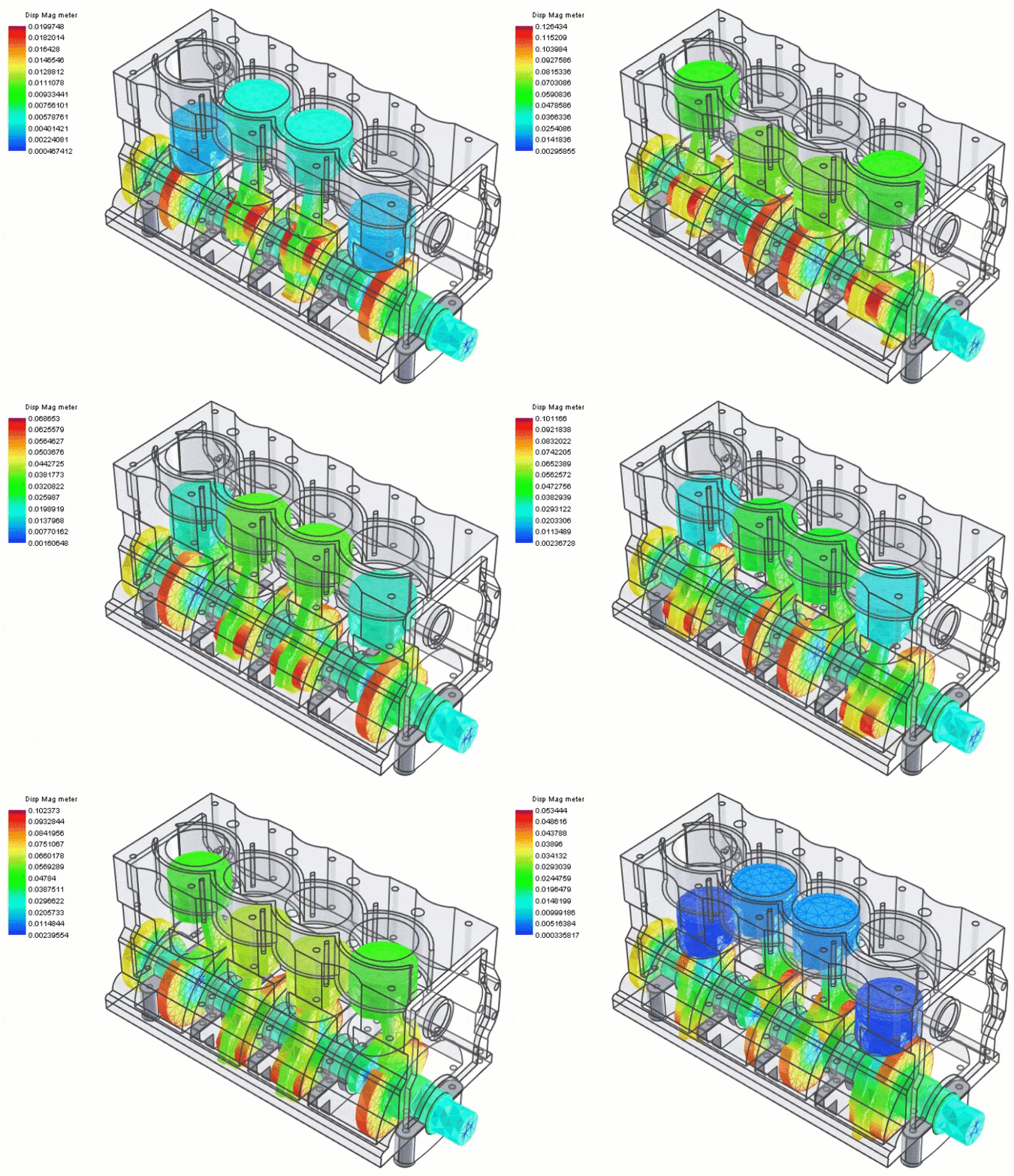
An alternative is to run simulation directly in your CAD environment. This is also called CAD-integrated FEA simulation.
With an integrated solution, you work in the same model in which you design. Changes can be immediately recalculated without having to switch between different tools.
This makes the process clearer and faster, especially during the design phase.
What does this mean in practice?
The biggest difference is in how quickly you can iterate. This makes it easier to substantiate design choices as you are designing.
Within CAD
- Can switch gears faster
- Does simulation become part of your workflow
For external software
- Does each change cost additional steps
- Is the threshold to re-simulate higher
When do you choose which approach?
Both methods have their place. External simulation software is often used for very complex or specialized analyses.
Simulation within CAD is especially interesting when you:
- Want to quickly validate during design
- Want to compare multiple variants
- Want to depend less on external tools
The role of Multiphysics in IronCAD
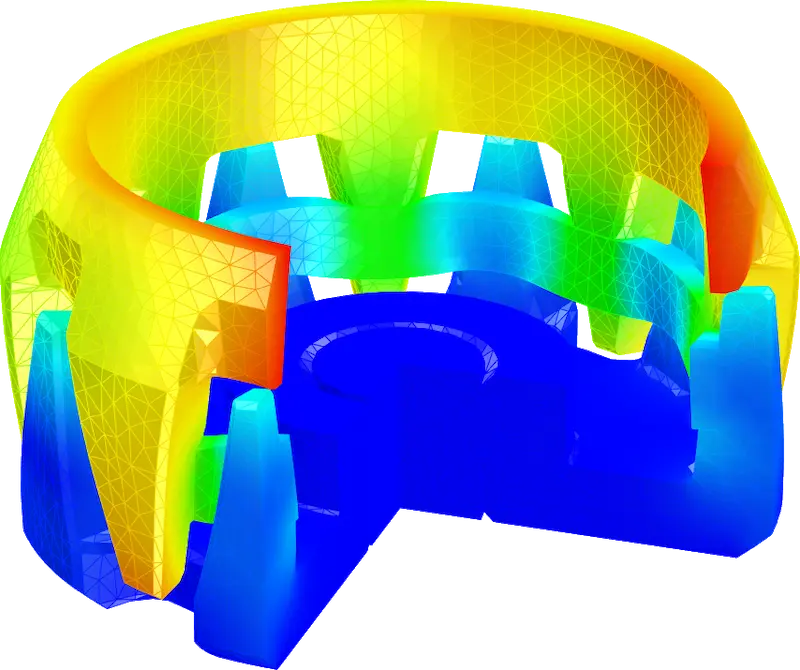
Multiphysics for IronCAD allows you to perform Finite Element Analysis (FEA) simulations directly within your CAD model.
You work in the same environment and can immediately re-calculate changes. This makes it easier to make simulation part of your design process.
Conclusion
The choice between simulating within CAD or with external software depends on your application.
For many design issues, an integrated solution is an efficient way to gain insights faster and speed up iterations.
Want to know more?
Want to see how this works in IronCAD? Check out Multiphysics for IronCAD or try it yourself with a trial version.