
AI in IronCAD
Design, Support, and Present More Effectively
AI is playing an increasingly important role in CAD. In IronCAD, too, artificial intelligence is being used in various ways to help users work faster, make knowledge more accessible, and present designs more persuasively.
From support with technical questions to assistance with design and documentation, and from 3D models to professional AI-generated visuals. AI is becoming an increasingly integral part of the daily CAD workflow.

Get an instant answer with the IronCAD AI Chatbot
With the IronCAD AI Chatbot, you can ask questions about features, workflows, and technical topics directly from within the software.
The chatbot draws on IronCAD-specific knowledge and helps you find the right answer faster. This way, you spend less time searching through documentation and can get back to your design more quickly.
Using AI in Design
AI can also play a supporting role during the design process.
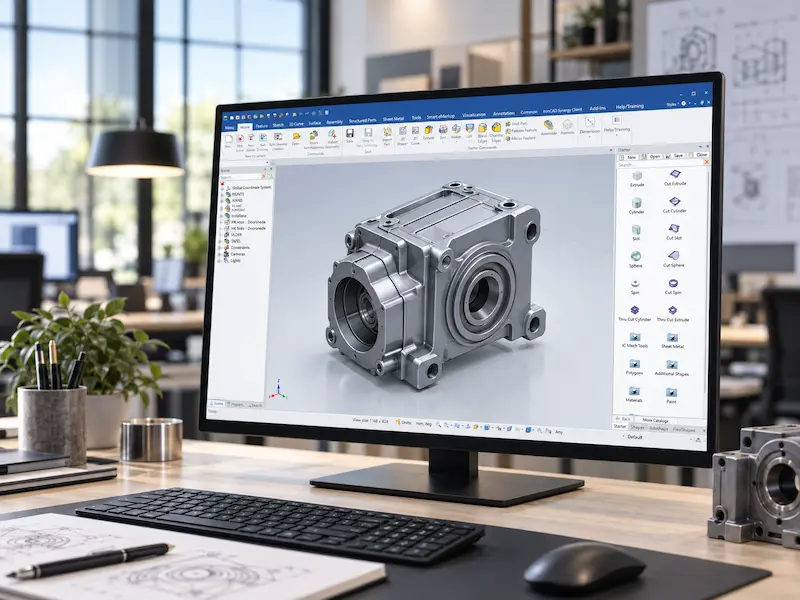
With the AI Design Assistant, information from existing IronCAD catalogs, materials, parameters, and other design data can be used to arrive at a suitable 3D design more quickly.
It is precisely the reuse of existing design knowledge that makes this appealing to companies that work with recurring parts, standard components, and variants.
Smarter Technical Documentation
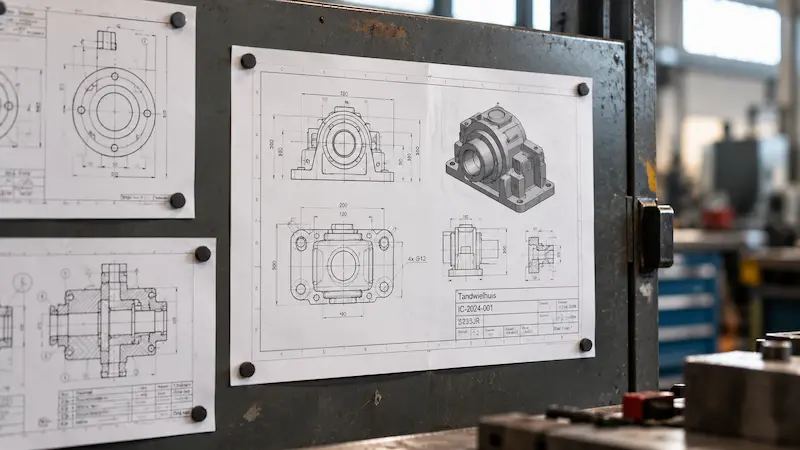
AI is also used in the creation of technical drawings.
The AI Drawing Assistant can use existing drawings and 3D components as references for, among other things, dimensions, annotations, and drawing standards.
This creates a smarter way to reapply existing work methods and company standards to new projects.
From 3D Model to Professional Visualization
AI plays a role not only in engineering, but also in presentation.
With AI rendering, you can use an existing IronCAD model as the basis for a professional visualization that includes materials, colors, lighting, and ambiance.
This is particularly useful for interior construction, retail design, furniture manufacturing, and other custom projects. You work from the same technical model but present the result in a way that immediately resonates with clients.
This significantly shortens the process from design to presentation.

One workflow, multiple AI applications
The power lies not in a single, standalone AI feature, but in the way AI can provide support at various points in the workflow.
Ask Questions
Designs
Documentation
Presenting
The 3D model remains the technical foundation. AI primarily helps to find information more quickly, make smarter use of existing design data, and speed up certain steps in the process.
Discover AI in IronCAD
AI is increasingly becoming an integral part of how design, engineering, and presentation come together. Would you like to see how the various AI capabilities in IronCAD work and what they can do for your workflow?