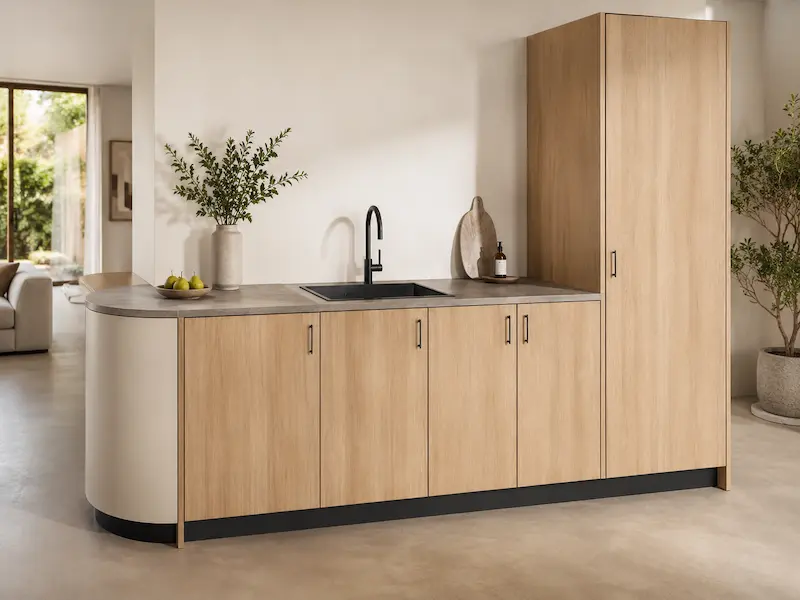
AI Visualization for IronCAD Models
Designed in IronCAD. Visualized in the blink of an eye.
A strong design starts with a good 3D model. In IronCAD, you can work quickly and flexibly on technical designs, product concepts, and machines. But once the model is complete, the next question often arises: how do you present the design in a way that immediately captures the viewer’s attention?
With AI visualization, you can quickly convert an IronCAD model into realistic product images. It’s not meant to replace professional rendering, but rather to serve as a smart complement that lets you showcase ideas faster, compare variations, and immediately involve clients or colleagues in the design process.
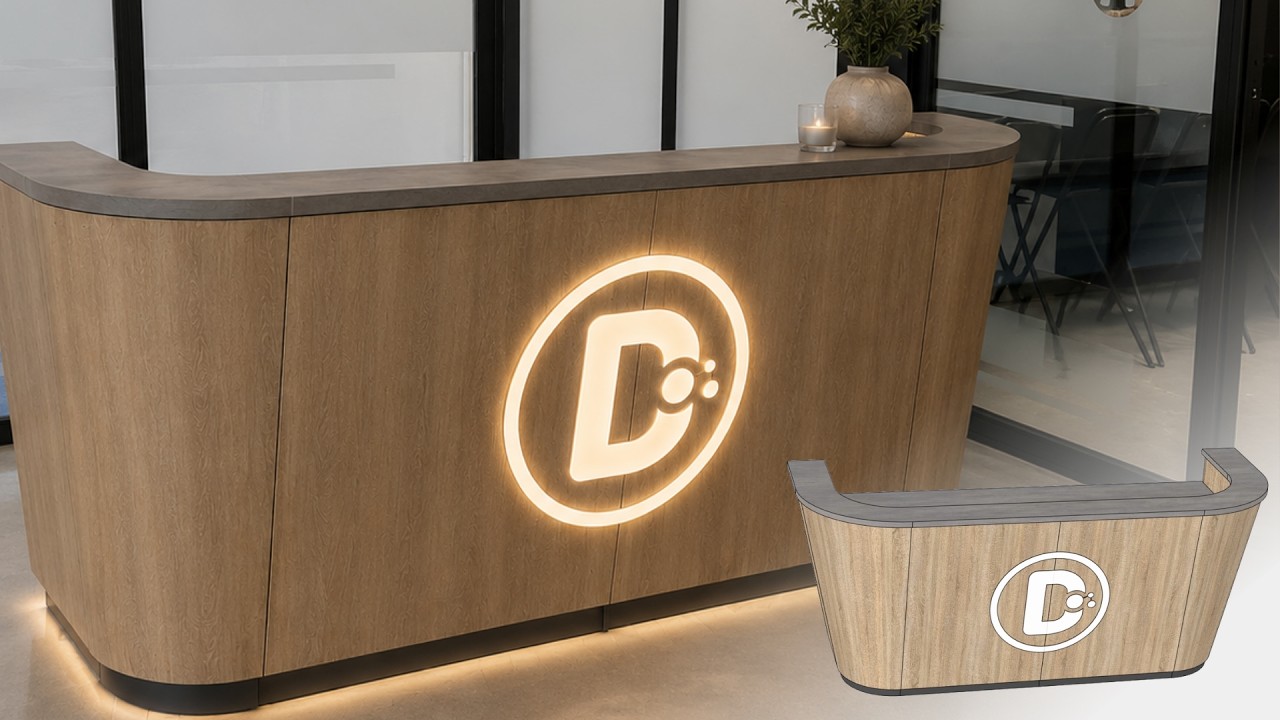
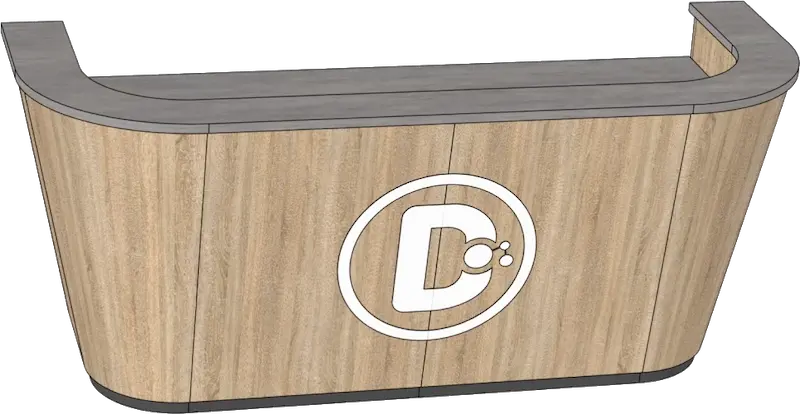
Visualization based on an editable CAD model
AI visualization starts with a technically sound design. The IronCAD model forms the basis for the image, ensuring that the visualization is not just a conceptual rendering, but remains grounded in a manufacturable design.
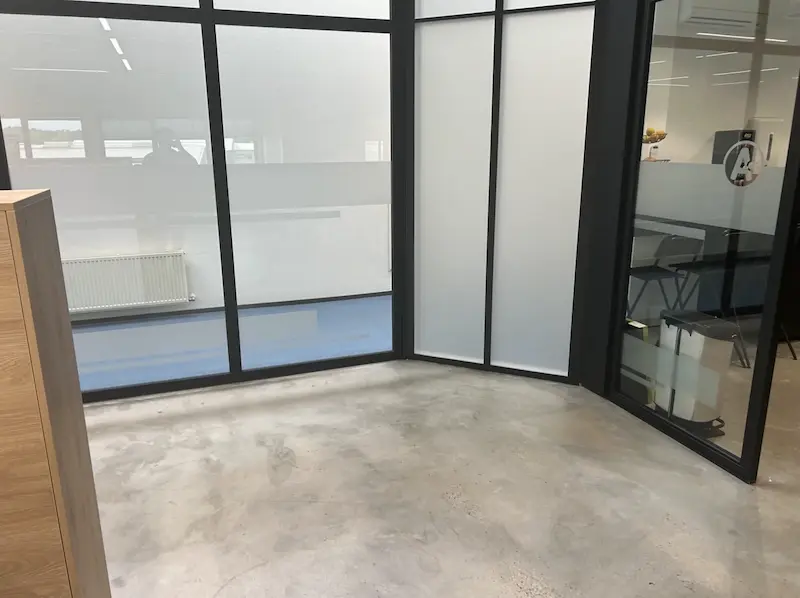
Real space as context
By adding a photo of the existing space, it immediately becomes clear how the design will work in practice.
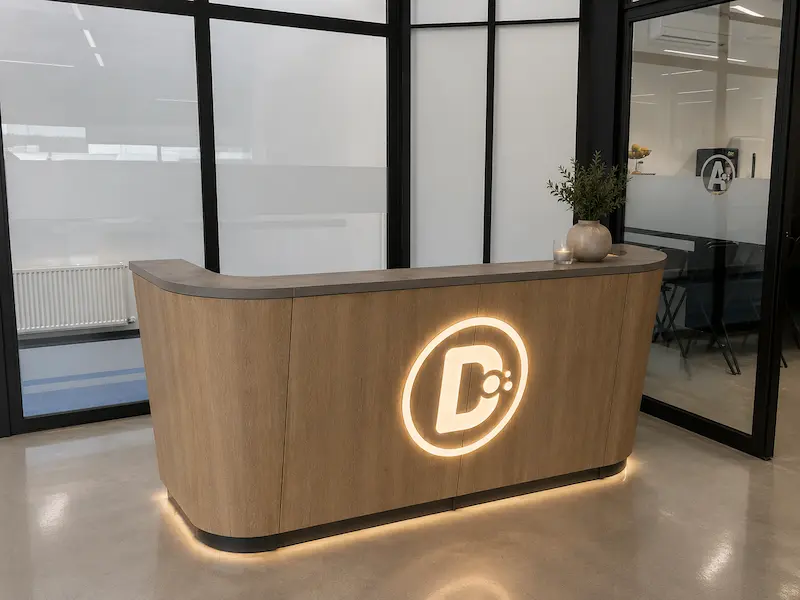
The final result
From a technical 3D model to a realistic presentation image. This is how you can quickly show what a design might look like, even before it’s produced or installed.
What can you visualize with AI?
Material Variants
Compare different material finishes, such as aluminum, stainless steel, plastic, or wood.
Color Options
Test colors and finishes quickly without changing the design.
Realistic environments
Show products in their actual settings, from factory floors to offices.
Presentation Slides
Create visuals for concepts, client presentations, or marketing purposes.
What is AI visualization for CAD models?
AI visualization uses an image, screenshot, or export of your CAD model as the basis for a new, realistic visualization. Materials, colors, lighting, atmosphere, and environments can be added to it.
This transforms a technical 3D model into a visual representation that is easier for people without CAD experience to understand.
Why combine AI with IronCAD?
IronCAD was developed to quickly create, modify, and refine designs. AI visualization complements this well by quickly converting technical designs into compelling product images.
This is useful for:
- Client Presentations
- Concept development
- Internal Design Reviews
- Sales Calls
- Marketing Preparation
- Product Validation
AI visualization alongside traditional rendering
Traditional rendering remains important when maximum control over geometry, materials, lighting, and image quality is required.
AI visualization serves a different purpose: quickly identifying ideas, testing variations, and visually presenting designs without immediately launching a full rendering process.
Better Presentations, Faster Decisions
A CAD model conveys a lot of information to engineers and designers. A realistic visualization tells the same story to just about everyone.
By combining IronCAD with AI visualization, design ideas can be understood, discussed, and evaluated more quickly.
Ready to visualize your IronCAD models faster?
AI visualization bridges the gap between an IronCAD model and a compelling product presentation. This makes a technical design not only functional and manufacturable, but also immediately visible and understandable.