
IronCAD 2027
AI, automation and more control for engineers
With the release of IronCAD 2027, IronCAD introduces several new features that further accelerate design and engineering processes. The focus is on artificial intelligence, automation, performance and ease of use for companies in mechanical engineering, metalworking, interior design and industrial product development.
AI Supports the Design Process.
One of the biggest innovations in IronCAD 2027 is the expansion of AI functionality within the CAD environment.
The new IronCAD AI Chatbot helps users directly with questions about design techniques and software functionality. In addition, the AI Design Assistant and AI Drawing Assistant support design generation and automate drawing work based on existing business standards.
The goal is not to replace engineers, but to reduce repetitive work and get to an end result faster.
Python integration for More Automation
IronCAD 2027 also introduces native support for Python. This allows companies to automate processes, develop proprietary tools and create links to other systems.
For organizations working with product configuration, standardization or recurring design work, this offers interesting opportunities.
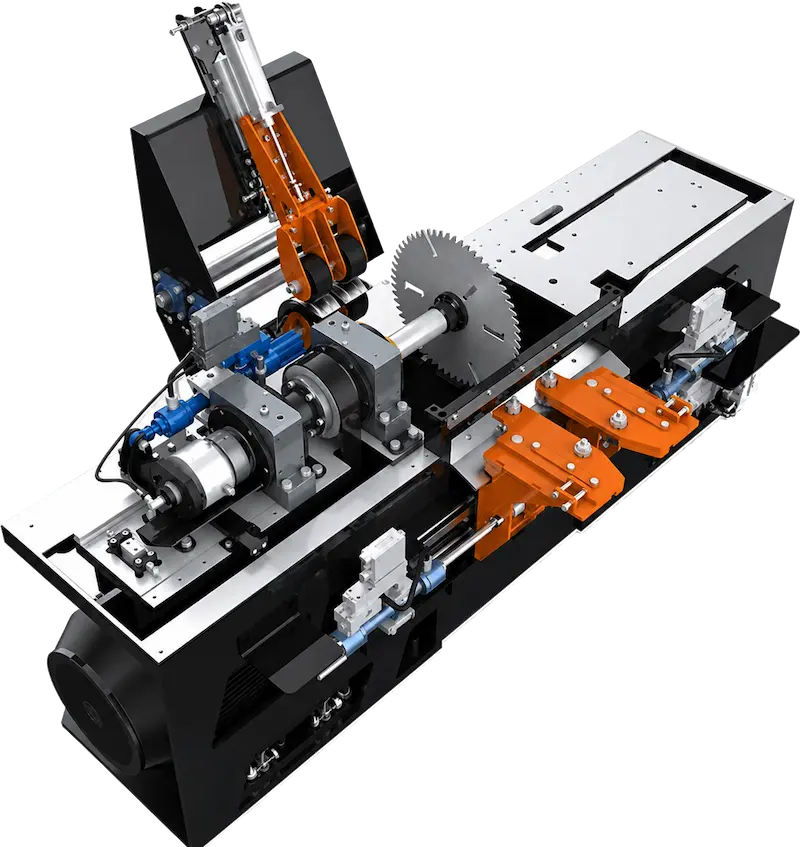
Edge Sawbox designed in IronCAD by Höga Kusten Teknikresurs AB
Improved performance and smarter assembly work
Several improvements have also been made under the hood. Large assemblies load faster, respond more smoothly and are more efficient to manage. In addition, IronCAD 2027 includes practical improvements for positioning, reusing, and managing parts within assemblies.
Freely position TriBall in space
The TriBall has been further improved and can now be positioned more freely in space, without always requiring a geometric snap point. This makes it easier to accurately move and orient large parts, frames, or modules within complex layouts.
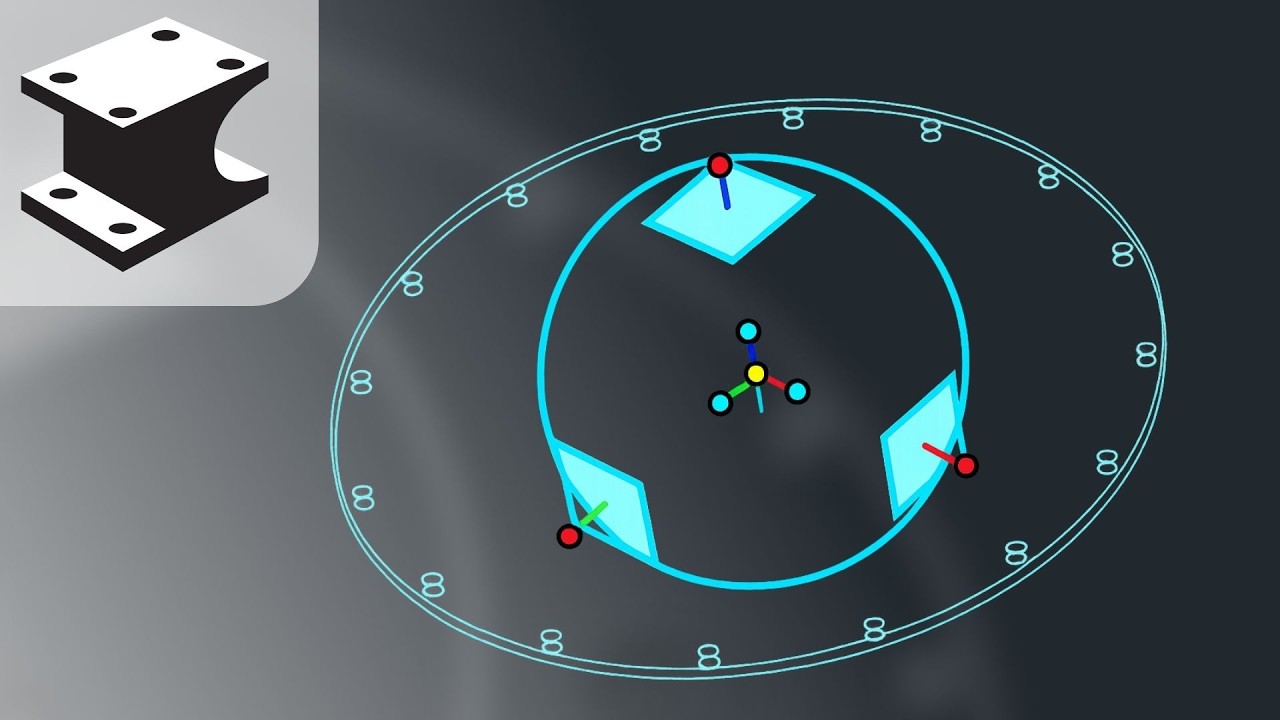
Flexible Assemblies for Multiple Positions
With Flexible Assemblies, subassemblies can be used in different positions or configurations while retaining the original design structure. This is useful, for example, in machines, robotic arms, and modular systems that require multiple orientations or variants within a single project.
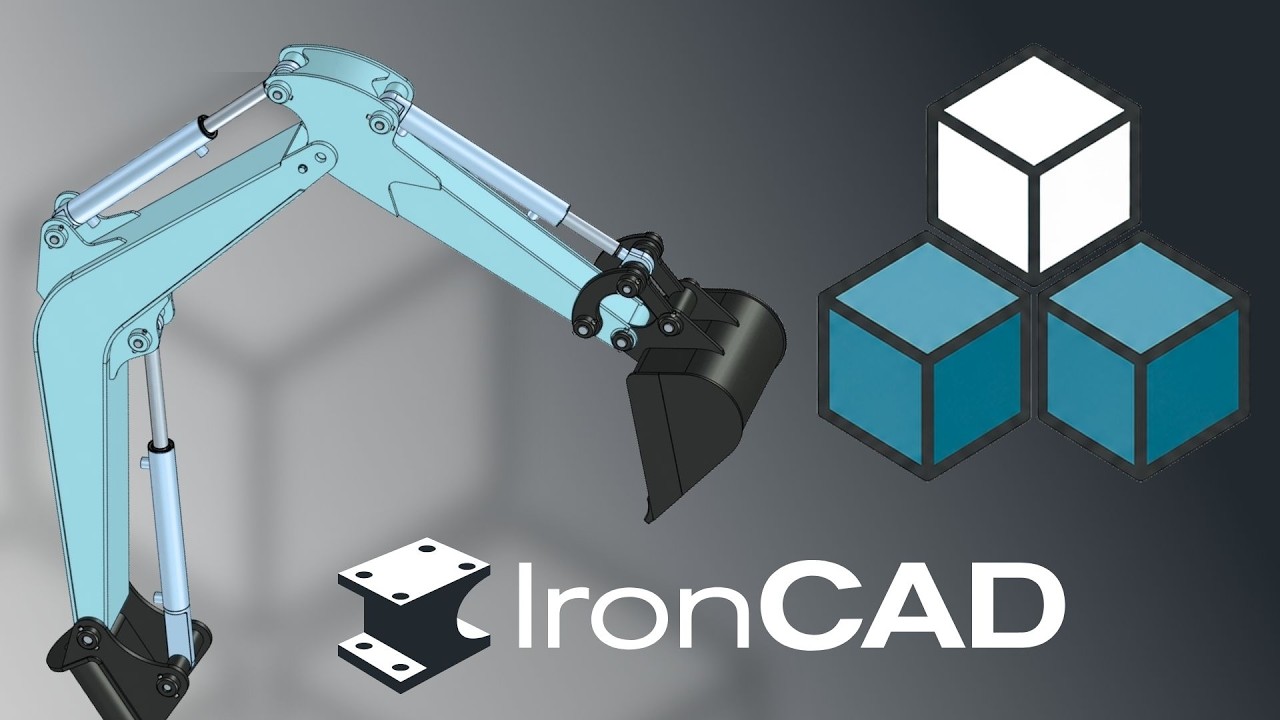
Copy with Mates for Faster Reuse
Copying parts and subassemblies has also been improved with the “Copy with Mates” feature. This allows components to be copied along with their constraints. This saves time when working on repetitive designs, such as machine frames, assembly groups, production lines, or modular installations.
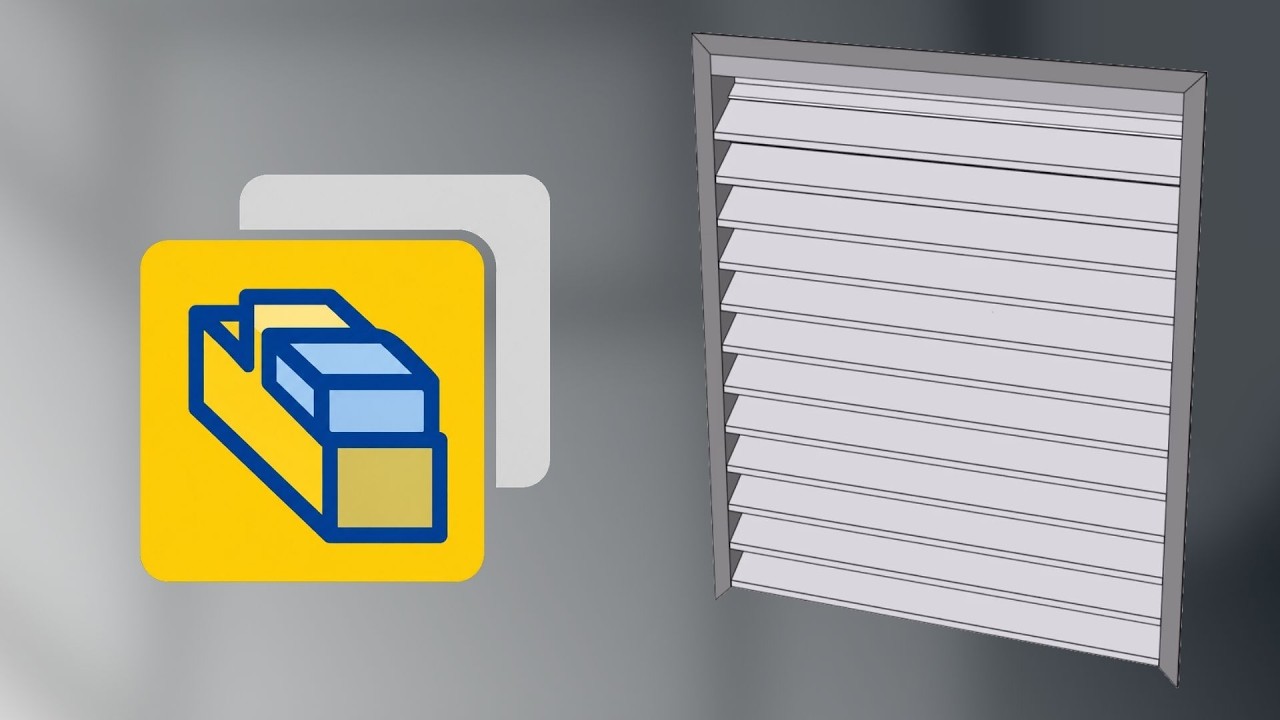
Practical improvements for everyday use
In addition to AI and automation, IronCAD 2027 includes dozens of improvements for everyday design work, including:
Improved sketching and modeling tools
Extensions for sheet metal design
Smarter drawing functionality
Improved DWG export
Improved TriBall and usability
Available in IronCAD 2027
IronCAD 2027 is available immediately to users with an active maintenance contract.
Download the Update
Are you already working with IronCAD? Then download the latest version and discover for yourself the new AI functionalities, Python integration and productivity improvements.