
TriBall
What is the TriBall tool?
The TriBall in IronCAD is a powerful positioning tool that lets you create 3D designs faster and more easily. Normally, you need multiple functions to move, rotate, or copy parts. With the TriBall, you can do all of this with a single tool. Check out the tutorials on IronCAD Academy.
Result: less manual work, more control and a faster design process.
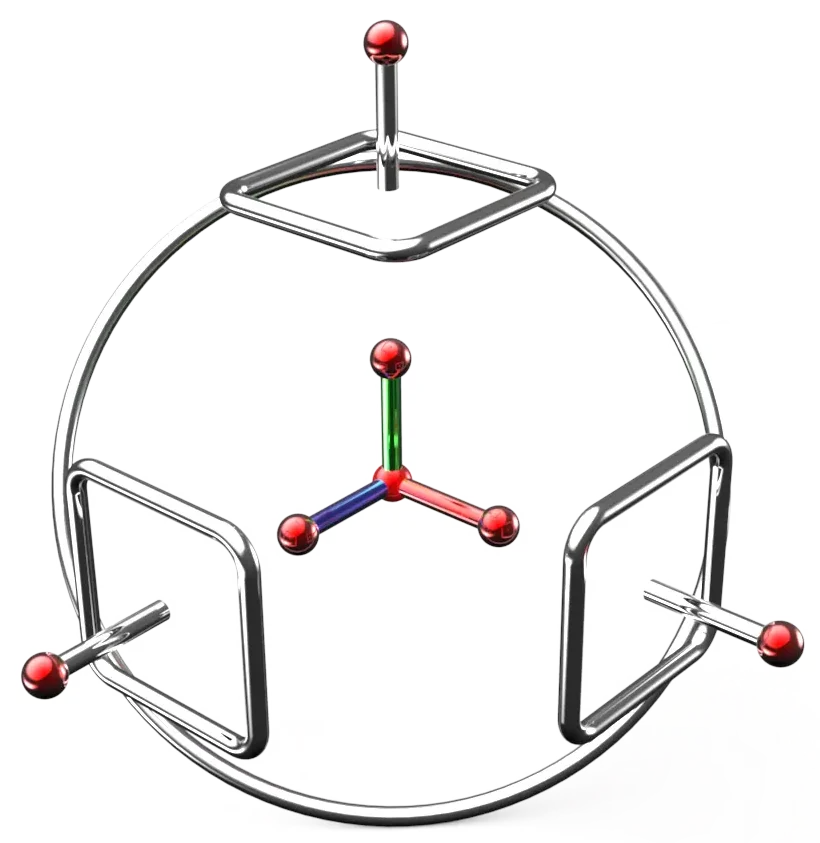
Inner levers for precision
The inner levers of the TriBall are colored arrows, each representing a direction in 3D space. For each axis, the standard configuration is:
- a red translation lever to move parts along that axis
- a blue orientation lever to rotate parts around that axis
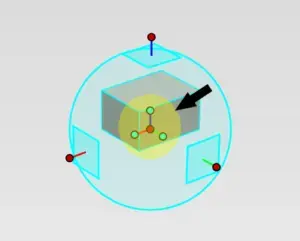
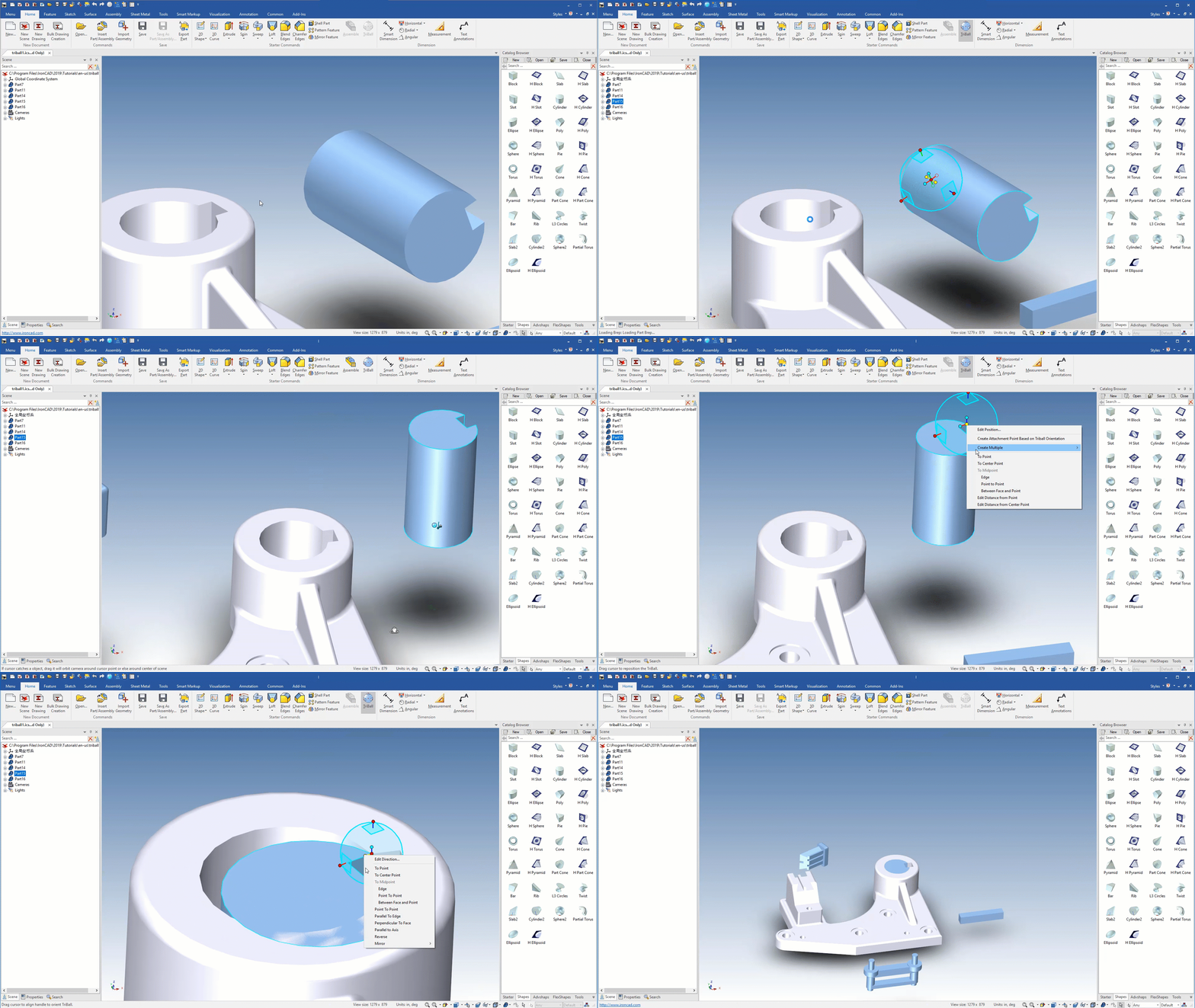
You can also use the central handle to move the TriBall itself within your scene. Right-click to open additional options, such as aligning to points, positioning between two points, or setting a distance.
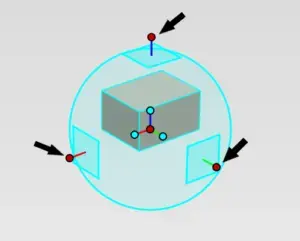
Outer levers for flexibility
The outer levers give you freedom in moving and rotating parts. They let you quickly determine direction or create copies and patterns. What you can do with the outer levers:
- Direction locking for controlled movement
- Parts duplication or pattern making
- Precision positioning by combining the core with a handle
- Rotate parts smoothly without changing camera angle
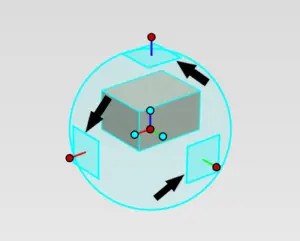
Outer surfaces for dual directions
The outer surfaces allow you to move parts in two directions at once. This gives you more flexibility and makes designing faster.
Advantages of the outer surfaces:
- Movement in two axes simultaneously
- Similar operation to the outer levers
- Convenient for quick and flexible positioning
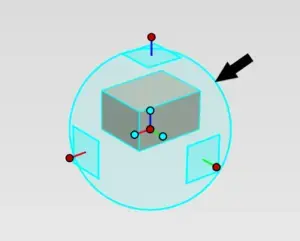
The ring for fixed rotation angles
The TriBall ring is ideal when you’re shooting a lot from above. It allows you to rotate subjects in fixed increments without changing the camera angle.
Functions of the ring:
- Rotating at fixed angles
- Disable small unintentional turns in settings
- Handle locks for controlled rotation
Unlock for additional features
Pressing the spacebar unlocks the TriBall and detaches it from the component. This gives you extra freedom and allows you to execute patterns and alignments with even greater precision.
The unlock function allows you to:
- Parts exact alignment
- Creating linear and radial patterns
- Orienting the TriBall freely in space
FAQ About the TriBall in IronCAD
Frequently asked questions about the TriBall help you quickly find answers to questions about practical applications and features within IronCAD.
Conclusion
The TriBall is a versatile tool that lets you design in 3D faster, with greater precision, and more flexibly. Whether you want to move or rotate parts or create patterns, the TriBall lets you work more efficiently and with greater control.