
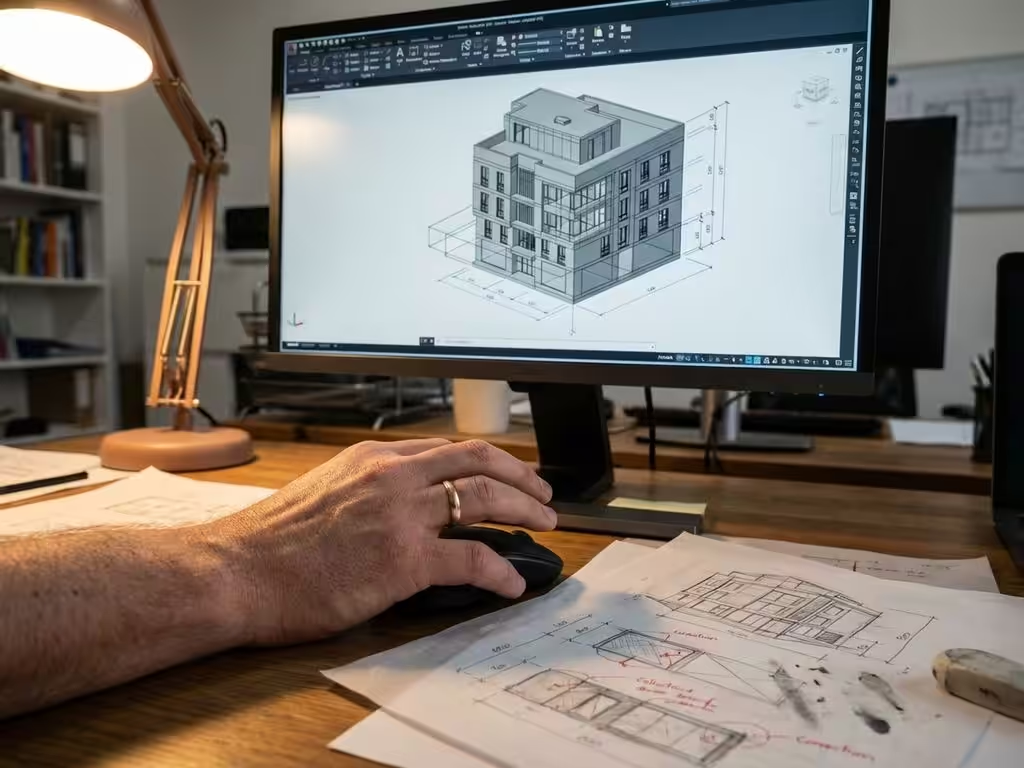
Can CAD software prevent errors in designs?
Design errors can cost your company a lot of money. An incorrectly measured part, a missing joint or incompatible materials lead to production delays, wasted materials and dissatisfied customers. Fortunately, modern CAD software can detect and prevent many of these errors as early as the design process.
In this article, you’ll discover how design errors cause financial damage, what advanced detection features are available, and what practical steps you can take to create error-free designs. We also look at how various software solutions contribute to better quality control in the manufacturing industry.
Why design flaws are costly to the manufacturing industry
The financial impact of design errors grows exponentially the later they are discovered in the process. An error that costs only a few dollars to correct during design can cost thousands of dollars if it is only uncovered during production.
Production delays are often the biggest cost. When a design error is discovered during manufacturing, the production line must stop. Machines grind to a halt, employees cannot continue working, and delivery schedules are jeopardized. For an average manufacturing company, each day of delay can cost hundreds to thousands of dollars.
Material waste represents another significant cost. Improperly designed parts must be discarded, new materials must be ordered, and the entire production cycle begins again. In industries where expensive materials are used, these costs can quickly reach tens of thousands of dollars per incident.
Reputational damage is harder to quantify, but often most damaging in the long run. Customers who experience delayed deliveries or lower quality products lose confidence in your company. This can lead to loss of future orders and a damaged market position.
How modern CAD software automatically detects errors
Contemporary CAD systems have advanced features that can identify design errors in real time. These technologies act as a digital quality control that constantly monitors the design process.
Real-time validation automatically checks that your design meets preset rules and standards. As soon as you add an element that conflicts with existing parts or falls outside the allowed tolerances, you get an instant alert.
Clash detection identifies collisions between different components before the design goes to production. This feature is especially valuable in complex assemblies where multiple parts must work together. The system can even predict potential interferences that only become apparent during assembly.
Intelligent design rules go one step further by proactively suggesting improvements. These systems learn from previous projects and can recognize patterns that led to problems. They not only warn of errors, but also suggest alternative solutions.
Material compatibility checks ensure that all specified materials can actually be combined and processed with the available production methods. This prevents costly surprises during manufacturing.
Practical tips for error-free design with CAD software
A structured approach and proper use of your CAD software can drastically reduce the number of design errors. These strategies will help you work more consistently and reliably.
Develop standard design templates for common project types. These templates contain preconfigured settings, material specifications and quality rules. By always starting from a validated template, you avoid many basic errors and work more efficiently.
Implement a systematic control flow in which each design phase concludes with an automated check. Schedule regular intermediate reviews in which the system validates the design against your quality criteria. This helps identify problems early, when they are still easy to solve.
Ensure effective collaboration among team members by using shared libraries and standard components. When everyone uses the same, validated components, you reduce the chance of incompatibilities and communication errors.
Document design decisions directly in the CAD system. Include notes on why certain choices were made and what alternatives were considered. This information helps with future changes and prevents the same mistakes from being made again.
How IronCAD helps with error prevention
IronCAD offers a unique combination of intuitive design and advanced error detection that perfectly meets the needs of the modern manufacturing industry. The software helps you avoid design errors in several ways:
- Intuitive interface that minimizes the risk of input errors through drag-and-drop functionality
- Parametric design, where changes automatically propagate throughout the design
- Integrated quality controls that provide real-time feedback during the design process
- Intelligent assembly tools that automatically detect incompatible combinations
- Extensive material library with pre-validated specifications
With IronCAD, you don’t just work faster, you work more reliably. The software grows with your business and helps you consistently deliver high-quality designs that get it right the first time.
Want to know how IronCAD can improve your design process and prevent costly mistakes? Contact us for a personal demonstration and discover the possibilities for your business.


