How can I quickly improve my design and presentation skills without a major investment?
Improving your design process quickly and presenting to clients more persuasively doesn’t have to require a major investment. With modern 3D CAD software, you can work faster, create more polished presentations, and respond more flexibly to client changes—without months of retraining or expensive implementation projects. In this article, we answer the most frequently asked questions about smarter design and presentation in the manufacturing industry.
What’s really holding back your design process?
The biggest obstacle to your design process isn’t a lack of talent or time, but software that forces you to work within a rigid framework. Traditional CAD systems build designs using rigid history trees: if you change something early in the process, the rest of the model can collapse. That leads to frustration and wastes time and energy that you’d rather invest in real design decisions.
Do any of these situations sound familiar?
- A client asks for a minor change, but you end up spending hours fixing your model
- You work with 2D drawings, while clients are increasingly asking for 3D visualizations
- It takes new colleagues months before they can design on their own
- Your competitor is showing off a better design, and you’re wondering how that’s possible
These bottlenecks are not inevitable. They result from software that no longer aligns with the way modern manufacturing companies operate. The solution lies not in working harder, but in smarter tools.
How does intuitive 3D design work in practice?
Intuitive 3D design means you work directly in three dimensions, without having to go through a complex series of steps before you see something meaningful on the screen. You select a shape, place it, adjust it, and combine it with other parts. The software follows your thought process, rather than the other way around.
In practice, this works as follows: you drag a 3D base shape onto your workspace, adjust the dimensions directly, and add features by simply clicking on the model. Want a hole, a cutout, or a joint? Just click on the area where you want it, and the software takes care of the rest. There’s no required order, no strict structure you have to plan in advance.
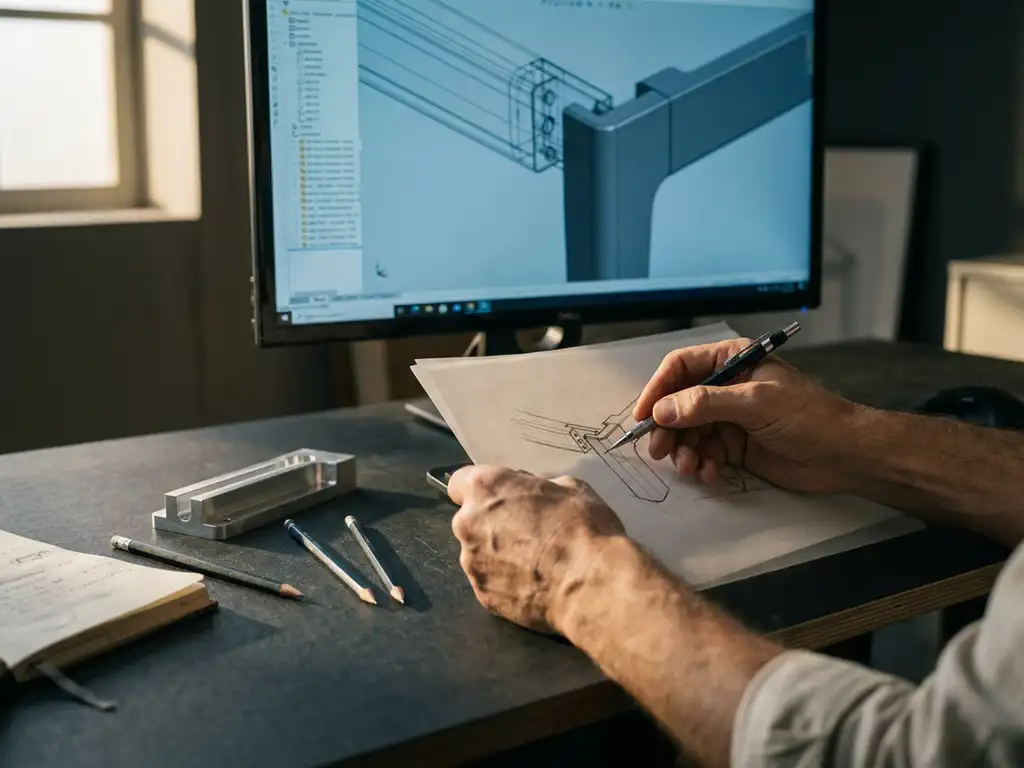
This makes all the difference for engineers and product designers who are used to sketching on paper: the freedom to experiment is built right into the process. You can change direction midway through without having to rebuild the entire model. This not only speeds up the design process itself but also allows for a quicker response to feedback from customers or colleagues.
What is the difference between traditional CAD and modern CAD software?
The key difference between traditional and modern CAD software lies in the way changes are handled. Traditional systems use a fixed edit history: each step builds on the previous one, and a change made early in the process affects everything that comes after it. Modern CAD software lets you make changes at any time, to any part, without causing the model to break.
Traditional CAD: Power with Limitations
Traditional CAD packages are powerful and precise, but require a structured approach from the outset. You need to know what your model will look like before you start, because the structure determines how flexibly you can make adjustments later on. This works fine for standard products, but for custom work or iterative design, it takes a lot of extra time.
Modern CAD: Flexible and Fast
Modern CAD software combines parametric and direct modeling. You can design within a fixed framework, but you can also make free-form adjustments without being tied to a history tree. This makes the software suitable for both mass production and fully custom projects, and significantly lowers the barrier to entry for new users. Many companies in the manufacturing and interior construction industries are making the switch for precisely that reason.
How do you present 3D designs to clients in a compelling way?
A compelling 3D presentation shows the customer exactly what they’re getting, rather than having them interpret it from a technical drawing. It starts with a realistic model that comes directly from your design software, without the need for separate visualization software.
Practical Tips for Effective Client Presentations:
- Use realistic materials and colors in your 3D model so that the customer can visualize the final product
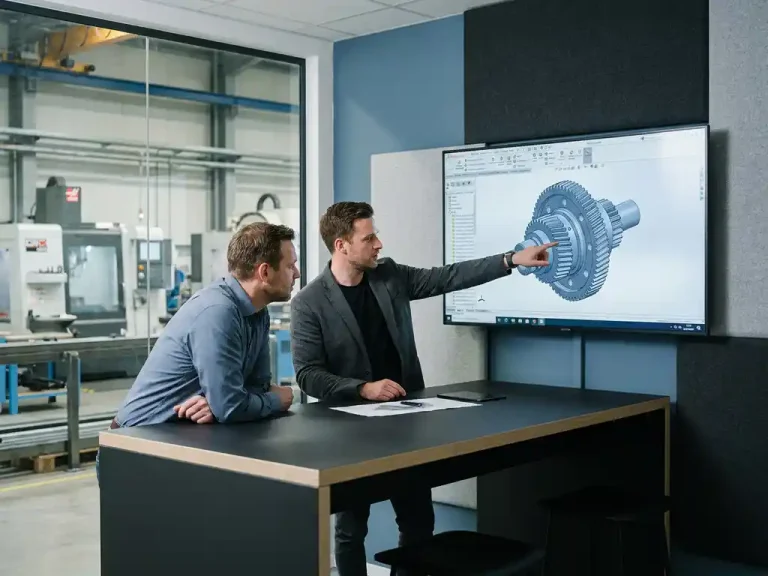
- Use rotation and zoom during the call so the customer can view the design from every angle
- Show variants in real time: adjust a size or color right during the meeting and show what the result looks like
- Export to a user-friendly format that the customer can open or view on their own, without any technical knowledge
The main advantage of 3D presentations is that they help prevent misunderstandings early in the process. A client who sees their product in 3D is more likely to approve it quickly and will request fewer revisions later on. This saves you time and increases client satisfaction.
Can you quickly switch to new CAD software without losing productivity?
Yes, provided you choose software with a low learning curve and a structured onboarding process. The biggest fear when making the switch is that your team will be less productive for weeks or months. That fear is understandable, but it doesn’t have to come true. Modern CAD packages are designed so that users can be productive within a few days, not after months.
A few factors determine how smoothly the transition goes:
- Availability of training courses: Choose a provider that offers hands-on CAD training tailored to your industry
- Import Options: Check whether existing files and drawings can be easily imported
- Support During the Transition: Good Technical Support in the First Few Weeks Makes a Big Difference
- Phased implementation: Start with a team or project, learn what works, and then expand
Companies that prepare well for the transition often find that productivity is higher than before the transition after just a few weeks. This is not in spite of the new software, but because of the more efficient way of working it enables.
When is the right time to upgrade your CAD software?
The right time to upgrade your CAD software is when the costs of your current workflow exceed the costs of making a change. That sounds simple, but many companies wait too long because they’ve come to view the daily frustrations as normal.
Clear signs that it’s time for an upgrade:
- You regularly lose contracts because your competitor presents a more attractive or faster design
- Design changes take more time than the original design
- New employees are dropping out due to the complexity of today’s software
- You cannot exchange 3D files with customers or suppliers
- You’re still working with 2D drawings, even though the market demands 3D
In 2026, the barrier to switching will be lower than ever. Licensing models have become more flexible, implementation processes are shorter, and the available training programs are more practical. Don’t wait until you lose a major contract before taking the plunge.
How IronCAD Helps You Create Faster and More Compelling Designs
IronCAD is the CAD solution specifically designed for companies in the manufacturing industry that want to design quickly, make flexible adjustments, and deliver compelling presentations to customers. The software combines parametric and direct modeling in a single environment, so you’ll never be constrained by a rigid history tree again.
Here’s what IronCAD actually does for you:
- Uncompromising design freedom: customize any component at any time, without the model collapsing
- Steep learning curve: new users are productive within days, not months
- Realistic 3D visualizations: Present designs directly to clients right from within the software itself
- Automatic output: Generate cutting lists, parts lists, sheet metal optimization, and NC codes directly from your model
- Seamless integration: IronCAD integrates with ERP processes, ensuring that design and production are aligned
Browse all software solutions or contact us directly to find out what IronCAD can do for your business. Get in touch with us, and we’ll be happy to work with you to find the best solution.