
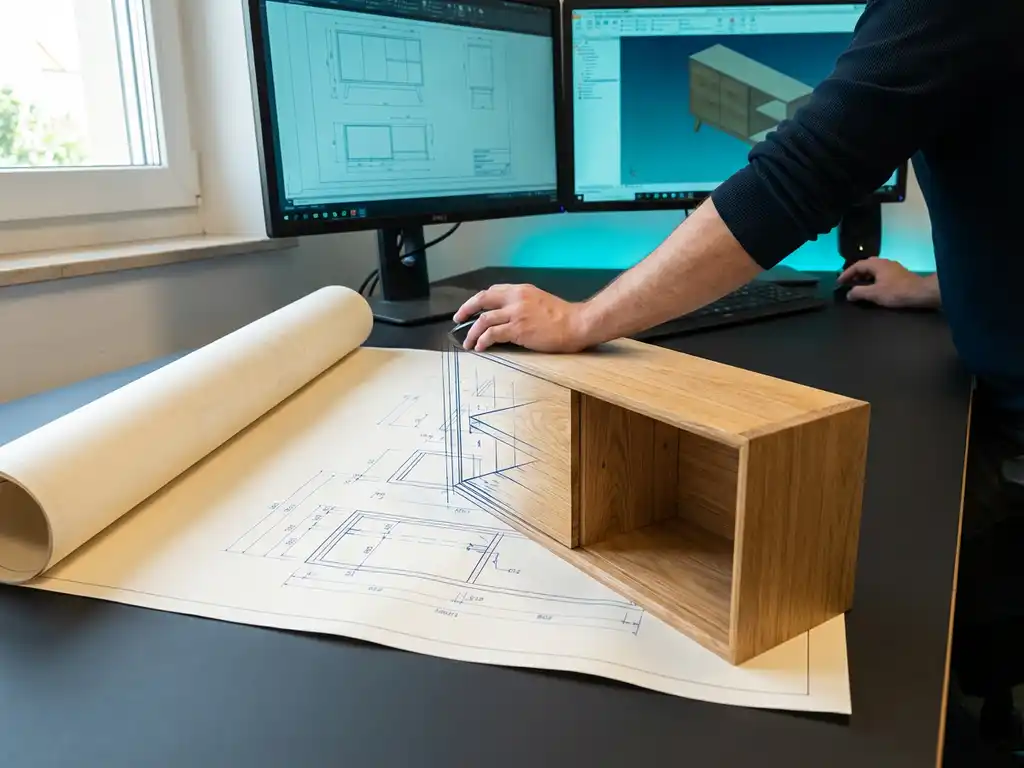
How difficult is the transition from AutoCAD to 3D software?
The move from AutoCAD to 3D software is an important step for many companies in the manufacturing industry. While AutoCAD was the standard for engineering drawing for many years, modern 3D software, such as CAD systems, offers many more options for product design and visualization. However, many companies struggle with how difficult this transition really is and what to expect.
The reality is that switching to 3D drawing is less complex than many people think, provided you prepare properly and choose the right software. In this article, we answer the most frequently asked questions about switching from AutoCAD to 3D CAD software.
Why are companies considering switching from AutoCAD to 3D software?
Companies are switching from AutoCAD to 3D software because modern manufacturing processes require more visualization, better collaboration and integrated workflows than 2D drawings can provide. The manufacturing industry increasingly demands rapid customization, customization and efficient production processes.
3D software offers tangible benefits that AutoCAD cannot provide. You can visualize complex products better, allowing design errors to be detected early in the process. In addition, 3D models make communication with customers and suppliers much clearer because everyone has the same picture of the final product.
Another key advantage is integration with modern manufacturing systems. 3D CAD software can automatically generate saw lists, make material calculations and even produce NC code for CNC machines. This automation saves a lot of time and reduces errors in the production chain.
What are the biggest challenges in moving from AutoCAD to 3D CAD?
The biggest challenges in making the switch are switching from a 2D to a 3D way of thinking, learning new workflows and adapting existing drawings and processes. Many AutoCAD users are used to thinking in lines and planes rather than volumes and spatial objects.
A practical challenge is converting existing 2D drawings to 3D models. This often takes more time than expected because you cannot simply import drawings, but must rebuild the design in 3D. Employees also have to get used to new keyboard shortcuts, menus and ways of working.
In addition, there may be resistance within the team. Experienced AutoCAD users have often spent years perfecting their methods and fear that they will become less productive with new software. It is important to take these concerns seriously and schedule sufficient time for training and mentoring.
How long does it take to get used to 3D CAD software after AutoCAD?
Most AutoCAD users need 2 to 6 months to become productive with 3D CAD software, depending on the complexity of their projects and the time they invest in training. Experienced AutoCAD users do have an advantage because they are already familiar with CAD concepts.
In the first few weeks, the focus is on learning the basic workflow and interface. After about a month, you can create simple 3D models, but it takes longer to get back to working as fast as you do in AutoCAD. The biggest jump in productivity usually comes after 3 months, when 3D thinking becomes natural.
It is important to have realistic expectations. In the beginning you will probably work slower than with AutoCAD, but after the learning curve you are often much faster, because 3D software automates many processes that you had to do manually in AutoCAD.
Which 3D CAD software is the best alternative for AutoCAD users?
For AutoCAD users, CAD packages with intuitive interfaces and flexible modeling methods are the best alternative, as they ease the transition from 2D to 3D drawing without a steep learning curve. Software that supports both parametric and direct modeling offer the most freedom.
When choosing 3D software, it is important to consider your specific industry and method of operation. For the manufacturing industry, features such as automatic saw list generation, material calculations and integration with production systems are essential. The software must also be able to handle customization and modifications well.
Also pay attention to the learning curve and support. Software with good training, Dutch-language support and an active user community makes the transition much smoother. It is wise to try out several options before making a final choice.
How do you prepare your team to move to 3D CAD software?
A successful transition to 3D CAD begins with a good training plan, clear communication of the benefits and a phased implementation that does not require everyone to switch at once. Start with a pilot group of motivated users who can help others.
Organize demonstrations and workshops in advance so your team can see what 3D software can do for their daily work. Explain how the new software will make their work easier and more interesting, not just the technical benefits to the company.
Schedule sufficient time for training and practice with real projects rather than just theoretical examples. Make sure someone is always available for questions and make clear agreements about when which projects will be run in the new software. Good guidance in the first few months is crucial to the success of the transition.
How IronCAD is helping with the transition to 3D drawing
IronCAD makes the transition from AutoCAD to 3D drawing exceptionally smooth thanks to its unique combination of intuitive operation and powerful functionality. As an official IronCAD distributor in the Netherlands, we help companies with this important step on a daily basis.
The benefits of IronCAD for AutoCAD users are:
- Drag-and-drop modeling that feels much more natural than traditional CAD
- Combination of parametric and direct modeling in one environment
- Automatic generation of saw lists, bills of materials and NC code
- Intuitive TriBall™ tool for easy object manipulation
- Quick adjustments possible, even late in the design process
Want to know how IronCAD can accelerate your transition to 3D drawing? Contact us for a personal demonstration and find out how we can guide your team through this important move to modern CAD software.


