
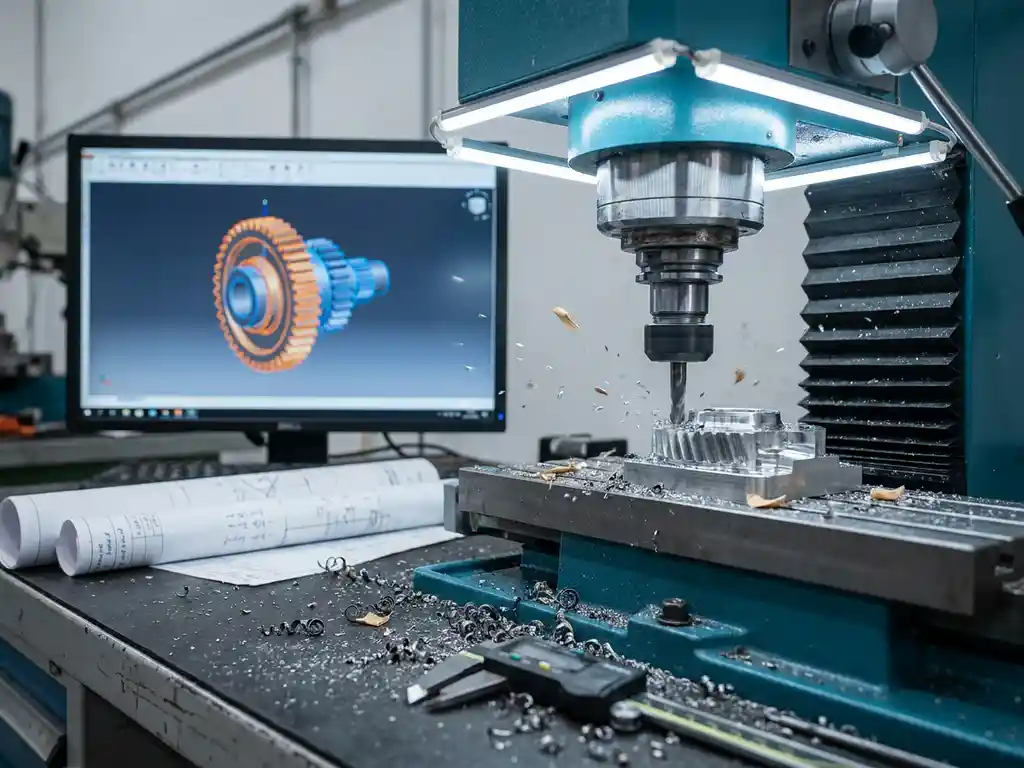
How do you calculate machine time from your CAD design for a quote?
Calculating machine time from your CAD design is essential for accurate quotations in the manufacturing industry. You can do this manually from engineering drawings, but modern CAD and CAM software automates this process by calculating machining times directly from 3D models. This ensures reliable cost estimates and prevents loss-making projects. Do you have questions about implementing automated time calculation? Feel free to contact us for personal advice.
Underestimating machine time costs your profit margin
Underestimated time estimates in quotes lead directly to loss-making projects. Many mechanical engineering and metalworking companies lose 15-30% profit margin due to inaccurate machine time calculations. You are competing on price while actually making a loss. The solution lies in systematic time recording of similar projects and the use of standardized machining times by material type and machine type.
Manual calculations cost you too much time and reliability
Spending hours manually calculating processing times per part slows down your quotation process considerably. Moreover, you introduce human errors that can have costly consequences. Teams spend an average of 40% of their quoting time on time calculations that software can perform in minutes. Invest in CAM software that generates realistic machine times directly from your CAD files, including cut-in and cut-out times and tool changes.
What is machine time and why is it important to your quote?
Machine time is the total time it takes a machine to produce a part, including machining time, fixtures and tool changes. It forms the basis for accurate costing and determines your profitability per project.
For a reliable quote, you must include all time components. In addition to the actual machining time, you also count preparation time, material changes and any repairs. You multiply this total machine time by your hourly rate to determine the cost of production.
Without accurate machine time calculations, you run the risk of loss-making projects. Underestimates mean you’re working below cost, while overestimates scare off customers. Proper time calculation gives you a competitive advantage by setting realistic prices.
How do you calculate machine time manually from engineering drawings?
A manual calculation begins by analyzing engineering drawings to identify all operations by part. You determine cutting speeds by material and operation, calculate machining time and add handling time for an overall estimate.
Start by breaking down each part into individual operations, such as turning, milling or drilling. For each operation, determine the cutting parameters required based on material type and tooling. Then calculate the machining time by dividing the cutting length by the scale speed.
Add handling times for loading and unloading, tool changes and quality checks. These side times often account for 30-50% of total machine time. Document your calculations systematically so you can calculate similar projects faster.
Which CAD software can automatically calculate machine time?
Modern CAD software with integrated CAM modules can automatically calculate machine times by analyzing 3D geometry and generating optimal machining strategies. These tools combine material data with machine specifications for accurate time estimates.
Professional CAD packages such as SolidWorks CAM, Fusion 360 and Mastercam analyze your 3D model and automatically generate machining paths. The software calculates cutting and roughing times based on the chosen material and tool. Side times, such as tool changes, are also included in the calculation.
This automated approach saves significant time and increases accuracy. You get consistent calculations that do not depend on individual experience or interpretation. Moreover, you can quickly compare different processing strategies to choose the most efficient route.
How to use CAM software for accurate time calculation?
CAM software generates accurate machine times by linking your 3D model to specific machine data and machining strategies. You select materials and tools, then the software calculates optimal cutting parameters and generates realistic time estimates, including all side times.
Start importing your CAD model into the CAM environment. Define your material type, machine parameters and available tools. The software automatically analyzes the geometry and suggests a machining sequence. For complex parts, you can make manual adjustments to the machining strategy.
The software simulates the complete machining process and calculates exact times per operation. You get detailed reports with a breakdown of cutting, moving and auxiliary times. You use this data directly for your costing and production capacity planning.
What factors affect the accuracy of your machine time calculation?
The accuracy of machine time calculations depends on material data, machine specifications, tool selection and operator experience. Production volume, tolerances and part complexity also significantly affect actual machining time.
Material variations within the same specification can allow machining times to vary by 10-20%. Worn tooling reduces cutting speeds, while new tooling often allows higher speeds. The condition and accuracy of your machines determine what parameters you can actually achieve.
Operator skills play a crucial role in complex parts. Experienced operators work more efficiently in setting and adjusting during production. For accurate calculations, use conservative parameters and build in a buffer for unforeseen complications, especially on new or complex projects.
How IronCAD helps with automatic machine time calculation
IronCAD offers a complete solution for automated machine time calculation that integrates seamlessly with your design process. With our software, you calculate accurate production times directly from your 3D design for reliable quotations. Key benefits:
- Automatic generation of cutting lists and NC codes from your CAD model
- Integrated time calculation for different machining processes
- Direct link between design and production calculation
- Optimization of material use and machining sequence
- Seamless integration with our ERP solution for complete costing
Our clients in kitchen construction and interior design save an average of 60% time on their estimating process because of this automation. Want to discover how IronCAD can improve your estimating process? Contact us for a personal demonstration or try out our software with a free trial.


