
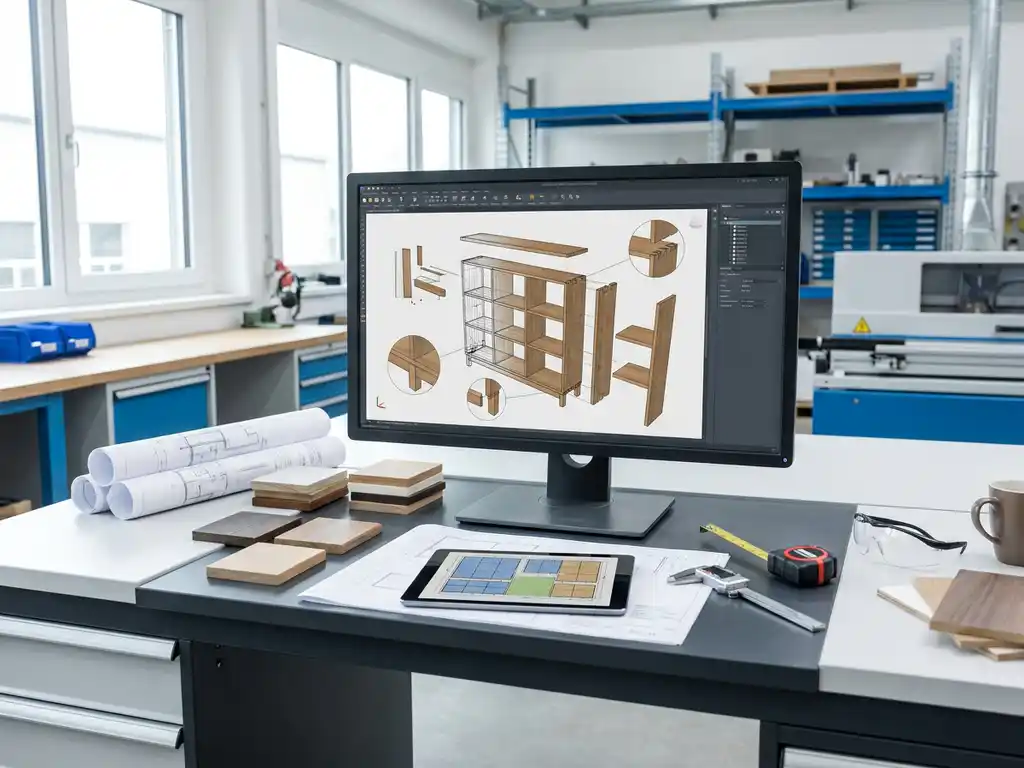
How do you create a cutting schedule from CAD for an entire production batch?
You create a cutting schedule from CAD for an entire production batch by converting your 3D designs into optimized cutting lists that minimize material waste and maximize production efficiency. This process requires software that automatically generates cut lists and applies sheet optimization. Do you have questions about optimizing your production process? We would be happy to help you find the right solution.
Manual cutting schedules cost you valuable production time
Calculating cut lists and material requirements manually can take hours per project, especially for complex furniture or interior construction projects. This waste of time leads to higher labor costs, longer lead times and a greater chance of calculation errors that cause costly material losses. By switching to automated cut list generation from your CAD software, you immediately save time and increase the accuracy of your material calculations.
Wrong material calculations lead to costly production stops
If your cut lists are incorrect, you will run out of material during production or have a lot of surplus. This disrupts your planning, increases your inventory costs and can even cause your customers to wait longer. By using software that automatically applies sheet optimization, you avoid these costly disruptions and get reliable material calculations that keep your production process running smoothly.
What is a cutting schedule and why is it important for production batches?
A cutting schedule is a detailed overview of all parts to be cut from sheet metal for a production run, including dimensions, numbers and optimal placement on the material. This ensures minimal waste and maximum efficiency in your production process.
For production batches, good cutting planning is crucial because it is the basis for your entire production process. It determines how much material you need to buy, how long production will take and what your cost price will be. A poorly planned cut list can lead to 20-30% additional material waste, which directly affects your profit margin.
In addition, thoughtful cutting planning ensures better scheduling of your machines and personnel. You know exactly which operations need to be performed when, resulting in a smoother flow and shorter delivery times for your customers.
How do you translate CAD designs into usable cutting lists?
You translate CAD designs into cutting lists by identifying all the parts in your 3D model, extracting their dimensions and grouping them by material type and thickness. Modern CAD software can largely automate this process by recognizing parts and generating cutting lists.
The process begins with a well-structured 3D model in which each part is correctly modeled, with the correct dimensions and material properties. Your CAD software then analyzes the model and lists all the unique parts with their specifications.
For kitchen construction and furniture manufacturing, it is important that your software can distinguish between different material types, such as MDF, plywood and solid wood. This way, each part is planned on the right material.
Which CAD software offers automatic cut list generation?
Professional CAD software for the manufacturing industry provides automatic cut list generation, extracting parts directly from 3D models and organizing them into production-ready cutting lists. This functionality is essential for efficient batch production.
The best systems combine 3D design with production automation and can directly generate NC codes for your CNC machines. This means you go from design to production without manual intermediate steps, reducing errors and saving time.
Look for software that can not only create cut lists, but also apply sheet optimization. That means the system automatically calculates how best to place parts on sheet metal to minimize waste. For metalworking companies, this is especially important because of the high cost of materials.
How do you optimize material usage when creating a cutting schedule?
You optimize material use by applying sheet optimization, in which software automatically calculates the most efficient way to place parts on sheet material. This can reduce material waste from 30% to 5-10%, directly lowering your cost price.
Start by grouping parts by material type and thickness. Parts of the same material can be optimized together on a single sheet, yielding better results than planning each part separately.
Also note the cut (kerf) in your calculations. Each cut costs material, so minimizing the number of cuts through smart placement saves material. Good software automatically takes this into account and plans parts so that they make optimal use of the available space.
For machine building projects, it is also important to consider the orientation of the material, especially with metal sheets, where the rolling direction can be important to the strength of the final product.
What are the biggest pitfalls when creating cutting plans?
The biggest pitfalls in cutting schedules are forgetting saw cuts, not taking material orientation into account and creating schedules with no reserve for outages. These mistakes can lead to material shortages and production stoppages.
A common mistake is not including the cut width in your calculations. Each cut takes 3-4 mm of material, which adds up quickly on many parts. If you forget this, you will run out of material during production.
Failure to account for material defects is also problematic. Always schedule 5-10% extra material for failure due to knots, scratches or other defects. This will prevent your production from stalling because you just can’t make that one part.
Finally, it is important to match your cutting schedule to your machines. Not every CNC machine can handle every sheet size, so always check that your planned sheets fit into your production process before ordering material.
How IronCAD helps with cutting plan automation
IronCAD offers a complete solution for automated cutting planning that works directly from your 3D designs. The software automatically generates:
- Cutting lists with all parts and dimensions
- Purchase lists for material procurement
- Optimized sheet layouts that minimize material waste
- NC codes that can go directly to your CNC machines
- Production reports for planning and cost control
What makes IronCAD unique is the seamless integration between design and production. You don’t have to retype data or convert manually: everything happens automatically from your 3D model. This not only saves time, but also eliminates errors that occur with manual transfer.
The software adapts to your production process and can be linked to various CNC machines and saw centers. Whether you work in the furniture industry, barn equipment or other manufacturing sectors: IronCAD optimizes your cutting schedules for maximum efficiency.
Want to see how IronCAD can improve your cutting planning? Contact us for a personal demonstration of the possibilities for your production process.


