
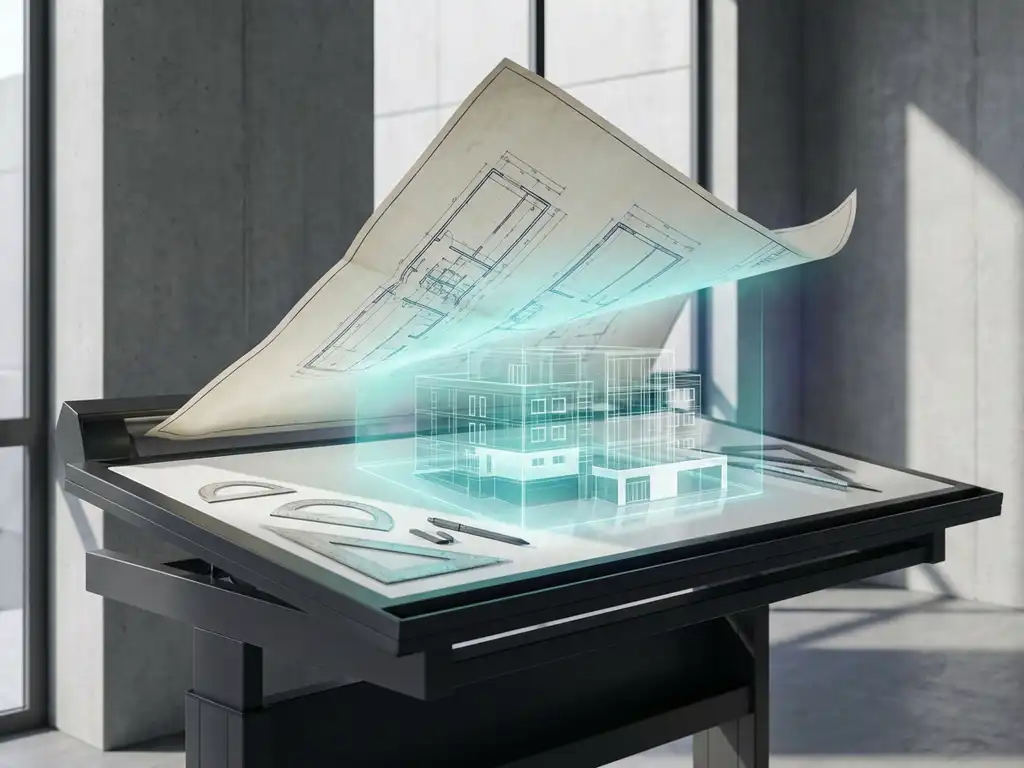
How much time do I save with 3D drawing compared to 2D?
Moving from traditional 2D drawing to modern 3D CAD software can have a huge impact on your productivity. Many companies in the manufacturing industry struggle with time-consuming design processes and wonder how much time they can save by switching to 3D drawing. The reality is that this switch often results in significant efficiencies that are immediately noticeable in your daily workflow.
From automatically generating technical drawings to eliminating costly design errors, 3D drawing offers tangible benefits that translate directly into fewer hours at the drawing board and shorter lead times, from concept to production.
What is the difference between 2D and 3D drawing in CAD?
2D drawing produces flat technical drawings with length and width, while 3D drawing creates full three-dimensional models with height, width and depth. With 2D, you work with lines, circles and planes on a flat surface, while 3D drawing creates real virtual objects that you can view from all angles.
The fundamental difference is in the way you capture and process information. With 2D CAD, you draw multiple views of the same object: top view, side view and front view. Any changes must be made manually in all views. With 3D drawing, you create a single digital model that automatically generates all the necessary views.
3D models also contain much more information than 2D drawings. They can include material data, volume calculations, mass properties and even moving parts. This makes them not only visually richer, but also functionally more powerful for engineering and manufacturing.
On average, how much time do you save with 3D drawing?
On average, companies save 30-50% of their design time by switching from 2D to 3D drawing. For complex projects, these time savings can reach 70%, especially when many revisions and modifications are required during the design process.
The biggest time savings come from the automation of repetitive tasks. Whereas with 2D drawing you have to manually create and update each technical drawing, 3D software automatically generates all the necessary views, cross-sections and detail drawings. A change in the 3D model automatically affects all derived drawings.
For an average piece of furniture that used to require 8 hours of design work in 2D, modern 3D software can often make do with 3-4 hours. For more complex projects, such as complete kitchen designs, the time savings are even more dramatic: from days to hours.
Why is 3D drawing faster than traditional 2D design?
3D drawing is faster because it automates a lot of manual drawing and detects errors earlier in the process. The biggest advantage is that you create one model that automatically generates all engineering drawings, cross-sections and details, instead of drawing each view manually.
The speed advantages come from several factors. First, you eliminate duplication: instead of drawing the same part in multiple views, you model it once in 3D. Second, you detect design errors much earlier, because 3D models show immediately whether parts do or do not fit together.
In addition, modern 3D CAD systems work with intelligent libraries and reusable components. You easily drag standard parts such as hinges, handles or connecting elements into your design. With 2D drawing, you have to redraw each component or copy it from other files.
What tasks are most automated in 3D CAD software?
The most automated tasks in 3D CAD include generating engineering drawings, creating cut lists, volume calculations and optimizing material usage. Processes that can take hours manually are performed automatically within seconds.
Technical documentation tops the list of automated processes. 3D software generates automatically:
- Workshop drawing(s) with proper dimensions and tolerances
- Assembly drawings with parts lists
- Cross sections and detail views
- Exploded drawings for assembly instructions
For the manufacturing industry, automatic saw lists and material optimization are enormously valuable. The software calculates exactly how much material you need, optimizes sheet layout to minimize waste, and even generates NC code for CNC machines. This not only saves time, but also significantly reduces material costs.
How long does it take to transition from 2D to 3D drawing?
The transition from 2D to 3D drawing takes an average of 2-6 months, depending on your current CAD experience and the complexity of your projects. Experienced 2D users can often work productively in 3D within 4-8 weeks, while beginners need more time to master the basics.
The learning curve depends greatly on the software you choose and your current level. If you already have experience with CAD software, you will understand the fundamental concepts and mainly need to learn the 3D-specific tools. Complete beginners need more time to master both CAD principles and 3D modeling.
In the first week you focus on basic skills: navigating 3D space, creating and modifying simple shapes. In weeks 2-4 you will learn more advanced modeling techniques and work with assemblies. After a month you can usually do simple projects independently, and after 2-3 months you master most functionalities for everyday use.
How IronCAD helps with efficient 3D drawing
We at Dynfos understand that the transition to 3D drawing is an important decision for your business. IronCAD is specifically designed to make this transition as smooth and beneficial as possible, with unique features that maximize time savings:
- Intuitive drag-and-drop interface that dramatically shortens the learning curve
- Automatic generation of saw lists, NC code and plate optimization
- Patented TriBall™ technology for fast 3D manipulation
- Flexible modeling that combines both parametric and direct designs
- Extensive component library for reuse of standard components
Whether you work in furniture, interior design or other manufacturing industries: IronCAD will help you realize the full 30-70% time savings that 3D drawing offers. Want to know how IronCAD specifically can speed up your design process? Contact us for a personal demonstration and customized advice.


