
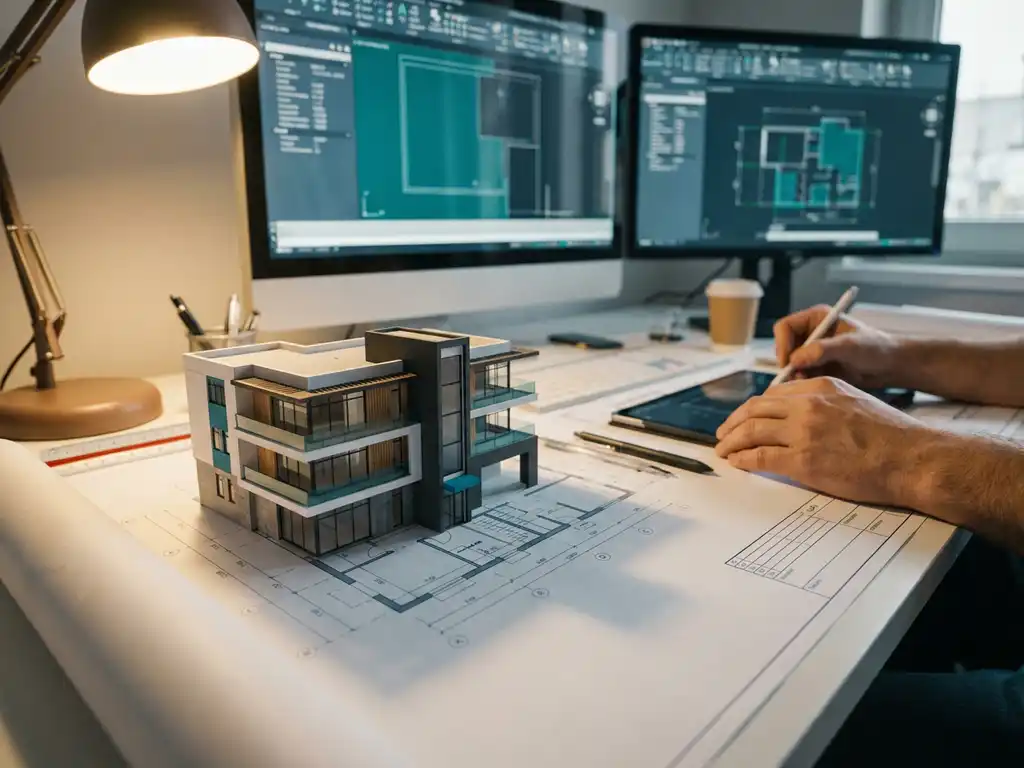
What are the advantages of 3D drawing over 2D?
In the modern manufacturing industry, 3D drawing is taking center stage as the new standard for product design and development. Whereas traditional 2D drawing was the basis for engineering drawings for many years, 3D drawing today offers unprecedented opportunities for visualization, collaboration and production efficiency.
For manufacturing companies considering switching from 2D to 3D drawing software, it is important to understand the tangible benefits. From faster design processes to better communication between departments, 3D drawing transforms the way you design, produce and collaborate.
What is the difference between 3D drawing and 2D drawing?
3D drawing creates three-dimensional digital models with height, width and depth, while 2D drawing produces flat technical drawings with height and width only. In 3D drawing, you work with virtual objects that you can rotate, view from any angle, and from which you can automatically generate technical drawings.
The fundamental difference lies in the way information is captured and presented. 2D drawings consist of lines, circles and symbols on paper or a screen, where you need multiple views to get a complete picture. Think top view, side view and front view, which together describe the object.
3D models, on the other hand, contain all geometric information in a single digital object. You can view the model from any side, create cross-sections and automatically generate derived drawings. This means that changes in the 3D model feed directly into all related drawings and documentation.
Why is 3D drawing faster than traditional 2D drawing?
3D drawing is faster because you create one model from which all the necessary technical drawings, sections and views are automatically generated, whereas with 2D drawing you have to draw and maintain each view manually. You only have to make changes once, instead of in multiple separate drawings.
With traditional 2D drawing, you have to create multiple views for each part: a top view, side view, front view and possibly additional detail drawings. Any change means you have to manually update all related views, which is time-consuming and error-prone.
3D drawing software completely automates this process. As soon as you make a change to the 3D model, all derived drawings are automatically updated. This saves time not only in the initial design, but especially in subsequent modifications, which are inevitable in any design process.
In addition, modern 3D drawing programs use parametric design, where you can define relationships and dependencies between parts. As a result, related components automatically adjust with you when you change one component.
What visualization advantages does 3D design offer over 2D?
3D design provides realistic visualization, where you can see the final product as it looks in reality, complete with materials, colors and textures. This makes it possible to spot design flaws early and give customers a clear picture of the end result before production begins.
3D visualization allows you to create virtual prototypes that you can present to customers, suppliers and colleagues. This eliminates misunderstandings that often arise when interpreting 2D engineering drawings. Customers can view the product from all sides and suggest changes before production begins.
3D models also allow you to create animations and exploded views, which is especially useful for assembly instructions and product presentations. You can show how parts fit together and how the product is assembled, which greatly improves communication with the production department and end customers.
In addition, 3D models can be used for virtual testing and simulations, such as strength analysis and motion studies, allowing you to identify potential problems before creating physical prototypes.
How does 3D CAD software improve collaboration between departments?
3D CAD software improves collaboration as all departments work with the same central 3D model, giving everyone the same up-to-date information and preventing misunderstandings between design, production and sales. The model acts as a universal language understood by all disciplines.
In traditional 2D workflows, communication problems often arise because different departments use different drawings or changes are not communicated in a timely manner. With a central 3D model, all involved have access to the same information and automatically see updates when the design is modified.
The sales department can generate realistic images for quotations and presentations, while the manufacturing department has instant access to all technical specifications and dimensions. The purchasing department can use automatically generated parts lists for ordering materials.
3D models also make it possible to gather feedback from various disciplines early in the design process. Production specialists, for example, can indicate during the design phase whether a design is easily producible, preventing costly changes later in the process.
What are the cost advantages of 3D drawing for manufacturing companies?
3D drawing lowers costs through fewer design errors, faster turnaround times and reduced need for physical prototypes. Manufacturing companies save an average of 20-30% on development costs through early error detection and automated processes, such as the generation of cut lists and NC code.
The biggest cost savings come from preventing errors in production. With 3D models, you can detect collisions between parts, minimize material wastage and check assemblyability before starting production. This prevents expensive rework and material waste.
In addition, 3D software automates many manual processes. Saw lists, material calculations and NC programs for machines can be generated automatically from the 3D model. This not only saves time, but also reduces the chance of calculation errors leading to material waste.
3D drawing also shortens time-to-market because the design process is faster and requires fewer iterations. For manufacturing companies working with custom designs, this means you can take on more projects and respond more quickly to customer requests.
How IronCAD helps with 3D drawing
We offer revolutionary 3D drawing software with IronCAD that combines all the benefits of modern 3D design in one intuitive solution. IronCAD makes 3D drawing accessible to everyone thanks to its unique drag-and-drop interface and flexible design approach.
With IronCAD, you benefit from:
- Intuitive drag-and-drop tools that speed up design
- Automatic generation of saw lists, bills of materials and NC code
- Seamless integration between 3D modeling and 2D drawings
- Flexible design approach where you can start from a blank canvas
- Patented TriBall™ technology for easy object manipulation
As an official IronCAD distributor in the Netherlands, we help manufacturing companies make the transition to 3D drawing. From training to implementation, we’ll make sure your team reaps the full benefits of modern 3D CAD software. Contact us to discover how IronCAD can transform your design process.


