
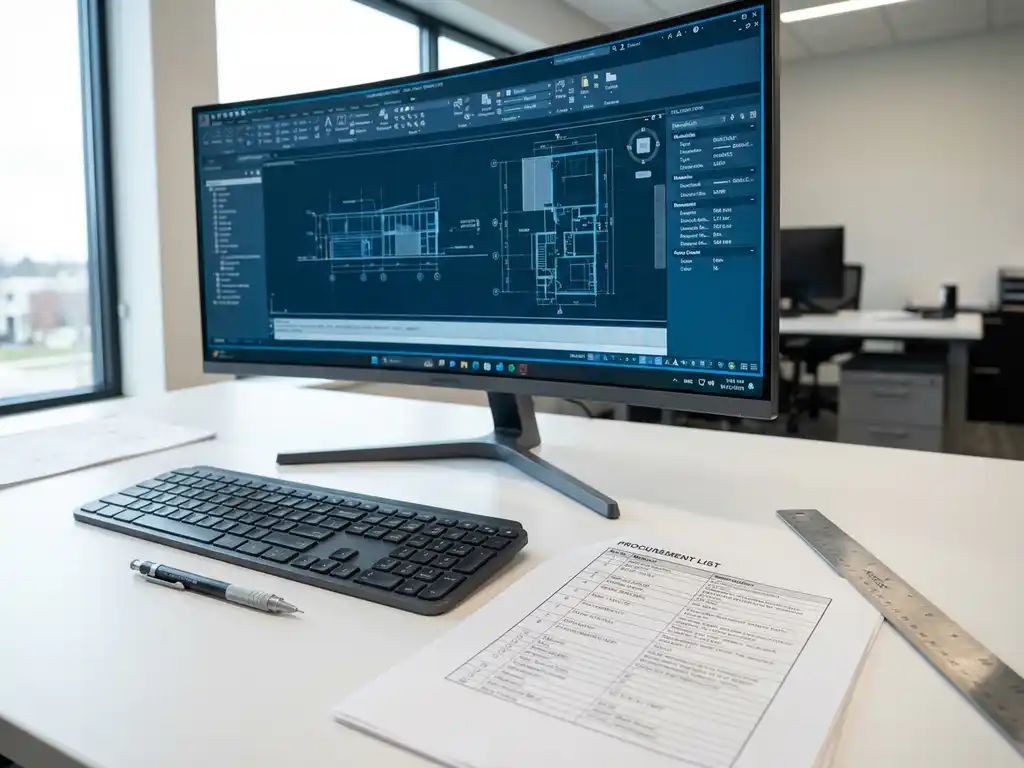
What is a purchasing list and how do you create one with CAD software?
A procurement list is an essential document that specifies all the materials, parts and components needed for a production project. Modern CAD software can automatically generate these lists based on 3D designs, ensuring accuracy and saving time. This article answers the most frequently asked questions about purchasing lists and how CAD software such as IronCAD optimizes the process.
What is a procurement list and why is it essential for production?
A procurement list is a detailed listing of all the materials, parts, fasteners and components you need to purchase for a specific production project. This list includes exact quantities, specifications and often supplier information for each item needed.
The difference with a bill of materials is in the focus: a bill of materials shows what is in the product, while a procurement list shows specifically what to order. For example, a purchase list groups identical screws from different parts into one purchase item.
Accurate purchase lists are crucial to efficient production processes because they:
- prevent production stoppages due to missing materials;
- Ensure correct cost calculations in advance;
- Help plan delivery times;
- Reduce waste due to redundant orders;
- Improve communication with suppliers.
For companies in the manufacturing industry, this has a direct impact on profitability and customer satisfaction. An incomplete or incorrect procurement list can lead to costly delays and dissatisfied customers.
How can CAD software such as IronCAD automatically generate purchasing lists?
Modern CAD software automatically analyzes all parts in a 3D design and extracts material information, dimensions and quantities to create accurate purchase lists. This process is done directly from the digital model, without manual input.
The automatic generation process works as follows:
- The software scans all the parts in the 3D model.
- Material specifications are read from the part library.
- Numbers are automatically counted and added up.
- Identical items are grouped into purchasing items.
- The list is formatted for direct export to purchasing or ERP systems.
The advantages of automated processes over manual methods are significant. Manual lists are time-consuming and error-prone and must be readjusted with each design change. In contrast, automated generation works within seconds, stays in sync with the design and eliminates human error in counting and specification.
CAD software can also apply intelligent purchasing grouping, combining, for example, all M6 bolts from different assemblies into one purchasing item, regardless of where they are used in the product.
What are the benefits of automatically generating purchase lists?
Saving time is the most immediate benefit: what used to take hours of manual work now happens in seconds. Error reduction ensures more reliable production processes, and cost management becomes more accurate through consistent material counting.
The concrete benefits experienced by companies are:
- Dramatic time savings: from hours to minutes on complex projects
- Elimination of counting errors: automatic addition prevents miscalculations
- Real-time updates: design changes work directly into the procurement list
- Consistent formatting: standardized output for all projects
- Better cost estimation: accurate numbers lead to more reliable quotations
- Optimized inventory planning: precise needs support effective inventory management
For production efficiency, this means less waiting time, better scheduling and a faster turnaround on projects. Companies can respond faster to customer inquiries and communicate more accurate delivery times.
Cost management improves because you know in advance exactly what each project will cost in materials. This helps in preparing competitive bids and maintaining healthy margins.
How do you make sure your purchasing list is accurate and complete?
An accurate and complete procurement list requires good preparation in your CAD system and regular verification. Make sure that all parts in your 3D model are correctly specified, with the correct material data, and that your parts library is up-to-date.
Practical tips for accurate purchasing lists:
- Check material allocations: each part must have the correct material
- Verify dimensions: make sure all sizes are entered correctly
- Check assembly relationships: verify that all parts are correctly assembled
- Validate numbers: compare the automatic count with a visual check
- Test with small projects: verify accuracy before relying on large projects
Quality controls you can implement:
- Double-checking critical components
- Comparison with previous similar projects
- Review by a second person
- Checking total weights against expectation
CAD software helps prevent errors by providing alerts for missing specifications, inconsistencies in material data and illogical numbers. Modern systems can also apply validation rules that automatically verify that all required information is present.
How IronCAD helps with purchasing lists
IronCAD offers a complete solution for automatically generating accurate purchase lists directly from your 3D designs. The software integrates seamlessly with manufacturing processes and ensures error-free material management.
Concrete benefits of IronCAD for procurement lists:
- Automatic generation of purchase lists within seconds
- Intelligent grouping of identical parts
- Real-time updates on design changes
- Exports to ERP systems and supplier portals
- Integrated costing per project
- Extensive parts library with standard materials
Want to discover how IronCAD can optimize your procurement process and reduce production costs? Contact us for a personal demonstration and tailored advice for your company.


