
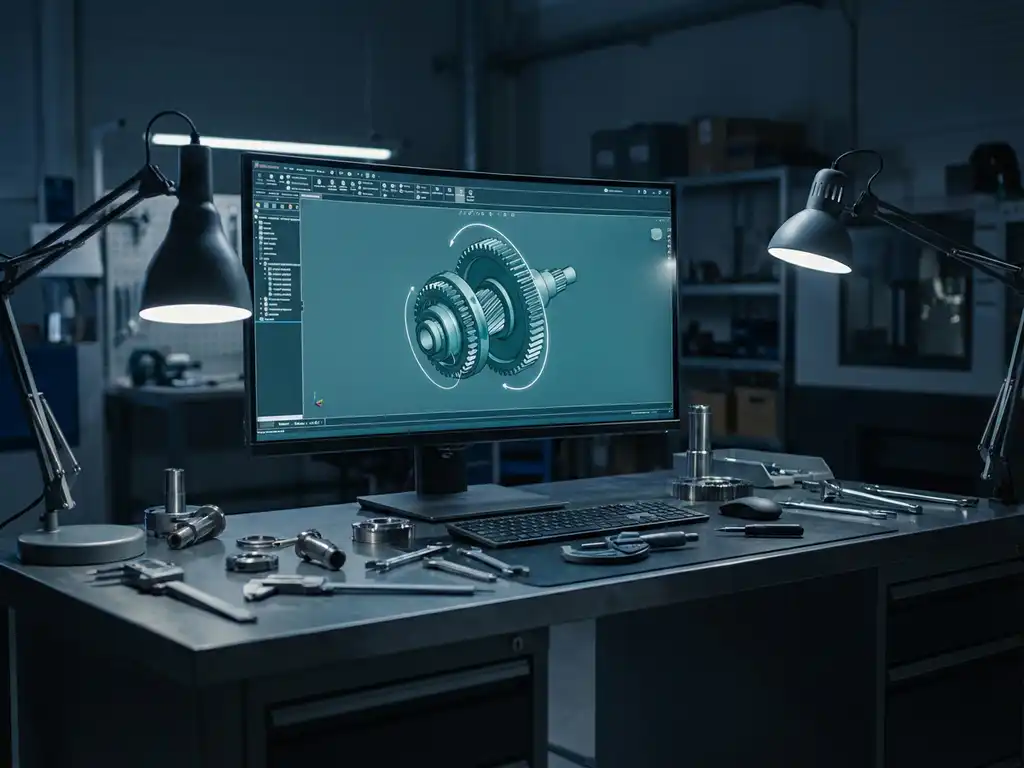
What does 3D drawing software cost for a manufacturing company?
The cost of 3D drawing software for manufacturing companies varies greatly, from free solutions to thousands of dollars per year. For many manufacturing companies, choosing the right CAD software is a crucial investment that directly impacts productivity and competitiveness.
When evaluating 3D drawing software, it’s not just about the purchase price, but also the total cost of ownership and return on investment. A good CAD solution can transform your manufacturing process and provide significant long-term savings.
What determines the price of 3D drawing software for manufacturing companies?
The price of 3D drawing software is determined by its functionality, the type of license, the number of users and the support you need. Professional CAD packages cost more because they offer advanced tools for complex design tasks.
Important factors affecting price include the degree of specialization for your industry, integration capabilities with other systems and the availability of industry-specific libraries. Software developed specifically for the manufacturing industry often includes features such as automatic saw lists and NC code generation, which increases the price but adds immediate value.
The type of licensing model also plays a big role. You can choose between one-time purchases, annual subscriptions or pay-per-user models. In addition, factors such as cloud access, mobile support and the number of concurrent users determine the final cost.
On average, how much does a CAD license cost per year?
On average, a professional CAD license costs between 1,500 and 8,000 euros per year, depending on the functionality and type of software. Entry-level solutions start around 500 euros, while high-end systems can cost up to 15,000 euros per year.
For small to medium-sized manufacturing companies, the sweet spot is usually between 2,000 and 4,000 euros per user per year. This amount gives you access to robust 3D design capabilities, good support and regular updates.
It is important to remember that these costs are often recovered through increased productivity. A good CAD solution can speed up design processes by up to 50% and drastically reduce errors in production, leading to significant cost savings.
What hidden costs are involved in 3D drawing software?
Hidden costs with 3D drawing software include training, implementation, hardware upgrades, maintenance and any add-ons. These costs can add up to 50-100% of the license price and are often overlooked when making the initial investment.
Training is a significant cost that is often underestimated. Employees need time to master new software, which can temporarily reduce productivity. Professional training can cost several thousand dollars per person, but is essential for optimal use.
Other hidden costs include:
- Hardware upgrades for better performance
- Data migration of legacy systems
- Modifications to existing workflows
- Technical support beyond standard support
- Backup and security solutions
How do you calculate the ROI of investing in professional CAD software?
You calculate the ROI of CAD software by dividing the total savings and productivity gains by the total investment multiplied by 100. A good CAD investment usually has an ROI of 200-400% over three years.
Start by quantifying your current design costs: how much time do designers spend on projects, how many revisions are needed, and what errors occur in production? Compare this to expected performance with new software.
Key ROI factors are:
- Saving time in the design process
- Reduction of errors and rework
- Faster time-to-market
- Better collaboration between teams
- Automation of repetitive tasks
A realistic ROI calculation also takes into account the learning curve and implementation time. Typically, you see the first benefits after 3-6 months, with full ROI realization within 12-18 months.
What are the advantages of IronCAD versus cheaper alternatives?
IronCAD offers a unique combination of speed, flexibility and ease of use that cheaper alternatives often lack. The software combines parametric and direct modeling in one environment, allowing for significantly faster design processes.
Where cheaper alternatives are often limited in functionality or ease of use, IronCAD offers advanced features such as drag-and-drop modeling and patented TriBall™ technology. This results in shorter learning times and increased productivity from day one.
Specific advantages of IronCAD:
- Intuitive interface that mimics the physical world
- No advance planning required thanks to flexible design philosophy
- Integrated library of standard components
- Direct connection to production systems
- Excellent support for custom manufacturing
How IronCAD helps with cost-effective 3D designs
We at Dynfos understand that the cost of CAD software is an important consideration for manufacturing companies. IronCAD offers a cost-effective solution that delivers a quick return on investment due to its unique design philosophy and ease of use.
With IronCAD, you benefit from:
- Drastically shorter design processes through intuitive drag-and-drop tools
- Minimal training costs thanks to the natural interface
- Automatic generation of saw lists and NC codes
- A lifetime license with no annual subscription fee
- Direct integration with our ERP solutions
Want to know how IronCAD can optimize CAD costs for your business? Contact us for a personalized demonstration and costing.


