
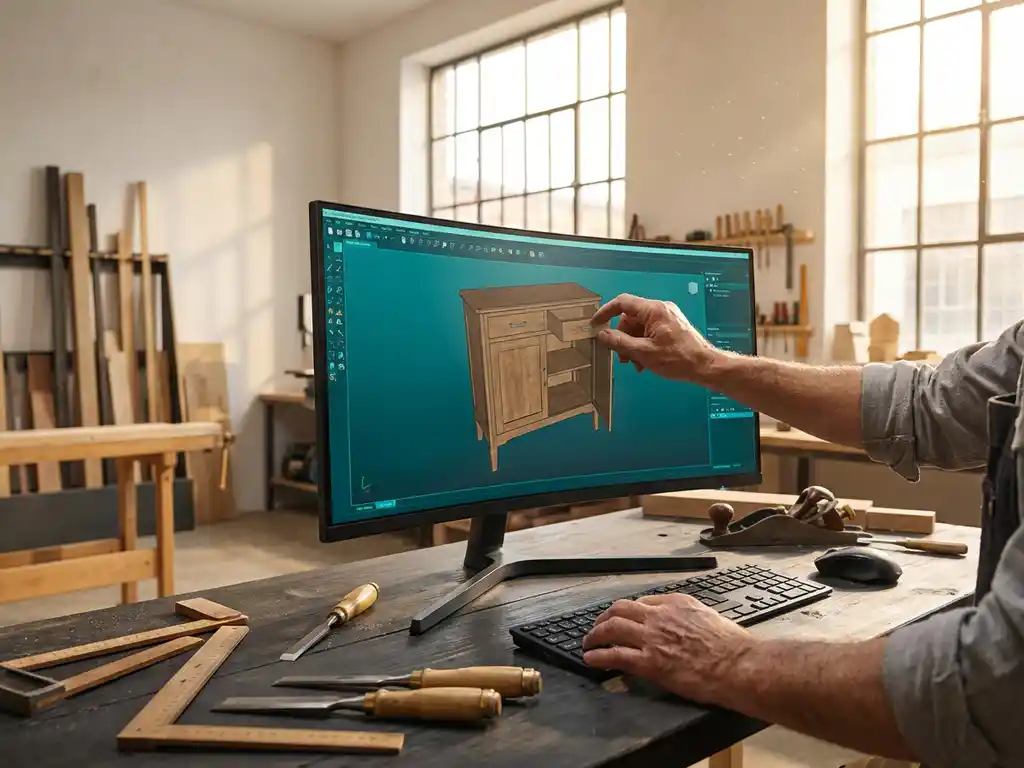
How do I make custom furniture more efficiently with 3D software?
Creating custom furniture requires precision, creativity and efficiency. In a world where customers expect unique solutions, traditional drawing and design can be time-consuming and error-prone. Modern 3D drawing software provides furniture makers with the tools to work faster, more accurately and professionally.
From the first sketch to final production, 3D software transforms the way you design and realize custom furniture. This technology helps you not only save time, but also avoid mistakes and better convince your clients with realistic visualizations.
What is 3D custom furniture software and why is it important?
3D custom furniture software is specialized CAD software that allows you to design, visualize and prepare three-dimensional models of furniture for production. This software combines design tools with production data, such as bills of materials and cutting patterns.
The importance of 3D software in the furniture industry is growing exponentially. Customers today expect realistic visualizations before investing in customization. Moreover, the software helps prevent costly errors through accurate calculations and automatic checks. For furniture makers, this means less wasted material and time, while the professional look of 3D presentations attracts new customers.
The software often integrates with production machinery, allowing you to go directly from design to manufacturing. This significantly reduces lead time and increases the profitability of any project.
How does 3D software speed up the design process of custom furniture?
3D software speeds up the design process with drag-and-drop functionality, reusable components and automatic calculations. Where manual drawing takes hours, modern CAD software lets you make adjustments and variations to your design in minutes.
The biggest time saving is in the flexibility of digital design. Changes in dimensions are automatically reflected to all related components. If a cabinet needs to be 10 centimeters wider, the software automatically adjusts the shelves, shelving and back wall. This parametric functionality eliminates manual recalculation and redrawing.
In addition, over time you build up a library of standard components, such as hinges, handles and profiles. You can easily reuse these in new designs, further speeding up the design process. Many software also offers predefined furniture styles and templates that serve as a starting point.
What advantages does CAD software offer for custom manufacturing?
CAD software provides automatic generation of saw lists, material optimization, NC codes for CNC machines and accurate cost calculations. This output eliminates manual work and prevents production errors that cause costly rework.
One of the biggest advantages is material optimization. The software automatically calculates how to saw boards most efficiently, which can reduce waste by 15-20%. For a joiner who buys thousands of euros worth of material each month, this means significant cost savings.
The accuracy of CAD designs translates directly to better fit parts. Because all dimensions are digitally determined, components fit together perfectly. This reduces the time you normally spend adjusting and adjusting during assembly. In addition, you can work out complex connections and details in advance, which increases the quality of the final product.
How to choose the right 3D software for your furniture making business?
Choose 3D software based on your specialization, budget, learning curve and integration capabilities with existing machines. For example, software for kitchens differs from software for office furniture because each field requires specific functionalities.
Start by taking stock of your current work processes. What tasks are costing you the most time now? Find software that specifically addresses these bottlenecks. For furniture makers who work a lot with solid wood, different functionalities are important than for those who work primarily with sheet metal.
Pay attention to the learning curve of different software packages. Some programs are intuitive and can be mastered within days, while others require weeks of training. Ask about trial versions and test different options before investing. Also check if the software can integrate with your current machines and systems, such as saw benches or CNC machines.
What are the costs and benefits of implementing 3D software?
The cost of 3D software ranges from several hundred to thousands of dollars per license, but the benefits usually exceed the investment within 6-12 months through time savings, material reduction and increased customer satisfaction.
Direct cost savings result from less material waste, faster design processes and fewer production errors. An average cabinetmaker saves 2-4 hours per week in drawing time, which at an hourly rate of 50 euros equates to monthly savings of 400-800 euros. In addition, material optimization reduces procurement costs by 10-20%.
Indirect benefits are often even more valuable. Professional 3D visualizations increase your bid success rate because customers can better understand what they are getting. This leads to higher sales and better margins. In addition, you can take on more complex projects that were previously too risky, strengthening your market position.
How IronCAD helps create custom furniture more efficiently
IronCAD offers a revolutionary approach to custom furniture design by combining intuitive drag-and-drop functionality with powerful production tools. With our Para-Flex add-in, you automate the complete process from design to production.
Specific advantages for furniture makers:
- Drag-and-drop modeling for rapid design iterations
- Automatic generation of saw lists and material optimization
- Direct NC code output for CNC machines
- Realistic visualizations for client presentations
- Integrated cost calculations per project
- Extensive library of furniture components
Want to discover how IronCAD can make your furniture making business more efficient? Contact us for a personal demonstration and advice tailored to your specific situation.


