
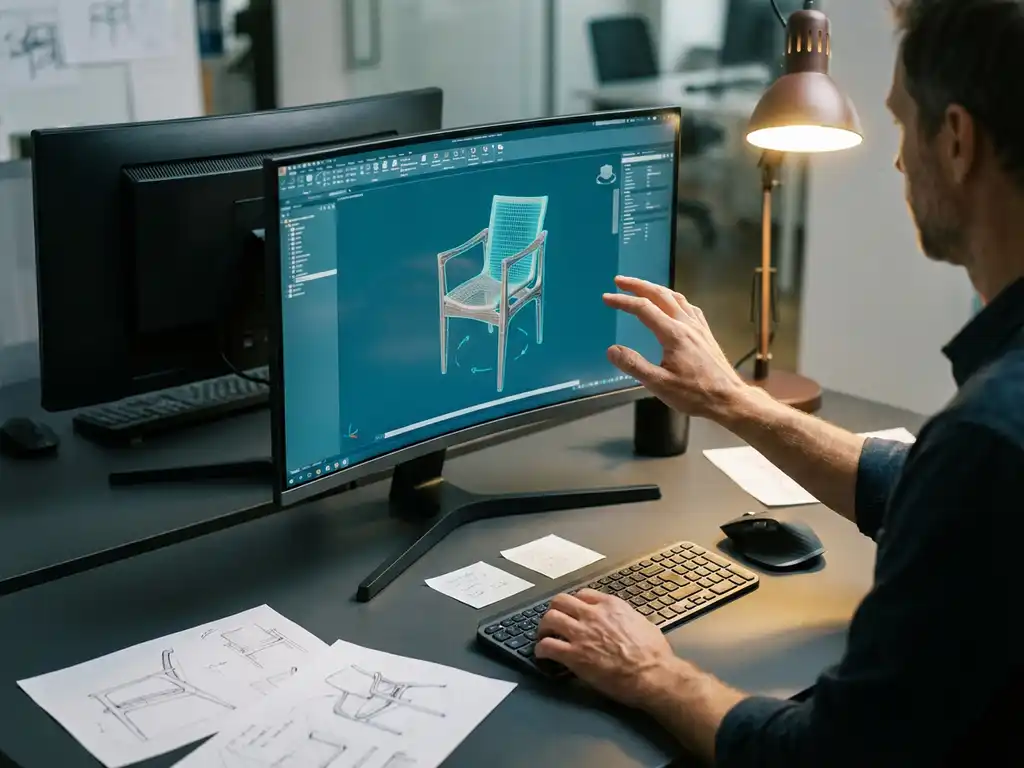
How long does it take to master 3D drawing?
3D drawing has become an essential skill in the modern manufacturing industry. Whether you work in furniture, mechanical engineering or product design, the question often comes up: how long does it actually take to master this technique? The answer depends on several factors, but with the right approach and tools, you can make progress faster than you might think.
In this article, we answer the most frequently asked questions about learning 3D drawing, from the first steps to professional level. We give you practical time estimates and tips to speed up your learning process.
What is 3D drawing and why is it important in the manufacturing industry?
3D drawing is the process of creating three-dimensional digital models using specialized CAD software. These models contain height, width and depth information, allowing you to visualize objects as they look in reality.
In the manufacturing industry, 3D drawing has become indispensable because it offers numerous advantages over traditional 2D drawings. You can visualize designs better, detect errors earlier and make adjustments faster. Moreover, you can generate production data such as cut lists, NC codes and cost estimates directly from your 3D model.
For companies in furniture and interior design, this means that customization becomes more efficient. Customers can view their design in 3D before production starts, which prevents miscommunication and increases customer satisfaction.
How much time do you need to learn the basics of 3D drawing?
You can master the basics of 3D drawing within 2 to 4 weeks if you practice a few hours daily. This means you can model simple objects and understand the fundamental functions of CAD software.
In this initial period, you will learn essential skills, such as navigating 3D space, creating basic shapes, applying dimensions and performing simple operations. You will also learn how to move, rotate and scale objects.
The pace at which you master these basics depends greatly on your prior knowledge. If you already have experience with 2D drawing programs or technical drawing, learning often goes faster. Your motivation and the time you invest daily also play an important role in your progress.
What factors determine how quickly you master 3D drawing?
Your learning speed is determined by five main factors: your technical background, the time you invest, the quality of your learning materials, the complexity of the software and your practical experience.
Your technical background plays a crucial role. If you are already familiar with CAD concepts, technical drawing or even computer games with 3D elements, you have a head start. Spatial insight also helps tremendously in understanding 3D concepts.
The time you invest daily is perhaps the most important factor. Regular exercise of 1 to 2 hours a day gives better results than sporadic, long sessions. Your brain needs time to process new skills and store them in your memory.
Finally, the quality of your learning materials determines how efficiently you learn. Good tutorials, hands-on exercises and guidance from experienced users can significantly speed up your learning process.
How long does it take to reach professional level in CAD software?
Professional level in CAD software you usually reach after 6 months to 2 years of intensive practice, depending on the complexity of your projects and the depth of knowledge you pursue.
After about 6 months you can independently carry out moderately complex projects. You will have mastered advanced modeling techniques and assemblies and can derive technical drawings from your 3D models. You will also understand how to work efficiently with libraries and templates.
Real expertise, where you can solve complex problems and optimize workflows, you usually develop after 1 to 2 years. At this level, you can also mentor others and contribute to the improvement of business processes.
It is important to realize that learning never stops. New features, updates and changing industry standards mean that you need to continually update your knowledge to stay on top of professional standards.
What are the best ways to learn 3D drawing faster?
The fastest way to learn 3D drawing is through a combination of structured training, daily practice and working on real projects. Focus on one software package at a time and systematically build your skills.
Start with online tutorials and courses specific to your industry. Many CAD vendors offer free training materials that perfectly match real-world situations. Combine this with hands-on practice on projects relevant to your work.
Connect with other users through forums, user groups or peers. Exchanging tips and tricks can greatly accelerate your learning process. Also, watching how others solve problems will give you new insights.
Take advantage of the help features in your software. Modern CAD packages have extensive help systems, video tutorials and even AI assistants that can help you learn new features.
Which software is easiest to start 3D drawing with?
For beginners, intuitive CAD packages with drag-and-drop functionality are the easiest to start with. Software that works visually and requires less technical prior knowledge significantly lowers the barrier.
The best beginner software combines simple operation with powerful functionality. Look for packages that allow you to get results quickly without getting lost in complex menus and settings. Software with good visualization tools will also help you better understand your designs.
The availability of learning materials is also crucial. Choose software where many tutorials, examples and community support are available. This ensures that you can get help quickly if you get stuck.
How IronCAD helps teach 3D drawing
IronCAD was designed specifically to make learning 3D drawing as easy as possible. The software offers a revolutionary approach that perfectly matches how we interact with objects in the real world.
With IronCAD, you benefit from these unique advantages:
- Intuitive drag-and-drop interface: You can start designing right away without extensive training.
- TriBall™ visualization tool: Easily move and rotate objects as in the physical world.
- Flexible modeling: A combination of parametric and direct modeling in one environment.
- Quick results: Start from a blank canvas or modify existing components at lightning speed.
- Automatic output: Instantly generate saw lists, NC codes and reports for production.
The software is perfect for furniture and interior design, where customization is the standard. Its intuitive operation allows you to fully focus on designing without being hindered by complex software limitations.
Want to experience for yourself how quickly you can get started with 3D drawing in IronCAD? Contact us for a personal demonstration and find out how this software can accelerate your learning process.


