
What is 3D drawing?
3D drawing has completely changed the way we design and manufacture. From architects visualizing impressive buildings to product designers developing complex machines: 3D drawing has become an indispensable skill in countless industries.
In this comprehensive guide, we answer all the essential questions about 3D drawing. You’ll discover exactly what it entails, how it works in practice, and why more and more companies are moving from traditional 2D drawings to advanced 3D models.
What exactly is 3D drawing?
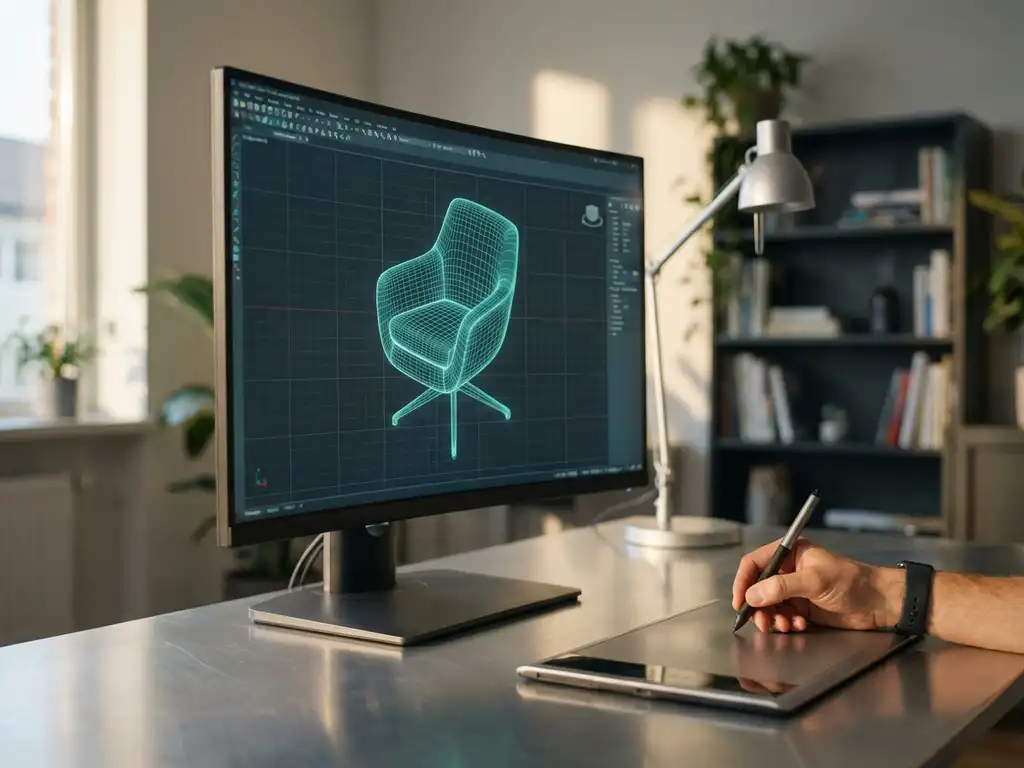
3D drawing is the process of creating three-dimensional digital models using specialized software. Unlike traditional 2D drawings, which show only length and width, 3D models also contain depth, allowing you to view and manipulate objects from all angles.
The process usually begins by defining basic shapes, such as cubes, cylinders or spheres. These shapes are then manipulated, combined and refined into complex objects. Modern 3D drawing software offers powerful tools to add details, textures and realistic materials to your designs.
3D drawing is used in virtually every branch of the manufacturing industry. From designing furniture pieces to developing car parts, the possibilities are endless. The big advantage is that you can already see during the design process what your product will look like in reality.
How does 3D drawing work in practice?
3D drawing begins by creating sketchy shapes that are developed step by step into detailed models. Most designers start by defining the main dimensions and then work toward specific details and finishes.
The process consists of several stages. First, you create a rough concept in which you establish the general shape and proportions. Then you gradually add more details, such as holes, cutouts, rounded edges and other specific features. Modern software allows you to make changes that are automatically reflected throughout the model.
An important aspect of 3D drawing is parametric modeling. This means that you can define dimensions and relationships between different parts. For example, when you change the length of a table top, the legs automatically adjust. These intelligent links make the design flexible and easy to adjust.
The end result is a fully digital prototype that you can view, section and analyze from any angle before proceeding to production. This saves time and prevents costly mistakes in the production process.
What are the advantages of 3D drawing over 2D?
3D drawing offers significantly more insight and flexibility than traditional 2D drawings. Where 2D drawings show only a flat view, 3D gives you a full spatial understanding of your design, including how different parts fit together.
The biggest advantage is visualization. With 3D models, you can instantly see what your product looks like from every angle. This makes it much easier to spot design flaws before you start production. Customers and colleagues can better understand the design because they get a realistic picture of the end result.
3D drawing also speeds up the design process considerably. Changes are made quickly and you can easily create different variants of the same design. Moreover, you can automatically generate technical drawings, bills of materials and production data based on your 3D model.
Another important advantage is the ability to simulate and test. You can virtually test how your design behaves under different conditions, such as load, temperature or motion. This avoids costly prototypes and drastically reduces development time.
What software do you need for 3D drawing?
For professional 3D drawing, you need specialized CAD software suitable for your specific application and industry. The choice depends on factors such as your budget, the type of products you are designing and the desired functionalities.
There are several categories of 3D software available. Parametric CAD software is ideal for engineering designs where precision and adaptability are important. This software works with intelligent links between parts and allows for complex assemblies.
For the manufacturing industry, there are also specialized packages that offer functionalities for production automation in addition to 3D design. This software can automatically generate saw lists, perform material optimization and even produce machine code for CNC machines.
When choosing software, it is important to consider the learning curve, support and integration capabilities with other systems. Some packages are very user-friendly and enable intuitive design, while others require more technical knowledge but offer more advanced functionality.
In what industries is 3D drawing most commonly used?
3D drawing is used extensively in the manufacturing industry, with sectors such as automotive, aerospace and furniture leading the way in the adoption of advanced 3D technologies. These industries benefit immensely from the ability to digitally develop and test complex products.
The furniture industry has embraced 3D drawing en masse, primarily because of its ability to produce custom work efficiently. Furniture makers can quickly show different configurations to customers and instantly generate production data. This is particularly valuable in a market where customization is becoming increasingly important.
In metalworking and mechanical engineering, 3D drawing has become indispensable for designing complex assemblies. Engineers can virtually test whether parts fit together correctly and identify potential problems before production begins.
The construction industry is also increasingly using 3D technology, not only for architectural visualizations, but also for designing building components and installations. Precast builders are using 3D models to efficiently produce elements that fit perfectly into their construction projects.
How IronCAD helps with 3D drawing
IronCAD offers a revolutionary approach to 3D drawing that perfectly meets the needs of modern manufacturing companies. Our software combines the power of parametric modeling with the freedom of direct design, allowing you to work on your creative ideas without limitations.
With IronCAD, you benefit from unique advantages for 3D drawing:
- Intuitive drag-and-drop tools that speed up and simplify the design process
- Flexible design approach where you can start with a blank canvas or adapt existing components at lightning speed
- Patented TriBall™ technology for easy manipulation of 3D objects
- Automatic generation of saw lists, material optimization and NC code for direct production
- Seamless integration with manufacturing processes for complete workflow automation
Whether you work in the furniture industry, metalworking or any other branch of manufacturing, IronCAD makes 3D drawing accessible and efficient. Discover how our software can transform your design process and contact us for a personal demonstration.


