
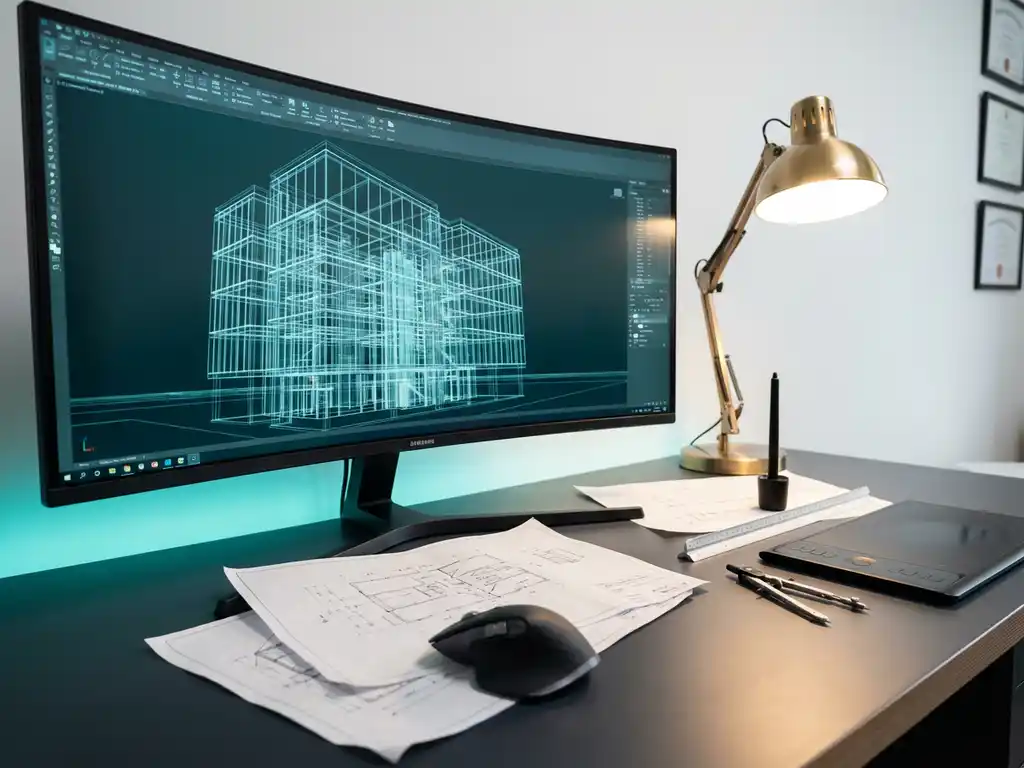
What is 3D drawing software and how is it different from CAD?
3D drawing software is a digital design tool that allows you to create, edit and visualize three-dimensional objects on your computer. Unlike traditional CAD software, which often starts with 2D drawings, modern 3D drawing software offers a more intuitive way of designing where you work directly in three dimensions. These design tools make complex engineering drawings more accessible and significantly speed up the design process.
What is 3D drawing software and how does it actually work?
3D drawing software creates three-dimensional models by using mathematical algorithms that combine points, lines and planes in a virtual space. You build objects by manipulating, extruding, rotating and combining basic shapes into complex designs.
The fundamental difference from traditional 2D drawing tools is in the way it works. Whereas 2D drawing requires you to create several views separately, 3D modeling software shows your design from any angle. You can instantly see how parts fit together and detect potential problems early in the design process.
The power of 3D visualization lies in its instant feedback. You immediately see the result of every adjustment, making the design process much more intuitive. Modern 3D design software also offers real-time rendering, allowing you to add materials and lighting for photorealistic presentations.
What is the difference between 3D drawing software and traditional CAD software?
Traditional CAD software often operates on a 2D-first approach, where you first create engineering drawings and then generate 3D models. Modern 3D drawing software reverses this approach by starting directly in 3D and automatically generating 2D drawings.
The methods of operation differ considerably. Classic CAD tools often require extensive knowledge of technical drawing and specific commands. Modern 3D design tools focus on ease of use, with drag-and-drop functionality and visual interfaces that are faster to learn.
When do you use which software? Traditional CAD remains valuable for precision work where exact dimensions are crucial, such as in mechanical engineering. 3D drawing software excels in conceptual design, visualization and projects where speed and flexibility are more important than absolute precision.
The advantage of modern approaches is the lower entry threshold. Where traditional CAD programs require weeks of training, intuitive 3D drawing software often allows you to be productive within days.
What benefits does 3D drawing software offer to companies in the manufacturing industry?
3D design software speeds up the design process through instant visualization and faster iterations. Companies can move through concepts faster, make modifications easier and better engage customers in the design process with realistic 3D presentations.
Key benefits for manufacturing companies:
- Reduced design errors through better visualization of assemblies
- Improved communication between design, production and sales
- Faster prototyping and fewer physical mock-ups
- Automatic generation of production documents
- Better cost estimation through material calculations
The cost savings come mainly from preventing errors in manufacturing. Problems you discover in 3D cost much less than adjustments during manufacturing. In addition, teams can work together more efficiently because everyone is viewing the same 3D model.
How to choose the right 3D drawing software for your business?
Choose the right CAD software based on your specific needs, team skills and budget. Start by identifying your primary uses: conceptual design, technical documentation or integrated manufacturing processes.
Key selection criteria:
- Ease of use: How quickly can your team become productive?
- Functionalities: What design tools do you need?
- Integration: Should the software work with existing systems?
- Support: What training and support are available?
- Scalability: Can the software grow with your business?
When transitioning from 2D to 3D, consider a learning curve. Schedule time for training and consider a phased implementation. Start with a pilot project to test the software before making the full switch.
How IronCAD helps with 3D design and technical drawing
IronCAD offers a revolutionary approach to 3D design that bridges the gap between ease of use and powerful functionality. The software combines intuitive drag-and-drop 3D modeling with advanced CAD capabilities, perfect for companies in the manufacturing industry that want fast and flexible design.
Key benefits of IronCAD:
- Fluid design methodology for faster design processes
- Patented TriBall tool for easy 3D manipulation
- Automatic generation of technical drawings from 3D models
- Flexible history dependency for easy customization
- Seamless integration with ERP systems for production optimization
Want to discover how IronCAD can improve your design processes? Contact us for a personal demonstration and tailored advice for your company.


