
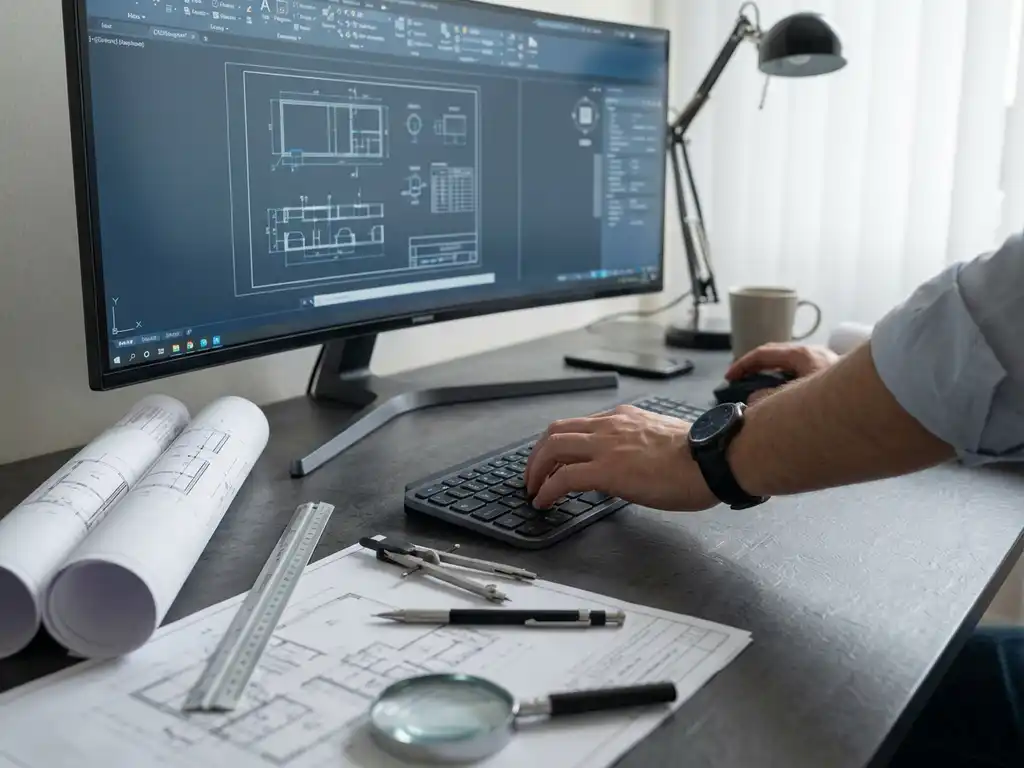
How do you link CAD software to your work preparation?
Linking CAD software to your job preparation means integrating your design software with production planning processes so that designs automatically generate work instructions, cut lists and NC codes. This link eliminates manual work, prevents errors and significantly speeds up the transition from design to production for modern manufacturing companies.
What does it mean to link CAD software to work preparation?
CAD integration with work preparation means that your design software communicates directly with production planning systems. This creates a seamless workflow where technical drawings are automatically converted into practical production information, such as bills of materials, machining instructions and machine codes.
This software link has become essential for modern manufacturing companies because it bridges the gap between the creative design process and practical production execution. Instead of employees having to manually extract information from CAD drawings and translate it into work preparation, this process happens automatically.
The benefits to your production process are significant:
- Elimination of manual input errors between design and production
- Drastic time savings in work preparation
- Consistent quality of production information
- Faster lead times from order to delivery
- Improved traceability of design changes
For manufacturing companies in industries such as furniture and interior design, where customization is standard, this integration ensures that each unique order can be processed efficiently without making work preparation a bottleneck.
What problems does linking CAD and work preparation solve?
Traditional work processes struggle with time-consuming manual steps, duplication of effort and error-prone transfer of information between design and production. Integrated CAD systems eliminate these bottlenecks through automation of repetitive tasks and direct data transfer between systems.
The most common challenges in traditional workflows are recognizable to many manufacturing companies. Employees often have to enter the same information multiple times: first into the CAD system and then manually into work preparation software. This leads not only to wasted time, but also to inconsistencies and errors.
Specific problems that a CAD work preparation link solves:
- Manual input errors: incorrect dimensions or material specifications due to over typing errors
- Duplication: Entering the same data multiple times in different systems
- Time wasted: Hours spent interpreting drawings for production instructions
- Version conflicts: Uncertainty about which version of a draft is current
- Communication errors: misunderstandings between design and production team
Automation makes work preparation not only faster, but also more reliable. Changes in the design are immediately implemented in all linked systems, so everyone is always working with the most up-to-date information.
How does the automatic generation of work instructions from CAD designs work?
Automatic generation of work instructions begins with intelligent recognition of parts and materials in your CAD design. The software analyzes geometry, material specifications and machining requirements to then generate cut lists, purchase lists, NC codes and other production documents without manual intervention.
The engineering process proceeds in several steps that follow each other seamlessly. When you complete a design in your CAD software, the system automatically starts analyzing all the components and their properties.
Production optimization follows this process:
- Geometry analysis: The system identifies all parts, their dimensions and shapes
- Material recognition: automatic assignment of material types and thicknesses per part
- Machining planning: determination of required machining steps and tools
- Optimization: Efficient arrangement of parts on material sheets
- Code Generation: Automatic creation of NC codes for CNC machines
- Documentation: Generation of work instructions, bills of materials and quality checks
The technical benefits are measurable: where traditional work preparation can take hours, automated software generates complete production instructions within minutes. Moreover, these instructions are consistent and based on exact CAD data, dramatically reducing the chance of production errors.
Which CAD software offers the best integration capabilities for work preparation?
Modern CAD solutions vary widely in their integration capabilities with work preparation systems. The best software combines flexible design tools with powerful automation features that connect directly to manufacturing processes and ERP systems for complete workflow integration.
When evaluating CAD software to automate your work preparation, several factors are crucial. Not all systems offer the same level of integration, and the choice depends on your specific manufacturing processes and existing software infrastructure.
Key criteria for CAD work preparation integration:
- Automatic output generation: Direct creation of saw lists, purchase lists and NC codes
- ERP connection: Seamless integration with existing business systems
- Material optimization: Intelligent sheet layout for minimal waste
- Flexible workflows: Customizable processes for different production types
- Real-time synchronization: Instant implementation of design changes
Different software solutions offer specific advantages depending on your industry and production size. Some systems focus on large batch production, while others are optimized for customization and smaller batches.
How IronCAD helps with CAD software linkage to work preparation
IronCAD offers a complete solution for linking CAD software to work preparation, developed specifically for the Dutch manufacturing industry. The software combines intuitive 3D design capabilities with powerful automation features that connect directly to your manufacturing processes.
With IronCAD, you realize full integration between design and production:
- Automatic generation of saw lists, purchase lists and NC codes directly from your 3D design
- Seamless ERP connection for complete workflow automation from order to delivery
- Flexible history independence allowing you to easily make changes without model damage
- Bulk drawing tools for rapid generation of engineering drawings from a single 3D file
- Patented TriBall technology for efficient parametric design and positioning
Especially for companies in the furniture and interior design industries, where customization is standard, IronCAD offers the perfect balance between design flexibility and production efficiency. Would you like to discover how IronCAD can optimize your work preparation? Contact us for a personal consultation.


