
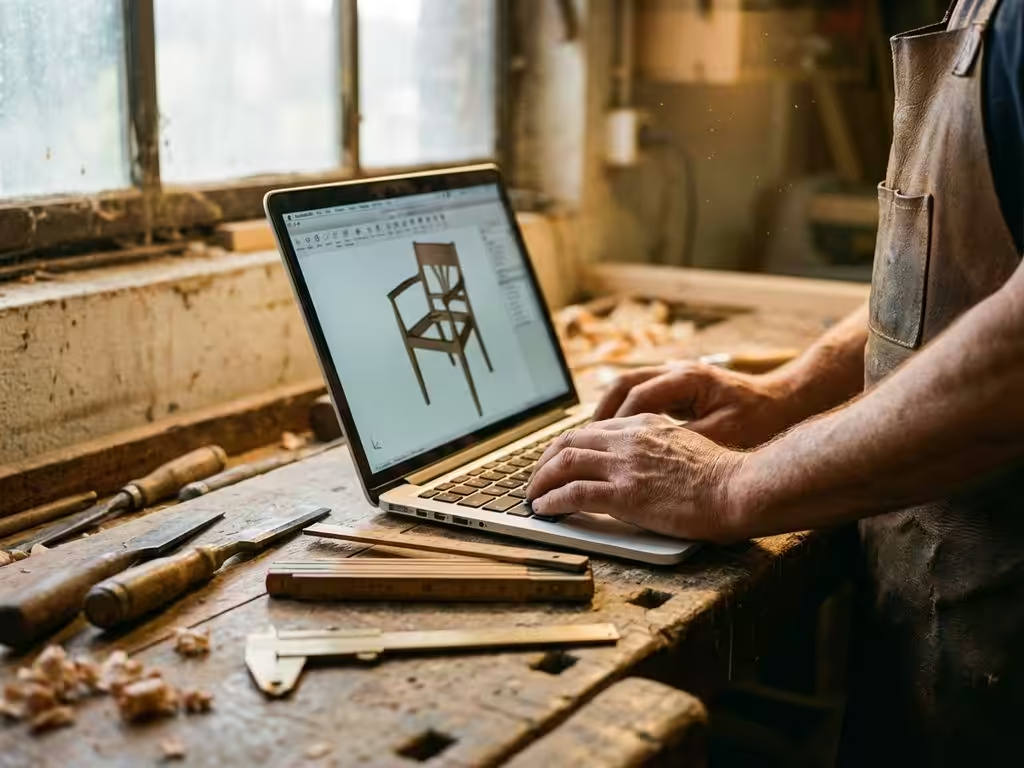
Which CAD software is best for furniture makers?
As a joiner, you know that the right tools make the difference between working efficiently and frustration. This is certainly true of CAD software. Many furniture makers struggle with software that doesn’t fit their specific needs, causing designs to take longer and production processes to be rigid.
Choosing the right CAD software determines not only how quickly you design, but also how accurate your material calculations are and how smoothly your production process runs. In this article, you’ll discover why standard CAD solutions often fall short for furniture makers and what features are really necessary. We compare several popular options and show you what to look for in your choice.
Why standard CAD software falls short for cabinetmakers
General CAD software has been developed for various industries, but often lacks the specific functionality that furniture makers need on a daily basis. The biggest problem is that these programs are not tailored to the unique challenges of furniture manufacturing.
Lack of furniture-specific functionality causes you to spend a lot of time making manual adjustments. Think of drawing joints, calculating material thicknesses or generating saw lists. These tasks often require cumbersome workarounds in standard CAD programs.
Customization is the norm in the furniture industry, but standard software makes this process unnecessarily complex. Every change to a design means updating multiple drawings, redoing material calculations and manually checking production data.
Material calculations are another pain point. Standard CAD software does not take into account sawing losses, material optimization or the specific properties of wood products. This leads to inaccurate cost estimates and material wastage during production.
Which CAD functions are essential to the furniture industry
For furniture makers, certain features are indispensable to working efficiently. These features make the difference between a frustrating and a productive design experience.
Parametric design is at the top of the list. This functionality ensures that changes in dimensions are automatically reflected throughout the design. If you change the width of a cabinet, all parts, connections and material calculations automatically adjust accordingly.
Material optimization helps you get the most out of your raw materials. Good CAD software automatically calculates how best to arrange plates to minimize waste. This not only saves material, but also money.
Automatic generation of saw lists is a time-saving feature that prevents errors. The software creates clear lists of all required parts, including dimensions, material type and machining instructions.
Integration with CNC machines streamlines the production process. The CAD software instantly generates the necessary program code for your machines, making the transition from design to production seamless.
Comparison of popular CAD solutions for cabinetmakers
Different CAD programs each offer their own advantages for furniture makers. An honest comparison will help you make the best choice for your specific situation.
SketchUp is popular because of its user-friendly interface and relatively low cost. The program is suitable for concept designs and visualizations, but lacks advanced manufacturing functionalities such as automatic cut lists and CNC integration.
Fusion 360 offers a complete package with both CAD and CAM functionality. The cloudbased approach provides flexibility, but the learning curve is steeper and monthly costs can add up for smaller companies.
SolidWorks is powerful and professional, but especially suited for large companies with complex products. The software requires a significant investment in time and money, which does not always outweigh the benefits for furniture makers.
Specialized furniture software such as Cabinet Vision or Polyboard is designed specifically for the furniture industry. These programs offer excellent furniture-specific functionality, but can be limiting in flexibility and customization options.
Why IronCAD is the ideal choice for furniture designers
IronCAD stands out for its unique combination of user-friendliness and powerful functionalities that perfectly meet the needs of furniture makers. The software offers intuitive design tools that support rather than hinder the creative process.
The flexible design environment adapts to your workflow. Whether you start with a sketch, a 2D drawing or work directly in 3D, IronCAD supports different approaches within one program.
Parametric design is made easy with drag-and-drop functionality. Making changes feels natural without having to remember complex commands or navigate through complicated menus.
How IronCAD helps with efficient furniture production
IronCAD offers furniture makers a complete solution that streamlines the entire process from design to production. The software helps you in several ways:
- Design faster with intuitive tools that align with your natural way of thinking
- Automatic material calculations that account for saw loss and optimization
- Seamless integration with production systems for direct translation to the workplace
- Flexible adjustments for customization without having to recreate the entire design
The combination of powerful functionality and user-friendliness makes IronCAD particularly suitable for furniture makers who value both efficiency and creativity. Want to discover how IronCAD can improve your design process? Contact us for a personal demonstration.


