
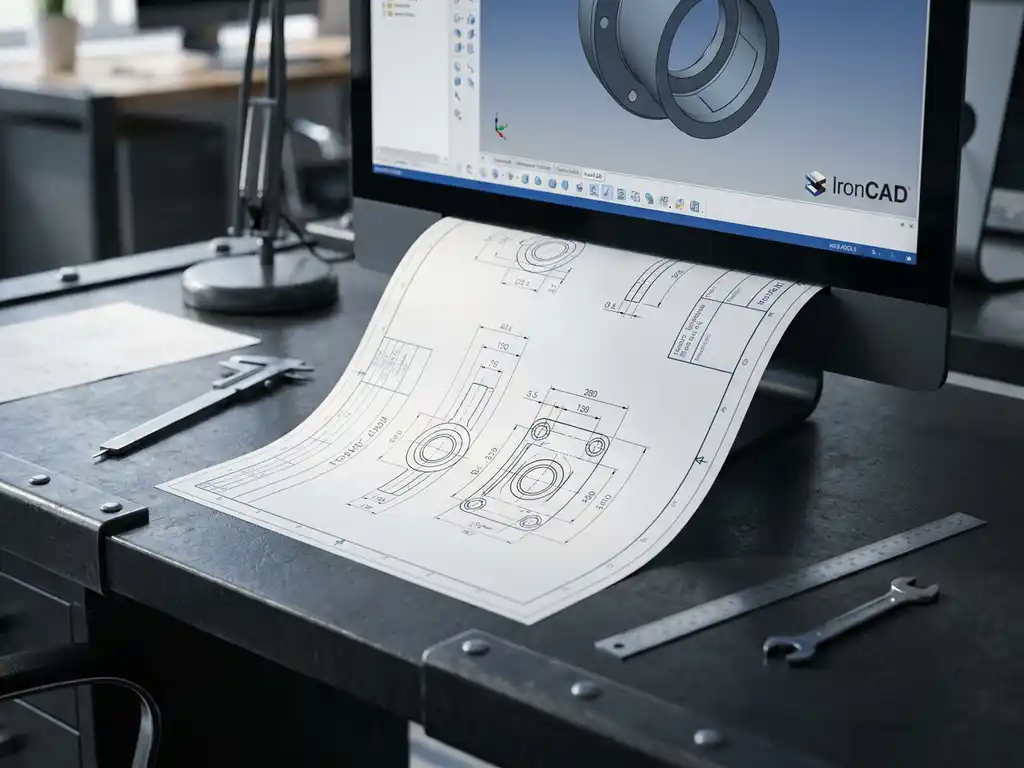
How do you automatically generate a job sheet from IronCAD for production?
You can automatically generate a worksheet from IronCAD by configuring the appropriate output settings and using the integrated production templates. This process ensures that all required manufacturing information is converted directly from your 3D design into usable working documents, eliminating manual input. If you have any questions about implementation, you can always contact us for support.
Manual worksheets cost you valuable production time
Manually preparing worksheets after design means entering and processing the same information twice. This leads to lost time averaging 30 to 60 minutes per project, increases the likelihood of typos, and delays your production process. You can avoid this by setting up your CAD software to generate job sheets automatically, with all necessary specifications directly from your 3D model.
Inconsistent production documentation creates costly errors on the shop floor
When worksheets are not standardized or information is missing, misunderstandings occur between design and production. This results in incorrectly produced parts, wasted material and repair costs that can reach hundreds of dollars per error. Automatic generation from your CAD system ensures consistent, complete documentation that is immediately usable by your production team.
What is a worksheet and why is automation important?
A worksheet is a manufacturing document that contains all the information needed to manufacture a part or product. It includes material specifications, dimensions, machining instructions and assembly information. Automation prevents manual errors and saves time by directly linking design and production.
In the manufacturing industry, the job sheet is the bridge between design and execution. The document must be accurate and complete to enable efficient production. Manual data entry carries risks: typos, outdated information and inconsistencies between different documents.
Automatic generation eliminates these risks by extracting data directly from the 3D model. Changes to the design are automatically propagated to the worksheet, eliminating version conflicts. This is especially valuable in industries such as mechanical engineering and kitchen construction, where customization and precision are crucial.
How does automatic worksheet generation work in IronCAD?
IronCAD automatically generates worksheets by extracting properties and parameters from the 3D model and formatting them according to predefined templates. The system reads material data, dimensions and machining instructions directly from the model and places them in a structured document ready for production.
The process begins at modeling, where you assign properties to parts, such as material types, thicknesses and machining methods. IronCAD stores this information as metadata within the model. When you generate a job ticket, the software retrieves this data and automatically fills in the appropriate fields in the template.
The software supports various output formats, from simple text documents to detailed PDF reports with images and technical drawings. You can customize templates to fit your specific production process and company standards, ensuring that each worksheet is consistently formatted and contains all the necessary information.
What information is automatically generated for production?
IronCAD automatically generates bills of materials, dimensions, cut lists, machining instructions and assembly information. The system extracts this data directly from the 3D model and formats it into a clear working document suitable for direct production.
The bill of materials contains specific information about each part: dimensions, material type, thickness and any surface treatments. For sheet material, the system automatically generates saw lists with optimal distribution to minimize material waste. This is especially useful for companies in the interior construction industry, where efficient material use is crucial.
Machining instructions are generated based on the features applied in the model. Holes, grooves, milling and other operations are automatically translated into clear instructions for the machinist. For more complex metalworking projects, the system can also generate NC codes for direct control of CNC machines.
How do you set up IronCAD for optimal worksheet generation?
For optimal worksheet generation, first configure the material library with your standard materials and properties, set custom properties for project-specific information, and customize output templates based on your production process. Consistent use of these settings ensures reliable and complete work papers.
Start by setting up a material library that contains all the materials you use regularly. Assign appropriate properties to each material: density, unit cost, supplier information, and machining capabilities. This information is automatically carried over when you assign materials to parts in your model.
Custom properties allow you to capture project-specific information, such as project numbers, customer references or special instructions. You can define these fields at the template level and they are automatically included in the worksheet. Templates define the format and structure of your worksheets. Customize them to fit your existing production processes and quality systems.
What are common mistakes in automatic worksheet generation?
Common mistakes include forgetting material properties during modeling, not updating templates after process changes, and inadequate testing of output settings for new project types. These errors lead to incomplete or incorrect worksheets that require manual corrections.
A common error is modeling without considering the required properties for production. When materials are not correctly assigned or custom properties are missing, the system generates incomplete worksheets. Be sure to use a standard workflow where all required properties are filled in during the modeling process.
Templates that are not updated after changes in the production process can lead to outdated instructions on worksheets. Regularly check that your templates are still in line with current practices and update them when new machines, materials or processes are introduced. Always test new settings with a small project before applying them to large production runs.
How IronCAD helps with worksheet automation
IronCAD offers a complete solution for automatic worksheet generation that perfectly meets the needs of manufacturing companies. With our software, you generate not only worksheets, but also saw lists, purchase lists and NC codes from one central 3D model. This provides:
- Direct link between design and production without manual intermediate steps
- Consistent documentation that is always up-to-date with the latest design
- Significantly less time spent on administrative tasks
- Fewer errors due to automatic data extraction from the 3D model
- Full integration with your existing production process
Would you like to experience how automatic worksheet generation can improve your production process? Our experts are happy to help you optimize your workflow. Contact us for a personal demonstration and discover how IronCAD can increase your productivity.


