
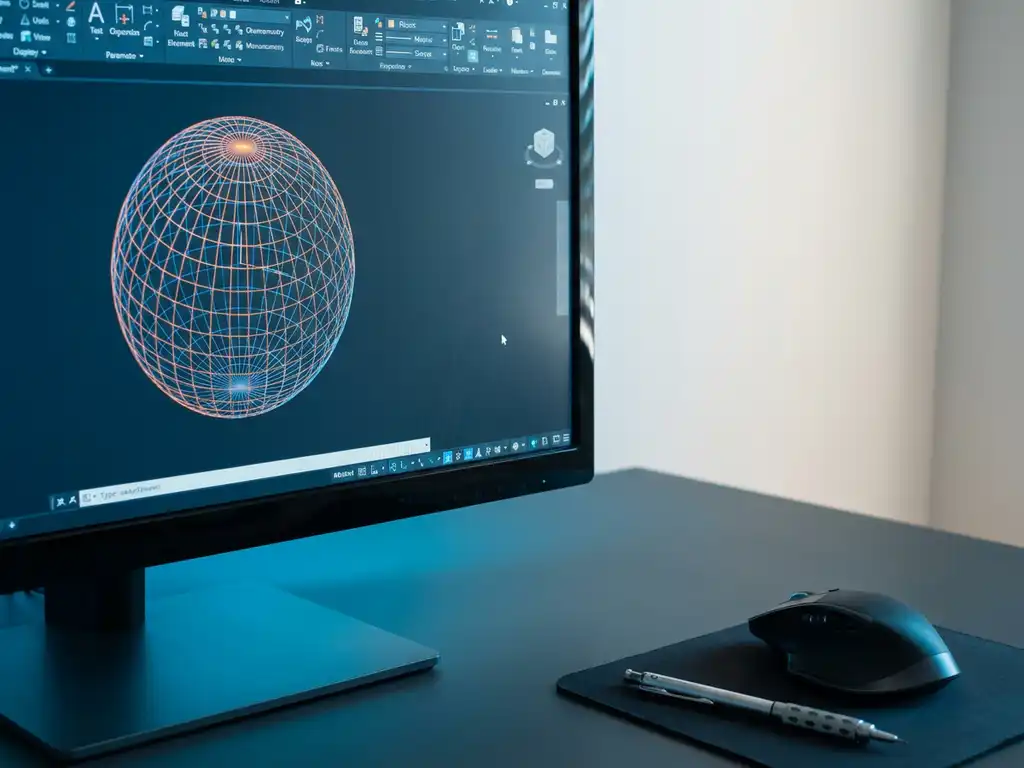
Can CAD software draw round shapes?
Yes, modern CAD software can draw and design round shapes without difficulty. Professional CAD programs have extensive tools for creating circles, arcs, curves and complex curved surfaces. This functionality is essential for product design in virtually all industries, from furniture making to machine building.
What are round shapes in CAD software and why are they important?
Round shapes in CAD software include all curved geometries, such as circles, arcs, ellipses, splines and complex curves. These elements form the basis for the design of organic shapes, rounded corners, cylinders and curved surfaces encountered in modern product designs.
The importance of curved geometry in 3D design cannot be understated. Virtually every product contains rounded elements, from the ergonomic shapes of handles to the aerodynamic lines of vehicles. In the furniture industry, rounded corners and curved shapes are standard, both for aesthetic and safety reasons.
CAD software must not only be able to draw these shapes, but also calculate them accurately for production. This means the software can automatically generate cut lists, material calculations and production data for curved parts.
How do you draw circles and arcs in modern CAD programs?
Drawing circles in CAD is done through various standardized methods in professional software. With the circle tool, you create circles by defining the center and radius, diameter or three points. For arcs, you use the arc tool, with options such as start-point-end-point-center or the three-point method.
Most CAD programs provide these basic functions:
- Circle by center-radius: Click the center point and define the radius.
- Circle by diameter: Draw a line that defines the diameter of the circle.
- Arc by three points: Place three points through which the arc should run.
- Tangent circles: Create circles tangent to existing lines or curves.
For ellipses, you use similar methods, defining two axes instead of one radius. These tools are intuitively designed so you can quickly and accurately create curved shapes without complicated calculations.
What advanced tools are there for creating complex curves?
Curve modeling goes far beyond simple circles and arcs. Advanced CAD software uses mathematical methods such as NURBS (Non-Uniform Rational B-Splines), Bézier curves and B-splines to create complex organic shapes that you cannot create with standard geometry.
NURBS technology is the industry standard for modeling smooth surfaces. This method uses control points and weights to define curves that are automatically calculated by the software. You can use it to create shapes such as:
- Ergonomic handles and controls
- Aerodynamic body shapes
- Organic furniture forms and decorative elements
- Complex piping systems and bending
Spline tools let you draw free curves by placing points through which the line should run. The software automatically calculates the smoothest connection between these points, resulting in natural-looking curves.
How IronCAD helps design round objects
IronCAD offers a revolutionary approach to working with round objects in CAD thanks to its unique drag-and-drop functionality and intuitive 3D design environment. The software makes drawing complex curved shapes significantly easier than traditional CAD programs.
Specific advantages of IronCAD for round shapes:
- TriBall tool: Parametrically positioning and moving curved elements
- Fluid design methodology: natural workflow for organic forms
- Flexible history dependence: modify curves without damaging the model
- Automatic drawing sheet generation: Technical drawings of circular objects
- Integrated material calculation: automatic cutting lists for curved parts
For companies in the furniture and interior design industries, where custom work with round shapes is standard, IronCAD offers the perfect combination of ease of use and professional capabilities. The software automatically generates all necessary production data, from NC codes to bills of materials.
Want to discover how IronCAD can improve your design process with round shapes? Contact us for a personal demonstration.


