What are the most common mistakes in cutting lists, and how can I avoid them?
The most common errors in cutting lists are incorrect dimensions, missing parts, incorrect material specifications, and errors in the grain or cutting direction. These errors are almost always caused by manual data entry or a poor connection between the design and production planning. In this article, we answer the most frequently asked questions about cutting list errors and show you how to prevent them systematically.
What are the most common errors in cutting lists?
The most common errors in cutting lists are dimensional errors, missing or duplicate parts, incorrect material descriptions, and incorrect cutting or grain directions. In addition, operations such as drilling, grooving, or cutting out recesses are frequently omitted or copied incorrectly. These are precisely the errors that cause the most rework in practice.
In addition to these substantive errors, there are also structural errors, such as an inconsistent layout of the list itself. Examples include missing column headers, incorrect units, or unclear numbering of items. Such errors may seem minor, but they cause confusion and delays on the job site.
- Incorrect measurements due to manual data entry errors
- Missing parts that are not noticed until assembly
- Incorrect material specifications, such as thickness or sheet type
- Incorrect cutting or grain direction in sheet material
- Omitted operations such as drilling or grooving
- Inconsistent units or numbering in the list
What are the consequences of errors in a cutting list?
Errors in a cutting list directly lead to material waste, production delays, and additional labor costs. In the worst-case scenario, parts are cut incorrectly and the material becomes unusable. This not only has financial consequences but also affects the delivery time to the customer.
In practice, we see that a single error in a cutting list can trigger a chain reaction. A panel cut incorrectly means that an order comes to a standstill until new material becomes available. In the meantime, the schedule gets thrown off track, the installer is scheduled unnecessarily, and the customer has to wait. For companies that produce custom-made products, such as those in the furniture and interior design industries, these are risks that directly impact profit margins.
Furthermore, rework and scrap are difficult to estimate. Companies that regularly have errors in their cutting lists unknowingly build structural inefficiencies into their production process.
How do errors occur in cutting lists?
Errors in cutting lists are primarily caused by manual data entry, transferring measurements from drawings to a separate document, and a lack of coordination between design and production planning. Every manual step in this process is a potential source of error.
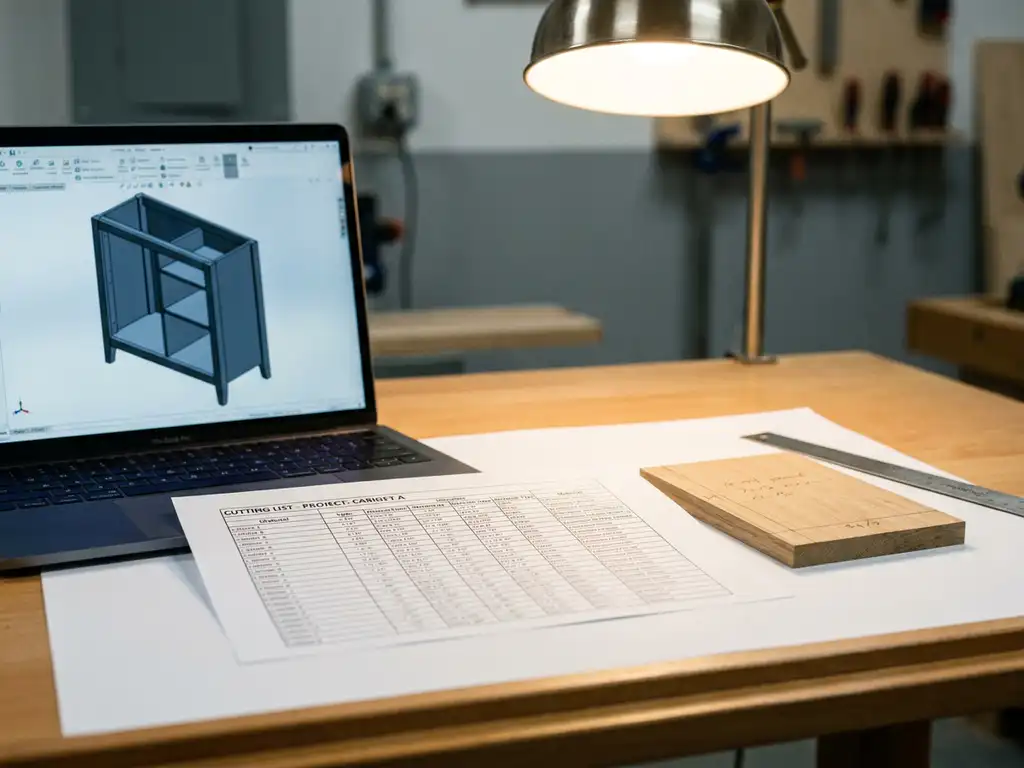
A common scenario: a designer creates a 3D drawing, after which someone else manually enters the dimensions into a spreadsheet. Errors can creep in at every stage of this process. If a dimension is adjusted in the design but the cutting list is not updated, the production team ends up working with outdated information.
Other causes include:
- Use of multiple individual files that are not automatically synchronized
- Communication errors between the designer and the production planner
- The lack of a standard operating procedure for creating cutting lists
- Inadequate version control, resulting in the use of outdated files
How can I avoid mistakes in my cutting lists?
You can prevent errors in cutting lists by linking the generation of the list to the 3D model, so that dimensions and material data are automatically carried over. This eliminates the manual transfer step that is responsible for most errors. Additional measures include established quality control processes and clear work procedures.
A few specific steps that directly contribute to error-free cut lists:
- Work from a single central source: make sure the design and cutting list are always linked to the same model.
- Automate the output: let the software generate the cutting list based on the design, without the need for manual input.
- Set up a standard review process: have a second person review the list before production, even if it was generated automatically.
- Use version control: Make sure it is always clear which version of a design is active and that the corresponding cut list is up to date.
- Standardize your naming conventions: use consistent material descriptions and units to prevent confusion on the job site.
Companies looking to digitize their production processes are finding that linking design to production planning yields the greatest benefits. It’s not just about reducing errors, but also about speed: a cutting list that’s automatically ready as soon as the design is complete saves valuable time.
What is the difference between a manually created and an automatically generated cutting list?
A manual cutting list is compiled by an employee based on drawings or a design, while an automatically generated cutting list is created directly from the 3D model by the software. The biggest difference lies in the susceptibility to errors: with manual work, every data entry step poses a risk, whereas with automatic generation, that risk is largely eliminated.
Manual Sawing List
With a manual approach, an employee copies measurements from a drawing and enters them into a spreadsheet or other document. This is time-consuming and prone to errors, especially for complex or large-scale projects. Furthermore, every design change requires a manual update to the list, which increases the risk of outdated information.
Automatically Generated Cutting List
With automatic generation, the software retrieves all necessary data directly from the 3D model: dimensions, materials, operations, and cutting directions. The cutting list is always up to date and consistent with the design. Changes to the model are immediately reflected in the cutting list, without any additional manual steps. This not only makes the process more reliable but also significantly faster.
What software helps generate error-free cutting lists automatically?
CAD software that offers integrated production preparation is the most effective solution for automatically generating error-free cutting lists. Such software links the 3D design directly to the necessary output for production—including cutting lists, parts lists, and NC codes—without the need for manual steps.
Choosing the right software depends on the industry and the type of production. For companies in the furniture and interior design industries, as well as in metalworking, it’s important that the software supports customization and is flexible enough to implement changes quickly. When selecting software, be sure to consider at least the following features:
- Automatic generation of cutting lists from the 3D model
- Support for sheet optimization to minimize material waste
- Export Options to NC Codes for CNC Machines
- Easy adaptability to design changes
- Integration with ERP or order management systems
Proper training on the software is essential in this regard. Even the best tool will only deliver results if the user knows how to use it.
How IronCAD Helps Prevent Errors in Cutting Lists
IronCAD is a powerful 3D CAD software program that is particularly well-suited for companies in the manufacturing industry, including furniture and interior design, metalworking, and mechanical engineering. The software automatically generates all necessary production output directly from the 3D design, completely eliminating manual transfer steps and the associated errors.
Here’s exactly what IronCAD does for you when working with cutting lists:
- Automatic cutting lists: generated directly from the 3D model, always up-to-date and consistent with the design.
- Sheet Optimization: The software optimizes the cutting pattern to minimize material waste.
- NC codes: automatically generated for direct control of CNC machines, without manual intervention.
- Purchasing lists and reports: all necessary production output in a single overview, directly from the design.
- Steep learning curve: New users are up and running within a few days, not after months.
Would you like to know how IronCAD fits into your production process and how you can systematically prevent errors in cutting lists? Contact us for a no-obligation consultation.