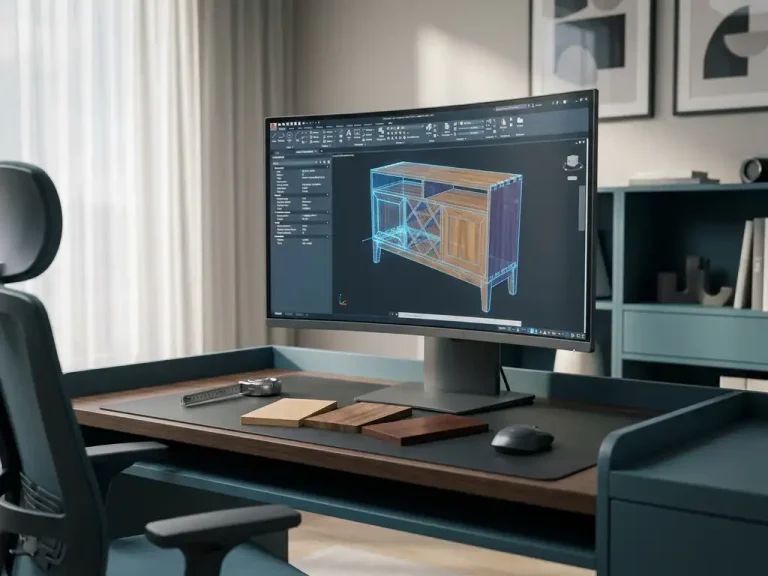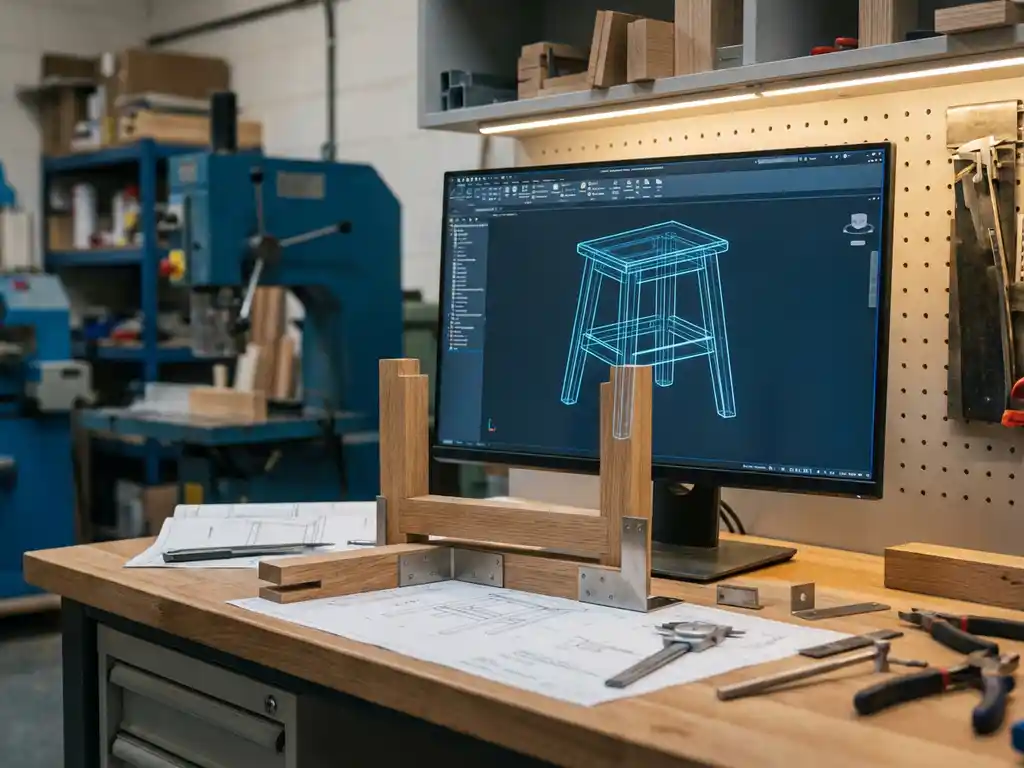
Can I automatically generate saw lists from 3D software?
If you work in the manufacturing industry, especially in furniture or interior design, you probably recognize the challenge of manually preparing saw lists. It’s time-consuming, error-prone and often a bottleneck in your production process. Fortunately, modern 3D drawing software offers a solution: automatic saw list generation directly from your 3D models.
This technology transforms your design process by seamlessly moving from digital design to production instructions. Instead of manually figuring out all the dimensions and materials, the software automatically generates all the necessary cutting and cutting instructions based on your 3D model.
What are automatically generated saw lists from 3D software?
Automatically generated cutting lists are production instructions derived directly from 3D models, where the software automatically calculates and compiles all material dimensions, quantities and cutting instructions into clear lists.
This process eliminates the need to manually go through drawings and transcribe dimensions. The software analyzes each part in your 3D model and automatically extracts all relevant manufacturing information. This includes not only the basic dimensions of panels and parts, but also more complex information, such as material types, thickness, machining instructions and even the optimal distribution across standard sheet sizes.
The result is a complete set of production documents that are immediately usable in the workshop, including cut lists, material order lists and often optimized cutting patterns for minimal material loss.
Which 3D CAD software supports automatic saw list generation?
Several CAD packages offer automatic saw list generation, with specialized furniture design software and industrial CAD systems with manufacturing add-ins offering the most comprehensive functionality for this purpose.
Professional manufacturing CAD software often integrates Computer-Aided Manufacturing (CAM) functionality that enables this automation. These systems recognize materials, understand manufacturing processes and can make intelligent decisions about how best to produce parts.
The quality of automatic saw list generation depends greatly on how well the software is integrated with manufacturing processes. Some systems provide basic functionality for simple rectangular panels, while more advanced solutions can handle complex shapes, operations and even assembly instructions.
How does the process from 3D model to saw list work?
The process begins with a fully modeled 3D design, where each part is correctly defined with material properties, then the software automatically analyzes all components and converts them into production instructions with dimensions, quantities and cutting instructions.
The first step is to correctly model your design, assigning each part the correct material properties. The software must know which parts are made of which material and what thickness they are. Then the system analyzes the geometry of each component and determines the optimal way to produce it.
During this analysis, not only basic dimensions are calculated, but also operations such as grooves, holes or chamfers are identified. The software then generates structured lists that contain all the necessary information for production, often supplemented by visual instructions and optimization suggestions for material use.
What are the advantages of automatic saw list generation?
The main advantages are drastic time savings, elimination of manual errors, automatic material optimization and direct linkage between design and production, resulting in a much more efficient and reliable production process.
Saving time is often the most visible benefit. Whereas manually preparing saw lists can take hours, this is now done in seconds. This means you can respond faster to customer requests and make changes to designs immediately without having to go through the entire production process again.
Quality improvement is equally important. Automatic generation eliminates human error in copying dimensions and ensures consistency in production instructions. In addition, many systems automatically optimize material usage, resulting in cost savings and reduced waste.
What are the challenges involved in implementing automated saw lists?
The main challenges are setting material parameters correctly, learning new modeling techniques, integration with existing production systems and ensuring quality control in the automated process.
A critical success factor is correctly defining your material library and production rules. The software must understand how your specific materials behave and what operations are possible. This often requires an initial investment of time to correctly configure the system for your specific production environment.
Employee training is another important focus. Modeling for automated manufacturing often requires a different approach than traditional design. Designers must learn to think in terms of production efficiency and material optimization, not just aesthetics and functionality.
How IronCAD helps with automatic saw list generation
We offer with IronCAD a complete solution for automatic saw list generation that perfectly meets the needs of the manufacturing industry. Our software combines intuitive 3D drawing with powerful production automation.
With IronCAD and the Para-Flex add-in, you get access to:
- Automatic generation of saw lists directly from your 3D models
- Intelligent plate optimization for minimal material loss
- Automatic NC code generation for CNC machines
- Integrated material library for different sectors
- Direct link between design and production
Whether you work in furniture, interior design or other manufacturing industries, our solution streamlines your entire process from design to production. Want to know how IronCAD can optimize your production process? Contact us for a personal demonstration and discover the possibilities for your company.