
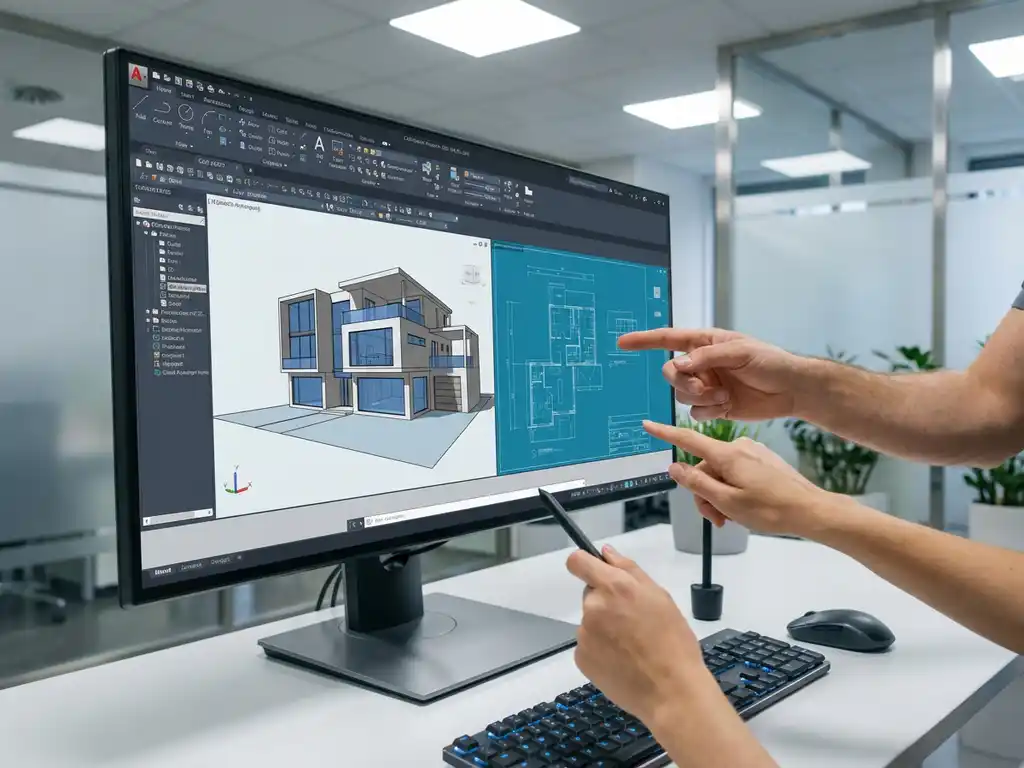
Can you design together in CAD software?
Yes, you can certainly design collaboratively in modern CAD software. Collaborative design is becoming increasingly important in the manufacturing industry, where teams can collaborate on 3D projects in real time through cloud-based platforms. This collaboration improves design quality, reduces project time and allows for better communication between team members throughout the design process.
What does collaborative design mean in CAD software?
Collaborative design in CAD software means that multiple designers can work simultaneously on the same project, with everyone being able to see others’ changes in real time. This collaborative approach includes several forms of collaboration that transform the traditional design process.
The main forms of CAD collaboration tools are:
- Real-time editing: Designers can simultaneously edit the same model
- File sharing: Structured sharing of design files between team members
- Cloud-based collaboration: Access projects from any location
- Version control: Automatic tracking of changes and revisions
Teamwork has become essential in modern design processes as projects become more complex and require expertise from multiple disciplines. Joint 3D design allows mechanical designers, product engineers and project managers to collaborate effectively without having to send files back and forth.
Which CAD software offers the best collaboration capabilities?
The best collaborative CAD software combines cloud-based access with intuitive collaboration features. Modern platforms offer real-time editing capabilities, allowing teams to collaborate on complex design projects without delay.
Key features of effective CAD teamwork software are:
- Cloud-based solutions: Access from any location and any device
- Real-time synchronization: Instant display of changes made by team members
- User-friendly interface: Intuitive tools that promote collaboration
- Flexible workflows: Customizable processes for different project types
Many platforms today offer functionalities for collaborative design in CAD, but the quality of collaboration tools varies considerably. The best solutions combine powerful 3D design functionality with seamless teamwork capabilities, allowing users to focus on the design process rather than technical constraints.
How do you collaborate effectively on 3D designs without conflict?
Effective collaboration on 3D designs requires clear agreements on workflows and a structured approach to project organization. Preventing conflicts starts with establishing clear guidelines about who works on what parts and when.
Practical tips for successful design collaboration:
- Define roles and responsibilities: Determine who is responsible for which components
- Use naming conventions: Consistent file names avoid confusion
- Schedule regular check-ins: Short team meetings keep everyone informed
- Work with modular designs: Break down complex projects into smaller, manageable parts
Best practices for version control include using automatic backup systems and maintaining change logs. Modern CAD platforms often offer built-in conflict detection that alerts when multiple users are editing the same part. By using these tools intelligently, teams can design collaboratively smoothly without damaging files.
What are the benefits of real-time collaboration in CAD?
Real-time CAD collaboration delivers tangible benefits to design teams, including significantly reduced project times and improved design quality. Teams can provide immediate feedback on changes, allowing errors to be identified and corrected more quickly.
The main advantages of real-time design are:
- Faster decision-making: Instant communication about design choices
- Fewer revision rounds: Problems are solved immediately
- Better quality control: More eyes see more details
- Increased creativity: Team members inspire each other with new ideas
Real-time collaboration encourages innovation because designers can inspire each other during the design process. When one team member finds a creative solution, others can immediately see it and build on it. This dynamic interaction leads to better end results than when designers work in isolation.
Improved communication between team members ensures that technical specifications are better understood and implemented. Misunderstandings are resolved immediately, resulting in fewer costly mistakes during production.
How IronCAD helps with collaborative design
IronCAD offers powerful collaboration capabilities that help teams collaborate effectively on complex 3D projects. The software combines an intuitive interface with flexible collaboration tools that speed up the design process.
With IronCAD, you benefit from:
- Flexible history dependency: Teams can modify features without damaging the entire model
- Drag-and-drop functionality: quick adjustments immediately visible to all team members
- Integrated workflows: Seamless collaboration between design and production
- Automatic document generation: Technical drawings are automatically updated when changes occur
Want to discover how IronCAD can help your team with collaborative design? Contact us for a personal demonstration of the collaborative capabilities.


