Does a client really need a photorealistic render, or is a 3D model sufficient?
A client doesn’t always need a photorealistic rendering. In many cases, a well-constructed 3D model provides more than enough information to understand, approve, and move a design into production. The choice depends on the purpose of the communication, the stage of the project, and what the client actually needs to make a decision. In this article, we answer the most frequently asked questions on this topic.
What is the difference between a 3D model and a photorealistic render?
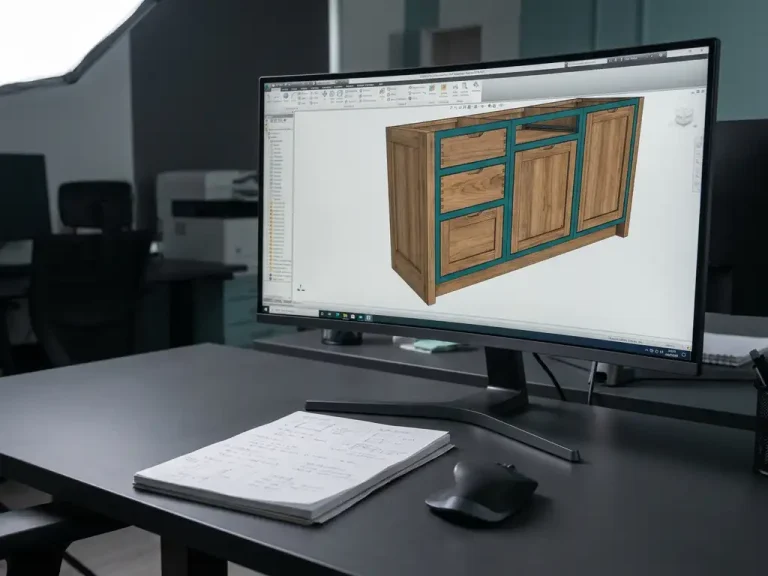
A 3D model is a digital representation of a product or space, composed of geometry, dimensions, and material data. A photorealistic render is an image generated based on that 3D model, in which lighting, shadows, textures, and ambient reflections are simulated to create a lifelike image.
The 3D model is, first and foremost, a technical tool. It contains all the information needed for production: dimensions, connections, material types, and construction details. A rendering is a communication tool. It translates the model into an image that someone without a technical background can immediately understand and find visually appealing.
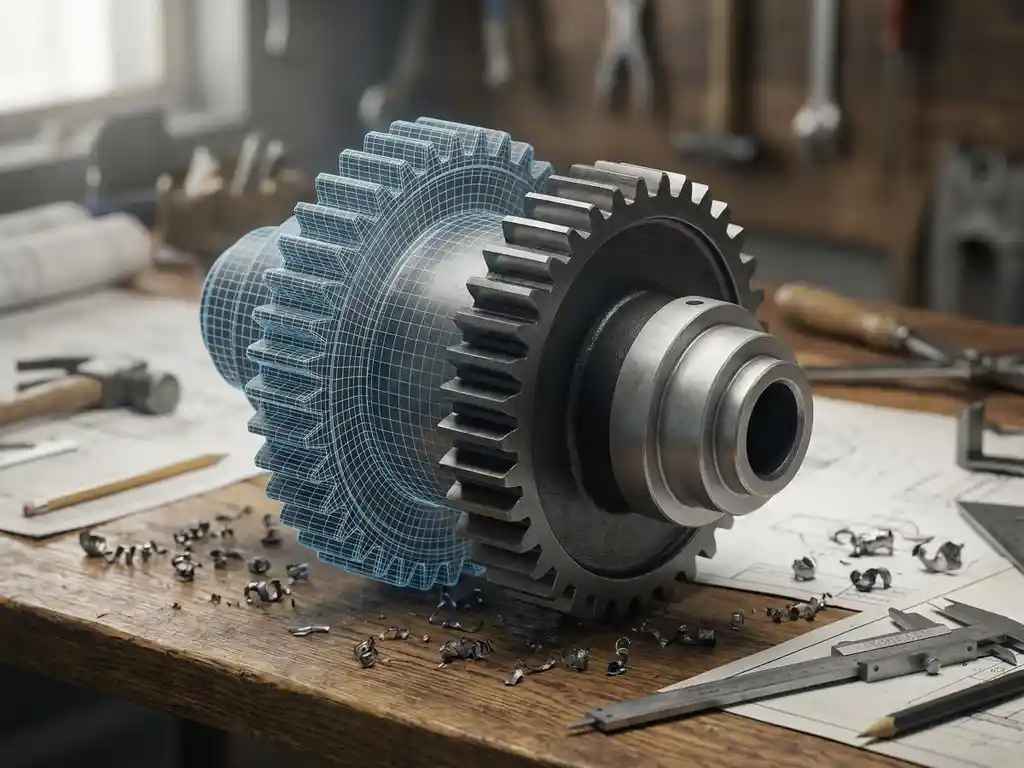
Both have their value, but they serve different purposes. A model shows how something is made. A render shows what something looks like.
When is a photorealistic render truly necessary?
A photorealistic rendering is absolutely essential when the visual experience of the final product is central to the customer’s decision. This is particularly true for interior design projects, high-end furniture, presentations to end consumers, or situations where color, material finishes, and ambiance are decisive factors in approval.
Consider the following situations in which a rendering clearly adds value:
- The customer must choose between different materials, colors, or finishes
- The design is being presented to someone who isn’t used to reading technical drawings or 3D models
- The product is used in marketing materials, quotes, or sales presentations
- The spatial integration of a product into an existing environment must be visualized
- This is a high-end or exclusive product where the first impression determines the sale
In these cases, the added value of presenting the design to the client in a photorealistic way justifies the additional investment in time and resources.
In what situations is a 3D model sufficient for customer communication?
A 3D model is sufficient for communicating with clients when the discussion centers on dimensions, functionality, construction, or technical feasibility. Clients in the manufacturing industry—such as buyers or project managers with technical knowledge—are perfectly capable of interpreting a 3D model and using it to provide feedback.
In most cases, a 3D model is sufficient when:
- The customer has a technical background and is familiar with CAD environments
- This involves an internal approval process within a manufacturing company
- The focus is on dimensional checks, tolerances, or design details
- The product is functional in nature, and aesthetics do not play a primary role
- Speed in the process is more important than visual perfection
In addition, many modern CAD software programs offer the ability to interactively display a 3D model, rotate it, and view it from all angles. This gives the customer a good sense of the model’s spatial layout without the need for a full render.
How much extra time and cost does a render entail?
Generating a photorealistic render takes considerably more time than displaying a 3D model. Depending on the complexity of the design, the quality of the render, and the available hardware, this can range from a few hours to several days of additional work per project.
The additional time required involves several steps:
- Assigning Materials and Textures: Each surface must be assigned the appropriate visual properties
- Setting up lighting: The light sources, shadows, and environment must be configured realistically
- Optimizing Render Settings: Higher Quality Means Longer Render Times
- Processing Revisions: Every change to the design requires a new render
In addition to the time investment, there are sometimes costs associated with specialized rendering software or outsourcing the rendering work. For companies that regularly need renders, it’s worth developing a standard workflow for this. For occasional needs, outsourcing or investing in a rendering solution is worth careful consideration.
How do you work with the client to determine which visualization is needed?
The best way to determine what kind of visualization is needed is to ask the right questions early on. Don’t just ask the client what they want to see, but also why and for whom the visualization is intended. That conversation prevents unnecessary extra work and disappointment.
Ask yourself and the customer the following questions:
- Who will be viewing the visualization: a technician, an end user, or a decision-maker without a technical background?
- What is the purpose: approval of dimensions, selection of materials, or a sales presentation?
- At what stage of the project is the design currently in?
- How tight is the deadline, and how much time is available for visualization?
- Have there been any similar projects in the past where the client was satisfied with a particular type of visualization?
By having this conversation early in the process, you can consciously steer the project toward the right choice. Sometimes an interactive 3D model is exactly what’s needed. Other times, the situation calls for a rendering that immediately wins the client over. The difference lies in the context, not in the technology.
How IronCAD Helps Showcase Photorealistic Designs to Clients
IronCAD offers a unique combination of powerful 3D modeling capabilities and visual presentation features, allowing you to quickly switch between technical design and client-focused communication. You don’t have to choose between a functional model and a compelling visual.
What IronCAD specifically offers for customer visualization:
- Intuitive 3D design that can be shared directly with customers for technical approval
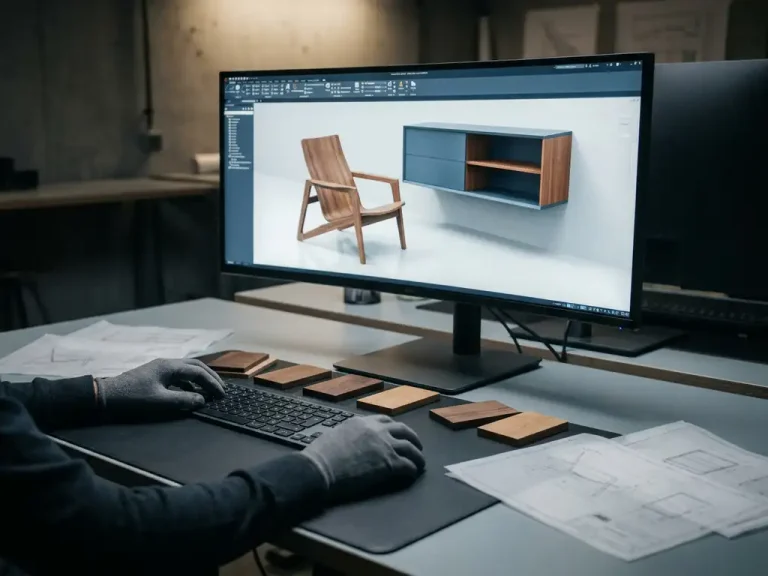
- Realistic material rendering directly within the design environment, without the need for separate rendering software
- Flexible adjustments right up to the last minute, so you can respond quickly to customer feedback
- Multiple display modes that allow you to present the same model in a way that is both technically sound and visually appealing
- Seamless integration with production outputs such as cutting lists and NC codes, so that approved designs flow directly into production
Would you like to see how IronCAD can improve your client communication and design process? Contact us, and we’d be happy to show you what’s possible.