What software do you use to visualize a custom kitchen for a client?
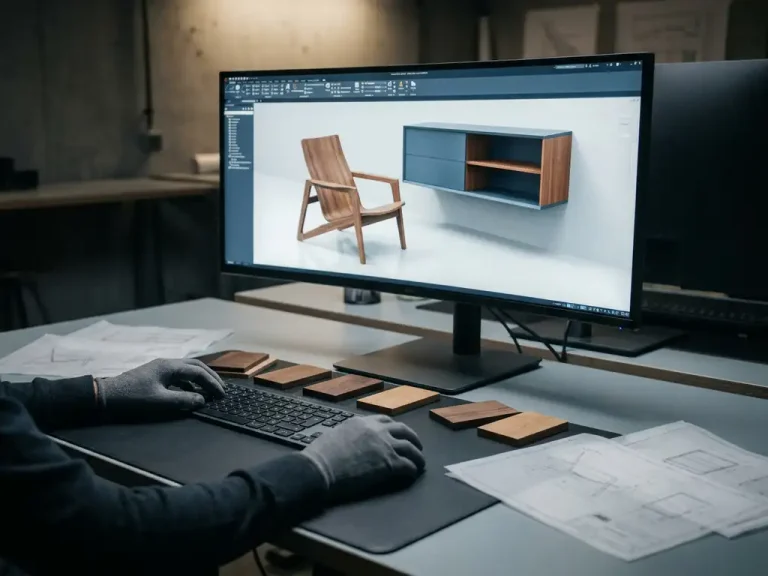
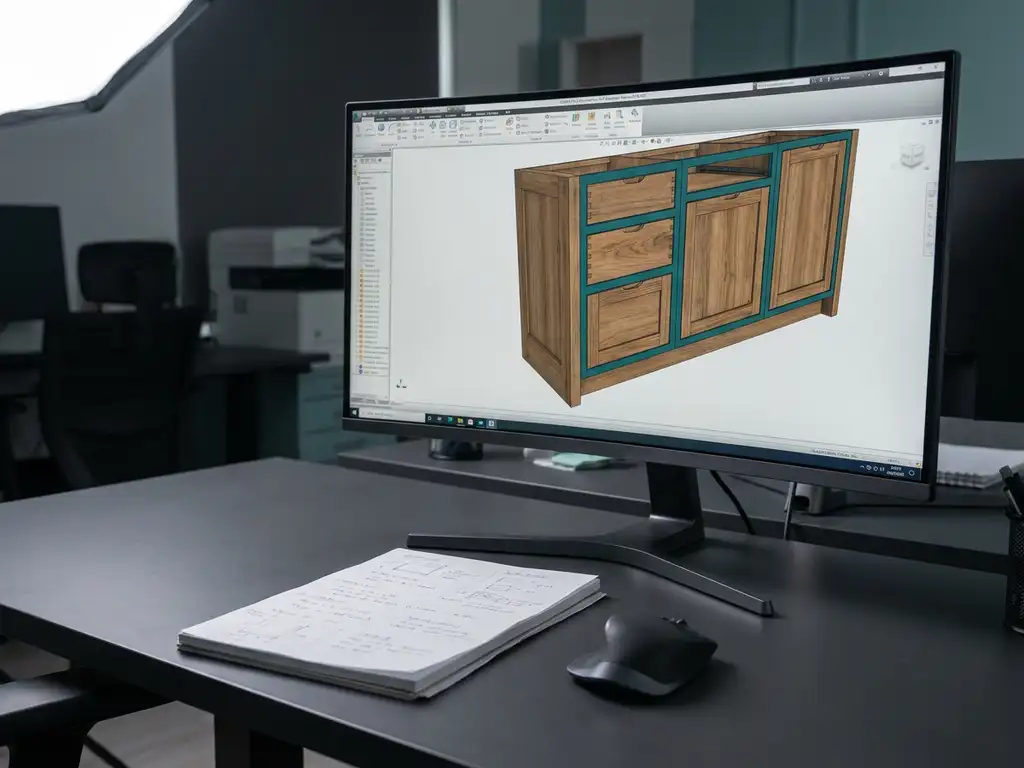
To visualize a custom kitchen for a client, it’s best to use 3D CAD software with built-in visualization capabilities. This type of software allows you to create realistic 3D models that clients can understand immediately, without having to interpret a technical drawing. In this article, we answer the most frequently asked questions about kitchen design software, visualization, and what modern tools can do for your business.
What features should good kitchen software have?
Good kitchen design software combines intuitive 3D design, parametric modeling, and direct export capabilities for production. The software should make it possible to quickly test variations, adjust dimensions, and immediately show the results to the customer. In addition, integration with production output—such as cutting lists and NC codes—is essential for an efficient workflow from design to production.
Specifically, these are the features you should look for:
- 3D modeling with parametric adjustments so you can quickly change dimensions without having to rebuild the model
- Material and color rendering to simulate realistic surfaces such as wood, paint, or stone
- Automatic generation of cut lists and bill of materials directly from the 3D model
- Export options to NC code for direct control of CNC machines
- A flat learning curve so that new employees can become productive quickly
Software that combines these features not only saves time during the design process, but also reduces the likelihood of errors during the transition from design to production.
What is the difference between 2D drawings and 3D visualizations for clients?
The main difference is that a 2D drawing conveys technical information to professionals, while a 3D visualization is immediately understandable to any customer. A 2D floor plan or elevation requires spatial awareness and technical knowledge to interpret. A 3D model shows the kitchen exactly as it will look in reality.
For customers, a 3D visualization of a custom kitchen offers significant advantages:
- Customers can immediately see whether the layout is correct and whether the proportions are right
- Color schemes, materials, and finishes can be assessed immediately
- Design changes are easy to communicate because clients can see exactly what is being proposed
- Misunderstandings about the final result are greatly reduced
For you as a kitchen designer, this means fewer rounds of revisions, faster approval, and higher customer satisfaction. A customer who understands the design is also more likely to make a decision quickly.
How do you realistically show a custom kitchen to a customer?
You can create a realistic rendering of a custom kitchen by using 3D software that supports photorealistic materials and lighting. By applying the right textures to cabinets, countertops, and floors, and by setting up a realistic lighting environment, you can create a rendering that closely resembles a photo of the finished kitchen.
Practical steps for creating a compelling presentation:
- Work with actual material files from suppliers so that wood finishes and paint colors match what the customer actually receives
- Add context by placing the kitchen in a room with a floor, walls, and windows
- Use multiple camera angles so that the customer can view the kitchen from different perspectives
- Display variants side by side so that customers can easily compare two options
An interactive presentation in which you make adjustments in real time while the client is present is particularly persuasive. Clients find this to be both professional and personal.
What software do kitchen designers actually use?
In practice, kitchen designers use a combination of specialized kitchen software and general-purpose CAD software solutions. Well-known examples include Winner Design, Promob, and KD Max, but generic 3D CAD packages are also used by companies that want more design freedom than industry-specific tools can offer.
The choice depends heavily on the size of the company and the complexity of the projects:
- Smaller kitchen companies often opt for user-friendly, kitchen-specific software with a fixed library of components
- Medium-sized manufacturing companies are looking for software that offers both design flexibility and direct integration with production processes
- Companies with custom projects benefit from flexible CAD software that isn’t tied to fixed configurations
More and more kitchen manufacturers are opting for software that supports both sales presentations and production management, so that the design only needs to be created once.
How quickly can you design a custom kitchen using modern CAD software?
With modern CAD software, you can design a simple custom kitchen in just a few hours, including a full 3D visualization. More complex designs with extensive customization or unique corner solutions require more time, but thanks to parametric models and reusable components, even that process is significantly faster than with traditional drafting methods.
Factors that determine drawing time:
- Use of templates and standard components: A good component library saves a lot of repetitive work
- Parametric editing: Instead of redrawing a part, you simply adjust its dimensions
- Experience with the software: modern software packages are designed to be easy to learn, often allowing users to become productive within just a few days
Companies that switch from traditional 2D methods to modern 3D CAD software typically report significant time savings per project, precisely because making adjustments based on customer feedback takes much less time.
What benefits does good visualization software offer your kitchen business?
Good visualization software helps your kitchen company achieve higher conversion rates, fewer production errors, and a stronger competitive position. Customers who see a realistic 3D rendering of their custom kitchen make decisions faster and feel more confident about their choice. This reduces the number of changes after approval and lowers the risk of costly production errors.
Here is a list of the specific benefits:
- Faster sales conversations because customers immediately understand what they’re getting
- Fewer revisions and rework thanks to clear communication via the 3D model
- Direct link from the design to production output, such as cutting lists and NC codes
- A more professional image for customers and clients
- Shorter turnaround time from quote to production
In the long run, with the right software, you’re not only investing in a better sales process, but also in more efficient production. Together, these two aspects boost your company’s profitability.
How IronCAD Helps with the 3D Visualization of a Custom Kitchen
IronCAD is a powerful CAD solution that is particularly well-suited for companies in the manufacturing industry, including kitchen builders who specialize in custom work. The software intuitively combines 3D design with direct production output, allowing you to move from a client presentation to a production-ready model without having to rebuild the design.
What IronCAD specifically offers kitchen companies:
- Flexible 3D design that isn’t dependent on complex version history structures, allowing changes to be implemented in seconds
- Realistic visualizations that you can present directly to the customer during the sales meeting
- Automatic generation of cutting lists, parts lists, and NC codes from the same model
- A steep learning curve so your team can be productive within a few days
- Seamless integration with ERP software for a fully automated production process
Would you like to see how IronCAD can help your kitchen design business work faster and more accurately, from the initial sketch to the finished kitchen? Contact us and find out how the software can benefit your business.